FIFA 16 Soccer
Dikemas kini
Versi Semasa
3.2.113645
Ditawarkan Oleh

Dengan semangat anda untuk bermain FIFA 16 Soccer, tangan anda tidak seharusnya terhad pada skrin kecil telefon anda. Main seperti profesional dan kendalikan sepenuhnya permainan anda dengan papan kekunci dan tetikus. MEmu menawarkan semua perkara yang anda harapkan. Muat turun dan mainkan FIFA 16 Soccer di PC. Main selagi anda mahu, tidak ada batasan bateri, data mudah alih dan panggilan yang mengganggu. MEmu 9 yang baru adalah pilihan terbaik untuk bermain FIFA 16 Soccer di PC. Disiapkan dengan kepakaran kami, sistem pemetaan kunci pratetap yang indah menjadikan FIFA 16 Soccer permainan PC sebenar. Dikodkan dengan penyerapan kami, pengurus multi-instance menjadikan bermain 2 atau lebih akaun pada peranti yang sama mungkin. Dan yang paling penting, enjin emulasi eksklusif kami dapat melepaskan potensi penuh PC anda, menjadikan semuanya lancar.Kami tidak hanya peduli bagaimana anda bermain, tetapi juga keseluruhan proses menikmati kebahagiaan permainan.
Tunjukkan Lagi
Muat turun FIFA 16 Soccer pada PC dengan MEmu Android Emulator. Nikmati bermain di skrin besar Play beautiful with a newer, better, and faster FIFA experience on mobile!
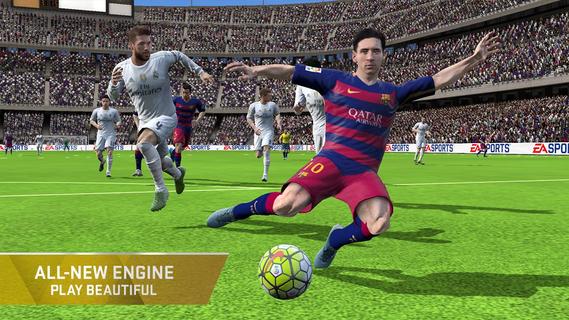
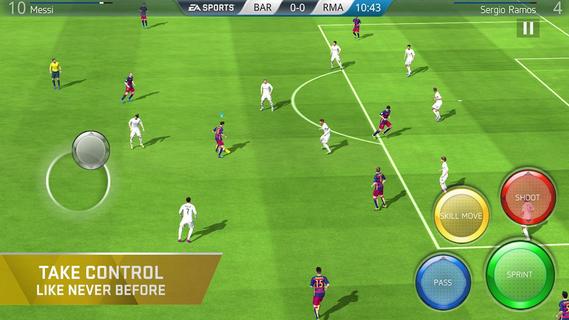
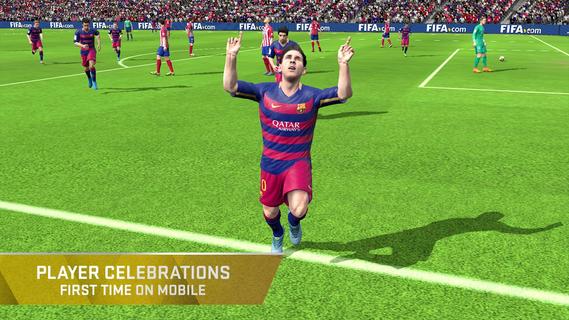
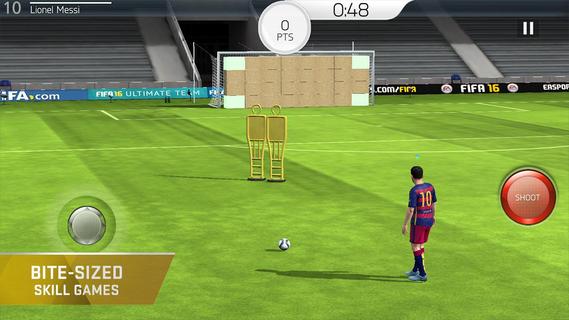
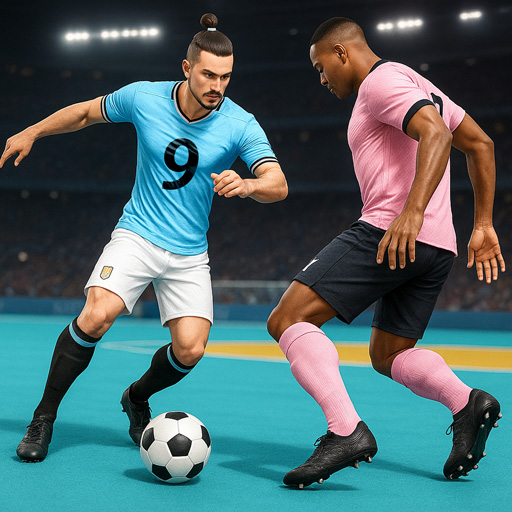
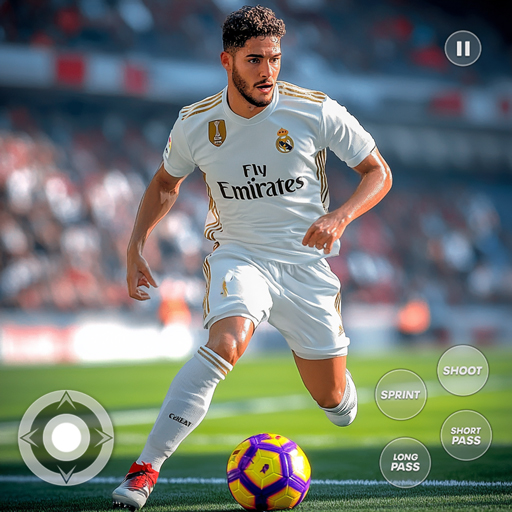
Play beautiful with a newer, better, and faster FIFA experience on mobile! FIFA 16 Ultimate Team lets you celebrate every awesome attack, nail-biting goal, and powerful win like never before with console-like graphics. Experience the most realistic set of football features on Google Play.** This is a highly detailed game of superior quality. Please make sure you have at least 1.4GB of free space on your device. FIFA 16 Ultimate Team works best on Motorola Nexus 6, HTC Nexus 9, HTC M8, Asus Nexus 7 2nd Gen, Samsung Galaxy S6, Samsung Galaxy S6 edge, Samsung Galaxy S5, Samsung Galaxy Alpha, Samsung Galaxy Note Edge, Sony Ericsson Xperia Z2 Tablet, Sony Ericsson Xperia Z3, Samsung Galaxy S4, HTC Nexus 4, LG G2. **ALL-NEW ENGINEGet ready for better skill moves, more exciting goals, more responsive controls, smarter teammates, and improved animations as you play the match. Plus, now itâs even easier to play like a pro with Enhanced Hybrid Controls that let you use Gestures or Buttons to control the ball. Gain improved offside awareness and more with Attacking Intelligence, then blow past defenders with ease. Alternatively choose to simulate matches, taking the manager position on the side of the pitch. Also, for the first time on mobile, you can trigger unique player celebrations on the pitch after you score! BUILD AND MANAGE YOUR ULTIMATE TEAMEarn, trade, and transfer superstars like Lionel Messi, Jordan Henderson, and Juan Cuadrado to create your own fantasy team. Choose your play style, formation, kits, and more, then balance player chemistry for the strongest squad compositions.CHALLENGING SKILL GAMESWant to show off your skills on the pitch like never before? Choose your daily challenge â from shooting, ground passing, and dribbling to crossing, penalties, and more. Then, pick the right player and beat the challenge to earn rewards!REAL WORLD FOOTBALLChoose from over 10,000 players from over 500 licensed teams and go to battle against other players from real leagues in real arenas from around the world. Recreate challenges from current live-event football matches, too, with Dynamic Accomplishments. PLAYER EXCHANGENow trade players and items you no longer need for a chance of unlocking something better. The higher value items or players you trade, the better the upgrades youâll get back!Ready to play the beautiful game, wherever you are? Get FIFA 16 Ultimate Team now!âImportant Consumer Information: This app requires a persistent Internet connection (network fees may apply). Requires acceptance of EAâs Privacy & Cookie Policy and User Agreement.. Collects data through third party analytics technology (see Privacy & Cookie Policy for details). Contains direct links to the Internet and social networking sites intended for an audience over 13.User Agreement: terms.ea.comVisit https://help.ea.com for assistance or inquiries.EA may retire online features and services after 30 daysâ notice posted on www.ea.com/1/service-updates
Tunjukkan Lagi

1. Muat turun pemasang MEmu dan selesaikan persediaan

2. Mulakan MEnu kemudian buka Google Play di desktop

3. Cari FIFA 16 Soccer di Google Play
Install
4. Muat turun dan Pasang FIFA 16 Soccer
5. Apabila selesai pemasangan, menekan ikon itu untuk memulakan

6. Nikmati bermain FIFA 16 Soccer di komputer dengan MEmu
MEmu Play adalah emulator Android terbaik dan 100 juta orang sudah menikmati pengalaman permainan Androidnya yang luar biasa. Teknologi virtualisasi MEmu memberi kuasa kepada anda untuk bermain beribu-ribu permainan Android dengan lancar di komputar anda, malah yang paling intensif grafik.
Skrin lebih besar dengan grafik yang lebih baik; Tempoh yang panjang, tanpa had bateri atau data mudah alih.
Sokongan Keymapping penuh untuk kawalan tepat papan kekunci dan tetikus atau gamepad.
Pelbagai akaun permainan atau tugas pada satu PC sekaligus dengan pengurus pelbagai contoh.
Play FIFA 16 Soccer on PC by following steps: