MEmu downloaden...
Als de download niet start,klik hier
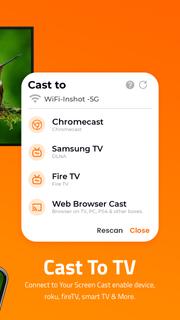
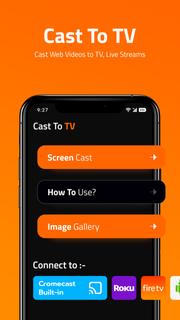
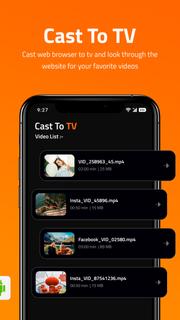
Hoe te downloaden Cast to TV - Screen Mirroring op PC
-
![Cast to TV - Screen Mirroring PC]()
1. Download de MEmu-installatie en voltooi de setup
-
![Cast to TV - Screen Mirroring PC]()
2. Start MEmu en open vervolgens Google Play op het bureaublad
-
![Cast to TV - Screen Mirroring PC]()
3. Zoek Cast to TV - Screen Mirroring in Google Play
-
 Install
4. Download en installeer Cast to TV - Screen Mirroring
-
5. Klik op het icoon om te starten na het voltooien van de installatie
-
![Cast to TV - Screen Mirroring PC]()
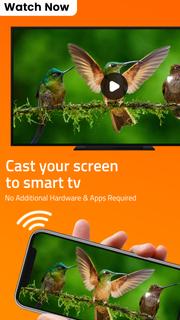
6. Ervaar Cast to TV - Screen Mirroring op pc met MEmu






Actuele onderwerpen