Find the Needle
Bijgewerkt
Huidige Versie
0.2
Aangeboden door

Met al je passie voor het spelen van Find the Needle, zouden je handen niet beperkt moeten zijn tot een klein scherm van je telefoon. Speel als een professional en krijg volledige controle over je spel met toetsenbord en muis. MEmu biedt je alles wat je verwacht. Download en speel Find the Needle op PC. Speel zo lang als je wilt, geen beperkingen meer van batterij, mobiele data en storende oproepen. De gloednieuwe MEmu 9 is de beste keuze om Find the Needle op PC te spelen. Voorbereid met onze expertise, maakt het uitmuntende vooraf ingestelde keymapping systeem van Find the Needle een echt PC-spel. MEmu multi-instance manager maakt het spelen van 2 of meer accounts op hetzelfde apparaat mogelijk. En het belangrijkste, onze exclusieve emulatie-engine kan het volledige potentieel van je PC benutten, waardoor alles soepel verloopt.
Meer tonen
Download Find the Needle op je pc met de MEmu Android-emulator. Geniet van spelen op een groot scherm. Find the Needle is a fun and challenging hidden-object puzzle game that puts your observation skills to the ultimate test!
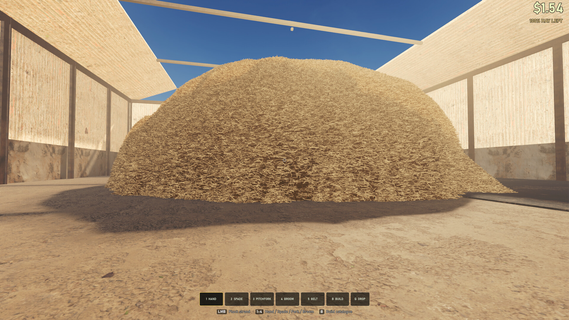
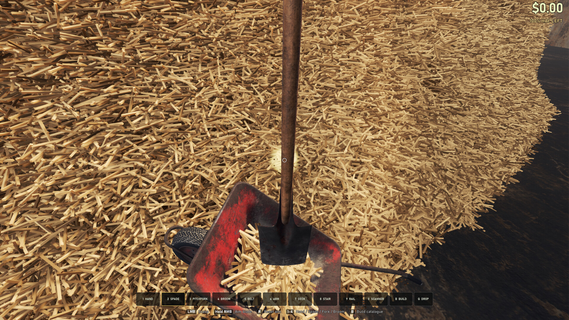
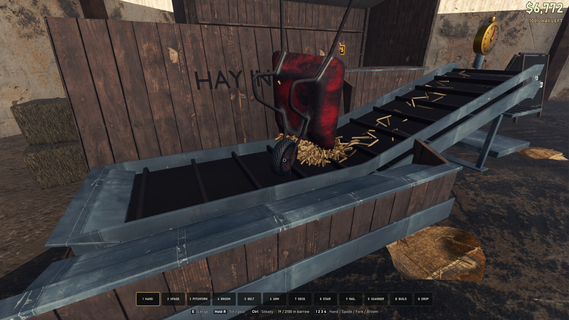
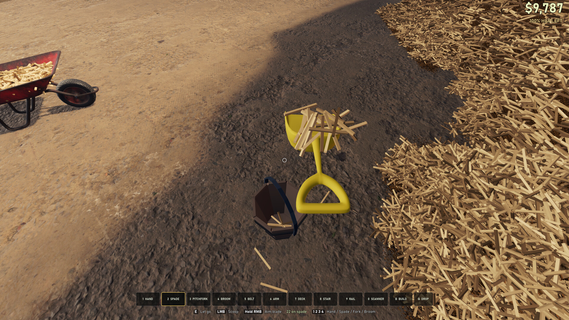
Find the Needle is a fun and challenging hidden-object puzzle game that puts your observation skills to the ultimate test! A needle is hiding somewhere inside a huge pile of colorful straws, and your mission is simple: find it!Look closely, stay focused, and search through every corner of the messy pile. The needle can be easy to spot at first, but as the challenges become harder, finding it will require sharp eyes, patience, and quick thinking.ð Search, Spot & FindEach level gives you a pile filled with tangled, overlapping straws. Somewhere among them is the hidden needle. Can you spot the tiny difference before time runs out?ð§ Test Your Observation SkillsTrain your concentration and visual attention while playing increasingly challenging levels. The more you play, the better you'll become at spotting hidden objects in a crowded scene.â¡ Find It Before Time Runs OutDon't take too long! Search quickly and tap the needle as soon as you see it. Challenge yourself to find it faster with every level.ð¯ Simple GameplayThe controls are easy for everyone. Simply look through the pile, find the needle, and tap it. No complicated controls or rulesâjust pure observation fun!
Meer tonen

1. Download de MEmu-installatie en voltooi de setup

2. Start MEmu en open vervolgens Google Play op het bureaublad

3. Zoek Find the Needle in Google Play
Install
4. Download en installeer Find the Needle
5. Klik op het icoon om te starten na het voltooien van de installatie

6. Geniet van het spelen van Find the Needle op PC met MEmu
MEmu Play is de beste Android Emulator en 100 miljoen mensen genieten al van de superieure Android-game-ervaring. De virtualisatietechnologie van MEmu stelt je in staat om duizenden Android-spellen soepel op je PC te spelen, zelfs de meest grafisch intensieve.
Groter scherm met betere graphics; Lange duur, zonder beperking van batterij of mobiele data.
Volledige Keymapping-ondersteuning voor nauwkeurige besturing van toetsenbord en muis of gamepad.
Meerdere game-accounts of taken op één PC tegelijk met Multi-Instance manager.
Speel Find the Needle op PC door de volgende stappen te volgen: