Racing Master
Bijgewerkt
Huidige Versie
0.31.0
Aangeboden door

Met al je passie voor het spelen van Racing Master, zouden je handen niet beperkt moeten zijn tot een klein scherm van je telefoon. Speel als een professional en krijg volledige controle over je spel met toetsenbord en muis. MEmu biedt je alles wat je verwacht. Download en speel Racing Master op PC. Speel zo lang als je wilt, geen beperkingen meer van batterij, mobiele data en storende oproepen. De gloednieuwe MEmu 9 is de beste keuze om Racing Master op PC te spelen. Voorbereid met onze expertise, maakt het uitmuntende vooraf ingestelde keymapping systeem van Racing Master een echt PC-spel. MEmu multi-instance manager maakt het spelen van 2 of meer accounts op hetzelfde apparaat mogelijk. En het belangrijkste, onze exclusieve emulatie-engine kan het volledige potentieel van je PC benutten, waardoor alles soepel verloopt.
Meer tonen
Download Racing Master on PC with MEmu Android Emulator. Enjoy playing on big screen. Racing Master is een hoogwaardige racegame ontwikkeld in samenwerking met CODEMASTERS®.
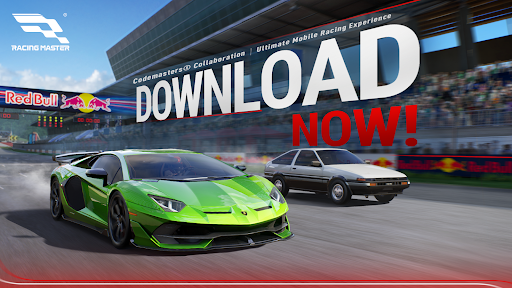
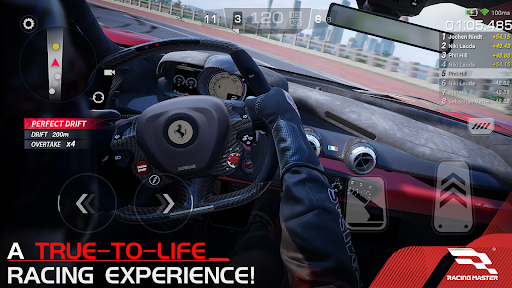
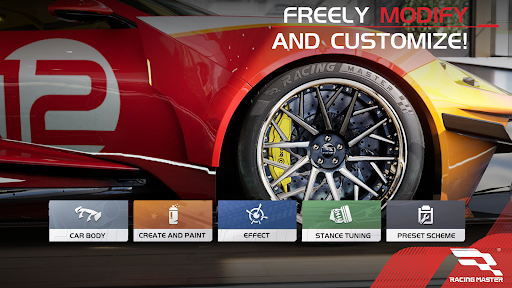
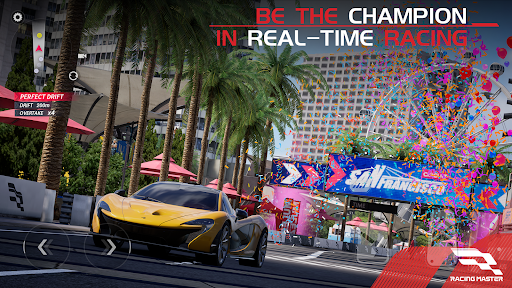
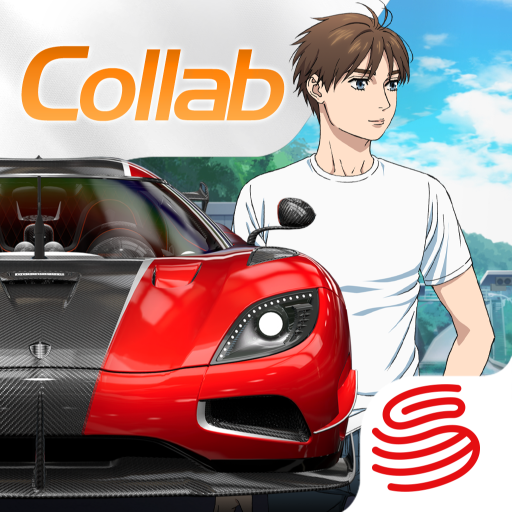
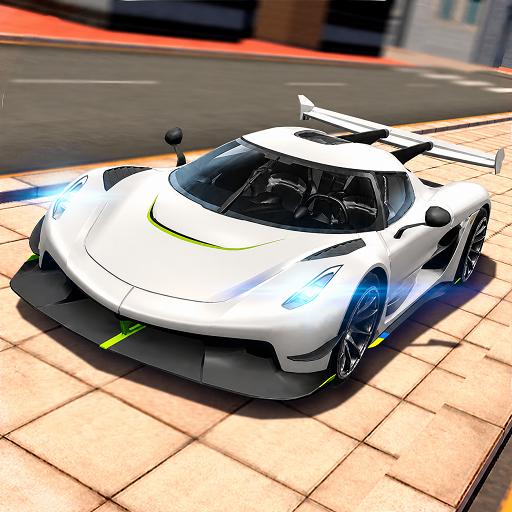
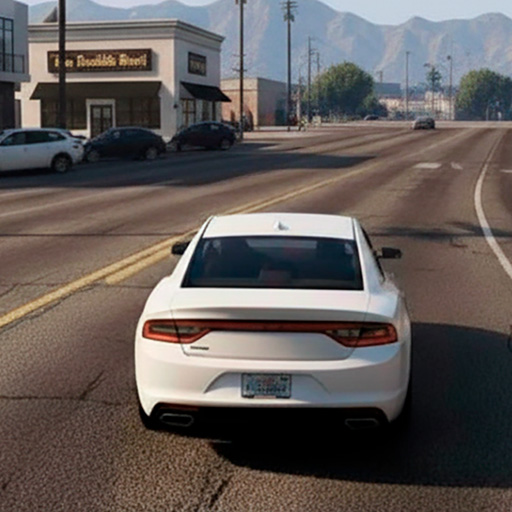
Racing Master is een hoogwaardige racegame ontwikkeld in samenwerking met CODEMASTERS®. De game bevat meer dan 100 officieel gelicenseerde iconische voertuigen die spelers kunnen aanpassen, waardoor ze kunnen deelnemen aan spannende races in steden en op beroemde circuits over de hele wereld. Met realistische beelden en motorgeluiden beleef je een meeslepende sfeer die net zo realistisch aanvoelt als de werkelijkheid, terwijl je tegelijkertijd geniet van felle realtime competitie met andere spelers.
——————————————
Belangrijkste kenmerken van Racing Master
1. Authentieke voertuigen
Racing Master beschikt over meer dan 120 officieel gelicenseerde voertuigen van meer dan 30 prestigieuze merken. Elke auto is tot in detail gemodelleerd met behulp van geavanceerde realtime belichtingstechnologie, waardoor elk detail perfect tot zijn recht komt. Kruip achter het stuur van legendarische machines zoals de Lamborghini Aventador SVJ (LB834) '19 en laat je passie voor racen ontbranden!
2. Uitgebreide aanpassingsmogelijkheden
Maak je voertuigen helemaal van jou met een scala aan aanpassingsopties, waaronder kleuren, bestickering, stickers, banden, velgen, ophangingsinstellingen, remmen en authentieke aftermarket-onderdelen.
3. Wereldwijde circuits
Ervaar de spanning van het racen op gescande circuits uit de echte wereld, met iconische locaties zoals Chicago, San Francisco, Barcelona, Sicilië, Amsterdam en de Alpen. Je racet ook op beroemde F1-circuits uit de echte wereld, waaronder Shanghai International Circuit, Indianapolis en Red Bull Ring! Elk circuit biedt unieke rij-uitdagingen.
4. Competitief racen
Onze geavanceerde physics-engine simuleert nauwkeurig verschillende aandrijfsystemen en ontstekingskarakteristieken bij lage snelheden. Doe mee aan spannende PvP-wedstrijden, GvG-gevechten en intense racetoernooien.
5. Meeslepende audio
Voel de adrenalinekick met zorgvuldig opgenomen voertuiggeluiden die de nuances van motorgeluiden, uitlaatsystemen, transmissies, ophangingen en aerodynamica vastleggen.
——————————————
Voor meer informatie over Racing Master, bezoek:
· Facebook: https://www.facebook.com/Racingmasterofficial
· Discord: https://discord.gg/9SbzjsxFVb
Meer tonen

1. Download de MEmu-installatie en voltooi de setup

2. Start MEmu en open vervolgens Google Play op het bureaublad

3. Zoek Racing Master in Google Play
Install
4. Download en installeer Racing Master
5. Klik op het icoon om te starten na het voltooien van de installatie

6. Geniet van het spelen van Racing Master op PC met MEmu
MEmu Play is de beste Android Emulator en 100 miljoen mensen genieten al van de superieure Android-game-ervaring. De virtualisatietechnologie van MEmu stelt je in staat om duizenden Android-spellen soepel op je PC te spelen, zelfs de meest grafisch intensieve.
Groter scherm met betere graphics; Lange duur, zonder beperking van batterij of mobiele data.
Volledige Keymapping-ondersteuning voor nauwkeurige besturing van toetsenbord en muis of gamepad.
Meerdere game-accounts of taken op één PC tegelijk met Multi-Instance manager.
Speel Racing Master op PC door de volgende stappen te volgen: