Racing Master
Actualizada
Versión actual
Ofrecida por

Con toda tu pasión para jugar Racing Master, no se supone que tus manos estén limitadas en una pequeña pantalla de tu teléfono. Juega como un profesional y obtén el control total de tu juego con el teclado y el mouse. MEmu le ofrece todas las cosas que espera. Descargar y jugar Racing Master en PC. Juega todo el tiempo que quieras, sin más limitaciones de batería, datos móviles y llamadas molestas. El nuevo MEmu 9 es la mejor opción para jugar Racing Master en PC. Preparado con nuestra experiencia, el exquisito sistema de keymapping preestablecido convierte a Racing Master en un verdadero juego de PC. Codificado con nuestra absorción, el administrador de instancias múltiples hace posible jugar 2 o más cuentas en el mismo dispositivo. Y lo más importante, nuestro exclusivo motor de emulación puede liberar todo el potencial de su PC, hacer que todo sea más fluido. Nos importa no solo cómo juegas, sino también todo el proceso de disfrutar de la felicidad de los juegos.
Más detalles
Descargar Racing Master en PC con MEmu Android Emulador. Disfruta jugando en la pentalla grande. The ultimate mobile racing experience, Racing Master, in deep collaboration with CODEMASTERS®, is set to officially launch on May 8th!
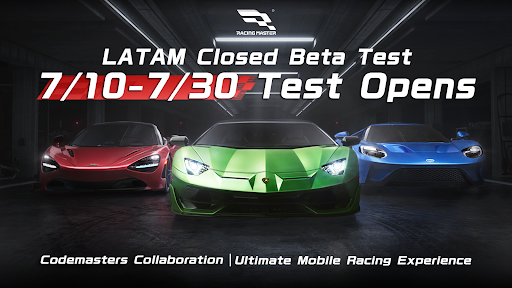
The ultimate mobile racing experience, Racing Master, in deep collaboration with CODEMASTERS®, is set to officially launch on May 8th! Pre-register now and be among the first to conquer the tracks!
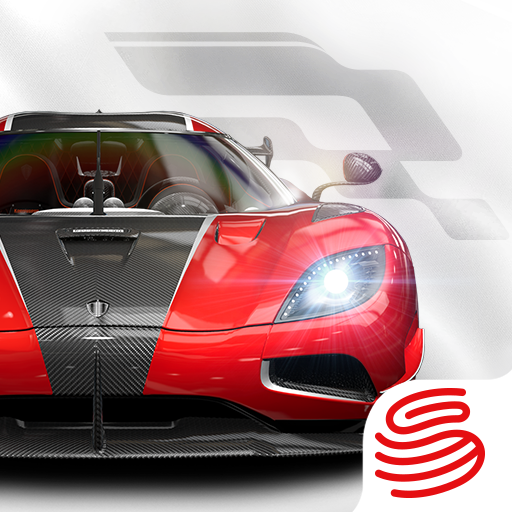
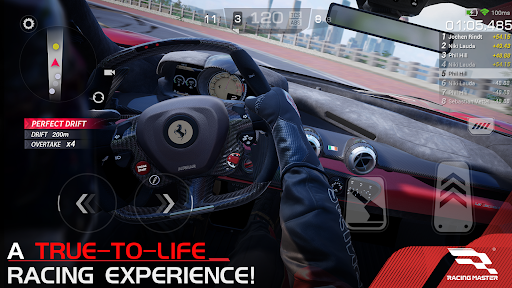
Racing Master is a high-quality racing game developed in collaboration with CODEMASTERS®. It features over 100 officially licensed iconic vehicles that players can customize, allowing them to compete in thrilling races set in cities and renowned circuits around the world. With realistic visuals and engine sounds, you can experience an immersive atmosphere that feels just like the real thing, while also enjoying fierce real-time competition with other players.
——————————————
Key Features of Racing Master
1. Authentic Vehicles
Racing Master boasts over 120 officially licensed vehicles from more than 30 prestigious brands. Each car is intricately modeled using advanced real-time lighting technology, ensuring every detail shines. Get behind the wheel of legendary machines like the Lamborghini Aventador SVJ (LB834) '19 and ignite your passion for racing!
2. Deep Customization
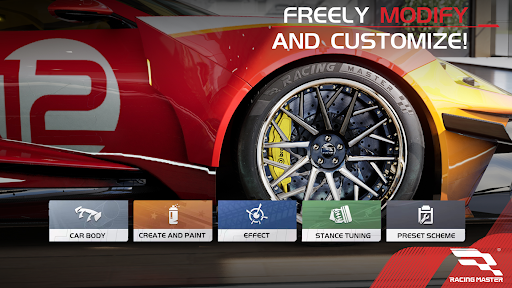
Make your vehicles truly yours with a myriad of customization options, including colors, liveries, decals, tires, rims, suspension settings, brakes, and authentic aftermarket parts.
3. Global Tracks
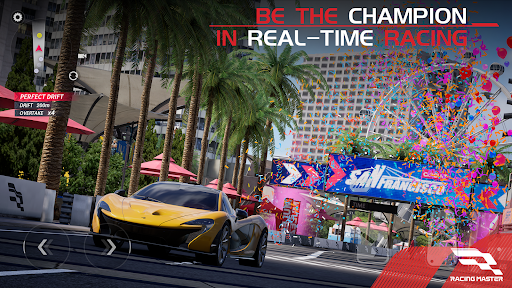
Experience the thrill of racing on real-world scanned tracks and circuits, featuring iconic locations such as Chicago, San Francisco, Barcelona, Sicily, Amsterdam, and the Alps. You'll also race on famous real-world F1 circuits, including Shanghai International Circuit, Indianapolis, and Red Bull Ring! Each track presents unique driving challenges.
4. Competitive Racing
Our advanced physics engine accurately simulates various drive systems and low-speed ignition characteristics. Compete in exhilarating PvP matches, GvG battles, and intense racing tournaments.
5. Immersive Audio
Feel the rush with meticulously recorded vehicle sounds that capture the distinct nuances of engine notes, exhaust systems, transmissions, suspensions, and aerodynamics.
——————————————
For more information about Racing Master, visit:
· Facebook: https://www.facebook.com/Racingmasterofficial
· X: https://x.com/RacingMasterEN
· Discord: https://discord.gg/yTdMHQDT7N
Más detalles

1. Descargar el instalador de MEmu y finalice la instalación

2. Iniciar MEmu y abrir Google Play en la página de inicio

3. Buscar Racing Master en Google Play
Install
4. Descargar y instalar Racing Master
5. Hacer click al icono para iniciar

6. Disfruta jugando Racing Master en PC con MEmu
MEmu App Player es el mejor emulador de Android gratuito y 50 millones de personas ya están disfrutando su magnífica experiencia jugando en Android. La tecnología de virtualización de MEmu te permite jugar a miles de juegos Android suavemente en tu PC, incluso los más intensivos gráficamente.
Pantalla más grande con mejores gráficos; Larga duración, sin limitación de batería o datos móviles.
Soporte completo de keymapping para un control preciso del teclado y el mouse o gamepad.
Múltiples cuentas de juegos o tareas en una sola PC a la vez con el administrador de instancias múltiples.
Play Racing Master on PC by following steps: