Animal Jam
Zaktualizowano
Aktualna wersja
104.0.14
Sprzedawca

Przy całej swojej pasji do grania w Animal Jam, twoje ręce nie powinny być ograniczone na małym ekranie telefonu. Graj jak zawodowiec i uzyskaj pełną kontrolę nad grą za pomocą klawiatury i myszy. MEmu oferuje ci wszystko, czego oczekujesz. Pobierz i graj Animal Jam na PC. Graj tak długo, jak chcesz, bez ograniczeń baterii, danych komórkowych i niepokojących połączeń. Zupełnie nowy MEmu 9 to najlepszy wybór do grania w Animal Jam na PC. Przygotowany dzięki naszej wiedzy, znakomity, wstępnie ustawiony system mapowania klawiszy sprawia, że Animal Jam jest prawdziwą grą na PC. Zakodowany naszą absorpcją, menedżer wielu instancji umożliwia granie na 2 lub więcej kontach na tym samym urządzeniu. A co najważniejsze, nasz emulator może uwolnić pełny potencjał twojego komputera, sprawić, że wszystko będzie płynne. Dbamy nie tylko o to, jak grasz, ale także o cały proces czerpania radości z grania.
Pokaż więcej
Ciesz się wspaniałym doświadczeniem podczas grania w Animal Jam na komputerze z aplikacją MEMU App Player. Jest to potężny darmowy emulator Androida pozwalający grać w tysiące gier na Androida. Welcome to Animal Jam!
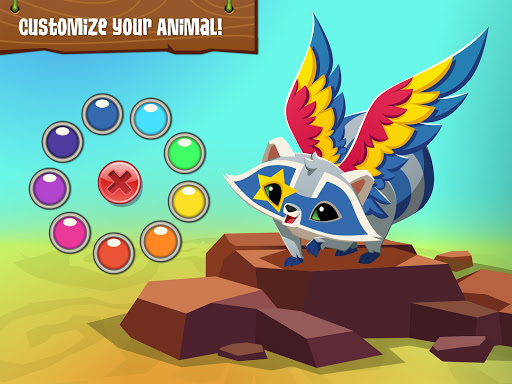
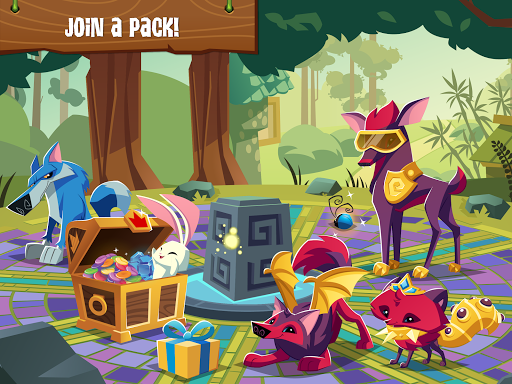
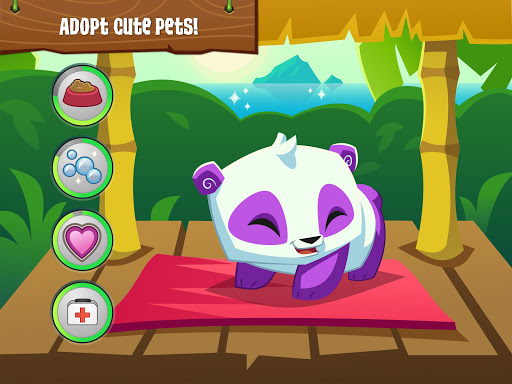
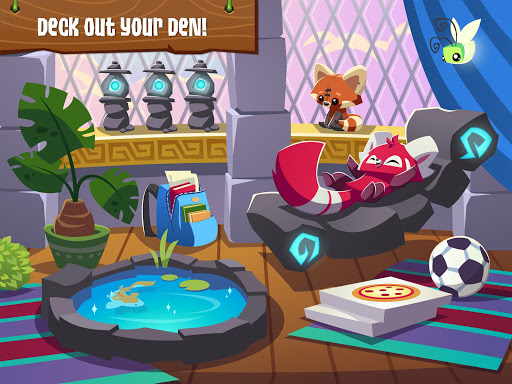
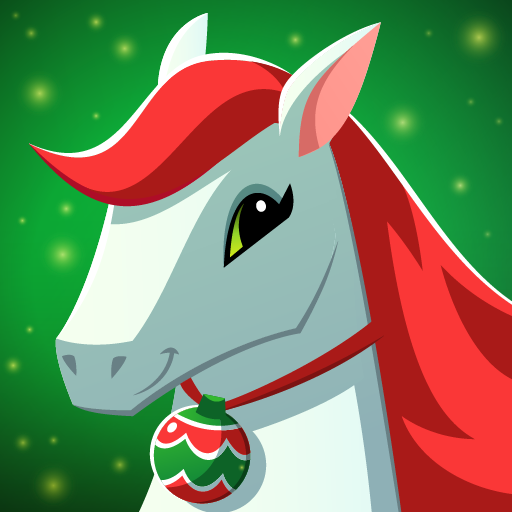
Welcome to Animal Jam! Explore a playful world and become your favorite animal, create a style to express yourself, and explore the beautiful 3D world of Jamaa! Animal Jam is the best online community for kids and a safe place to play and meet new friends. Adopt awesome pets like cats and dogs, decorate a personal den, play fun animal games, and learn about the natural world from videos, animal facts, and fact-filled e-books!
HIGHLIGHTS:
- PERSONALIZE animals from head to tail
- ADOPT adorable cats, dogs, and all sorts of pets
- PLAY fun games and earn Gems
- EXPLORE a gorgeous, living 3D world
- SHOP for clothes, den decorations, and accessories
- DESIGN a cool den
- JOIN a friendly community of players worldwide and make new friends
- LEARN about animals around the world, and their habitats
★ Winner: Best App for Kids ★ 2017 Google Play Awards
Animal Jam was named "Best App for Kids” by Google at this year’s Google Play Awards. Millions of kids around the world are playing Animal Jam, and WildWorks is committed to providing a safe online playground for kids.
In Animal Jam, kids will learn about the natural world around them, use their imaginations to create fun styles and art, play fun games, adopt cute pets, and explore with friends!
Before getting started, here is some important information for kids and parents:
- The Animal Jam game is free to play with parental permission.
- Parents can control their child's privacy settings through their Parent Dashboard.
Animal Jam offers optional in-game purchases that cost real money. This functionality can be disabled by adjusting device settings.
Animal Jam also offers recurring membership subscription options. There's still lots of free fun to be had in the game, but Animal Jam Members get exclusive access to cool perks, as well as Member status in the AJ Classic web game!
ABOUT ANIMAL JAM
WildWorks has partnered with prominent scientists and educators to bring science education and spectacular imagery of the natural world to Animal Jam, which helps kids learn in a completely new way. Our goal is to provide a fun, exciting, and safe place for kids to play online and make friends. Animal Jam also inspires kids to explore and protect the natural world outside their doors.
SAFETY
At WildWorks, your child’s safety is our priority. The Animal Jam game protects your child’s private information with secure log in, filtered and monitored chat, live moderation, and the ability to block and report players instantly.
To learn more about how we protect children’s privacy, visit https://www.animaljam.com/privacy.
Kids should always ask their parent or guardian for permission before they download and play Animal Jam. This game requires an Internet connection, and data fees may apply if WiFi isn’t connected.
Animal Jam
©2022 WildWorks
Pokaż więcej

1. Pobierz instalator MEmu i zakończ instalację

2. Uruchom MEmu, a następnie otwórz Google Play na pulpicie

3. Wyszukaj Animal Jam w Google Play
Install
4. Pobierz i zainstaluj Animal Jam
5. Po zakończeniu instalacji kliknij ikonę, aby rozpocząć

6. Ciesz się grą Animal Jam na PC z MEmu
MEmu Play to najlepszy emulator Androida, a 100 milionów ludzi już korzysta z jego i dosta doskonałe wrażenia z gier na Androida. Technologia wirtualizacji MEmu umożliwia płynne granie w tysiące gier Androida na komputerze, nawet tych najbardziej wymagających grafiki.
Większy ekran z lepszą grafiką; Długi czas, bez ograniczeń baterii lub danych mobilnych.
Pełna obsługa mapowania klawiszy dla precyzyjnego sterowania klawiaturą i myszą lub gamepadem.
Wiele kont gier lub zadań na jednym komputerze jednocześnie z menedżerem wielu instancji.
Play Animal Jam on PC by following steps: