Arrows Puzzle Escape: Tap Game
Zaktualizowano
Aktualna wersja
2.6
Sprzedawca

Przy całej swojej pasji do grania w Arrows Puzzle Escape: Tap Game, twoje ręce nie powinny być ograniczone na małym ekranie telefonu. Graj jak zawodowiec i uzyskaj pełną kontrolę nad grą za pomocą klawiatury i myszy. MEmu oferuje ci wszystko, czego oczekujesz. Pobierz i graj Arrows Puzzle Escape: Tap Game na PC. Graj tak długo, jak chcesz, bez ograniczeń baterii, danych komórkowych i niepokojących połączeń. Zupełnie nowy MEmu 9 to najlepszy wybór do grania w Arrows Puzzle Escape: Tap Game na PC. Przygotowany dzięki naszej wiedzy, znakomity, wstępnie ustawiony system mapowania klawiszy sprawia, że Arrows Puzzle Escape: Tap Game jest prawdziwą grą na PC. Zakodowany naszą absorpcją, menedżer wielu instancji umożliwia granie na 2 lub więcej kontach na tym samym urządzeniu. A co najważniejsze, nasz emulator może uwolnić pełny potencjał twojego komputera, sprawić, że wszystko będzie płynne. Dbamy nie tylko o to, jak grasz, ale także o cały proces czerpania radości z grania.
Pokaż więcej
Ciesz się wspaniałym doświadczeniem podczas grania w Arrows Puzzle Escape: Tap Game na komputerze z aplikacją MEMU App Player. Jest to potężny darmowy emulator Androida pozwalający grać w tysiące gier na Androida. Arrows Puzzle Escape: Tap Games.
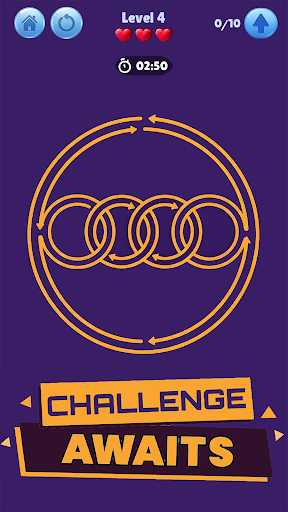
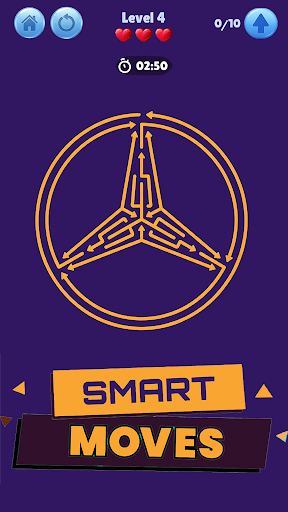
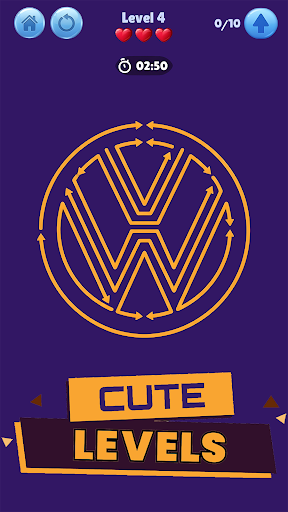
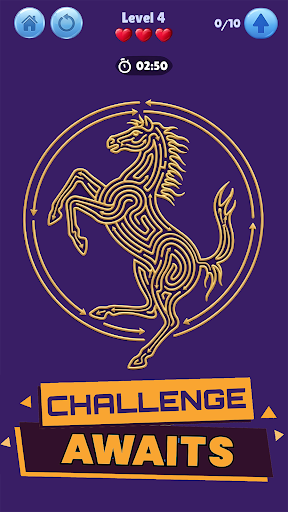
Arrows Puzzle Escape: Tap Games
Master the Flow: The Ultimate Arrow Out Challenge!
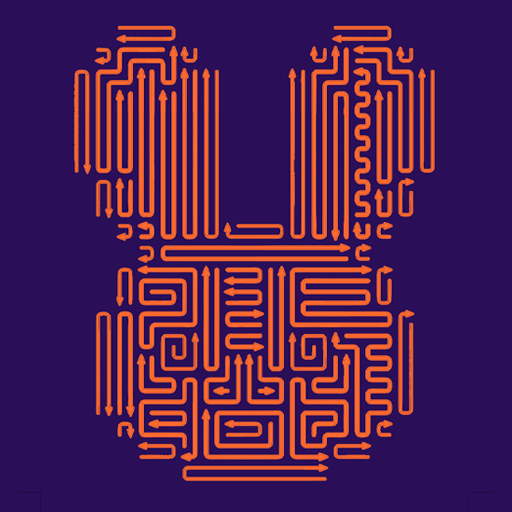
Looking for a fresh brain puzzle that tests your logic and spatial awareness? Welcome to Arrows Puzzle Escape: Tap Game, a clever directional puzzle where every move counts. Designed for fans of mind games and logic challenges, your goal is simple: clear the board, guide the arrows to freedom, and master the art of the smart escape.
In this addictive tap game, you’ll rotate arrows, shift tiles, and navigate complex mazes using pure logic and spatial thinking. With smooth, responsive controls and a satisfying "flow" mechanic, it’s the perfect blend of a relaxing game and a rigorous IQ test.
Why You’ll Love Arrow Out:
Thousands of Levels: From beginner teasers to expert-level problem solving stages, the difficulty scales to keep your brain sharp.
Brain Training: Ranked among the best games for IQ improvement, helping you think three steps ahead.
Smart Boosters: Stuck on a tricky level? Use powerful tools like the Hint, Magic Wand, or Rubber to fix mistakes and find the path.
Customizable View: Use Zoom and Grid Scale to adjust the board for maximum precision.
Game Features:
Addictive Logic Puzzles: Evolving mechanics that keep the gameplay fresh and exciting.
Play Anywhere: One of the best offline games—enjoy no wifi games for free anytime, anywhere.
Zen Experience: Includes a sleek Dark Mode and calming visuals for a stress-free brain training session.
Shape Escape Design: Thoughtful levels that reward patience and clever strategy over mindless tapping.
Whether you're a fan of wood nuts and bolts, screw puzzles, or classic block jam games, Arrows Puzzle Escape offers a polished, "smart" interaction that rewards your intellect.
Can you find the way out—or will you stay stuck in circles?
Pokaż więcej

1. Pobierz instalator MEmu i zakończ instalację

2. Uruchom MEmu, a następnie otwórz Google Play na pulpicie

3. Wyszukaj Arrows Puzzle Escape: Tap Game w Google Play
Install
4. Pobierz i zainstaluj Arrows Puzzle Escape: Tap Game
5. Po zakończeniu instalacji kliknij ikonę, aby rozpocząć

6. Ciesz się grą Arrows Puzzle Escape: Tap Game na PC z MEmu
MEmu Play to najlepszy emulator Androida, a 100 milionów ludzi już korzysta z jego i dosta doskonałe wrażenia z gier na Androida. Technologia wirtualizacji MEmu umożliwia płynne granie w tysiące gier Androida na komputerze, nawet tych najbardziej wymagających grafiki.
Większy ekran z lepszą grafiką; Długi czas, bez ograniczeń baterii lub danych mobilnych.
Pełna obsługa mapowania klawiszy dla precyzyjnego sterowania klawiaturą i myszą lub gamepadem.
Wiele kont gier lub zadań na jednym komputerze jednocześnie z menedżerem wielu instancji.
Play Arrows Puzzle Escape: Tap Game on PC by following steps: