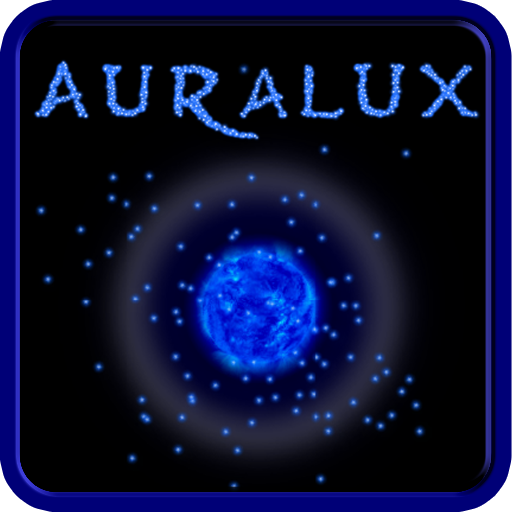
Auralux: Constellations
Zaktualizowano
Aktualna wersja
1.0.0.6
Sprzedawca

Przy całej swojej pasji do grania w Auralux: Constellations, twoje ręce nie powinny być ograniczone na małym ekranie telefonu. Graj jak zawodowiec i uzyskaj pełną kontrolę nad grą za pomocą klawiatury i myszy. MEmu oferuje ci wszystko, czego oczekujesz. Pobierz i graj Auralux: Constellations na PC. Graj tak długo, jak chcesz, bez ograniczeń baterii, danych komórkowych i niepokojących połączeń. Zupełnie nowy MEmu 9 to najlepszy wybór do grania w Auralux: Constellations na PC. Przygotowany dzięki naszej wiedzy, znakomity, wstępnie ustawiony system mapowania klawiszy sprawia, że Auralux: Constellations jest prawdziwą grą na PC. Zakodowany naszą absorpcją, menedżer wielu instancji umożliwia granie na 2 lub więcej kontach na tym samym urządzeniu. A co najważniejsze, nasz emulator może uwolnić pełny potencjał twojego komputera, sprawić, że wszystko będzie płynne. Dbamy nie tylko o to, jak grasz, ale także o cały proces czerpania radości z grania.
Pokaż więcej
Ciesz się wspaniałym doświadczeniem podczas grania w Auralux: Constellations na komputerze z aplikacją MEMU App Player. Jest to potężny darmowy emulator Androida pozwalający grać w tysiące gier na Androida. Auralux: Constellations features a slow, graceful feel, easy to learn mechanics and vibrant minimalistic graphics, all pulsing to the rhythm of ambient music.


Auralux: Constellations features a slow, graceful feel, easy to learn mechanics and vibrant minimalistic graphics, all pulsing to the rhythm of ambient music. This game is designed to provide a relaxing, cerebral experience yet will challenge even the most experienced RTS fans.
Every choice matters, and the only path to victory is through clever strategy. It’s Real-Time Strategy, deconstructed.
- 150 unique levels, with a dozen new twists to classic Auralux gameplay
- Play on the big screen with full Android TV functionality!
- Online multiplayer with Google Play Games to wage planetary war against each other.
- New modes and maps including black holes, supernovas and wormholes!
- Native 4K, increased unit counts, and two free multiplayer maps for NVIDIA Shield players.
"Auralux is real-time strategy in its purest form... It's simple. It's elegant. It's slow and engrossing." – Kotaku
"Auralux is a success. It distills the real-time-strategy game to its purest form." - The A.V. Club
"The later game introduces some very interesting mechanics though, such as black holes, gamma ray bursts, and orbiting planets... There is something for everyone." – Techgage
Pokaż więcej

1. Pobierz instalator MEmu i zakończ instalację

2. Uruchom MEmu, a następnie otwórz Google Play na pulpicie

3. Wyszukaj Auralux: Constellations w Google Play
Install
4. Pobierz i zainstaluj Auralux: Constellations
5. Po zakończeniu instalacji kliknij ikonę, aby rozpocząć

6. Ciesz się grą Auralux: Constellations na PC z MEmu
MEmu Play to najlepszy emulator Androida, a 100 milionów ludzi już korzysta z jego i dosta doskonałe wrażenia z gier na Androida. Technologia wirtualizacji MEmu umożliwia płynne granie w tysiące gier Androida na komputerze, nawet tych najbardziej wymagających grafiki.
Większy ekran z lepszą grafiką; Długi czas, bez ograniczeń baterii lub danych mobilnych.
Pełna obsługa mapowania klawiszy dla precyzyjnego sterowania klawiaturą i myszą lub gamepadem.
Wiele kont gier lub zadań na jednym komputerze jednocześnie z menedżerem wielu instancji.
Play Auralux: Constellations on PC by following steps: