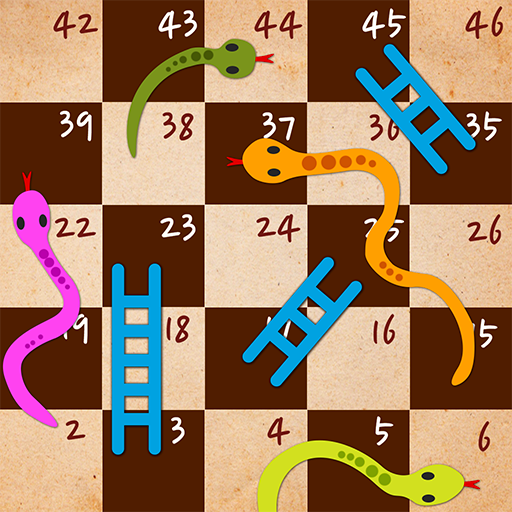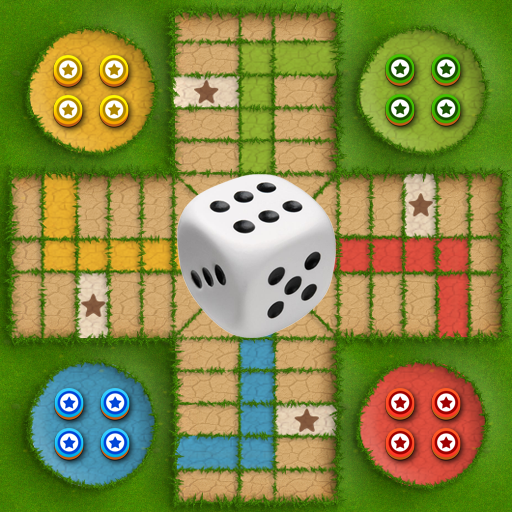
Ludo Garden - Pachisi
Zaktualizowano
Aktualna wersja
1.2.0
Sprzedawca

Przy całej swojej pasji do grania w Ludo Garden - Pachisi, twoje ręce nie powinny być ograniczone na małym ekranie telefonu. Graj jak zawodowiec i uzyskaj pełną kontrolę nad grą za pomocą klawiatury i myszy. MEmu oferuje ci wszystko, czego oczekujesz. Pobierz i graj Ludo Garden - Pachisi na PC. Graj tak długo, jak chcesz, bez ograniczeń baterii, danych komórkowych i niepokojących połączeń. Zupełnie nowy MEmu 9 to najlepszy wybór do grania w Ludo Garden - Pachisi na PC. Przygotowany dzięki naszej wiedzy, znakomity, wstępnie ustawiony system mapowania klawiszy sprawia, że Ludo Garden - Pachisi jest prawdziwą grą na PC. Zakodowany naszą absorpcją, menedżer wielu instancji umożliwia granie na 2 lub więcej kontach na tym samym urządzeniu. A co najważniejsze, nasz emulator może uwolnić pełny potencjał twojego komputera, sprawić, że wszystko będzie płynne. Dbamy nie tylko o to, jak grasz, ale także o cały proces czerpania radości z grania.
Pokaż więcej
Ciesz się wspaniałym doświadczeniem podczas grania w Ludo Garden - Pachisi na komputerze z aplikacją MEMU App Player. Jest to potężny darmowy emulator Androida pozwalający grać w tysiące gier na Androida. Ludo Garden is the exclusive new addition to an old fashioned dice game.
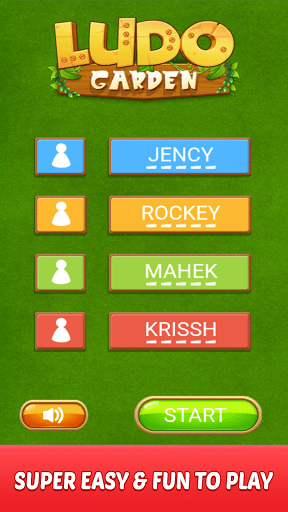
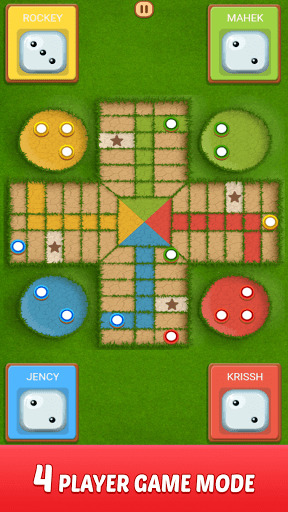
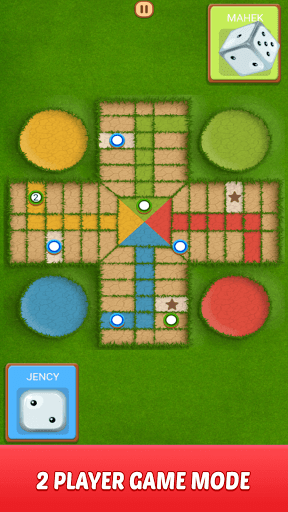
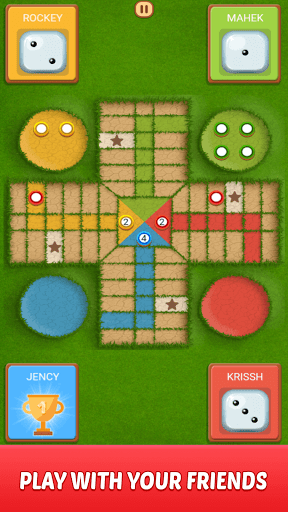
Ludo Garden is the exclusive new addition to an old fashioned dice game. You just have to roll the Ludo dice and move your tokens to reach the center of the Ludo board by beating other players in order to become the king of the ludo garden. It's the best multiplayer strategy board game played between friends and family. This dice game helps you to fill your spare time with fun and also helps you in mind refreshment.
Evoke your childhood by playing a Ludo game and become a Ludo game superhero! Ludo Game is a multiplayer Ludo game that also comes with offline mode, where the player can play this Ludo classic game offline. Ludo Garden game is a modern form of the majestic game of Pachisi, the game which got played between the Indian kings as well as queens in ancient times. You need to roll Ludo dice to move the tokens to reach the Ludo board’s center. You can beat the other players and become a Ludo game master.
How to Play Ludo Garden:
Ludo game starts with four tokens placed in each player's starting box. A dice is rolled in turns by each player during the game. The player's token will be placed on the starting point when a 6 is rolled on the dice. The main goal of the game is to take all 4 tokens inside the HOME area before the other opponents.
Basic rules of Ludo Garden:
- A token can start to move only if the dice rolled is a 6.
- Each player gets a turn wise chance to roll the dice. And if the player rolls a 6, they will get another chance to roll the dice again.
- All the tokens must reach the center of the board to win the game.
- The token move clock-wise according to the number of rolled dice.
- Knocking out other's tokens will give you an extra chance to roll the dice again.
Ludo Garden Features:
* Single Player - Play against the computer.
* Local Multiplayer - Play with friends and family offline.
* Play 2 to 4 players.
* You can continue your game anytime.
* Real Ludo dice roll animation.
* Throw dice or roll instantly.
* Easy single menu player selection.
Ludo Garden is a completely friends and family game that was once played by ancient kings and now it can be enjoyed by you and your family and friends. You'll be playing this Ludo for hours and it's fun for the whole family. You played Ludo in your childhood, now play on your phone and tablet.
Ludo game is also known as different names like लूडो, Ki nevet a végén, برسي (Barjis/Barjees),Fei Xing Qi' (China),Parqués (Colombia),Barjis / Bargis (Palestine), Uckers, Griniaris, Fia, Cờ cá ngựa, Petits Chevaux (Little Horses),Griniaris (Greece),Mens-erger-je-niet (the Netherlands),Parchís or Parkase (Spain), Parchís (Spain),Mensch ärgere Dich nicht (Germany),Non t'arrabbiare (Italy), Le Jeu de Dada,Barjis(s) / Bargese (Syria),Pachîs (Persia/Iran),da' ngu'a ('Vietnam'),ludo chakka ( indian village),Parqués (Colombia),đá ngựa (Vietnam),Fei Xing Qi' (China),Parcheesi (North America),Chińczyk (Poland), Fia-spel or Fia med knuff (Sweden),Ki nevet a végén (Hungary),Parxís (Catalonia), Reis ümber maailma (Estonia).
Start rolling the dice and begin your journey toward the crown. Become the king of ludo garden today! Download now!!
Pokaż więcej

1. Pobierz instalator MEmu i zakończ instalację

2. Uruchom MEmu, a następnie otwórz Google Play na pulpicie

3. Wyszukaj Ludo Garden - Pachisi w Google Play
Install
4. Pobierz i zainstaluj Ludo Garden - Pachisi
5. Po zakończeniu instalacji kliknij ikonę, aby rozpocząć

6. Ciesz się grą Ludo Garden - Pachisi na PC z MEmu
MEmu Play to najlepszy emulator Androida, a 100 milionów ludzi już korzysta z jego i dosta doskonałe wrażenia z gier na Androida. Technologia wirtualizacji MEmu umożliwia płynne granie w tysiące gier Androida na komputerze, nawet tych najbardziej wymagających grafiki.
Większy ekran z lepszą grafiką; Długi czas, bez ograniczeń baterii lub danych mobilnych.
Pełna obsługa mapowania klawiszy dla precyzyjnego sterowania klawiaturą i myszą lub gamepadem.
Wiele kont gier lub zadań na jednym komputerze jednocześnie z menedżerem wielu instancji.
Play Ludo Garden - Pachisi on PC by following steps: