Pop Color - Paint by number
Zaktualizowano
Aktualna wersja
1.2.6
Sprzedawca

Przy całej swojej pasji do grania w Pop Color - Paint by number, twoje ręce nie powinny być ograniczone na małym ekranie telefonu. Graj jak zawodowiec i uzyskaj pełną kontrolę nad grą za pomocą klawiatury i myszy. MEmu oferuje ci wszystko, czego oczekujesz. Pobierz i graj Pop Color - Paint by number na PC. Graj tak długo, jak chcesz, bez ograniczeń baterii, danych komórkowych i niepokojących połączeń. Zupełnie nowy MEmu 9 to najlepszy wybór do grania w Pop Color - Paint by number na PC. Przygotowany dzięki naszej wiedzy, znakomity, wstępnie ustawiony system mapowania klawiszy sprawia, że Pop Color - Paint by number jest prawdziwą grą na PC. Zakodowany naszą absorpcją, menedżer wielu instancji umożliwia granie na 2 lub więcej kontach na tym samym urządzeniu. A co najważniejsze, nasz emulator może uwolnić pełny potencjał twojego komputera, sprawić, że wszystko będzie płynne. Dbamy nie tylko o to, jak grasz, ale także o cały proces czerpania radości z grania.
Pokaż więcej
Ciesz się wspaniałym doświadczeniem podczas grania w Pop Color - Paint by number na komputerze z aplikacją MEMU App Player. Jest to potężny darmowy emulator Androida pozwalający grać w tysiące gier na Androida. Pop Color - A Vibrant Coloring Game Experience.
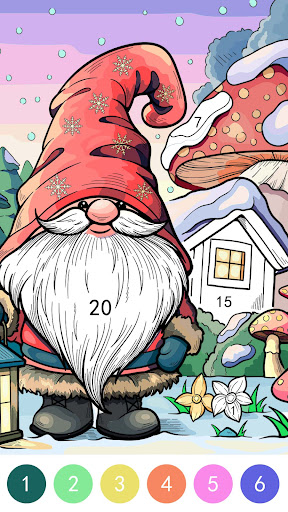
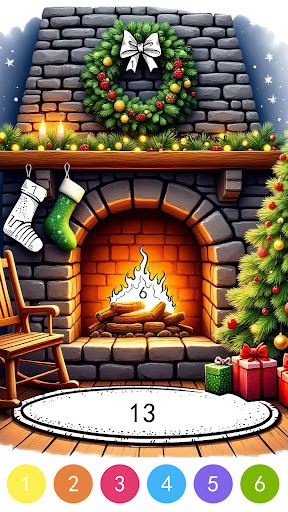
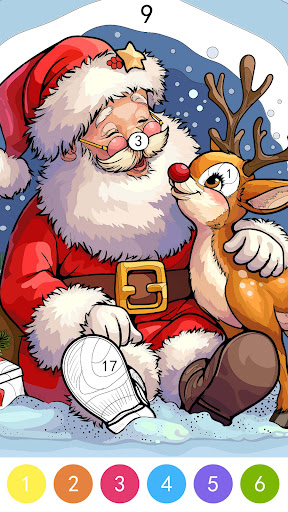
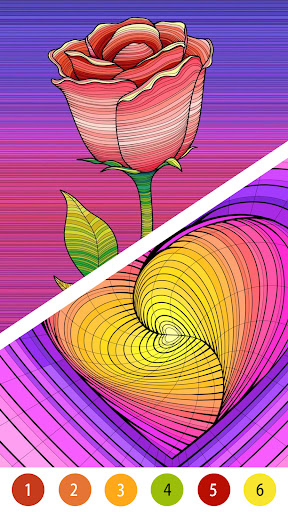
Pop Color - A Vibrant Coloring Game Experience
Unleash Your Creativity with Pop Color!
Dive into the mesmerizing world of colors with our latest creation, Pop Color! This innovative coloring game is designed to provide you with an immersive and relaxing experience while stimulating your creativity. Whether you're a seasoned artist or just looking for a therapeutic escape, Pop Color offers a delightful journey into the world of vibrant hues and beautiful designs.
Gameplay that Pops!
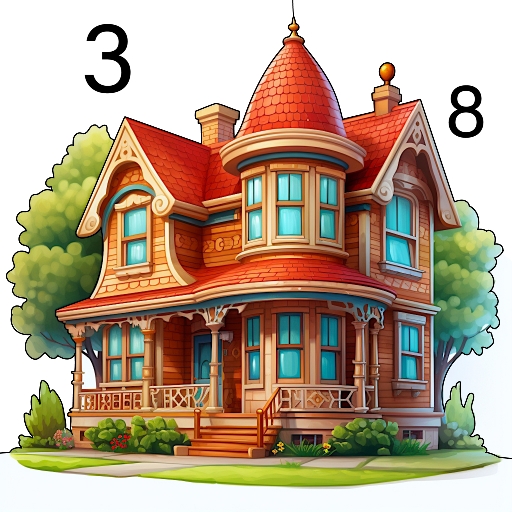
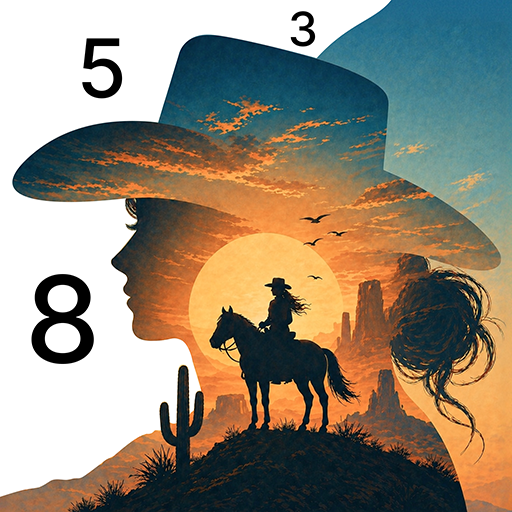
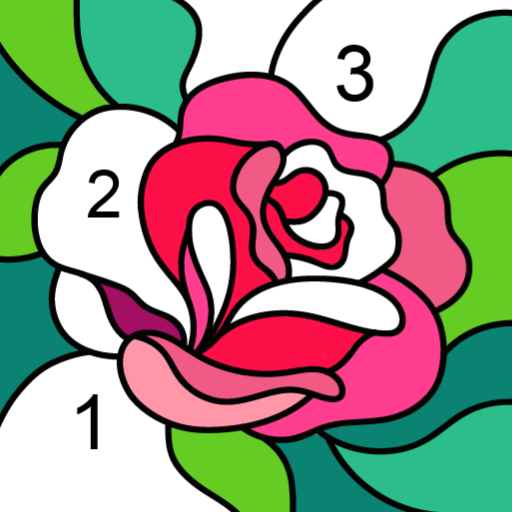
Pop Color features intuitive and engaging gameplay that caters to players of all ages. Simply tap to fill the outlined areas with your favorite colors and watch as the illustrations come to life. With a wide variety of intricate designs ranging from animals and landscapes to intricate patterns, there's always something new to explore. The controls are user-friendly, ensuring a seamless and enjoyable coloring experience for everyone.
Key Features:
1. Rich and Diverse Illustrations: Explore a vast collection of carefully curated illustrations that cater to different tastes and preferences. From adorable animals to complex mandalas, there's a design for everyone.
2. Innovative Color Palette: Choose from an extensive palette of colors, gradients, and patterns to bring your creativity to life. Experiment with different combinations to make your artwork truly unique.
3. Mindful Relaxation: Immerse yourself in a state of mindfulness as you fill each section with vibrant hues. Enjoy the calming effects of coloring, reduce stress, and enhance your focus in a world that's tailored to promote tranquility.
4. Daily Challenges: Stay engaged with our daily challenges that encourage you to explore new themes and styles. Earn rewards and unlock special features as you complete challenges and enhance your coloring skills.
5. Share Your Masterpieces: Showcase your artistic flair by sharing your completed artworks on social media directly from the app. Connect with a community of fellow Pop Color enthusiasts and be inspired by their creations.
6. Offline Mode: Enjoy Pop Color anytime, anywhere, even without an internet connection. Perfect for on-the-go creativity or relaxing moments at home.
Connect with the Community:
Share your artwork, connect with other players, and be part of a vibrant and supportive creative community.
Why Choose "Pop Color"?
"Pop Color" goes beyond conventional coloring games, offering a holistic and immersive experience designed to ignite your creativity. Whether you're seeking relaxation, a creative outlet, or a way to unwind, "Pop Color" caters to your every coloring need.
Download Pop Color Now and Start Coloring Your World!
Embark on a colorful journey with Pop Color and experience the joy of bringing beautiful illustrations to life. Download the game now on Google Play and start coloring your world with creativity, relaxation, and endless fun!
For support and inquiries, contact us at [LoveColoringGame@outlook.com].
Thank you for choosing Pop Color - where every stroke brings joy and creativity!
Pokaż więcej

1. Pobierz instalator MEmu i zakończ instalację

2. Uruchom MEmu, a następnie otwórz Google Play na pulpicie

3. Wyszukaj Pop Color - Paint by number w Google Play
Install
4. Pobierz i zainstaluj Pop Color - Paint by number
5. Po zakończeniu instalacji kliknij ikonę, aby rozpocząć

6. Ciesz się grą Pop Color - Paint by number na PC z MEmu
MEmu Play to najlepszy emulator Androida, a 100 milionów ludzi już korzysta z jego i dosta doskonałe wrażenia z gier na Androida. Technologia wirtualizacji MEmu umożliwia płynne granie w tysiące gier Androida na komputerze, nawet tych najbardziej wymagających grafiki.
Większy ekran z lepszą grafiką; Długi czas, bez ograniczeń baterii lub danych mobilnych.
Pełna obsługa mapowania klawiszy dla precyzyjnego sterowania klawiaturą i myszą lub gamepadem.
Wiele kont gier lub zadań na jednym komputerze jednocześnie z menedżerem wielu instancji.
Play Pop Color - Paint by number on PC by following steps: