PDF Reader: Viewer, PDF Editor
Zaktualizowano
Aktualna wersja
1.2.5
Sprzedawca

Przestań martwić się nadmiernymi opłatami podczas korzystania z PDF Reader: Viewer, PDF Editor na telefonie komórkowym, uwolnij się od małego ekranu i ciesz się korzystaniem z aplikacji na znacznie większym wyświetlaczu. Od teraz korzystaj z aplikacji na pełnym ekranie za pomocą klawiatury i myszy. MEmu oferuje wszystkie zaskakujące funkcje, których się spodziewałeś: szybką instalację i łatwą konfigurację, intuicyjne sterowanie, koniec z ograniczeniami baterii, danych mobilnych i niepokojących połączeń. Zupełnie nowy MEmu 9 to najlepszy wybór do używania PDF Reader: Viewer, PDF Editor na twoim komputerze. Zakodowany przez naszą absorpcję, menedżer wielu instancji umożliwia otwarcie 2 lub więcej kont w tym samym czasie. A co najważniejsze, nasz ekskluzywny emulator może uwolnić pełny potencjał twojego komputera, sprawić, że wszystko będzie płynne i przyjemne.
Pokaż więcej
Ciesz się wspaniałym doświadczeniem podczas grania w PDF Reader: Viewer, PDF Editor na komputerze z aplikacją MEMU App Player. Jest to potężny darmowy emulator Androida Umożliwia korzystanie z tysięcy aplikacji Androida. Codzienne korzystanie z plików PDF powinno być proste.
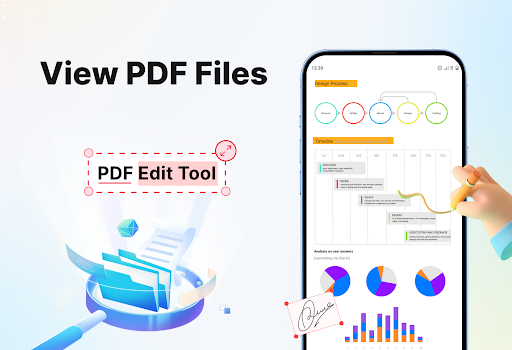
Codzienne korzystanie z plików PDF powinno być proste. PDF Reader oferuje proste narzędzia do otwierania, skanowania i zarządzania dokumentami, kiedy tylko ich potrzebujesz. Szukasz prostego sposobu na pracę z plikami PDF na telefonie? PDF Reader jest właśnie dla Ciebie.
Dzięki PDF Reader możesz szybko otwierać pliki PDF i cieszyć się płynnym czytaniem z wyraźnym tekstem i prostym przewijaniem. Pobierz PDF Reader: aplikację do przeglądania i edycji plików PDF już teraz!
GŁÓWNE FUNKCJE
Odczyt plików PDF na telefonie
Skanowanie dokumentów do PDF
Konwersja obrazów do PDF
Łatwe dzielenie i scalanie plików PDF
Tworzenie plików ZIP
Drukowanie dokumentów PDF
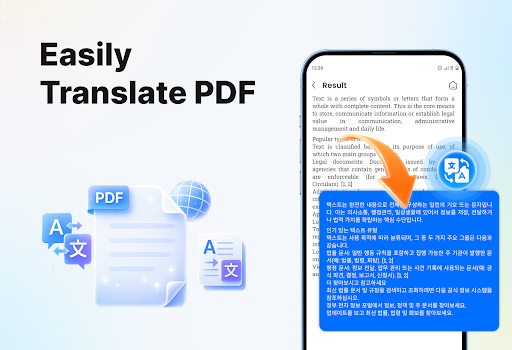
Tłumaczenie treści PDF
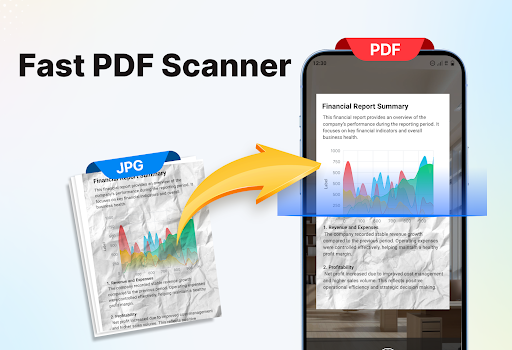
Skanowanie dokumentów do PDF
Użyj aparatu w telefonie, aby zeskanować dokumenty, paragony lub notatki i zapisać je jako pliki PDF w zaledwie kilka sekund. Dzięki temu łatwo zamienisz dokumenty papierowe w pliki cyfrowe.
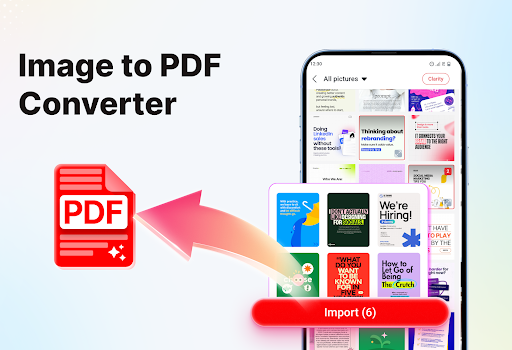
Obraz do PDF
Łatwo konwertuj zdjęcia do plików PDF. Wybierz obrazy z galerii, ułóż je w żądanej kolejności i utwórz czysty dokument PDF za pomocą kilku kliknięć.
Dzielenie plików PDF
Jeśli potrzebujesz tylko wybranych stron, możesz podzielić plik PDF i zapisać wybrane strony jako nowy plik. Dzięki temu zachowasz tylko te, które są ważne.
Scalanie plików PDF
Połącz wiele dokumentów PDF w jeden plik, aby wszystko było uporządkowane i łatwiejsze do udostępniania.
Tworzenie plików ZIP
Kompresuj pliki PDF do folderu ZIP, aby zaoszczędzić miejsce i przyspieszyć udostępnianie.
Drukowanie dokumentów PDF
Drukuj pliki PDF bezpośrednio z aplikacji. Wybierz potrzebne strony i wydrukuj je łatwo, bez dodatkowych czynności.
Tłumaczenie treści PDF
Tłumacz pliki PDF, aby zrozumieć treść w innych językach, co pomoże Ci wygodniej czytać i korzystać z dokumentów.
Pobierz PDF Reader: Viewer, aplikację PDF Editor już dziś i z łatwością obsługuj wszystkie swoje zadania związane z plikami PDF. Jeśli masz jakieś pytania lub potrzebujesz wsparcia, możesz się z nami skontaktować w dowolnej chwili.
Pokaż więcej

1. Pobierz instalator MEmu i zakończ instalację

2. Uruchom MEmu, a następnie otwórz Google Play na pulpicie

3. Wyszukaj PDF Reader: Viewer, PDF Editor w Google Play
Install
4. Pobierz i zainstaluj PDF Reader: Viewer, PDF Editor
5. Po zakończeniu instalacji kliknij ikonę, aby rozpocząć

6. Użyj MEmu, aby doświadczyć PDF Reader: Viewer, PDF Editor na swoim komputerze
MEmu Play to najlepszy emulator Androida, z którego korzysta ponad 100 milionów użytkowników, ciesząc się wyjątkowym doświadczeniem aplikacji na Androida. Technologia wirtualizacji MEmu pozwala na płynne uruchamianie tysięcy aplikacji Androida na komputerze, nawet tych najbardziej wymagających.
Większy ekran z lepszą grafiką; Długi czas, bez ograniczeń baterii lub danych mobilnych.
Pełna obsługa mapowania klawiszy dla precyzyjnego sterowania klawiaturą i myszą lub gamepadem.
Wiele kont gier lub zadań na jednym komputerze jednocześnie z menedżerem wielu instancji.
Use PDF Reader: Viewer, PDF Editor on PC by following steps: