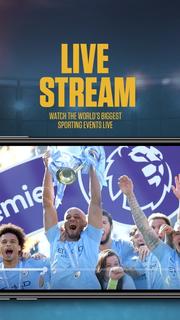
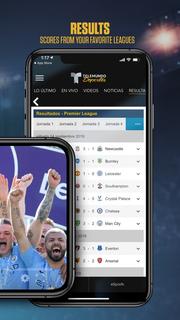
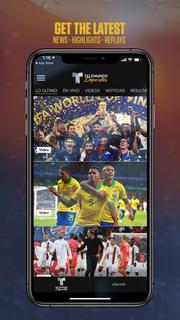
Baixando MEmu...
Se o download não iniciar, Clique aqui
Como Baixar HesGoal - Live Soccer. Live Football Streaming Tv no PC
-
![HesGoal - Live Soccer. Live Football Streaming Tv para PC]()
1. Faça o download do instalador do MEmu e conclua a instalação
-
![HesGoal - Live Soccer. Live Football Streaming Tv para PC]()
2. Inicie o MEmu e depois abra o Google Play na página inicial
-
![HesGoal - Live Soccer. Live Football Streaming Tv para PC]()
3. Pesquise HesGoal - Live Soccer. Live Football Streaming Tv no Google Play
-
 Install
4. Baixe e Instale HesGoal - Live Soccer. Live Football Streaming Tv
-
5. Na conclusão da instalação, clique no ícone para iniciar
-
![HesGoal - Live Soccer. Live Football Streaming Tv para PC]()
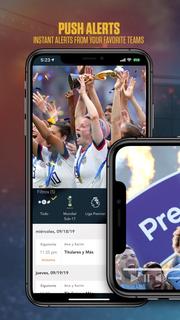
6. º Experimente o HesGoal - Live Soccer. Live Football Streaming Tv no PC com o MEmu.










tópicos quentes