
Live Chat Video Call - LiveFun
อัปเดตเมื่อ
เวอร์ชันปัจจุบัน
2.1
ให้บริการโดย

เมื่อใช้ Live Chat Video Call - LiveFun บนโทรศัพท์ของคุณไม่ต้องกังวลกับการชาร์จไฟมากเกินไปปลดปล่อยตัวคุณเองจากหน้าจอขนาดเล็กและสนุกกับการใช้แอพนี้บนหน้าจอขนาดใหญ่ จากนี้ไปรับประสบการณ์เต็มหน้าจอของแอปพลิเคชันของคุณด้วยคีย์บอร์ดและเมาส์ MEmu มีคุณสมบัติที่น่าแปลกใจที่คุณคาดหวัง: การติดตั้งที่รวดเร็วและการตั้งค่าที่ง่ายควบคุมได้ง่ายไม่ จำกัด แบตเตอรี่ข้อมูลมือถือและการโทรที่รบกวน MEmu 9 ใหม่ล่าสุดเป็นตัวเลือกที่ดีที่สุดสำหรับการใช้ Meitu – โปรแกรมแก้ไขภาพแนวธรรมชาติ บนคอมพิวเตอร์ของคุณ ด้วยรหัสการดูดซึมของเราผู้จัดการหลายอินสแตนซ์ทำให้สามารถเปิดบัญชี 2 บัญชีขึ้นไปในเวลาเดียวกันได้ และที่สำคัญที่สุดเอ็นจิ้นจำลองพิเศษของเราสามารถปลดปล่อยศักยภาพของPCของคุณและทำให้ทุกอย่างราบรื่นและสนุกสนาน
แสดงเพิ่มเติม
ดาวน์โหลด Live Chat Video Call - LiveFun บน PC ด้วย MEmu Android Emulator สนุกกับการเล่นบนหน้าจอขนาดใหญ่ Live Talk Free Video Chat - Random Video Call app is connecting easily through video calls let talk through the free video chat.
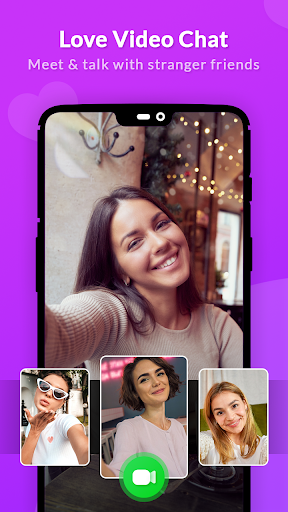
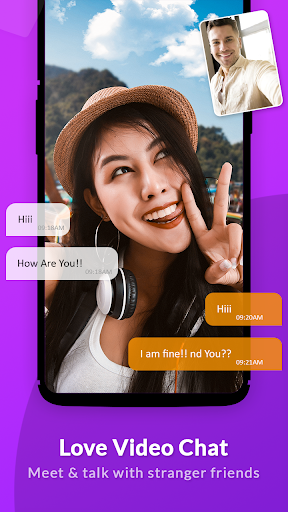

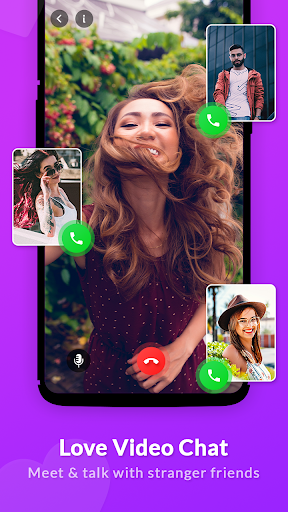
Live Talk Free Video Chat - Random Video Call app is connecting easily through video calls let talk through the free video chat.
You can have a video chat with millions of people and have live talk with talented or humorous people from different countries at any time. Compared to other online random video call apps, Live Video Call has a great number of interesting features more than just video call.
Live Video Call - Random Video Call with Girls app is connecting to girls & boys easily through video calls let talk through the free video chat. Just register your nickname then Go Live on now!
Free Live Talk - free call apps has features such as make free calls at no cost to you to stay connected with family and friends in other countries easily. This a unified communications app for all built-in chat without charge.
Live video call app connects you to the rest of the world with a single tap. Random live Video Call apps let you call strangers and random chat with them and have fun with them as well. Random Live Video Call app is a free app to make unlimited video call.
Live Video Call - you can have a video chat with millions of people and have live talk with talented or humorous people from different countries at any time. Compared to other online random video call apps.
Free video call
- You can make free video calls with your friends without any restrictions.
Mobile streaming
- Live video chat on your phone anytime, anywhere.
- Video chat with your friends to express your love and support!
Online Video call with hot girls
- Free live video chat with people from all over the world.
- You can video chat with people you are interested in, and change the match.
You should be over 18 to use this app. Do not upload inappropriate content: no nudity, racial, or offensive content. If caught violating our terms, your access may be blocked permanently.
Protection of Personal Information
- We only collect your Gender information, which is stored locally and not shared to third parties.
- Information what you say directly to the other party once you connect can not be seen by other users.
- Please take caution when delivering sensitive information, because you are responsible for the information you provide to the other party once you connect.
แสดงเพิ่มเติม

1. ดาวน์โหลดตัวติดตั้ง MEmu และสิ้นสุดการติดตั้ง

2. เริ่ม MEmu จากนั้นเปิด Google Play บนหน้าแรก

3. ค้นหา Live Chat Video Call - LiveFun ใน Google Play
Install
4. ดาวน์โหลดและติดตั้ง Live Chat Video Call - LiveFun
5. เมื่อติดตั้งเสร็จให้คลิกที่ไอคอนเพื่อเริ่มใช้งาน

6. ใช้ MEmu เพื่อสัมผัสประสบการณ์ Live Chat Video Call - LiveFun บนคอมพิวเตอร์ของคุณ
MEmu Play คือโปรแกรมจำลอง Android ที่ดีที่สุด มีผู้ใช้มากกว่า 50 ล้านคน มอบประสบการณ์การใช้งานแอป Android ขั้นสุดยอดให้กับคุณ เทคโนโลยีจำลองเสมือนของ MEmu ช่วยให้คุณรันแอป Android หลายพันแอปบนคอมพิวเตอร์ได้อย่างราบรื่น แม้แอปที่กินทรัพยากรเครื่องสูงที่สุด
จอใหญ่และกราฟฟิกสวยกว่า; เล่นได้นาน, ไม่ต้องใช้แบตเตอรี่โทรศัพท์หรือเน็ตโทรศัพท์.
ระบบปรับแต่งปุ่มคีย์บอร์ดและเม้าส์ตามที่คุณเลือก
เล่นมากกว่าหนึ่งเกมบน PC ในเวลาเดียวกันด้วยระบบหลายจอหรือ Multi-Instance manager.
Use Live Chat Video Call - LiveFun on PC by following steps: