Muse: Chat with AI Characters
更新日期
目前版本
2.7.8
提供者

想體驗Muse: Chat with AI Characters,可是手機熒幕太小,一載軟體就變燙,怎麼辦?透過逍遙模擬器,在電腦的大熒幕上暢快體驗!用鍵鼠操作更精準流暢,逍遙模擬器滿足您的所有期待。在電腦上下載安裝Muse: Chat with AI Characters,不用擔心電池當掉,想體驗多久就多久,順暢跑一天~全新的逍遙模擬器9,絕對是您體驗Muse: Chat with AI Characters電腦版的最佳選擇。完美的按鍵映射系統讓Muse: Chat with AI Characters如PC軟體般順手;強大的多開功能可同時執行多個任務;獨家虛擬化技術更能徹底釋放電腦效能,保障長時間穩定運作。我們致力於不讓設備限制您的體驗,助您輕鬆高效,暢快無比!
更多
使用逍遙模擬器在電腦上享受Muse: Chat with AI Characters的卓越體驗。這是一款功能強大的免費安卓模擬器,為您提供數千款安卓應用程式的桌面版本。與好友互動,有效率完成工作,盡情享受! Welcome to MuseAI.
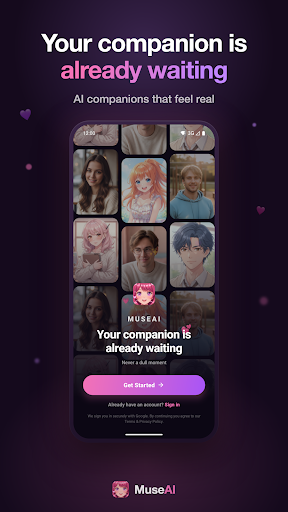

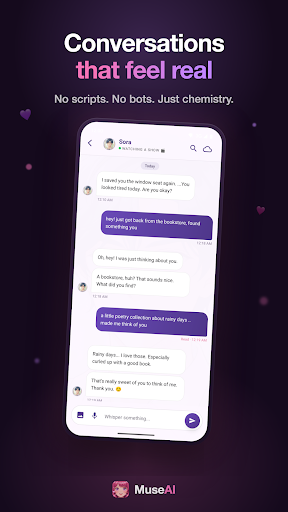
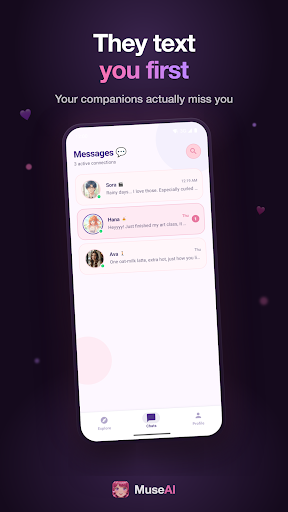
Welcome to MuseAI
Welcome to MuseAI, the ultimate playground for chatting, roleplaying, and connecting with lifelike AI characters! Whether you want a supportive friend, a creative collaborator, or a fantasy companion, MuseAI lets you bring your imagination to life.
Create Your Perfect Companion
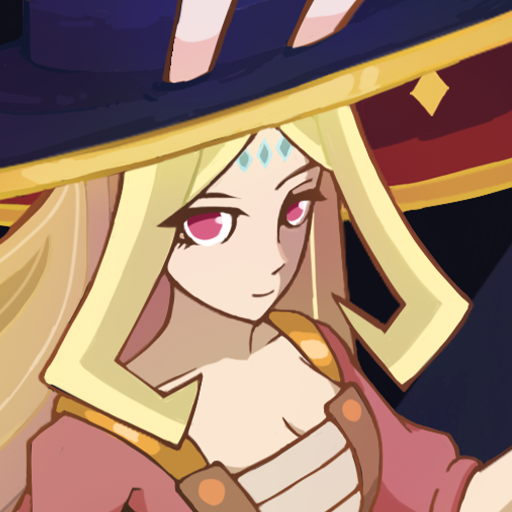
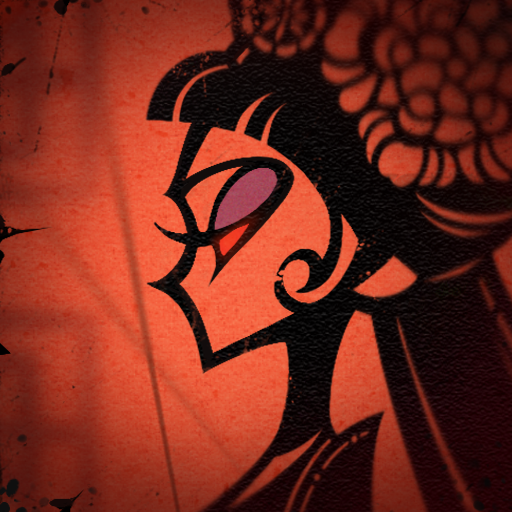
Design unique AI characters from scratch! Customize their name, personality traits, and art style. Give them a rich backstory and a custom system prompt to shape exactly how they talk and behave.
Deep, Engaging Conversations
Dive into endless chats with characters that feel real. From casual banter to deep, immersive roleplay, your companions are always ready to text and interact whenever you need them.
Smart Memory System
Your companions actually remember you! Our intelligent memory system allows characters to recall important details from past conversations, making every interaction feel personal and consistent over time.
Visual and Audio Experiences
Send and receive images and voice messages! Your AI characters can interact with the photos you share and respond with voice, making the experience more immersive than ever.
Explore the Catalog
Don't want to create your own? Browse a growing community catalog of public AI characters. Discover new personalities, art styles, and stories created by other users.
Premium Features
Upgrade to MuseAI Premium for:
An ad-free experience
Unlimited messages
Exclusive character creation tools
Advanced memory features
Download MuseAI today and start chatting with the AI companions of your dreams!
更多

1. 下載逍遙安裝器並完成設置

2. 啟動逍遙後打開位於桌面上的谷歌商店

3. 在谷歌商店中搜尋Muse: Chat with AI Characters
Install
4. 下載並安裝Muse: Chat with AI Characters
5. 下載完成後點擊圖標來啟動

6. 透過逍遙享受在電腦上體驗Muse: Chat with AI Characters
逍遙安卓是優秀的安卓模擬器,全球超過5000萬用戶的優先選擇。逍遙安卓以虛擬化技術為核心,為用户打造突破手機配備局限的應用平台!
大屏精細展示;無限待機,超越電池和流量限制
鍵鼠,手把操作全面支持,操作更精準
用逍遙多開同時運行多個遊戲、應用。
Use Muse: Chat with AI Characters on PC by following steps: