Photo Lab Picture Editor & Art
更新日期
目前版本
2
提供者

想體驗Photo Lab Picture Editor & Art,可是手機熒幕太小,一載軟體就變燙,怎麼辦?透過逍遙模擬器,在電腦的大熒幕上暢快體驗!用鍵鼠操作更精準流暢,逍遙模擬器滿足您的所有期待。在電腦上下載安裝Photo Lab Picture Editor & Art,不用擔心電池當掉,想體驗多久就多久,順暢跑一天~全新的逍遙模擬器9,絕對是您體驗Photo Lab Picture Editor & Art電腦版的最佳選擇。完美的按鍵映射系統讓Photo Lab Picture Editor & Art如PC軟體般順手;強大的多開功能可同時執行多個任務;獨家虛擬化技術更能徹底釋放電腦效能,保障長時間穩定運作。我們致力於不讓設備限制您的體驗,助您輕鬆高效,暢快無比!
更多
透過逍遙模擬器,在電腦上下載Photo Lab Picture Editor & Art,享受大熒幕的暢快體驗。 Join AI photo editor Photo Lab which allows you to edit photos with face filters for pictures, stylish photo effects and lots of pic art ideas.
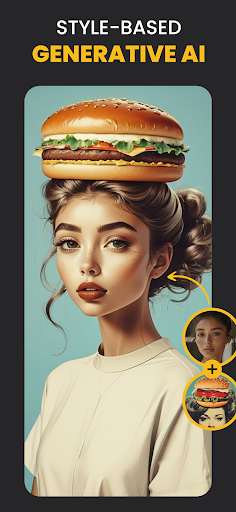
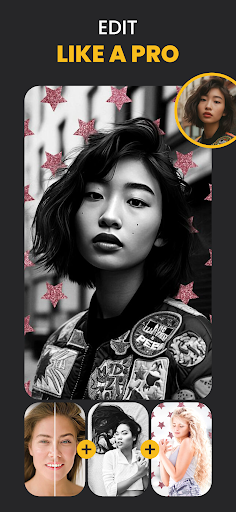
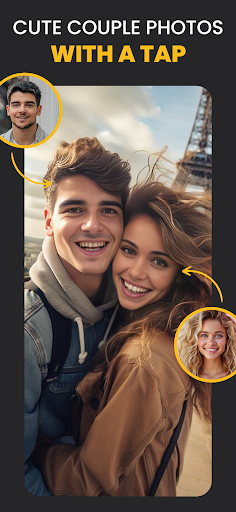
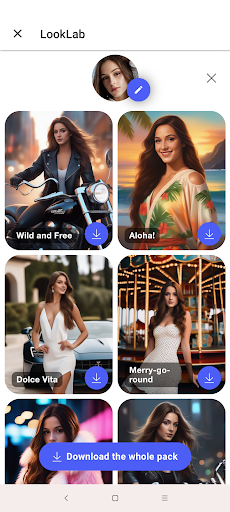
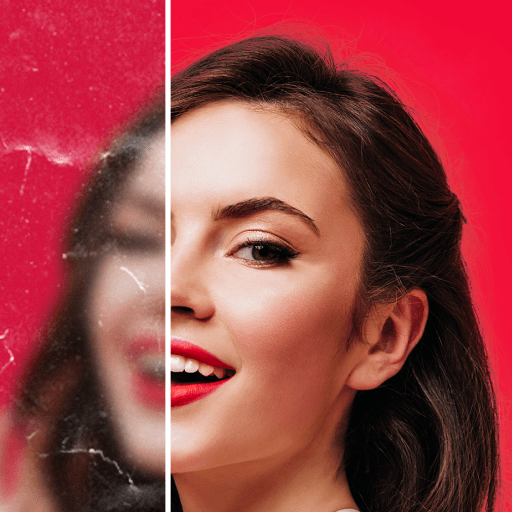
Join AI photo editor Photo Lab which allows you to edit photos with face filters for pictures, stylish photo effects and lots of pic art ideas. Fantastic face photo montage maker, photo frames, picture effects and filters are here for you to enjoy.
Neural Photo Art Styles
A new smart and quick way to turn any photo into an artwork — choose from over 50 pre-set styles and experience advanced photo editing with the emergence of ai photo styles.
Photo frames
Whether you're aiming to accentuate a beloved memory or seeking to add a polished finish to your photo, our diverse collection of exquisite photo frames provides the ideal solution. Just choose one of our beautiful frames and add a final touch to your favorite picture.
Realistic photo effects
This photo editor offers a range of captivating photo effects that can transform ordinary images into extraordinary visual creations. By applying these effects, you can add depth and character to your photos, turning simple snapshots into stunning works of art.
Face photo montages
Swap face easily and turn yourself or your friend into a cartoon character, a doll or any other look. The most complicated photo montages are handled automatically by a face detection algorithm to create the most unusual selfies.
Photo background editor
Use this advanced picture editor to easily and quickly erase and change backgrounds of your selfie with many creative background templates.
Photo filters
You don't need a pro photo editor to add some style to your images. Use various photo filters such as 3d photo, cartoon, vintage, anime, black&white, oil painting and many more to create different moods and atmospheres in your photos.
Photo collages
Create a wonderful pic collage. Seamlessly combine multiple images to craft captivating visual narratives that tell a story beyond a single frame.
Make your image look creative in seconds without using a professional picture editor and set it as a profile pic, share it to any social network or send a signed virtual postcard to friends.
Please note that Photo Lab is an Internet-based application. It helps us keep your devices' memory free from tons of resources required to create high-quality artworks of your photos.
Photo Lab as an ai photo editor offers everything you want to enhance your photo and add originality to your selfie. Bring your creativity to life and edit photos with our face filters and stylish photo effects.
Linerock Investments LTD acts as the data controller for all data collected and subsequently processed during your access and use of this App. The App Developer ensures the distribution of the app on Google Play. This is manifestly declared in the Privacy Policy for this App.
更多

1. 下載逍遙安裝器並完成設置

2. 啟動逍遙後打開位於桌面上的谷歌商店

3. 在谷歌商店中搜尋Photo Lab Picture Editor & Art
Install
4. 下載並安裝Photo Lab Picture Editor & Art
5. 下載完成後點擊圖標來啟動

6. 透過逍遙享受在電腦上體驗Photo Lab Picture Editor & Art
逍遙安卓是優秀的安卓模擬器,全球超過5000萬用戶的優先選擇。逍遙安卓以虛擬化技術為核心,為用户打造突破手機配備局限的應用平台!
大屏精細展示;無限待機,超越電池和流量限制
鍵鼠,手把操作全面支持,操作更精準
用逍遙多開同時運行多個遊戲、應用。
Use Photo Lab Picture Editor & Art on PC by following steps: