Weather
تازہ کاری
موجودہ ورژن
7.5.8
پیشکش بذریعہ

اپنے موبائل فون پر Weather کا استعمال کرتے وقت زیادہ چارج ہونے کی فکر نہ کریں، خود کو چھوٹی اسکرین سے آزاد کریں اور ایپ کو زیادہ بڑے ڈسپلے پر استعمال کرنے کا لطف اٹھائیں۔ اس کے بعد سے کی بورڈ اور ماؤس کے ساتھ اپنے ایپ کا فل اسکرین کا تجربہ حاصل کریں۔ MEmu آپ کو وہ تمام حیران کن خصوصیات پیش کرتا ہے جن کی آپ کو توقع کرتے ہیں: فوری انسٹال اور آسان سیٹ اپ، وجدانی کنٹرول، مزید بیٹری، موبائل ڈیٹا کی کوئی حد نہیں اور اب مزید پریشان کن کالز نہیں۔ نئے برانڈ کا MEmu 9 آپ کے کمپیوٹر پر Weather استعمال کرنے کے لیے بہترین اختیار ہے۔ MEmu کثیر نظیری منیجر بیک وقت 2 یا اس سے زیادہ اکاؤنٹس کھولنا ممکن بناتا ہے۔ اور سب اہم بات، ہمارا خصوصی ایمولیشن انجن آپ کے پی سی کی پوری طاقت ریلیز کرتے ہوئے ہر چیز ہموار اور قابل تفریح بناتا ہے۔
مزید دکھائیں
Download Weather on PC with MEmu Android Emulator. Enjoy playing on big screen. With one click to enable GPS location and you receive the weather condition in your current location.
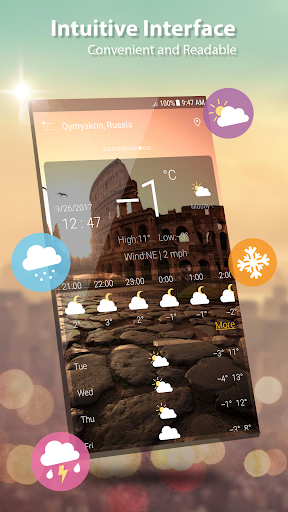
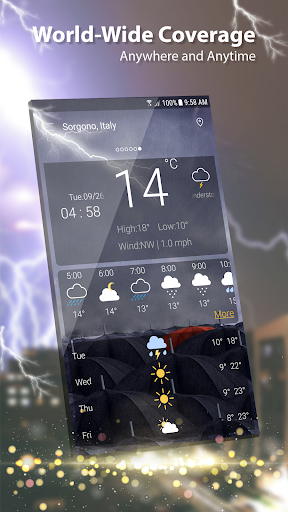
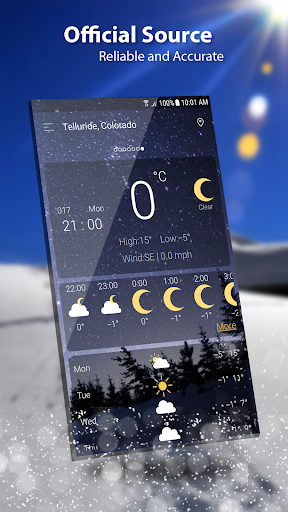
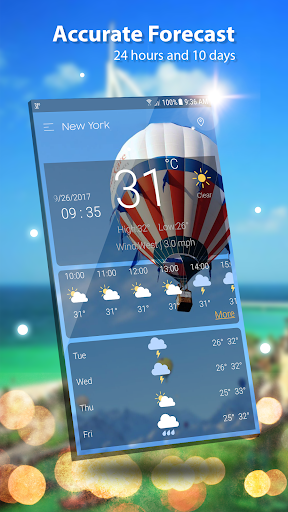
With one click to enable GPS location and you receive the weather condition in your current location.
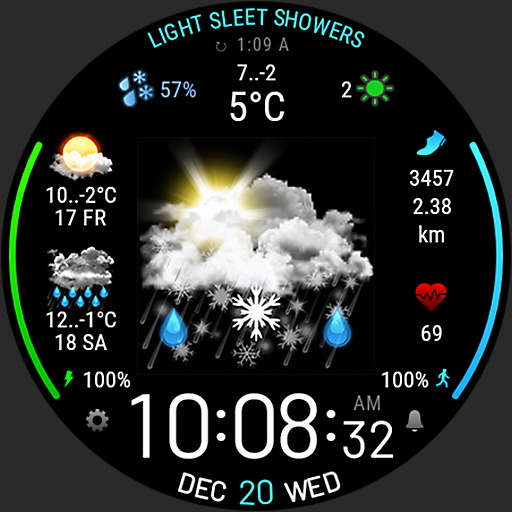
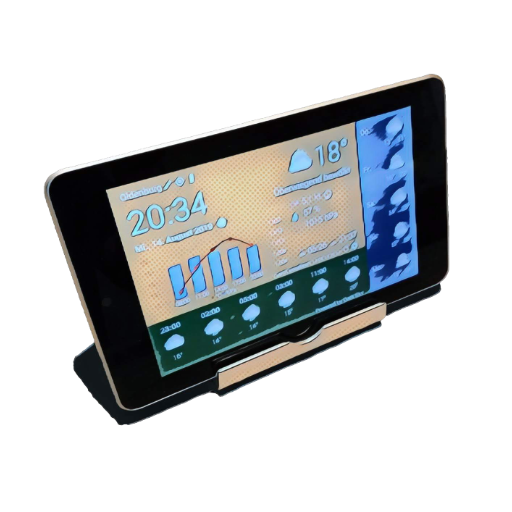
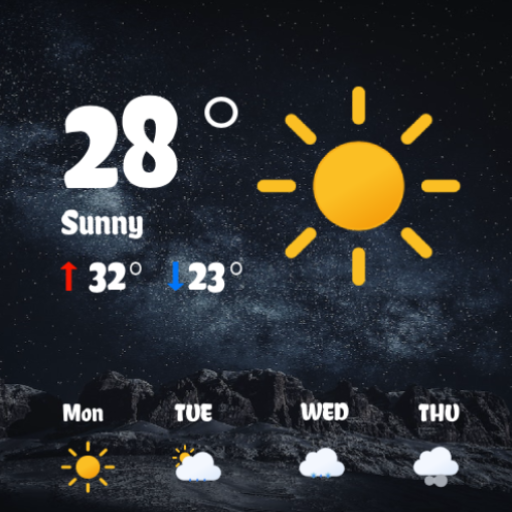
Weather provides detailed current weather forecast and weather observation for all world locations, Weather forecast searches for your address automatically, and provides the current temperature in Celsius and Fahrenheit, sunrise and sunset times according to city time zone.
Weather forecast also provides current atmospheric pressure, weather condition, visibility distance, relative humidity, precipitation in different unites, dew point, wind speed and direction, in addition to ten days future forecast and hourly weather forecast.
Realtime temperature, humidity, pressure, wind force and wind direction are all in this weather app based.
This accurate weather app allows to find out a detailed forecast wherever you are, for any time of the day or for the next 7 days just by tapping on the icons:
- Wind speed and direction
- Pressure and precipitation information
- Sunrise/sunset time
- Weather Radar & Rain maps
and other useful weather data accompanied by live animations and graphics.
Weather app has a lot of features:
- Free. It is a free Weather channel, weather network.
- It's VERY FAST and ACCURATE
- Modern UI design and easy to use
- Global. You can see weather in any places you like, ex: London weather, Paris weather, San Francisco weather, Houston weather
- Various weather information: temperature, wind, humidity, dew point, precipitation, visibility, pressure, sunrise, sunset
- View weather information at multiple locations
- Hourly or daily. we offer 7 days - 10 days info: today’s weather, tomorrow’s weather, … and hourly weather in each hour.
- Weather supports geo-positioning, retrieving the latest weather conditions for your current location
- An option to manually add your location. Automatic location detection by network and GPS.
- Add and track the weather conditions in multiple locations
- Animated weather conditions - see how the weather comes alive!
- Hourly and weekly forecasts
- Temperature: switch between Celsius and Fahrenheit
- You can allow and disable the notifications
- Current weather condition without needing to add manually
- Atmospheric pressure in many different units
- Wind speed and direction in different units
- 1 day, 10 days future forecast and hourly weather forecast.
- Sunset and Sunrise times.
- Shares weather, location information with friends.
- Display weather forecast or moon phase
- Chart graphs for hourly weather forecast and daily weather forecast
- Weather widget and ongoing notification, multiple location on widget
- Option to set lock screen with live weather information
- Give right weather even GPS is not enabled, awesome!
- If you are living in big city like New York, London you don’t need to enable GPS, the app can detect right location over network and give exactly info such cities, in this case giving exact info for weather New York, weather London. Otherwise if you see the app does not detect right location please enable GPS.
- Easy to update your location when you moving, both network and GPS supported
Enjoy the perfect and accurate weather forecast!
Please send any question to email: weather.droidteam@gmail.com, we will support 24/7 for your demand.
مزید دکھائیں

1. MEmu انسٹالر ڈاؤن لوڈ کریں اور سیٹ اپ مکمل کریں

2. MEmu شروع کریں اسکے بعد ڈیسکٹاپ پر Google Play کھولیں

3. Google Play میں Weather تلاش کریں
Install
4. Weather ڈاؤن لوڈ کریں اور انسٹال کریں
5. انسٹال مکمل ہونے کے بعد سٹارٹ کرنے کے لیے آئیکن پر کلک کریں

6. MEmu کے ساتھ پی سی پر Weather کھیلنے کا لطف لیں
MEmu پلے بہترین اینڈرائڈ ایمولیٹر ہے اور 100 ملین لوگ اس کے زبردست اینڈرائڈ گیمنگ تجربہ سے لطف اندوز ہو رہے ہیں۔ MEmu کی ورچولائزیشن ٹیکنالوجی آپ کو اپنے PC پر ہزاروں اینڈرائڈ گیمز یہاں تک کہ انتہائی گرافک والے گیمز باسہولت کھیلنے کی طاقت دیتی ہے۔
بہتر گرافکس کے ساتھ بڑی اسکرین؛ طویل دورانیہ، بیٹری یا لامحدود موبائل ڈیٹا کے بغیر۔
کی بورڈ اور ماؤس یا گیم پیڈ کے عین مطابق کنٹرول کے لیے کی میپنگ کا پورا سپورٹ۔
کثیر مثالی منیجر کے ساتھ بیک وقت ایک پی سی پر متعدد گیم اکاؤنٹس یا ٹاسکس۔
پی سی پر درج ذیل مراحل پر عمل کرتے ہوئے پر Weather استعمال کریں: u003c/p>