应用信息
What does this app do?
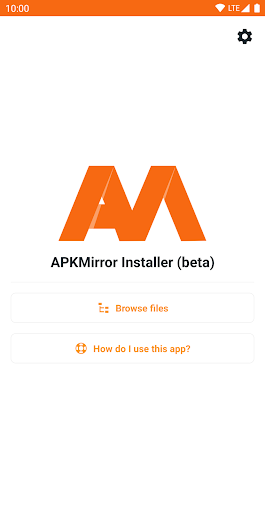
APKMirror Installer is a helper app that lets you install .apkm, .xapk, and .apks app bundle files as well as regular APK files.
We've also added a highly requested bonus feature for regular APK files: if sideloading an APK fails and you want to know why, you can now see the exact failure reason by initiating the installation from APKMirror Installer.
Split APKs - huh?
In mid-2018 at Google I/O, Google announced a new dynamic app delivery format called App Bundles. We highly recommend reading
this AndroidPolice post as the illustrations will make the concept a lot easier to understand.
Otherwise, here is a quick explainer. Before app bundles, developers either created a single "fat" APK with all the libraries and resources in them or manually managed multiple APK variants (for example, arm64 320dpi, x86 320dpi, arm64 640dpi, etc.).
The new App Bundles allow developers to transfer the burden of dealing with variants to Google, which then splits the app release into multiple chunks - hence the term split APKs. Each release then consists of a base APK and one or more APK splits.
For example, a single release may now arrive as 5 files: base.apk + arm64.split.apk + 320dpi.split.apk + en-us.lang.split.apk + es-es.lang.split.apk.
Unfortunately, you can't install all these APK splits by just tapping them on your device - you can only install the base APK, which will then crash due to missing resources.
This is where APK Mirror Installer comes in.
Alright, so what are these .apkm files?
As many apps are migrating to the split APK format that cannot be easily shared and installed without a companion app, APKMirror has developed a solution to adapt to these changes and continue to allow easy and safe sideloading options.
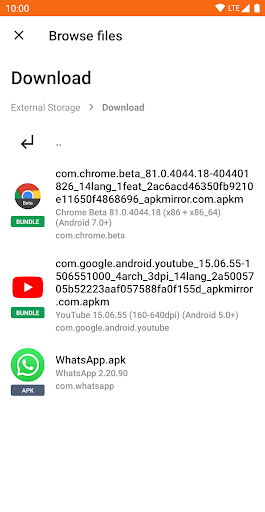
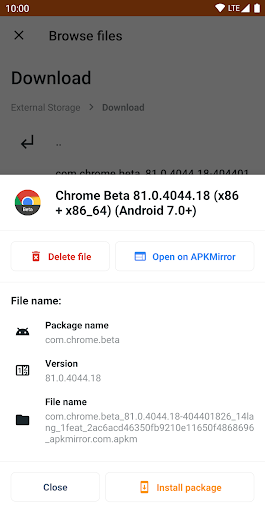
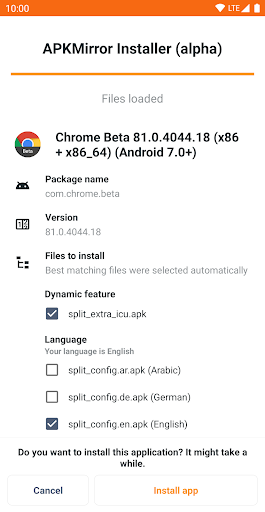
Each .apkm file is comprised of a base APK and a number of split APKs. Once you've installed APK Mirror Installer and downloaded the .apkm file you'd like to install, simply tap on it or use APKMirror Installer to find the download location. You will be able to see the exact contents of each .apkm file and select only the splits you want to install to save space on your device.
APK Mirror Installer and the underlying infrastructure took many months to develop at a considerable cost, so we hope you understand why the app and site are ad-supported. For those who prefer to avoid in-app ads, there are various subscription options to go ad-free and unlock additional features.
Issues and bugs
Xiaomi/Redmi/Poco MIUI usersUnfortunately, Xiaomi modified MIUI and specifically the part of Android that APKMirror Installer uses for installing split APKs.
There is a workaround that should work - disabling MIUI optimizations in developer settings. Please try that, and the installation should succeed.
Further discussion of the issue can be found here:
https://github.com/android-police/apkmirror-public/issues/116.
Other issues/bugsPlease report any issues to our
Github bug tracker.
Note: This app is a file manager utility and does not have any direct app store features, such as browsing websites or updating applications directly, as that would be against the Play Store ToS.