How to play Cookie Run: Kingdom on PC with MEmu
 |
|
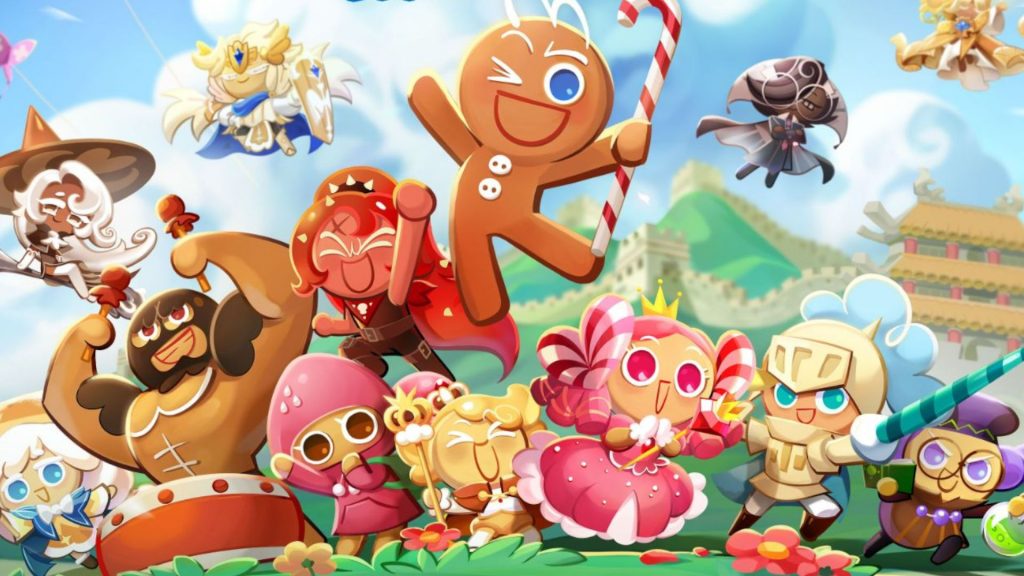
Cookie Run: Kingdom is a popular RPG from Devsisters that lets you build your dream kingdom, assemble a powerful team of Cookies, and dive into exciting battles. Now, take your adventure to the big screen with MEmu Play for a smoother, more immersive, and visually stunning experience.
Cookie Run: Kingdom
How to play Cookie Run: Kingdom on Your PC
The following will teach you how to play Cookie Run: Kingdom with MEmu.
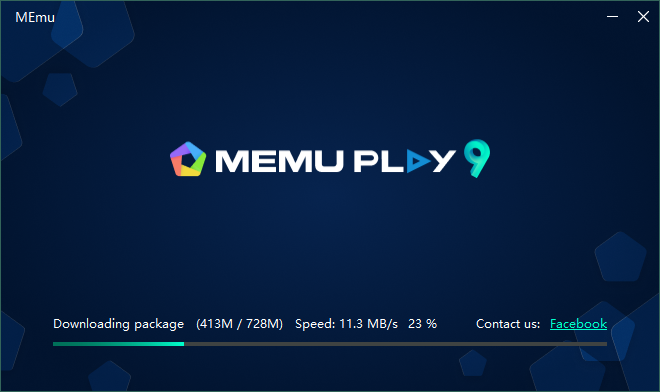
Step 1: Download MEmu on your PC
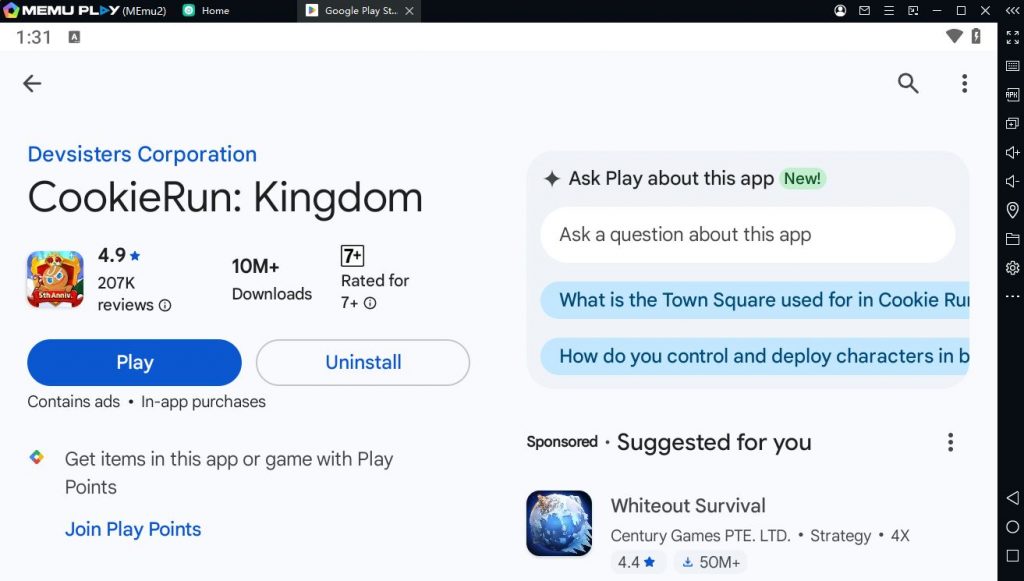
Step 2: Search and install Cookie Run: Kingdom in the Play Store
Step 3: Enjoy playing Cookie Run: Kingdom on PC with MEmu
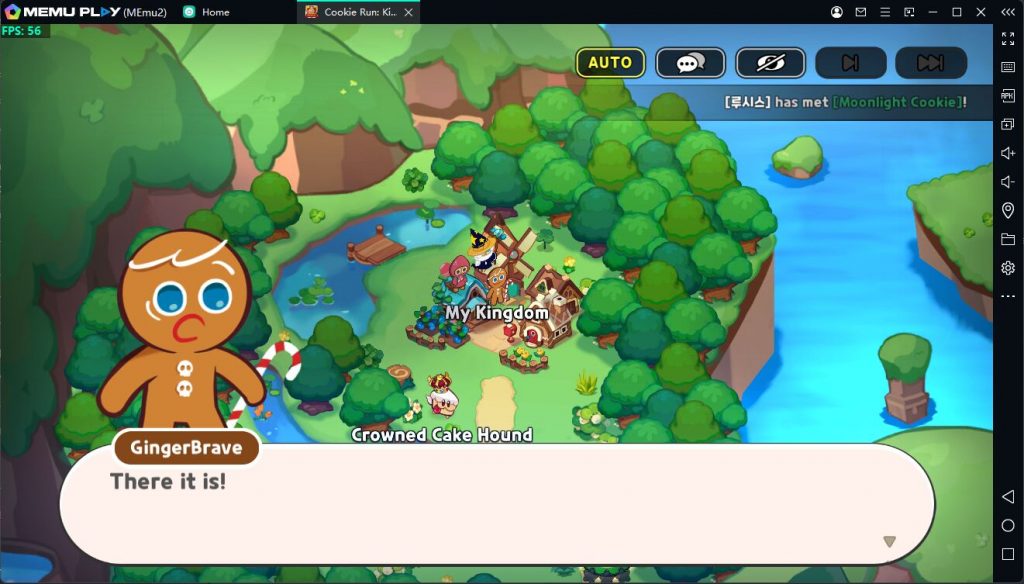
Cookie Run: Kingdom is a hit mobile RPG that masterfully blends kingdom building with thrilling battles. Here’s what sets it apart:
✶ BUILD & DESIGN YOUR DREAM KINGDOM
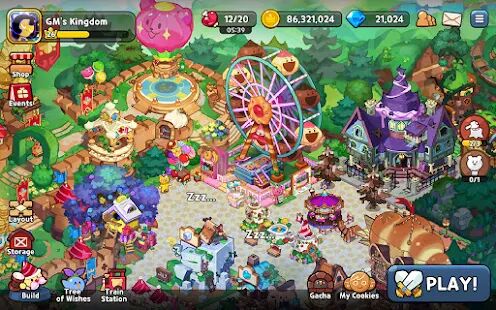
Create and personalize your ultimate cookie empire—from whimsical buildings to charming decorations.
✶ ASSEMBLE YOUR ULTIMATE TEAM
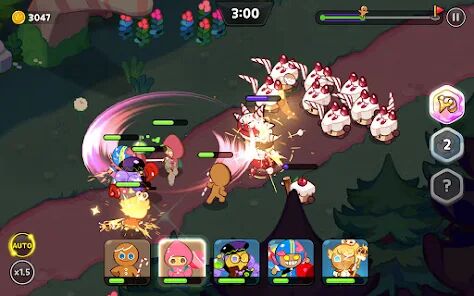
Collect a variety of unique Cookies, each with special abilities, and build powerful squads for battle.
✶ DIVERSE GAME MODES
Dive into epic story campaigns, team up for Guild battles, and compete in real-time PvP arena matches.
✶ EVER-EXPANDING ADVENTURES
Uncover new stories and secrets with frequent updates—featuring fresh Cookies, limited-time events, and more.
✶ FREE TO PLAY
Enjoy the full experience at no cost, with optional in-app purchases available.
With its delightful visuals, strategic depth, and constantly evolving world, Cookie Run: Kingdom offers a captivating and endlessly engaging adventure for every player.