How to play Warface: GO on PC with MEmu
 |
|
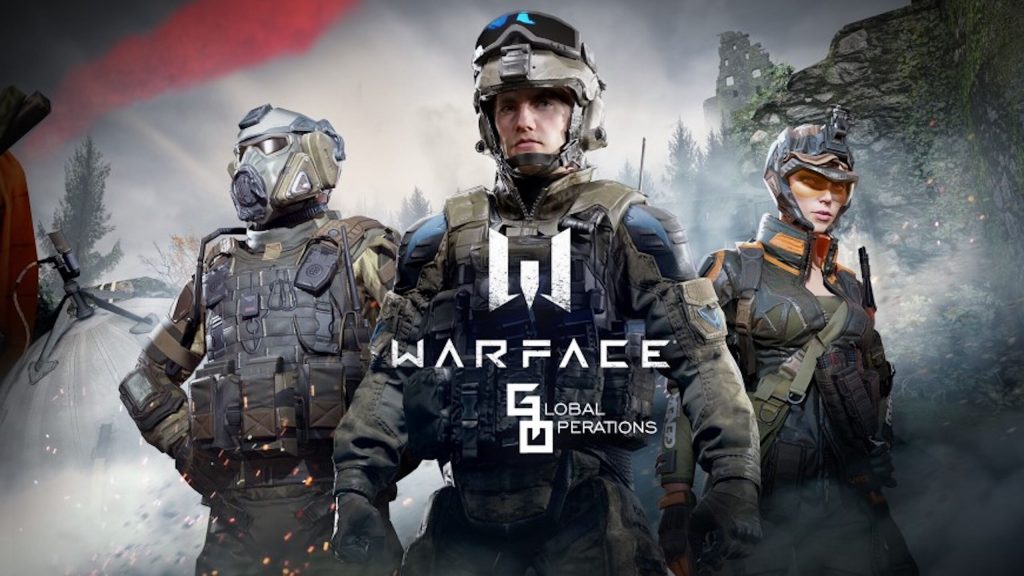
Warface: Global Operations is a novel mobile FPS that breaks the mold of traditional mobile shooters—though you might notice you can't jump or crouch just yet! As a tactical MMOFPS, it demands precision, awareness, and quick reflexes. Now, leave the limitations of a small screen behind and dominate the battlefield on the big screen with MEmu Play for a smoother, more responsive, and visually superior combat experience.
Warface: Global Operations – FPS Action Shooter
How to play Warface: Global Operations on Your PC
The following will teach you how to play Warface: GO with MEmu.
Step 1: Download MEmu on your PC
Step 2: Search and install Warface: Global Operations in the Play Store
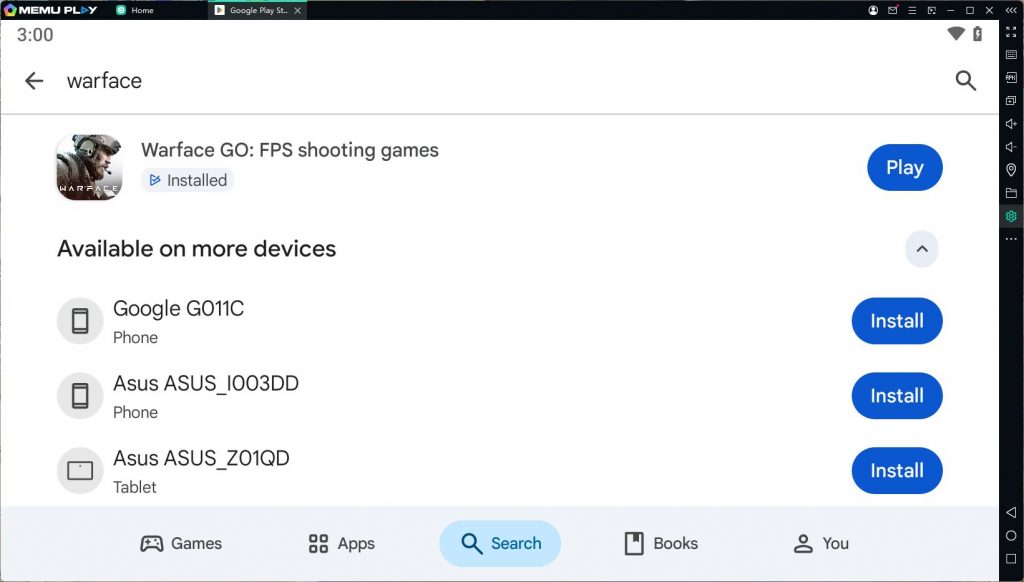
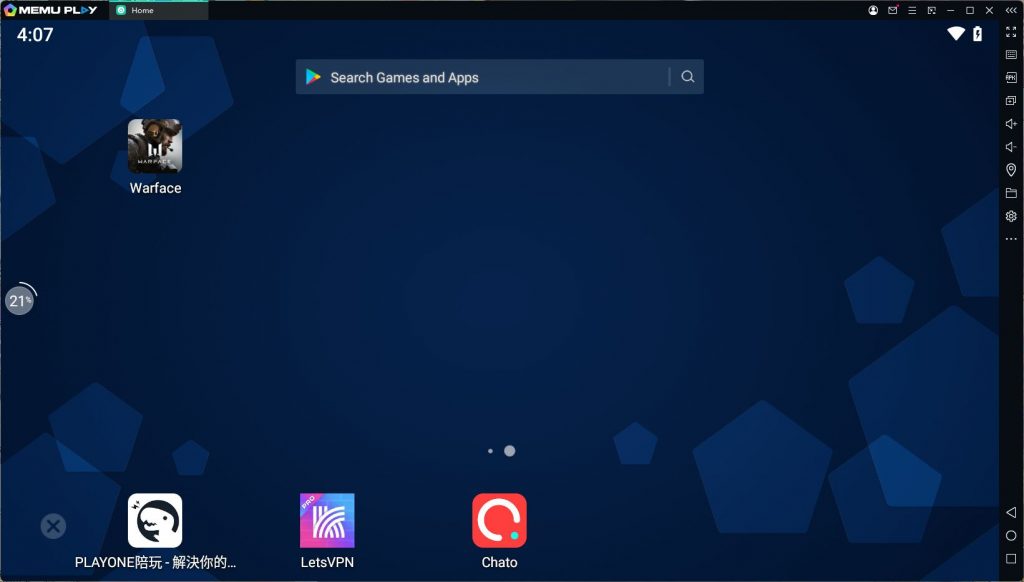
Step 3: Enjoy playing Warface: GO on PC with MEmu
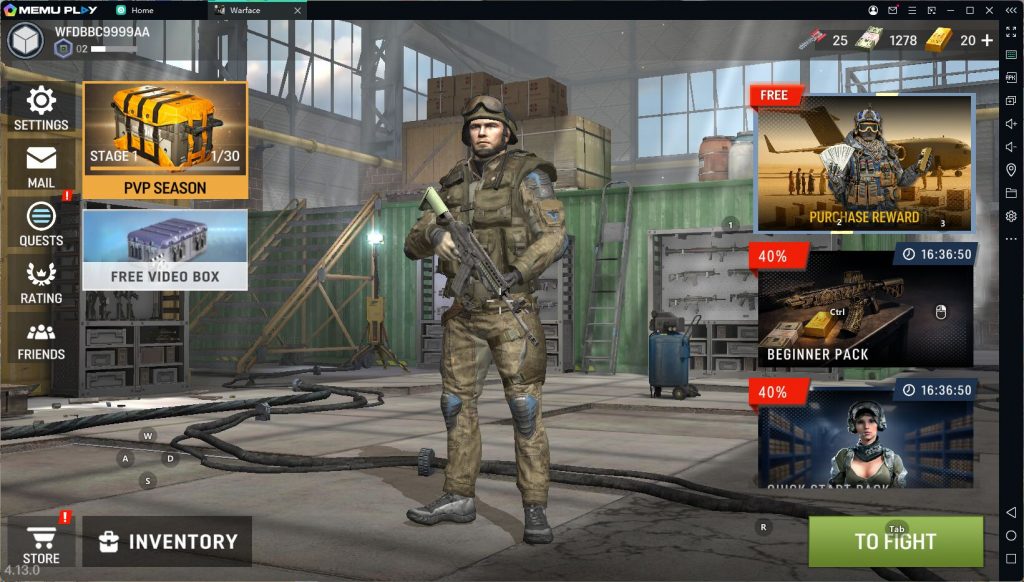
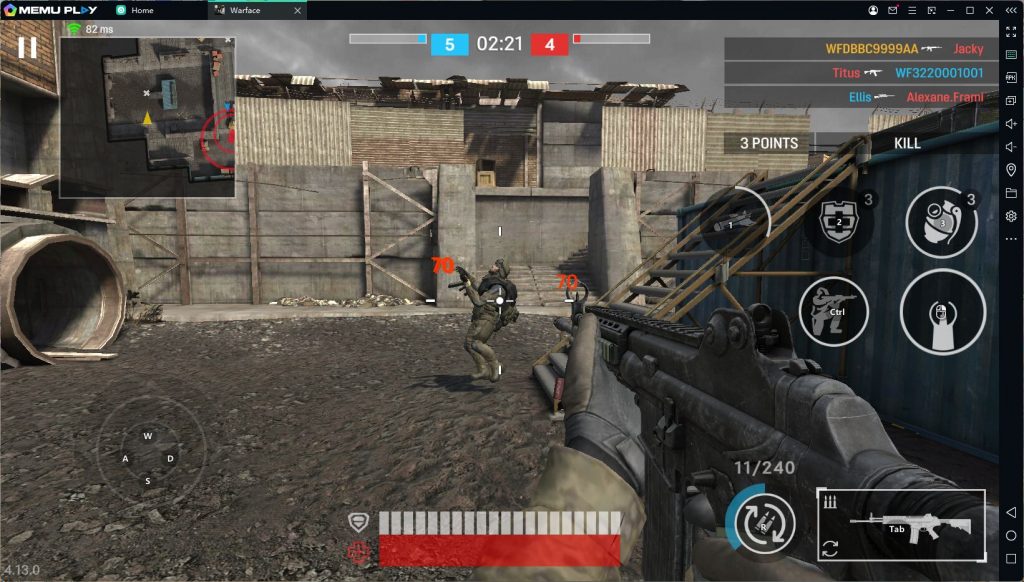
Warface: Global Operations is a competitive mobile MMOFPS where movement and accuracy are the difference between victory and respawning. Here’s why you should be playing it on MEmu:
LESS LAG, BETTER PERFORMANCE
Don't let your phone hardware hold you back. Mobile games demand more power than ever, but with MEmu, you don't need the latest flagship device to run the game at peak performance. MEmu runs smoothly on a standard PC, delivering top-tier Android performance without draining your battery or dealing with unstable mobile data. Sit comfortably at your desk, enjoy an ergonomic setup, and stop squinting at tiny targets in the distance. With MEmu, your progress syncs via Google Play, but your performance stays stable, lag-free, and fully charged.
DOMINATE WITH GAME CONTROLS
Touchscreen controls can't compete with the precision of a keyboard and mouse. MEmu’s advanced Keymapping feature is a total game-changer for Warface: GO. Play the way FPS games are meant to be played—aiming with a mouse and firing with a click. Bind specific actions, customize your layout, or even create advanced scripts to control recoil. Want to fire in short, accurate bursts instead of spraying? Set up a macro with repeated taps and a slight delay to drastically improve your accuracy at medium and long range. If you're up against P2W players, a proper mouse setup on MEmu is the ultimate equalizer.
BIGGER SCREEN, BETTER TACTICS
Map awareness is everything in Warface: GO. On a small phone screen, enemies can easily flank you or catch you off guard because the UI clutters your view. On MEmu's larger display, you can read the minimap with a glance and assess the game state effortlessly. See where your opponents are headed and greet them with a perfectly cooked grenade before they even know you're there. Better situational awareness doesn't just boost your K/D ratio; it makes you the MVP, even in a losing match.
GO BIG WITH MEMU
Communication is key, but typing on a mobile keyboard is a chore. With MEmu, you have a physical keyboard at your fingertips. Chat with your clan, strategize with your squad, and make new friends in the lobby instantly. It's just you, your skills, and the enemy—with nothing holding you back.
With its intense firefights and tactical depth, Warface: Global Operations finds its true home on PC. Download MEmu today and experience the advantage of true FPS control.