Tomodachi Life: Living the Dream 1.0.4 update out now, patch notes
 |
|
Nintendo just put out the latest update for Tomodachi Life: Living the Dream, and with it, players can get their hands on version 1.0.4.

Tomodachi life Live The Dream
The past few patches have centered around bug fixes. No surprises here, as that’s the primary purpose of the latest update.
The full notice from Nintendo is as follows:
Tomodachi Life: Living the Dream version 1.0.4 update patch notes
Fixed issues
- Fixed an issue where on rare occasion, after using Island Builder, the save data would become corrupted, preventing the game from starting for subsequent play sessions.
- Fixed an issue where the game could not progress properly after resolving a Mii character’s concerns, resulting in an error that would cause the game to close.
- Fixed an issue where the Mii characters on posters at the clothing shop would not display correctly.
- Fixed an issue where the Mii characters on posters at the Ferris wheel or the news station were unevenly selected.
- Other issues were fixed to improve the gameplay experience.
How to Download and Play Tomodachi Life: Living the Dream on MEmu
Getting started takes just a few minutes. Follow these simple steps:
-
Download & Install MEmu: Visit the official MEmu website and install the latest version of the emulator on your PC.
-
Launch MEmu & Open Google Play: Complete the initial setup and sign in with your Google Account.
-
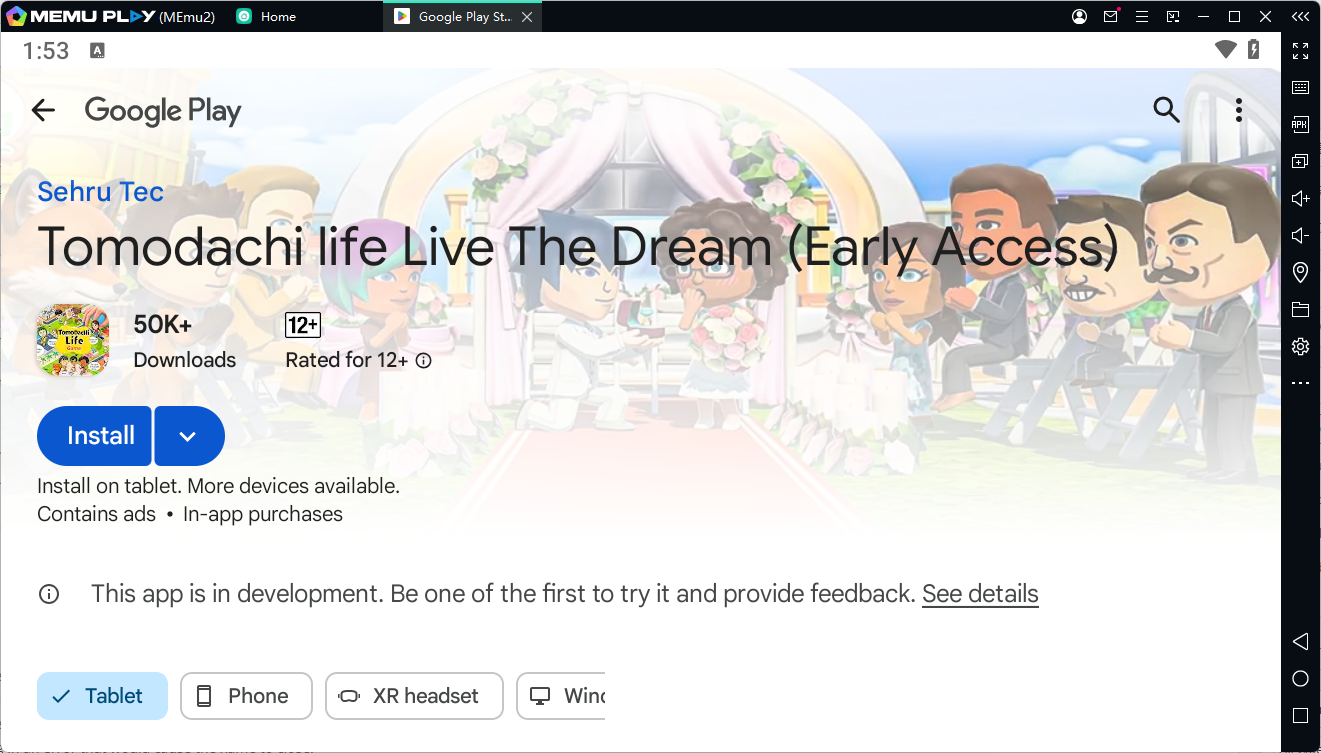
Search for the Game: Open the Google Play Store inside MEmu, search for "Tomodachi Life: Living the Dream", and click Install.
-
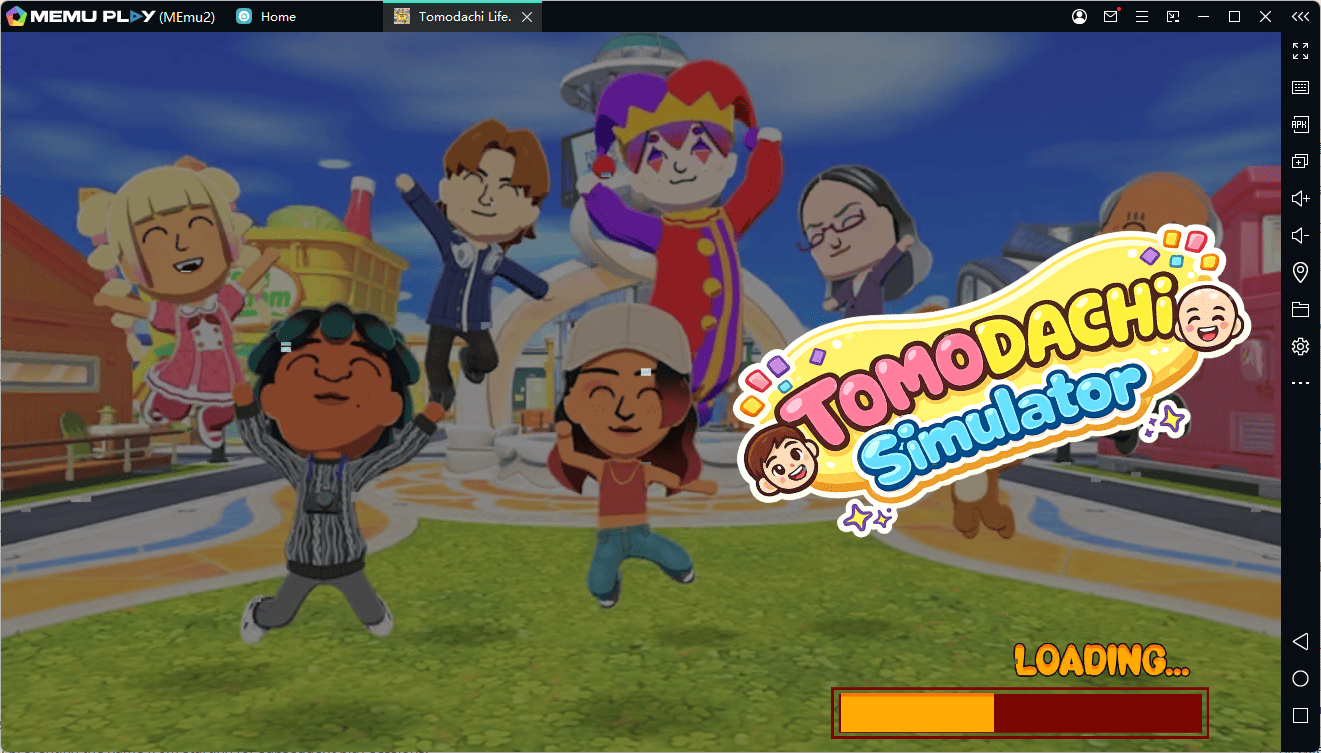
Launch & Customize: Once installed, click the game icon on your MEmu home screen to start playing!
Conclusion
Experience the charming world of Tomodachi Life: Living the Dream on PC with MEmu. Enjoy smoother performance, a bigger screen, precise keyboard and mouse controls, and immerse yourself in every unforgettable island adventure!