Tomodachi Life: Living the Dream – Everything You Need to Know to Get Started
 |
|
Tomodachi Life: Living the Dream turns watching Miis live on an island into an engaging experience. Based on previews and the eShop demo, this starter guide covers the essentials before you play the full game.
Tomodachi Life: Live The dream
How to Create a Mii
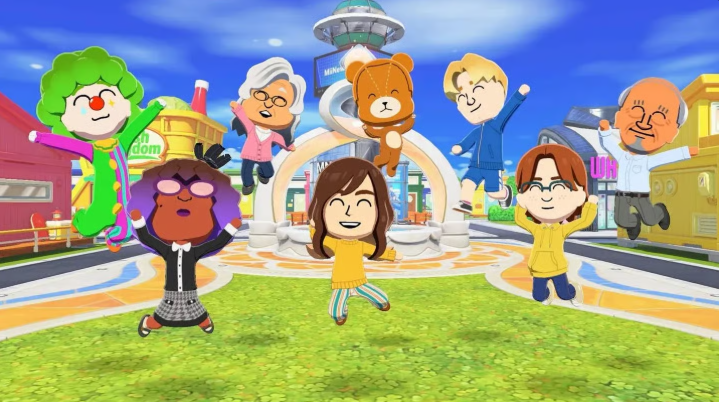
Nintendo offers two ways to create a Mii:
- Get Help: Answer a quick questionnaire about facial features, and the game generates a Mii. You can cycle through alternative faces if it is not quite right. This is the fastest way to recreate real people.
- From Scratch: Manually customize every feature, including face shape, eyebrows, ear size, and hair color. It includes a pixel-art Face Paint tool (with touch support) for custom drawings or stamps.
You will also set their height, weight, and display name. If a name has an unusual spelling, you can enter a separate phonetic version so the text-to-speech voice pronounces it correctly.
Setting Up Your Mii's Personality
A Mii's behavior is determined by five 8-point sliders:
| Slider | Low End | High End |
| Movement | Slow | Quick |
| Speech | Polite | Honest |
| Energy | Flat | Varied |
| Thinking | Serious | Chill |
| Overall | Normal | Quirky |
The combination of these sliders assigns your Mii one of 16 personality types (such as Outgoing Dynamo), which directly dictates how they act and interact.
Additional Options
- Identity & Voice: Set gender (including non-binary), dating preferences, birthday, and voice (pitch, speed, depth, and delivery).
- Family Connections: Define family relationships (parents, children, siblings) before placing Miis on the island so they do not start as strangers.
Island Overview
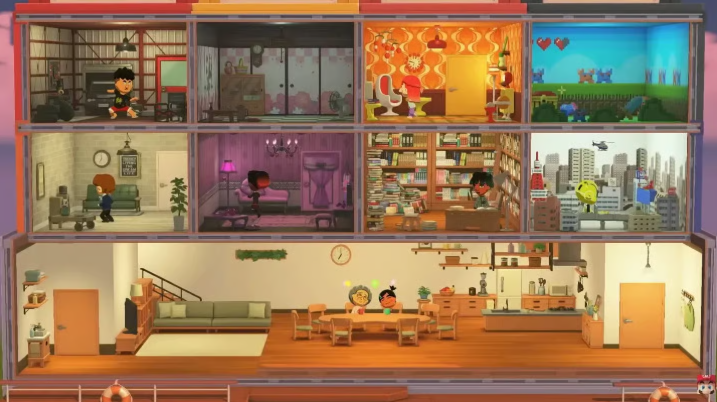
You manage the island from an aerial perspective. Key shops and facilities include:
- Fresh Kingdom: Buy food and learn Mii flavor preferences.
- Where & Wear: Purchase everyday or absurd clothing outfits.
- T&C Reno: Redecorate Mii rooms with themed designs.
- MNN: Watch daily island news broadcasts.
- Foto-Tomo: Stage photo shoots for your residents.
- Marketplace: Shop rotating daily stock.
- Quik Build: Decorate with trees, benches, vending machines, and playgrounds.
You can rearrange buildings, expand land, and reshape the island as your population grows.
What is Palette House Workshop?
Palette House Workshop is a freeform pixel-art creation tool. You can design:
- Custom clothing and food items
- Resident pets
- House exteriors and ground tiles
- Decorative objects
- Custom TV shows for your Miis to watch
Everything you make can be placed on the island or given to residents.
How Mii Relationships Work
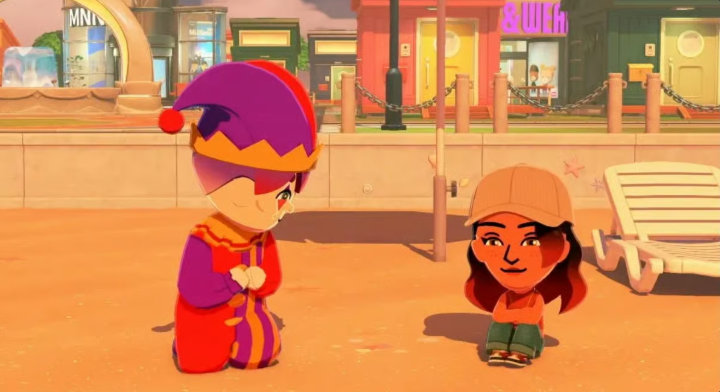
Miis start as strangers. To introduce two Miis immediately, pick one up and drop them next to another.
Relationships use asymmetric tracking—Mii A may like Mii B more than Mii B likes Mii A. As time passes, Miis will chat, eat, and hang out on their own.
Colored Thought Bubbles
When Miis need help, colored bubbles appear over their heads:
- Romantic situations
- Item/food requests
- General interactions
Helping Miis earns money for shops and increases their happiness. Hitting happiness milestones unlocks gifts or personality perks.
Romance and Family Mechanics
Miis can fall in love, confess their feelings, get married, and start families. Love confessions can result in chaotic moments where multiple Miis confess to the same person at once.
You can also assign up to eight Miis to live together as roommates, accelerating social dynamics and drama under one roof.
Playing the Free Demo
The Welcome Version demo is available for free on the Nintendo eShop.
- Save Transfer: All created Miis, relationships, and island progress carry over directly to the full game.
- Demo Reward: Completing the demo unlocks an exclusive hamster costume.
The full game costs $59.99 and is available on Nintendo Switch and Nintendo Switch 2.
Quick Tips
- Set Phonetics: Adjust name pronunciations so the text-to-speech system sounds natural.
- Use Family Pre-sets: Define family ties during creation to skip the stranger phase.
- Check In Daily: Short, daily play sessions keep Miis happy and prevent neglect.
- Use Palette House Early: Create custom items quickly to make your island unique.
- Pace Introductions: Let some relationships develop naturally for more varied social dynamics.