How to Download Red Corner - Game Space on PC with MEmu Emulator
 |
|
Managing dozens of mobile games on a cluttered phone screen gets old fast. Red Corner - Game Space is a lightweight Android gaming assistant that pulls all your installed games into one organized hub — and running it on PC with MEmu Emulator makes it even easier to manage your library on a bigger screen, with a mouse and keyboard, without draining your phone's battery. This guide walks through exactly what Red Corner - Game Space does and how to download and set it up on Windows in a few minutes.
Contents
What Is Red Corner - Game Space?
Red Corner - Game Space is an Android gaming assistant app developed by FRB Project that helps players organize, launch, and manage their mobile games in one convenient place.
Red Corner - Game Space
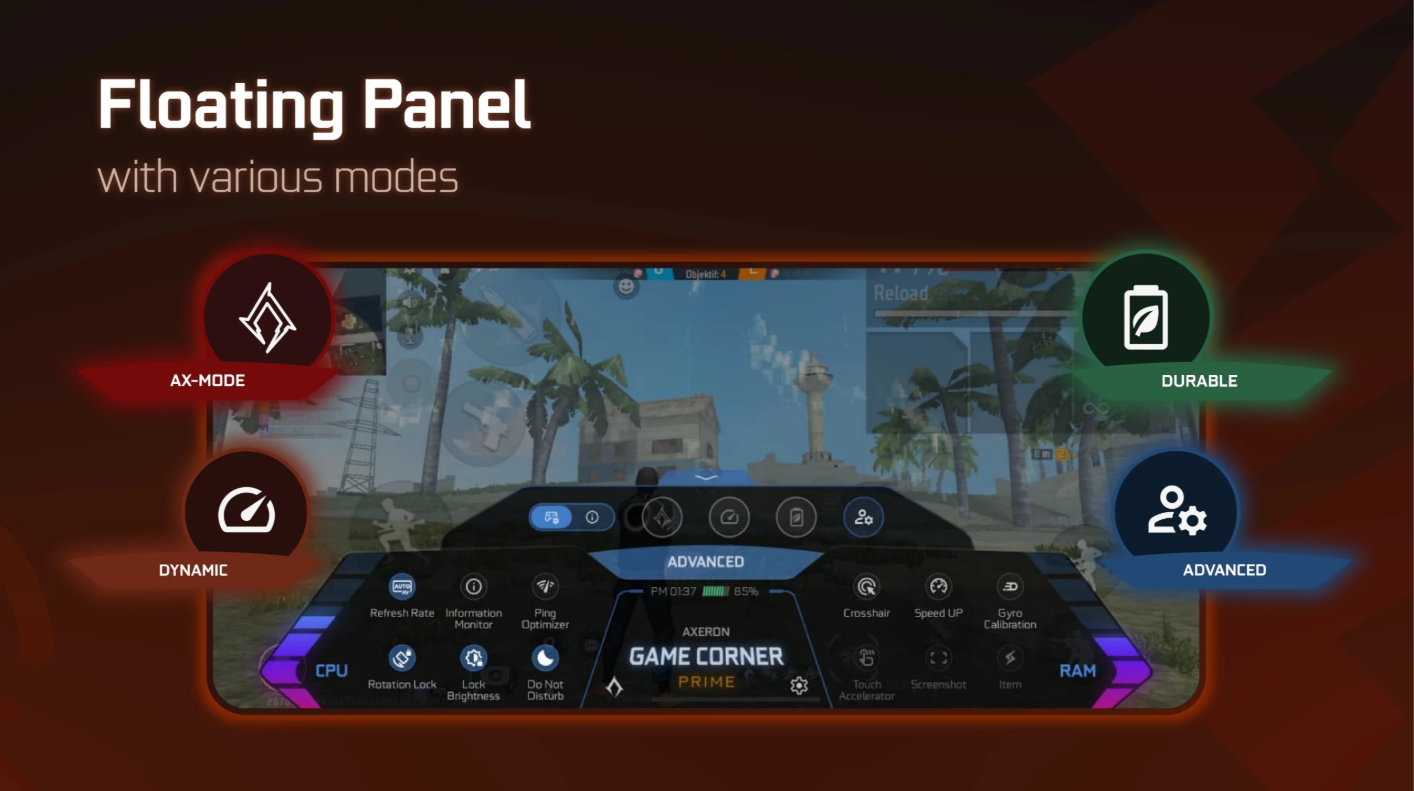
Instead of digging through your phone's app drawer every time you want to play, Red Corner creates a dedicated Game Space where all your installed games are accessible instantly. The app also includes Game-Labs tools, giving users extra options to customize their gaming experience and fine-tune game management settings — all without needing to root your device.
Key Features of Red Corner - Game Space
All Games in One Place
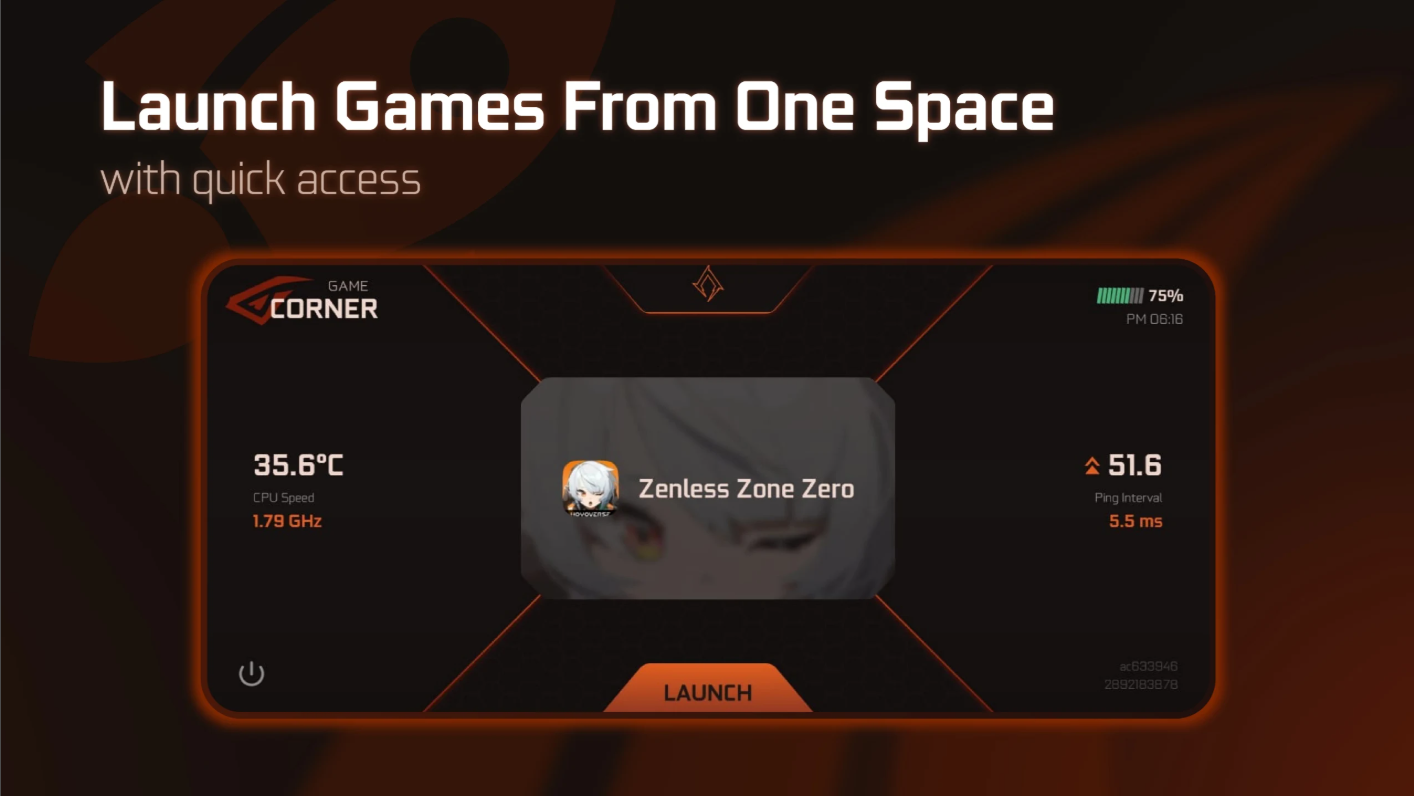
Red Corner automatically scans and organizes your installed games into a single, unified game library, so finding and launching your favorite titles takes seconds instead of scrolling through multiple home screens.
Custom Gaming Tools
With built-in Game-Labs features, players can personalize their gaming environment, adjust settings per title, and keep their game management centralized in one dashboard.
Faster Game Access
Launch any installed game directly from the Game Space interface — no more hunting through folders or swiping between app pages on your Android home screen.
Why Use Red Corner - Game Space on PC?
Red Corner - Game Space is built for Android, but running it through MEmu Emulator turns it into a genuinely more comfortable desktop experience. Rather than managing your game library on a small touchscreen, MEmu lets you use Red Corner - Game Space on a full-size monitor with precise mouse control.
Benefits of running Red Corner - Game Space on MEmu Emulator:
- Bigger screen, better overview — see your entire game library laid out clearly instead of scrolling through a small phone display
- Easier game management — organize, launch, and configure titles with mouse clicks instead of taps
- Smoother performance — MEmu is optimized to run Android apps efficiently on PC hardware, reducing lag common on lower-end phones
- Keep your phone free — play or manage games on PC while your mobile device stays available for calls, messages, or charging
MEmu Emulator is a free Android emulator for Windows that lets you install and run apps and games from Google Play directly on your computer, making it one of the most convenient ways to bring mobile-first apps like Red Corner - Game Space to the desktop.
System Requirements
Before installing, make sure your Windows PC meets MEmu Emulator's basic requirements for smooth performance:
- OS: Windows 7/8/10/11 (64-bit recommended)
- CPU: Intel or AMD processor with virtualization technology (VT) support
- RAM: 2GB minimum (4GB+ recommended)
- Storage: At least 2GB of free disk space
- Graphics: Updated GPU drivers for best performance
If your PC meets these specs, you're ready to install MEmu and get Red Corner - Game Space running in just a few steps.
How to Download Red Corner - Game Space on PC with MEmu
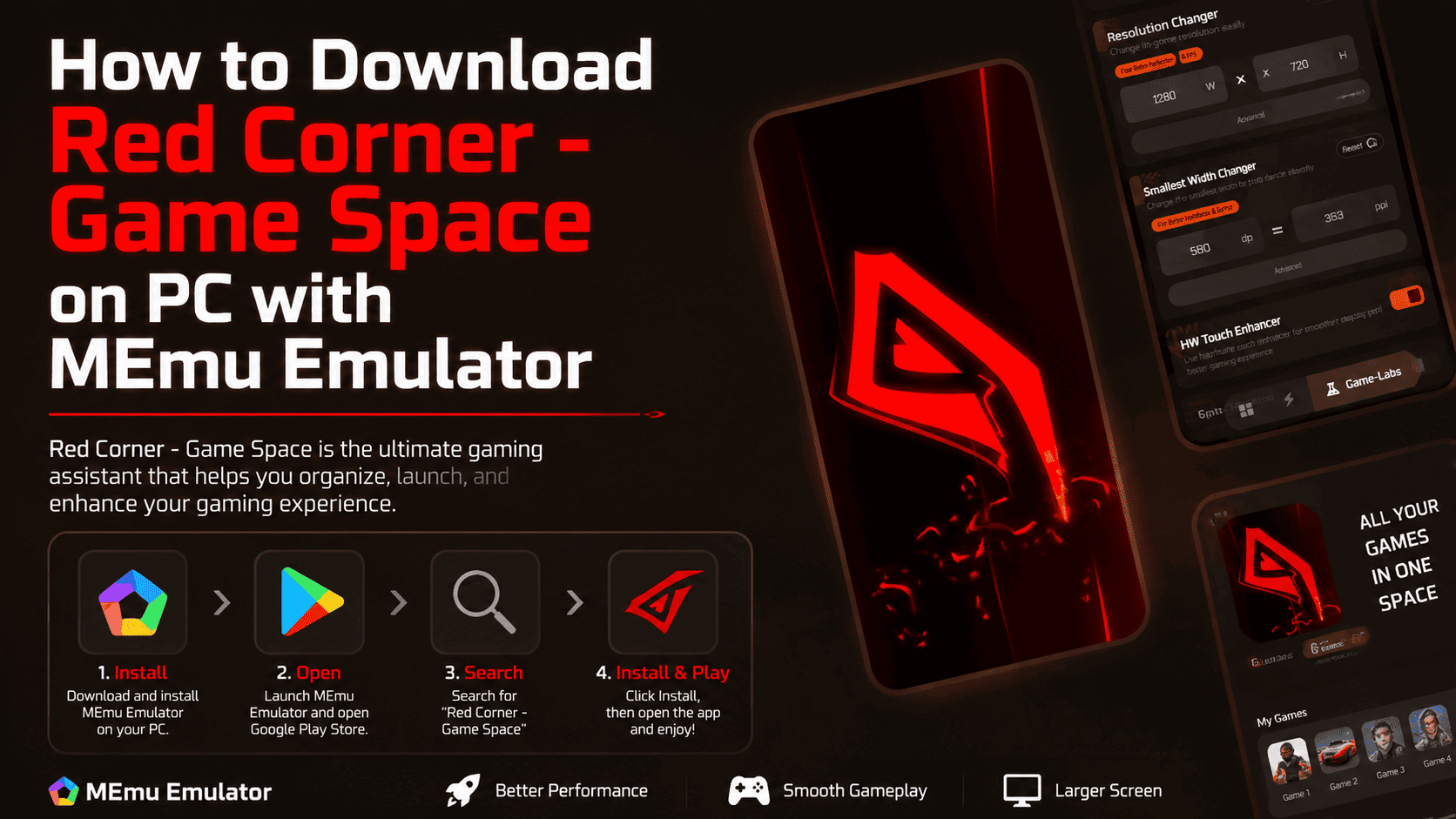
Step 1: Install MEmu Emulator
Download and install the latest version of MEmu Emulator on your Windows PC from the official website. The installer will guide you through setup automatically.
Step 2: Open Google Play Store
Launch MEmu Emulator once installation completes, then open the Google Play Store from the home screen and sign in with your Google account.
Step 3: Search for Red Corner - Game Space
In the Play Store search bar, type:
Red Corner - Game Space
Or search directly using the package name:
frb.axeron.redcorner
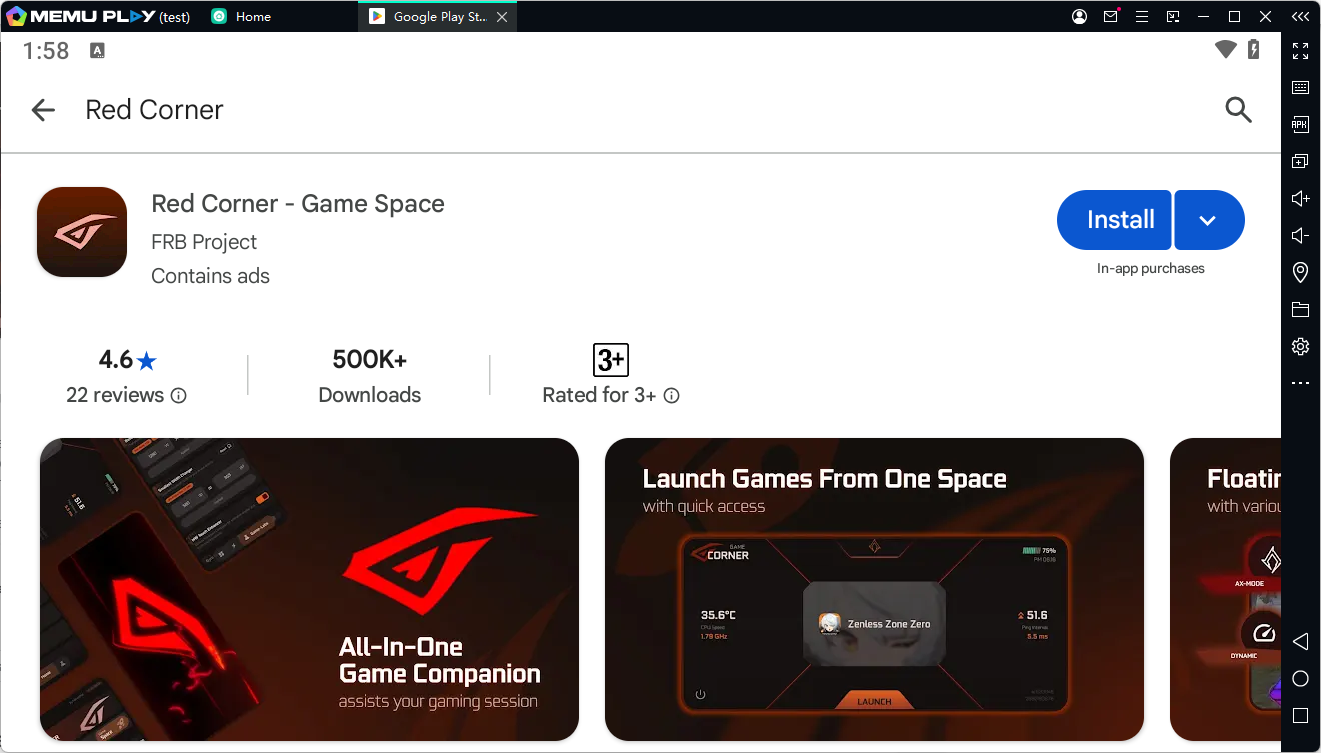
Confirm the app is published by FRB Project before installing to make sure you're downloading the official version.
Step 4: Install and Run
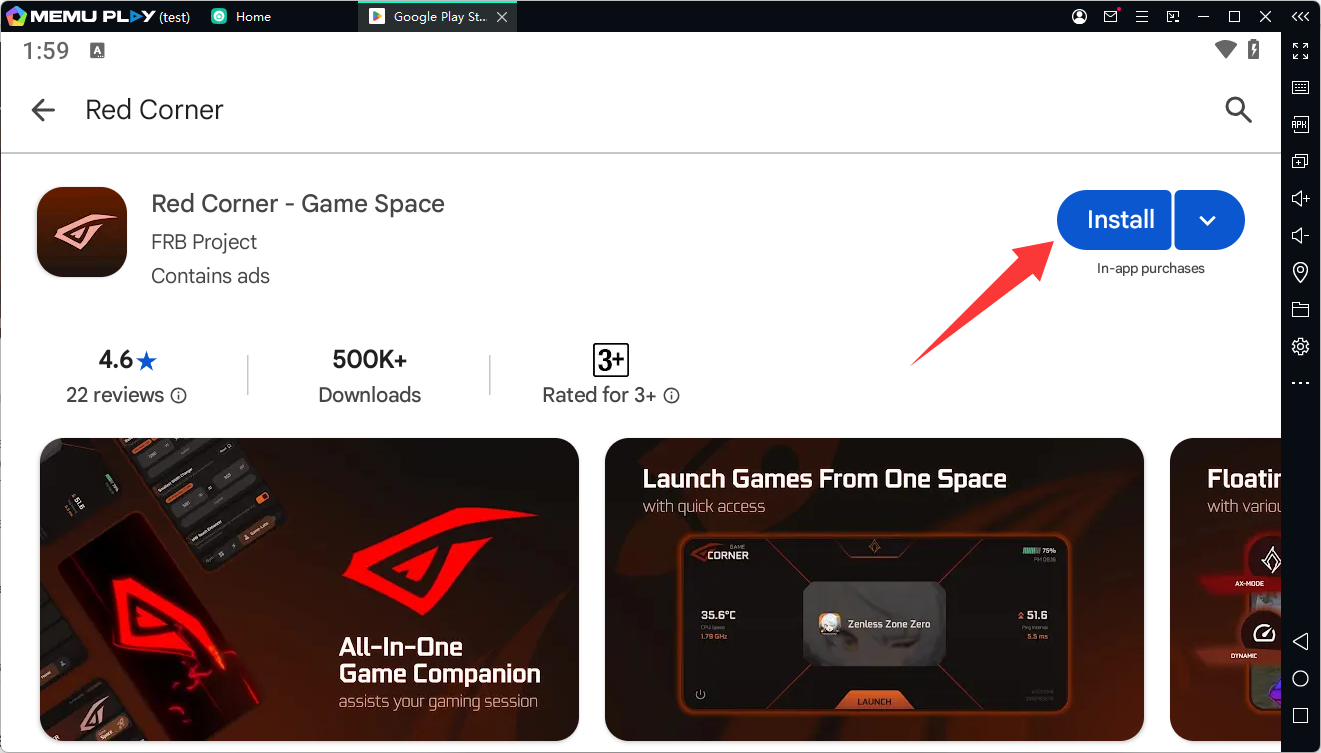
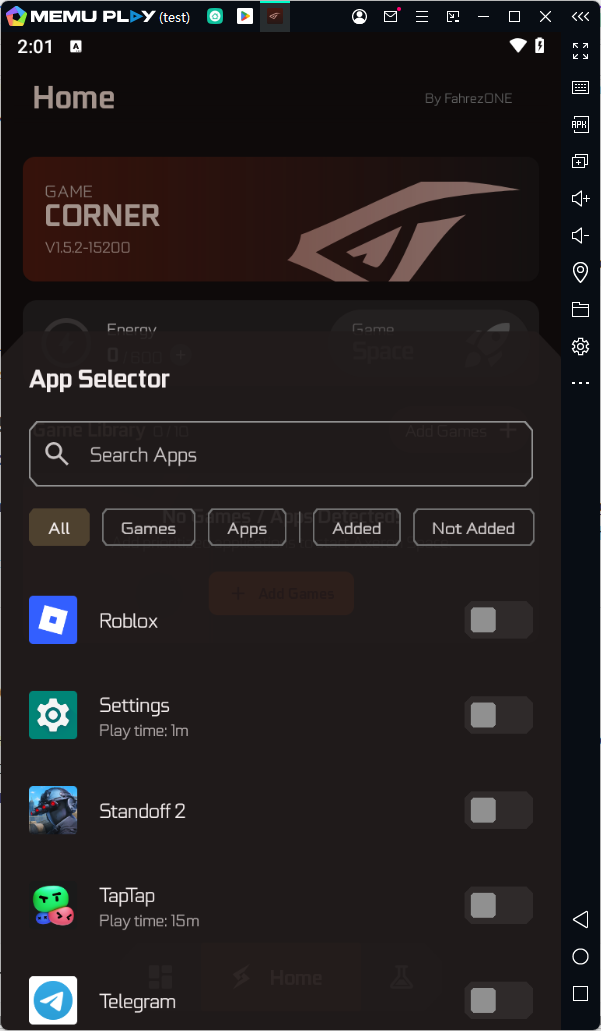
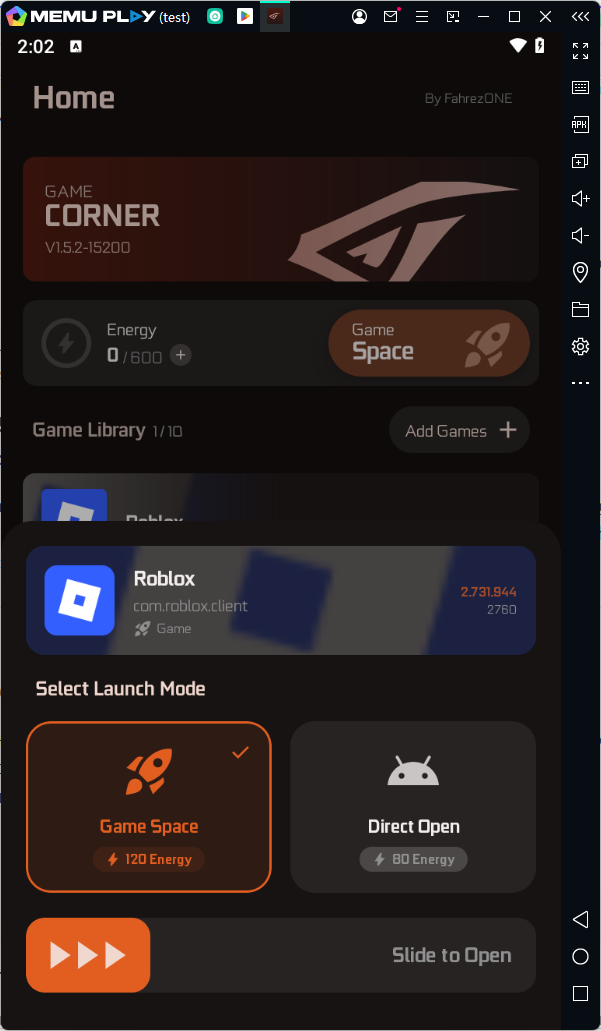
Click Install, wait for the download to finish, then open Red Corner - Game Space directly inside MEmu Emulator. Your game library will be ready to organize and launch right away.
Troubleshooting Common Issues
Red Corner - Game Space won't install on MEmu? Make sure MEmu is fully updated to the latest version and that you're signed into a valid Google account in the Play Store.
App runs slowly on MEmu? Increase MEmu's allocated RAM and CPU cores in Settings > Performance, and make sure your graphics drivers are up to date.
Games not showing up in the Game Space library? Restart Red Corner - Game Space after installing new titles so it can rescan your installed apps.
Red Corner - Game Space PC FAQ
Can I use Red Corner - Game Space on PC?
Yes. Since there's no dedicated Windows version, you can install and run the Android version on PC using MEmu Emulator, which lets you use the full app with a larger screen and mouse/keyboard controls.
Is Red Corner - Game Space free?
Yes, Red Corner - Game Space is available as a free Android app developed by FRB Project.
What does Red Corner - Game Space do?
It organizes all your installed games into one library, lets you launch them quickly, and gives you Game-Labs tools to customize your gaming environment and manage settings in a centralized dashboard.
Is it safe to run Red Corner - Game Space on MEmu Emulator?
Yes. MEmu runs Android apps in an isolated virtual environment on your PC, so using Red Corner - Game Space through MEmu doesn't affect your actual mobile device or its data.
Do I need a Google account to install Red Corner - Game Space on PC?
Yes, you'll need to sign in with a Google account inside MEmu Emulator to access the Play Store and download the app, just like on a physical Android device.
Can I manage games I already play on mobile through the PC version?
Red Corner - Game Space on MEmu organizes and launches games installed within the emulator itself, so you'll need those titles installed inside MEmu to manage them from the PC version.
Red Corner - Game Space