Reigns: Beyond on PC: How to Download and Play with MEmu Emulator
 |
|
Contents
What Is Reigns: Beyond?
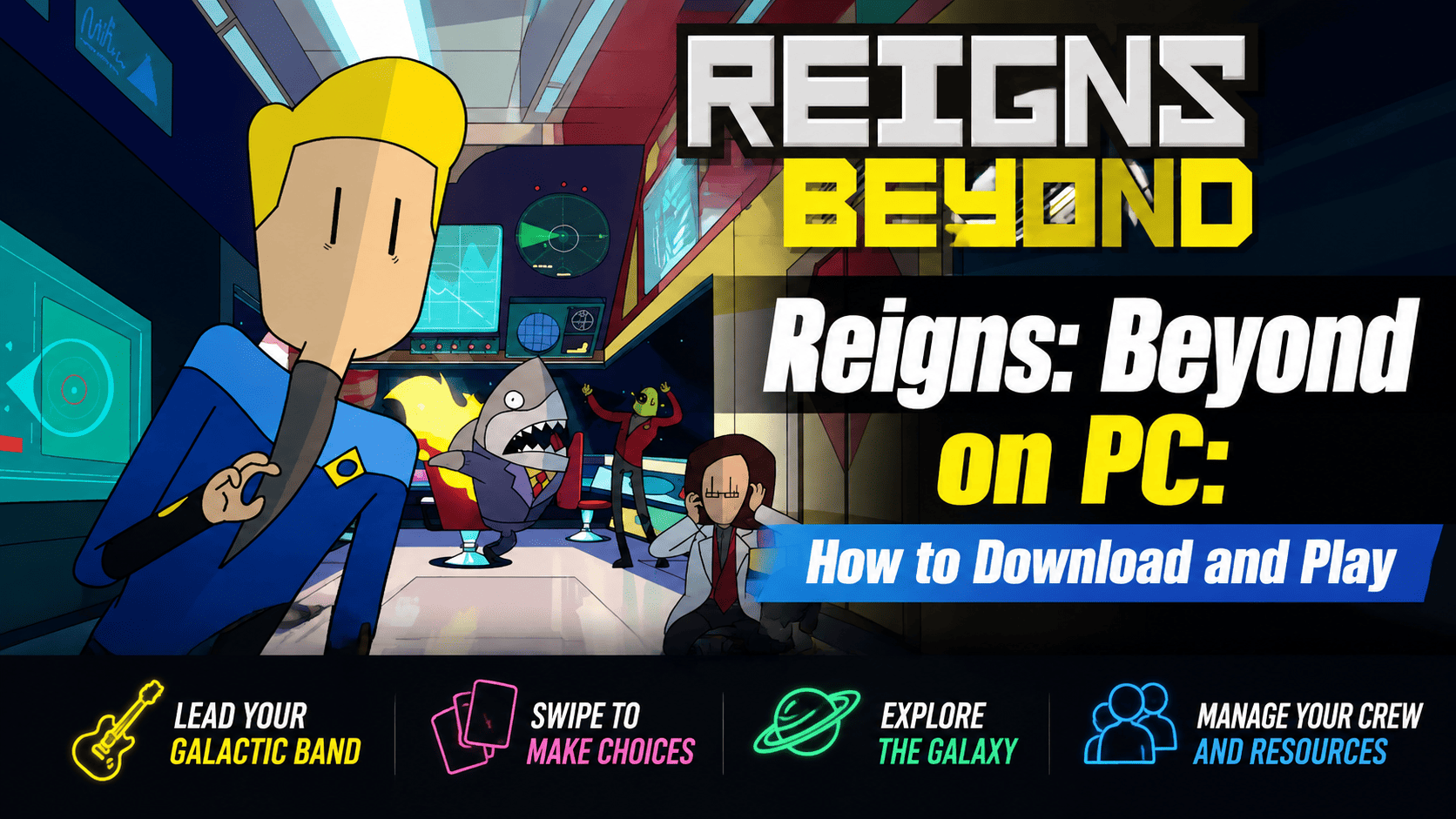
Reigns: Beyond is a unique swipe-based adventure game developed by Devolver Digital. Unlike traditional strategy games, it combines interactive storytelling, decision-making, and resource management into a simple but addictive card-swiping gameplay experience.

Reigns: Beyond
In Reigns: Beyond, you become the leader of an intergalactic indie rock band traveling across the galaxy. Your mission is to build your band's reputation, perform at different planets, recruit alien band members, and become a cosmic music legend.
However, fame comes with challenges. You need to manage your spaceship resources, keep your crew under control, and make difficult choices. One wrong decision could end your journey among the stars.
Reigns: Beyond Gameplay Features
Build Your Own Galactic Rock Band
Travel through space and perform concerts across different planets. Meet unusual alien characters, recruit new band members, and create your own intergalactic music story.
Every journey is different because your decisions shape the future of your band.
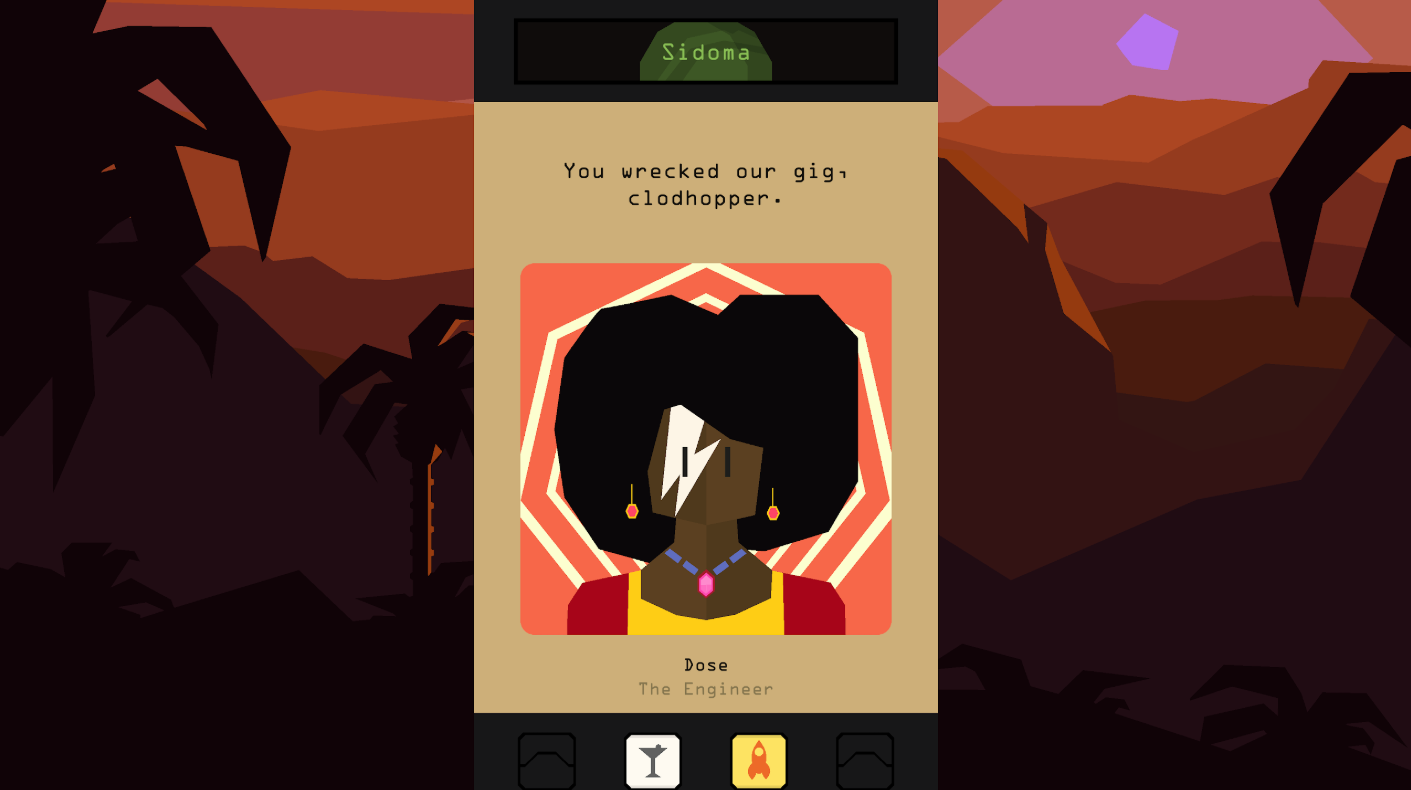
Swipe-Based Decision Gameplay
The core gameplay of Reigns: Beyond is simple:
- Swipe left or right to make decisions
- Choose how to handle events
- Manage relationships with characters
- Balance your resources
Every choice can change your adventure and lead to unexpected results.
Explore the Galaxy and Manage Your Crew
As the captain of your spaceship, you must carefully manage:
- Ship resources
- Crew relationships
- Tour schedules
- Band popularity
A successful space tour requires both strategy and creativity.
Why Play Reigns: Beyond on PC with MEmu Emulator?
Although Reigns: Beyond is designed for Android devices, playing it on PC with MEmu Emulator provides a more comfortable experience.
Advantages of Playing on MEmu Emulator:
Bigger Screen Experience
Enjoy the game's stylish artwork, character interactions, and story events on a larger display.
Better Controls
Playing on PC allows you to use your mouse for smoother swipe actions and easier menu navigation.
Stable Performance
MEmu Emulator provides a reliable Android environment, allowing you to enjoy longer gaming sessions without worrying about phone battery usage.
How to Download Reigns: Beyond on MEmu Emulator
Follow these simple steps to install and play Reigns: Beyond on PC.
Step 1: Install MEmu Emulator
Download and install the latest version of MEmu Emulator on your Windows PC.
Step 2: Open Google Play Store
Launch MEmu Emulator and sign in with your Google account.
Step 3: Search for Reigns: Beyond
Open Google Play Store and search: Reigns: Beyond
The game is published by Devolver Digital.
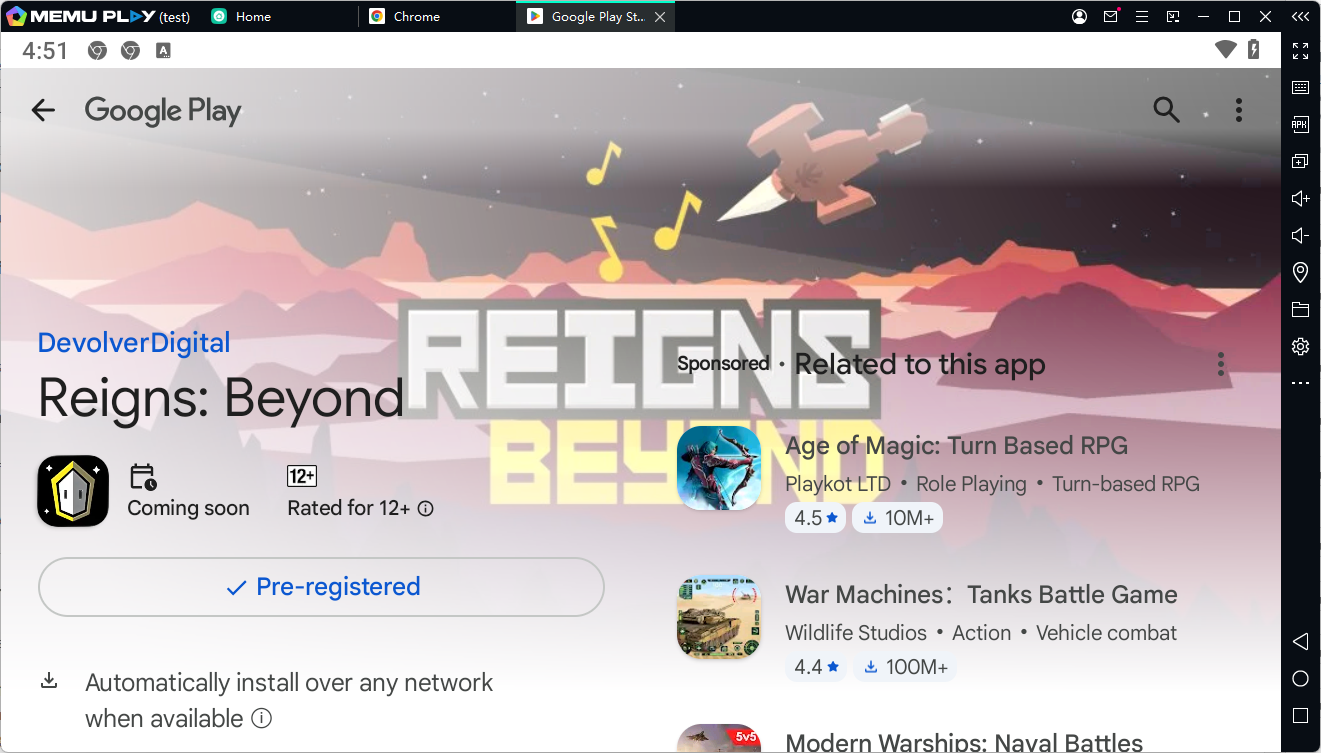
Step 4: Install and Start Playing
Click Install, wait for the download to complete, then open the game inside MEmu Emulator.
Now you can enjoy your journey as an intergalactic rock band leader on PC.
Reigns: Beyond PC Requirements for MEmu Emulator
Recommended system requirements:
- Windows 10/11
- Intel or AMD processor
- 8GB RAM or higher
- Updated graphics driver
- Stable internet connection
For better performance:
- Enable CPU virtualization (VT)
- Allocate more CPU and RAM in MEmu settings
- Close unnecessary background programs
Reigns: Beyond FAQ
Can I play Reigns: Beyond on PC?
Yes. You can install the Android version of Reigns: Beyond and play it on PC using MEmu Emulator.
Is Reigns: Beyond free?
Reigns: Beyond is a premium mobile game available on Google Play.
What type of game is Reigns: Beyond?
It is a swipe-based adventure game featuring interactive storytelling, strategy decisions, and resource management.
Who developed Reigns: Beyond?
The game was developed and published by Devolver Digital.
Reigns: Beyond