Gangstar Mirage City Beginner's Guide: Tips, Tricks, and How to Play on PC with MEmu
 |
|
Contents
Build Your Criminal Empire the Smart Way
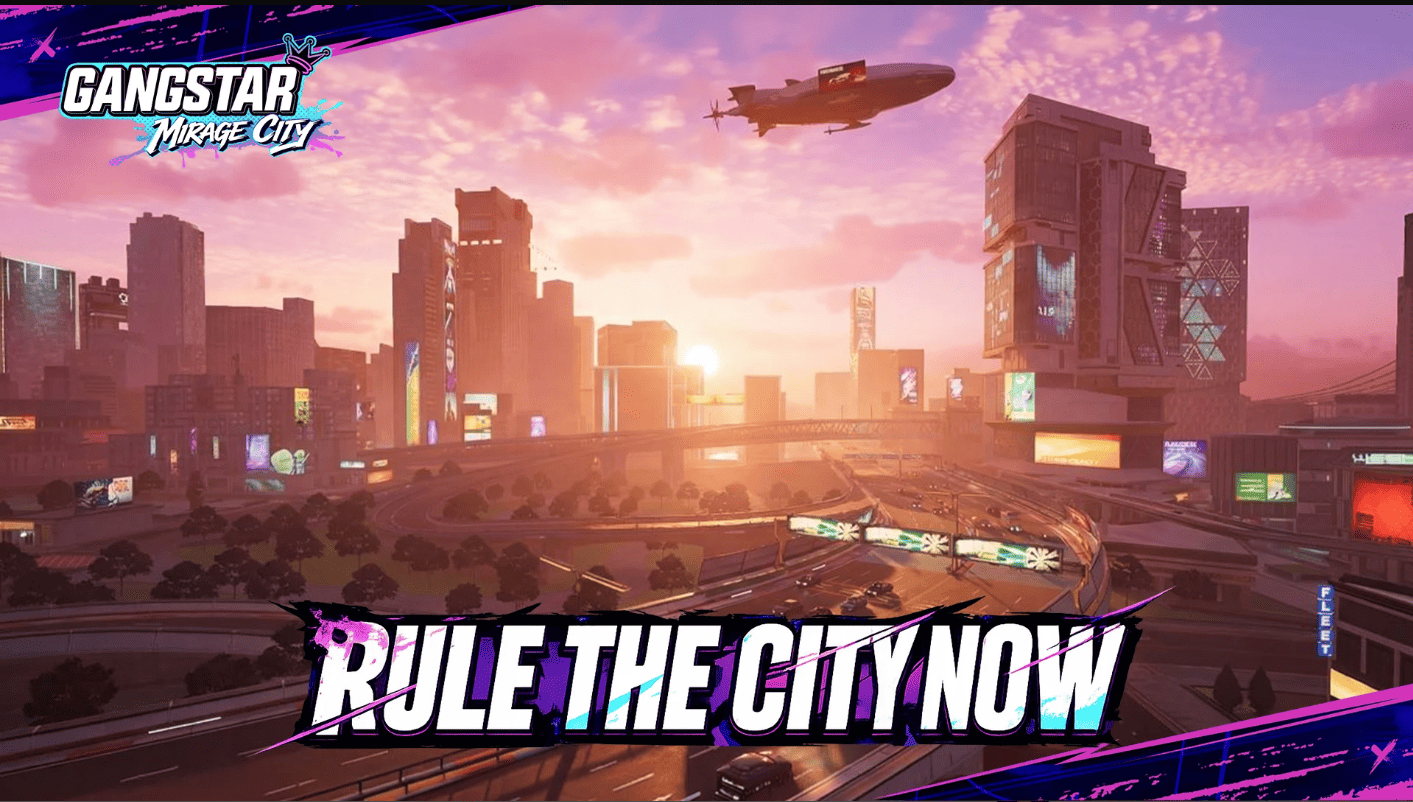
Gangstar Mirage City is Gameloft's latest open-world action RPG, published by Level Infinite, and it drops players straight into a GTA-style sandbox full of heists, gang warfare, and city-wide chaos. If you're just starting out, the sheer number of systems — phone apps, contacts, weapon customization, co-op heists — can feel overwhelming. This guide breaks down everything a new player needs to know, and at the end, we'll cover why running the game through the MEmu Android emulator on PC might be the smoothest way to experience it.
Getting Started: What to Expect
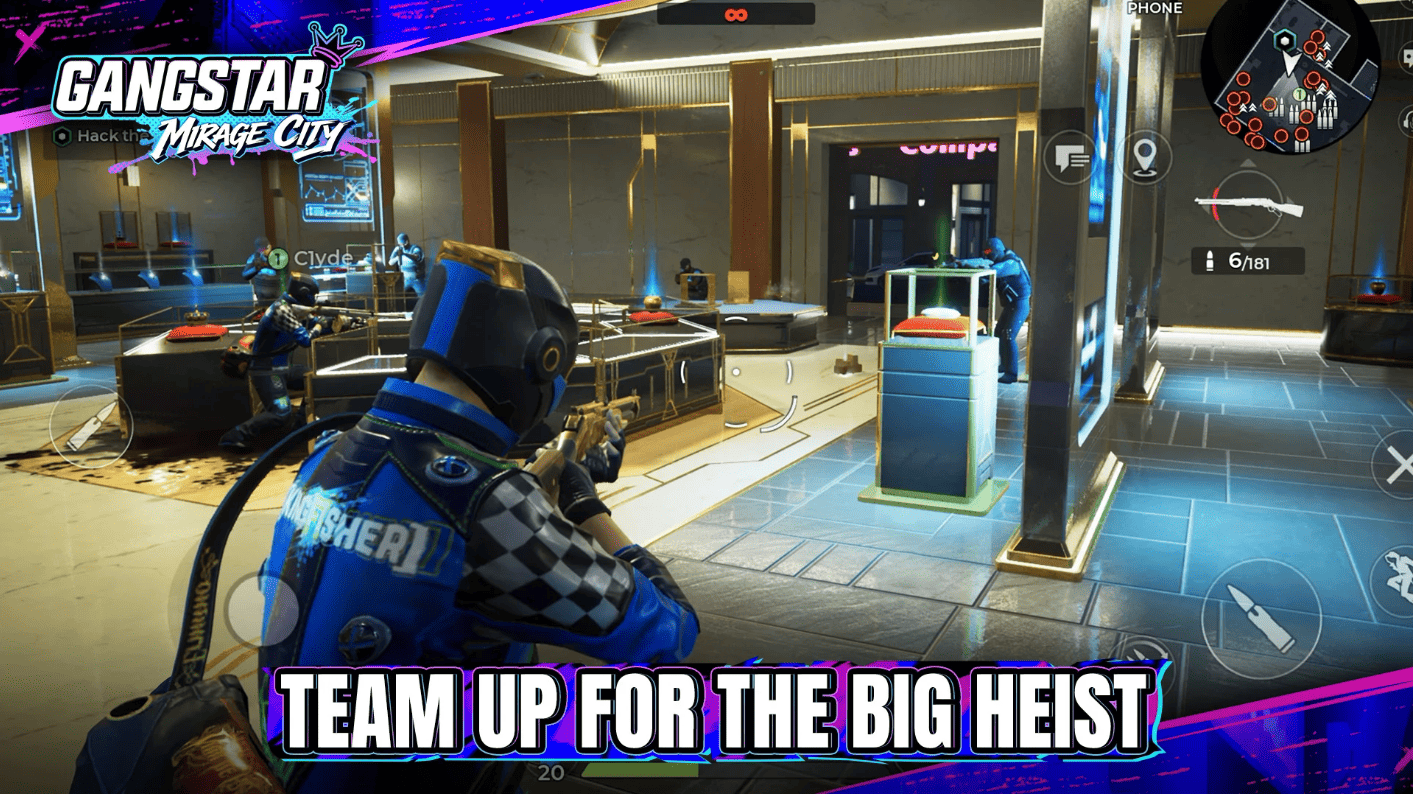
Character creation kicks things off, with a choice between male and female avatars and a decent range of customization for faces, hairstyles, scars, tattoos, and outfits. After a brief intro you're tossed into a tutorial built around a bank heist, where you'll get a feel for the core combat loop: shooting enemies, planting charges to blow open vaults, and grabbing cash by tapping it up. Combat health regenerates on its own as long as you stay out of the line of fire for a bit, and the driving controls are easy to pick up, letting you drift through traffic while shaking off cops or rival gangs.
Once the tutorial wraps, the real story begins three years after your character walks out of prison with nothing to their name. You'll boost your first ride, move into an apartment (where you can rest, swap clothes, and manage gear), unlock your in-game phone, and start visiting essential spots like the Weapon Shop. Along the way you'll link up with recurring characters — car dealers, tuning experts, and other underworld contacts — who help expand your operation.
Keep in mind that committing crimes raises your wanted level, and the police don't let up easily. Staying hidden until things cool down is key, since officers will happily open fire on your vehicle mid-chase. From here, you'll juggle main story missions, side content, gang skirmishes, and empire-building at your own pace.

Gangstar Mirage City
Core Systems You Should Know
- Your In-Game Phone. Your phone hub covers Achievements, Wardrobe, Tips, Inventory, Missions, PvP, Friends, Team Lobby, and more. Some features unlock as you progress.
- The Map. The mini-map marks key spots like Weapon Shops, Vehicle Shops, and clothing stores. Tap a marker to set a waypoint and let the radar guide you there.
- Co-op Heists. Team up worldwide for heists like the Jewelry Store, Brain Gold, or Orarra Savings Bank Heist, each with different difficulties and rewards. Every heist runs through Recon, Prep 1, Prep 2, and the Finale — for example, planting explosives at the docks, fighting a rival family, then looting the site.
- Weapons and Customization. The Weapon Shop stocks firearms, throwables, consumables, and ammo — from assault rifles like the Watchtower to gear like the Pulse Bullet-Proof Vest. Customize with attachments and skins.
- Connections. Unlock contacts like Charlie, Nigel, and Bobby, and build bonds through simple tasks (e.g., buying or laundering vehicles for Nigel) to earn rewards and unlock exclusive Contact Missions.
Beginner Tips and Tricks
- Prioritize story missions early on. It's tempting to cause mayhem right after the tutorial, but the early missions ease you into key mechanics, unlock new features, and introduce important contacts — plus they pay out cash and resources you'll need later.
- Invest time in every contact you meet. Each character offers simple, repeatable tasks that strengthen your bond, unlock better rewards, and eventually open up dedicated Contact Missions worth completing.
- Gear up before major fights. Make the Weapon Shop a regular stop. Buying stronger weapons, stocking ammo and throwables, and customizing your loadout with grips and passive skills will make story missions, gang fights, and police chases far more manageable.
- Don't skip Co-op Heists. If you've ever enjoyed heist runs in other open-world crime games, you'll feel right at home here. Beyond the rewards, the layered structure — planning, prepping, and executing — makes teaming up with friends genuinely fun.
- Use your phone and mini-map constantly. Your phone isn't just a menu screen; it's your hub for missions, inventory, wardrobe, and friend management. Combine that with the mini-map's activity markers, and you'll rarely be lost on what to do next.
Playing Gangstar Mirage City on PC with MEmu Emulator
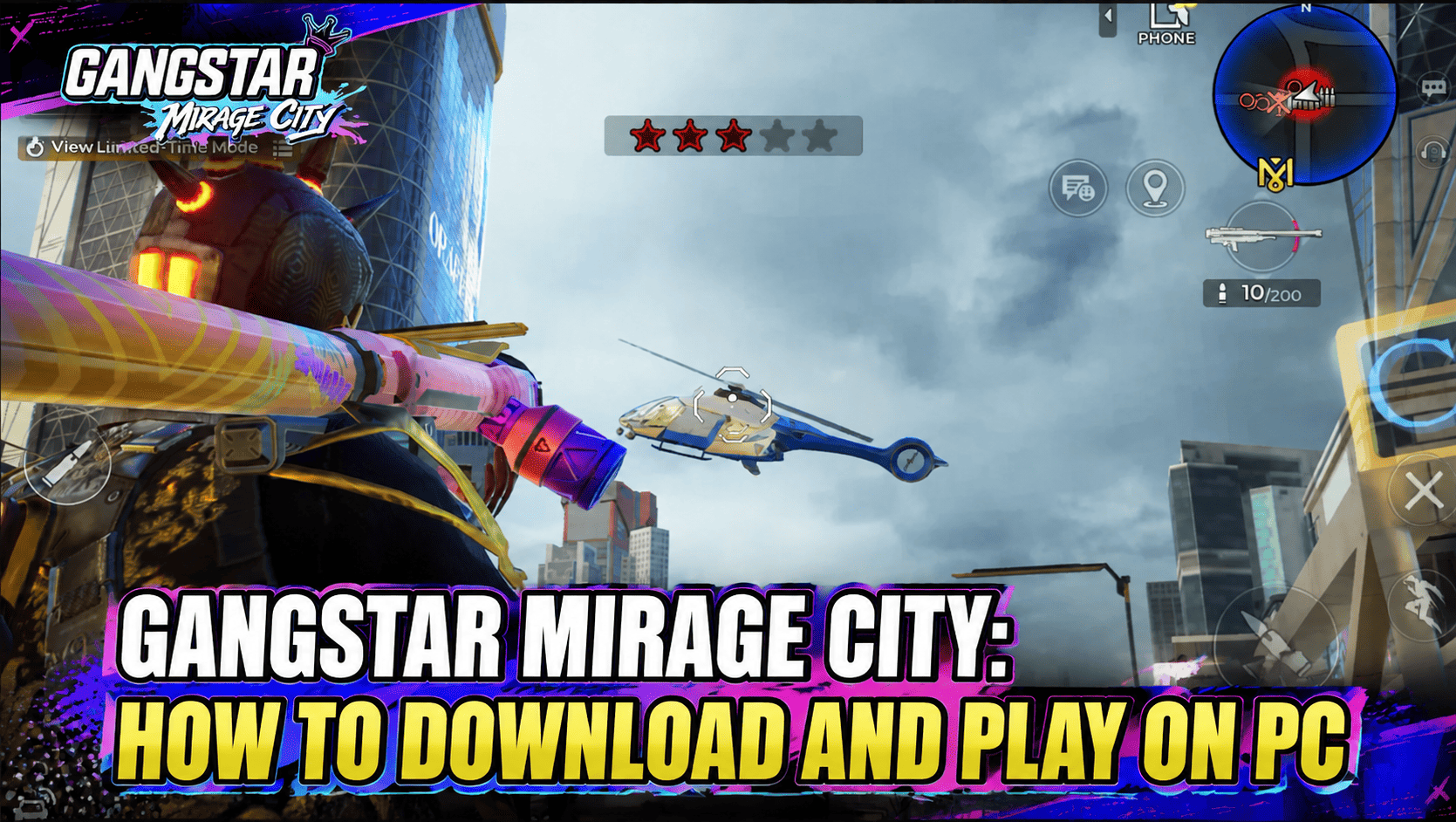
While Gangstar Mirage City is designed for mobile, plenty of players prefer running Android games like this on a PC for a bigger screen, better controls, and more stable performance. MEmu is one of the most popular Android emulators for exactly this kind of open-world action game, and getting it set up only takes a few minutes.
How to Download and Run Gangstar Mirage City on MEmu
- Download MEmu Emulator. Head to the official MEmu website and download the latest installer for Windows.
- Install MEmu. Run the installer and follow the on-screen prompts. Installation is straightforward — just accept the default settings unless you want to customize your install directory or resource allocation.
- Launch MEmu and sign in to Google Play. Once installed, open MEmu and sign in with your Google account to access the Play Store from within the emulator.
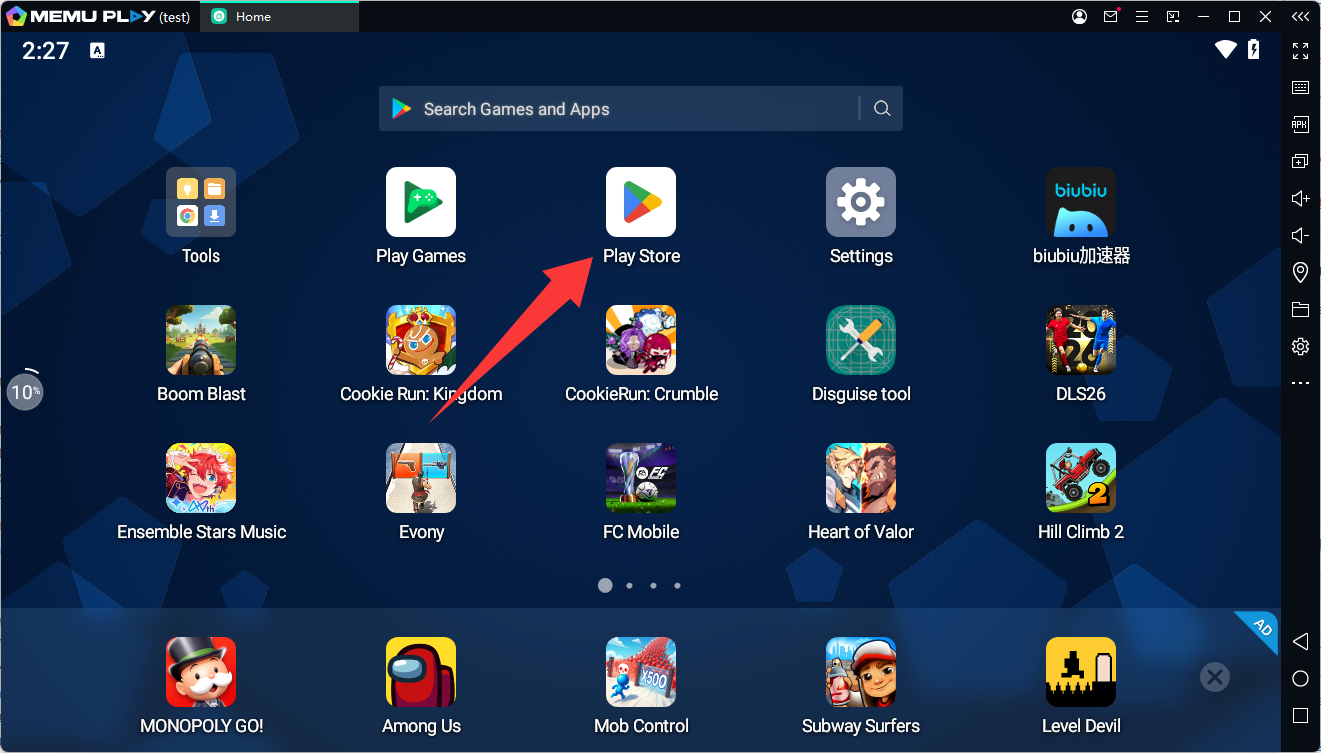
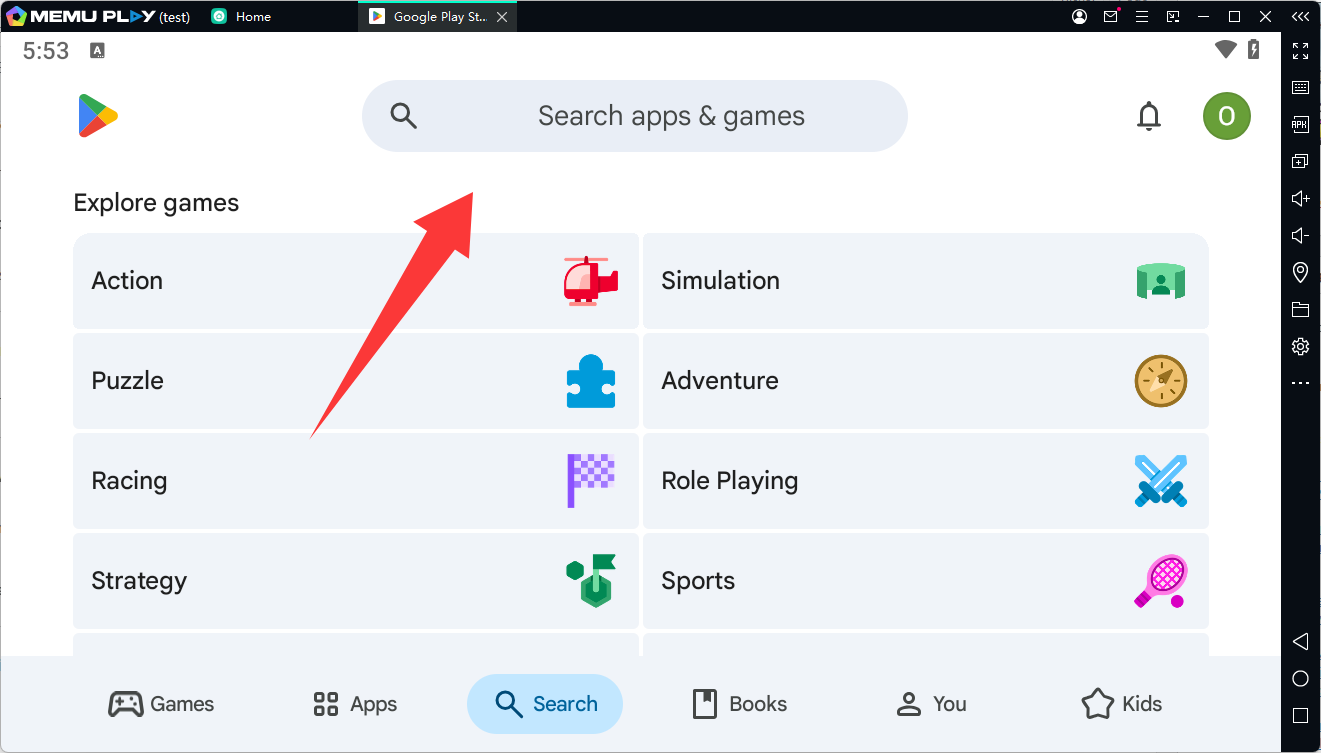
- Search for Gangstar Mirage City. Use the Play Store search bar inside MEmu to find the game.
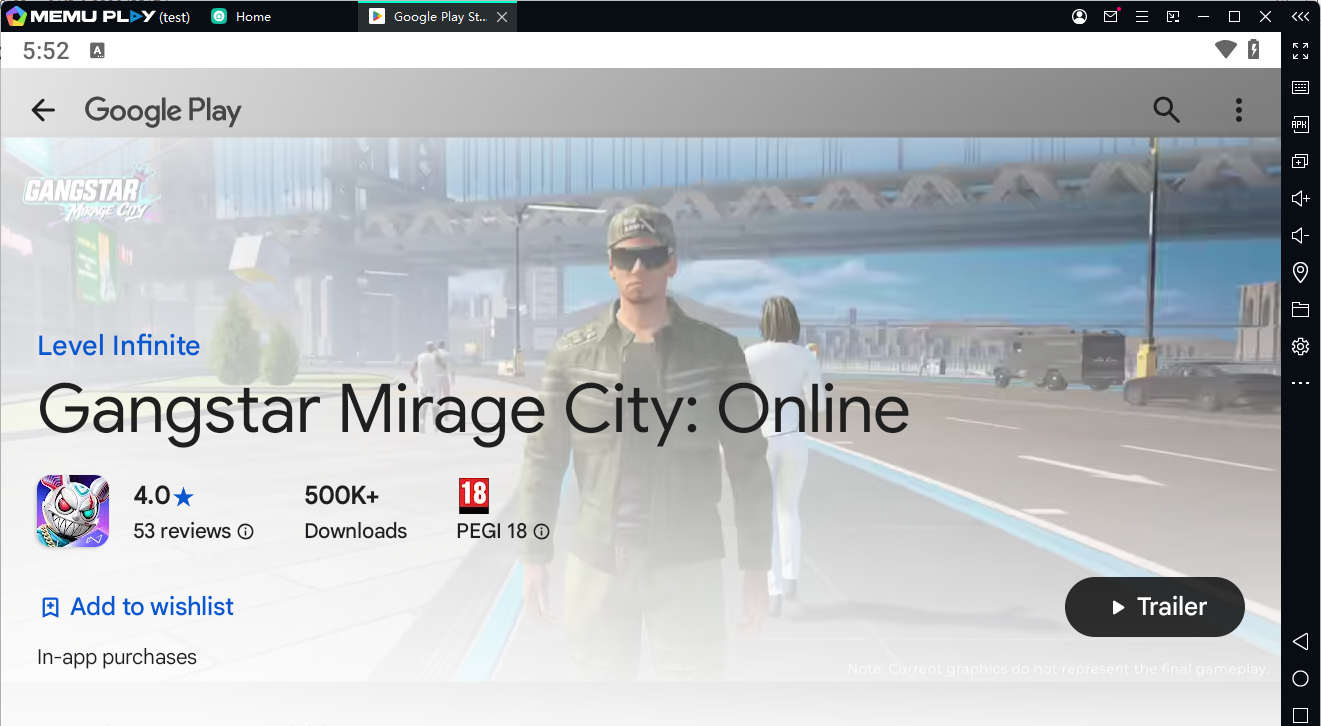
- Install the game. Click Install and let the download finish. Depending on your internet speed, this may take a few minutes given the size of the game's assets.
- Launch and configure controls. Open the game from the MEmu home screen. You can use MEmu's built-in keyboard mapping tool to assign keys for shooting, driving, and menu navigation, or stick with mouse and touch-style controls if you prefer.
- Adjust performance settings. In MEmu's settings panel, tweak CPU cores, RAM allocation, and graphics rendering mode to match your PC's specs for smoother gameplay.
Why Play on an Emulator Instead of Mobile
- Bigger screen, better visibility. Gangstar Mirage City's open world, shootouts, and driving sequences are much easier to read and react to on a full monitor compared to a phone screen.
- Keyboard and mouse precision. Aiming during shootouts and heists, or navigating tight streets during police chases, tends to feel more accurate with mouse-driven aiming and keyboard shortcuts than touchscreen controls.
- No battery drain or overheating. Long heist sessions or extended free-roam sprees can heat up and drain a phone quickly. Running the game on a PC through MEmu avoids that entirely.
- Stable performance. MEmu lets you allocate dedicated CPU and RAM resources to the game, which can mean steadier frame rates during busy gunfights or high-speed chases than you'd get on a mid-range phone.
- Multitasking made easy. You can keep guides, Discord, or Twitch open in other windows while playing, without needing a second device.
- Keep your phone free. Since the game runs entirely on your computer, your phone stays available for calls, notifications, or other apps while you grind heists and missions.
Gangstar Mirage City
Final Thoughts
Gangstar Mirage City delivers a solid open-world crime experience with a lot to do beyond the main story — heists, contact missions, gang conflicts, and general city chaos all keep things fresh. Following the basics above, and considering an emulator like MEmu if you'd rather play on a larger screen with more precise controls, should help you build your criminal empire without unnecessary headaches. Good luck out there.