Project R.I.S.E: How to Download & Play on PC with MEmu
 |
|
Project R.I.S.E is a multiplayer action RPG from Supercell that brings players into the Clash universe. In the game, you team up with three Clash heroes and battle your way through a mysterious tower filled with challenging enemies and dangerous floors.
If you enjoy fast-paced combat, roguelite progression, team-based gameplay, and the Clash universe, Project R.I.S.E offers a fresh way to experience Supercell's iconic characters on PC with MEmu.
Project R.I.S.E
Contents
What Is Project R.I.S.E?
Project R.I.S.E is described on Google Play as a social roguelite and a multiplayer Action RPG set in the Clash universe. Players form a team of three Clash heroes and fight their way upward through the Tower. Each run gives you opportunities to power up with perks, create unique builds, and upgrade your heroes to handle increasingly difficult challenges.
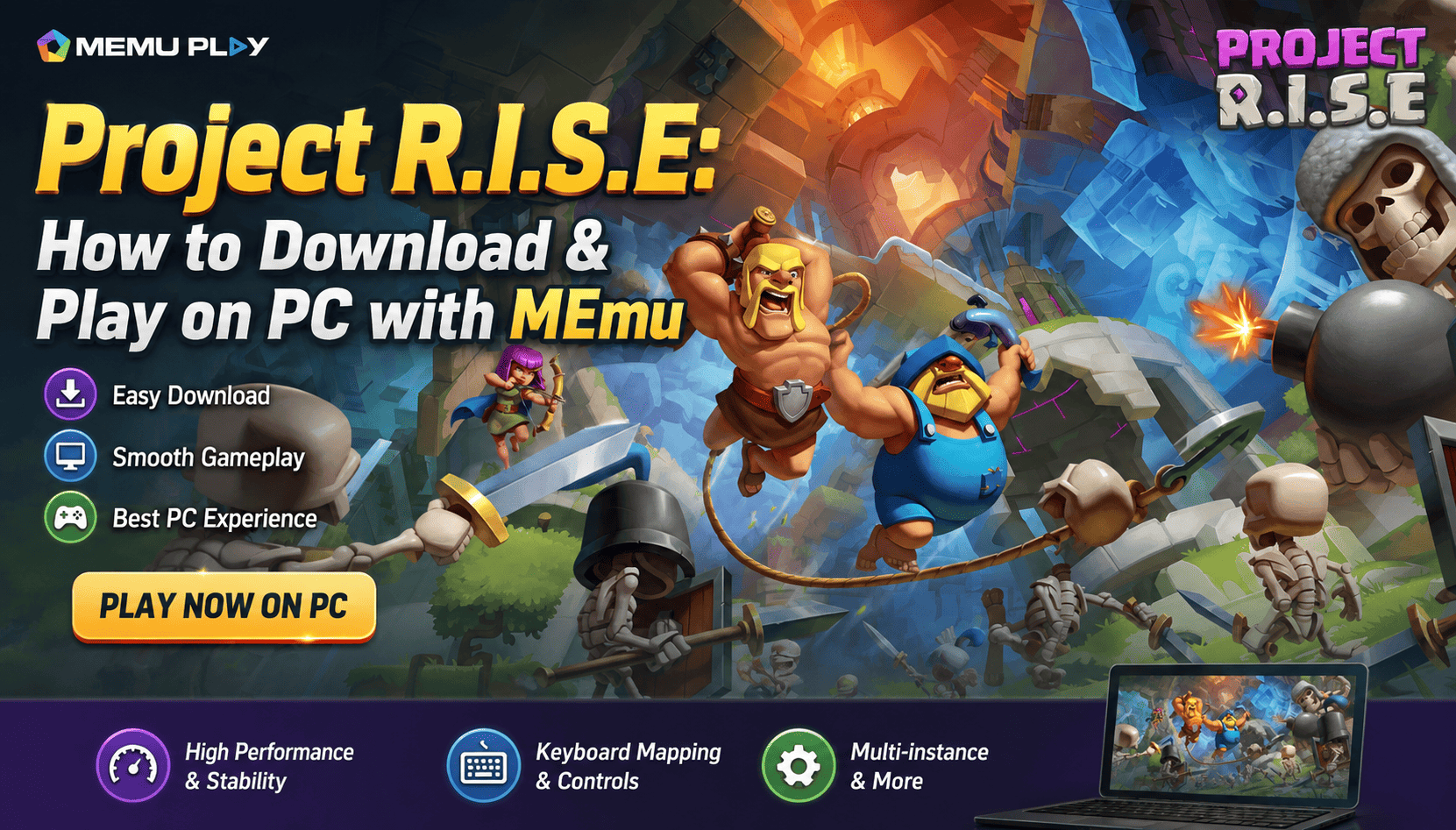
The Google Play listing was updated on August 21, 2026, and currently lists the game under the Role Playing category with an Everyone 10+ rating.
Project R.I.S.E Gameplay Features
Team Up with Three Clash Heroes
The core of Project R.I.S.E is team-based combat. Instead of controlling a single character throughout the entire adventure, you build a team of three Clash heroes and work together to climb the Tower.
Each hero can contribute to your team's overall strategy, so choosing the right combination can make a major difference when facing different challenges.
Climb the Mysterious Tower
The Tower is the central setting of Project R.I.S.E. Your objective is to fight through its floors and climb as high as possible.
The game is designed around repeated runs, meaning each attempt can provide a different experience. You need to adapt your strategy as you progress and overcome the challenges waiting on each floor.
Build Your Heroes with Perks
Project R.I.S.E features roguelite progression that allows you to strengthen your team during your runs.
You can power up with different perks, develop unique builds, and upgrade your heroes. This gives players room to experiment with different combinations and find strategies that suit their playstyle.
Play with Friends
Project R.I.S.E is designed as a social multiplayer experience. You can team up with friends and work together to see how high your group can climb.
This multiplayer focus makes communication, team composition, and adapting to different situations important parts of the experience.
Why Play Project R.I.S.E on PC with MEmu?
Playing Project R.I.S.E on a PC through MEmu Emulator gives you a larger screen and traditional keyboard-and-mouse controls while retaining the Android version of the game.
MEmu supports Android games on Windows PCs and provides features such as smart controls, customizable key mapping, graphics optimization, and multiple instances.
For an action RPG like Project R.I.S.E, playing on a larger display can also make it easier to follow the action and manage your team during intense battles.
How to Download Project R.I.S.E on PC with MEmu
Step 1: Download and Install MEmu
First, download the latest version of MEmu from the official MEmu website and install it on your Windows PC. MEmu's official download page provides the latest installer and guides users through the initial setup.
Step 2: Launch MEmu and Open Google Play Store
After installation, launch MEmu and wait for the Android environment to load.
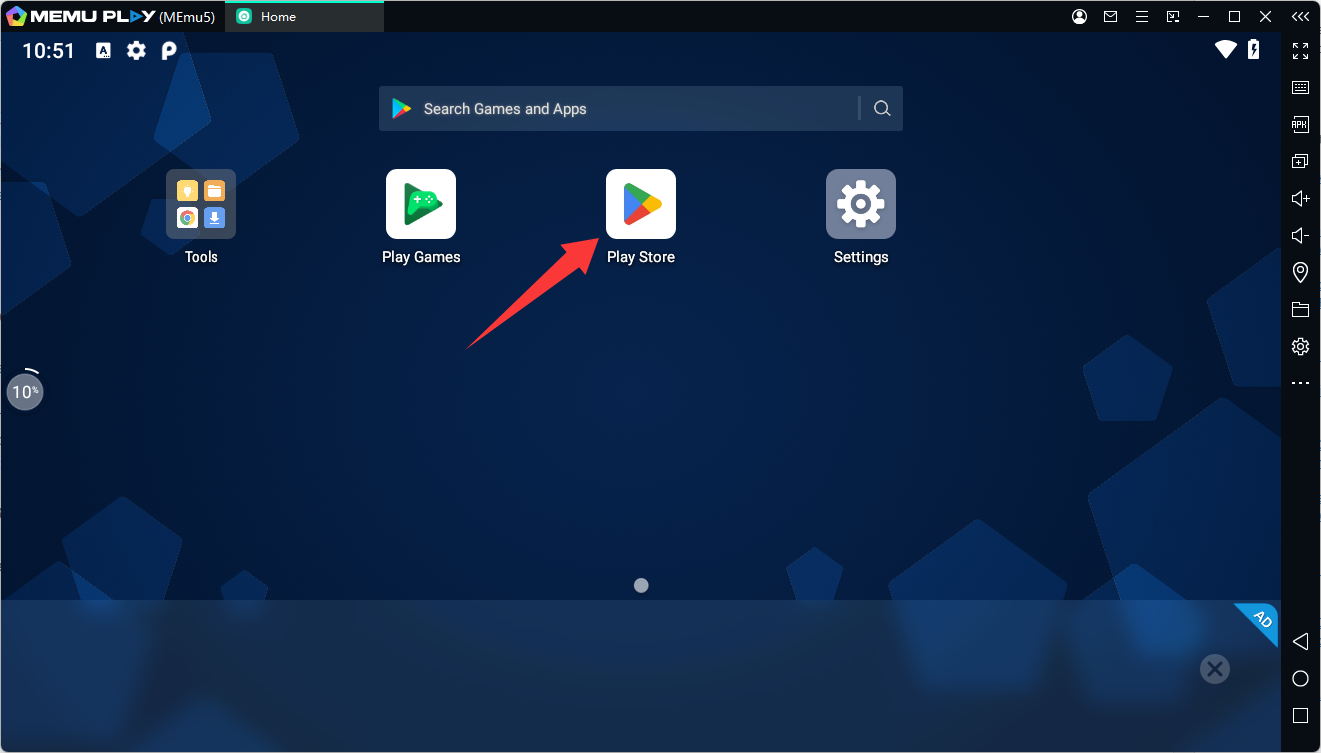
Open Google Play Store from the MEmu home screen. If required, sign in with your Google account. MEmu's official guide confirms that signing in to Google Play allows you to search for and install Android games directly inside the emulator.
Step 3: Search for Project R.I.S.E
In Google Play Store, enter Project R.I.S.E in the search bar.
Make sure you select the official game published by Supercell. The Google Play package for the game is
com.supercell.slash
Step 4: Install the Game
Click Install and wait for Google Play to download and install Project R.I.S.E.
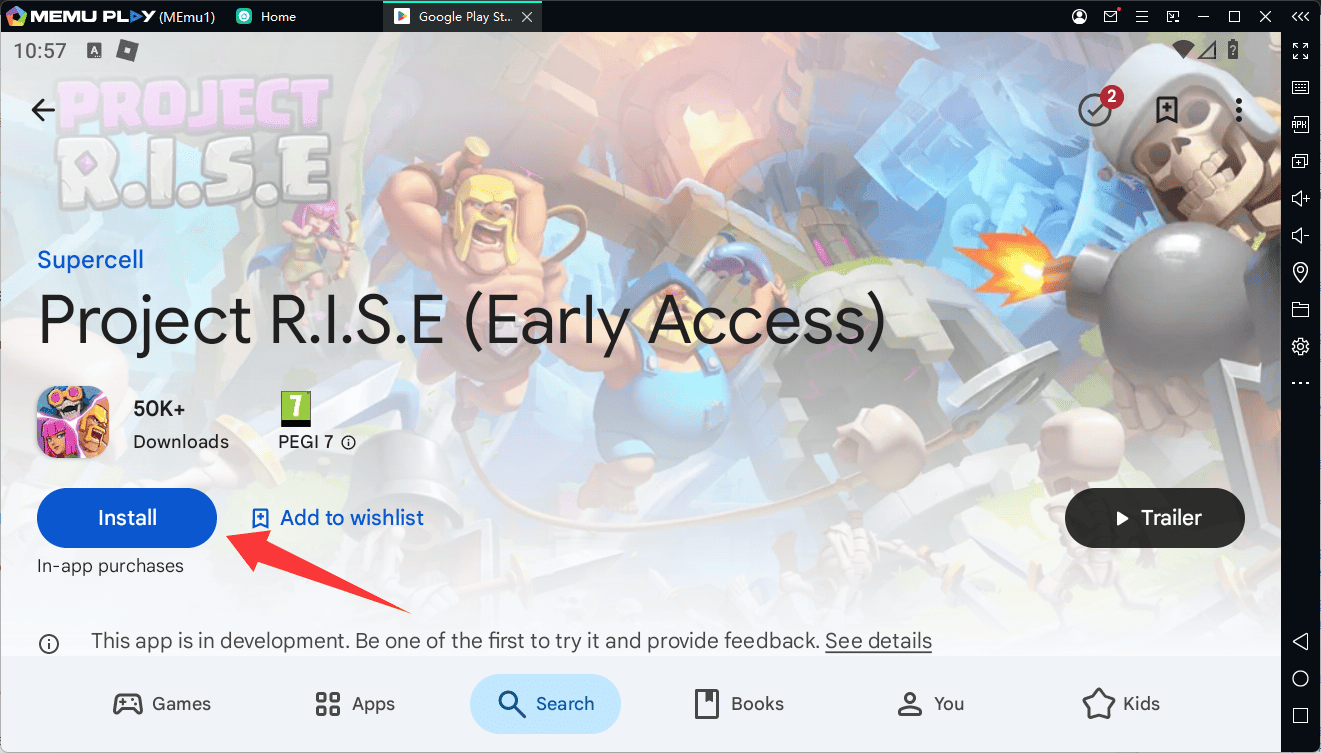
MEmu's standard installation process is to search for a game through Google Play and click Install.
Step 5: Launch Project R.I.S.E
Once installation is complete, click the Project R.I.S.E icon on the MEmu home screen.
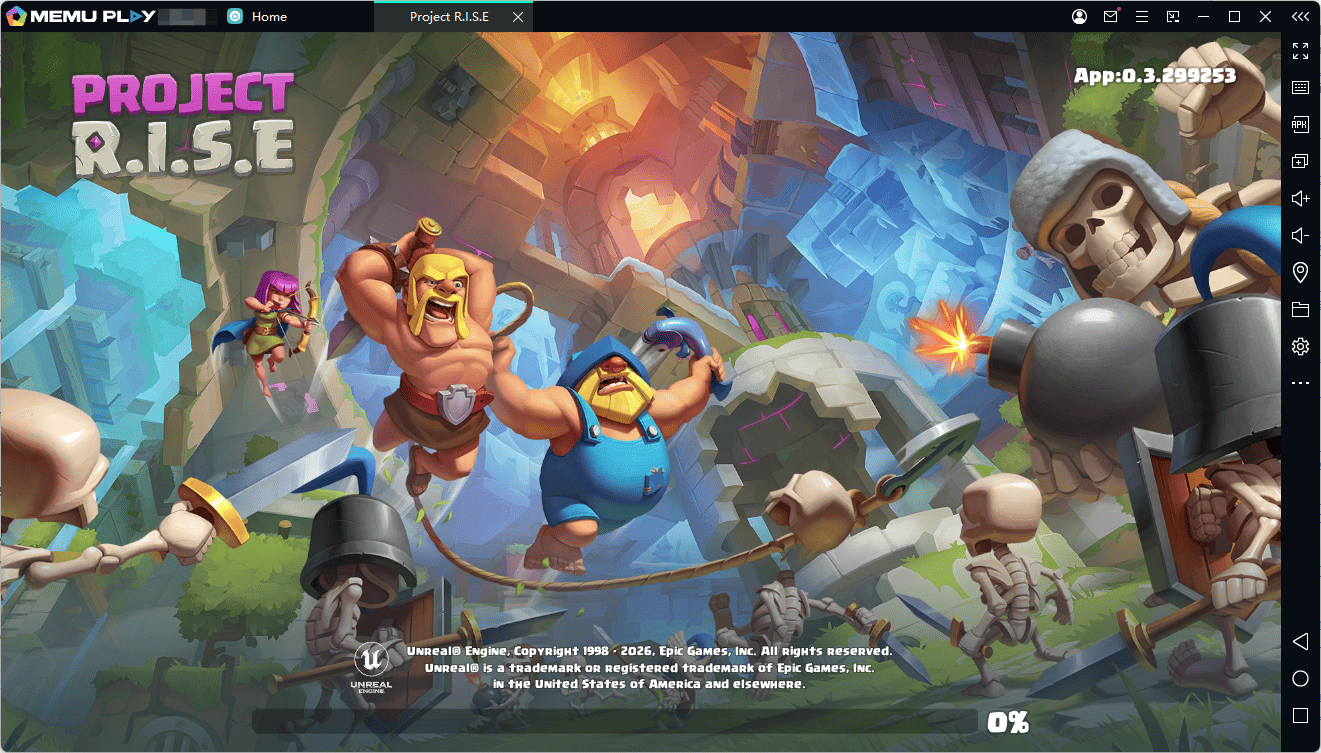
The game will launch inside the Android environment. Follow the in-game instructions to complete the initial setup and start your journey through the Tower.
Tips for a Better Project R.I.S.E Experience on MEmu
For demanding Android games, MEmu recommends adjusting CPU cores and RAM according to your PC hardware. Hardware virtualization can also improve emulator performance when supported and enabled on your computer.
If you experience performance or compatibility problems:
- Make sure MEmu is updated to the latest version.
- Check that hardware virtualization is enabled on your PC.
- Close unnecessary background applications to free system resources.
- Adjust CPU and RAM allocation in MEmu Settings.
- Restart MEmu after changing important emulator settings.
- If the game does not install correctly, check your Google Play connection and try again.
Project R.I.S.E
Final Thoughts
Project R.I.S.E combines Clash heroes, roguelite progression, team-based combat, and multiplayer action into a new RPG experience. Its Tower-climbing structure encourages players to experiment with different heroes, perks, and builds as they try to progress further.
With MEmu, you can bring the Android version of Project R.I.S.E to your Windows PC and enjoy the game on a larger screen with customizable controls. If you're ready to climb the Tower, install MEmu, download Project R.I.S.E from Google Play, and start building your team.