Panophobia on PC – How to Download and Play with MEmu Emulator
 |
|
Love horror games filled with psychological tension, mysterious environments, and challenging puzzles? Panophobia is an Android horror game that combines suspense, exploration, puzzle-solving, and survival elements. With MEmu Emulator, you can experience the Android version on your Windows PC and enjoy the game on a larger screen.


Panophobia
What Is Panophobia?
Panophobia is a horror game centered on unsettling environments, hidden mysteries, and unpredictable situations that keep players on edge. Rather than relying solely on jump scares, the game builds tension through eerie surroundings, concealed clues, and challenges that require careful thought.
As you progress, you can explore mysterious locations, search for clues, and solve puzzles to uncover more about the world around you. Certain situations may require you to make decisions carefully, adding another layer of uncertainty to the experience.
If you enjoy psychological horror, mystery adventures, and puzzle-based gameplay, Panophobia is worth keeping on your radar.
Key Features of Panophobia
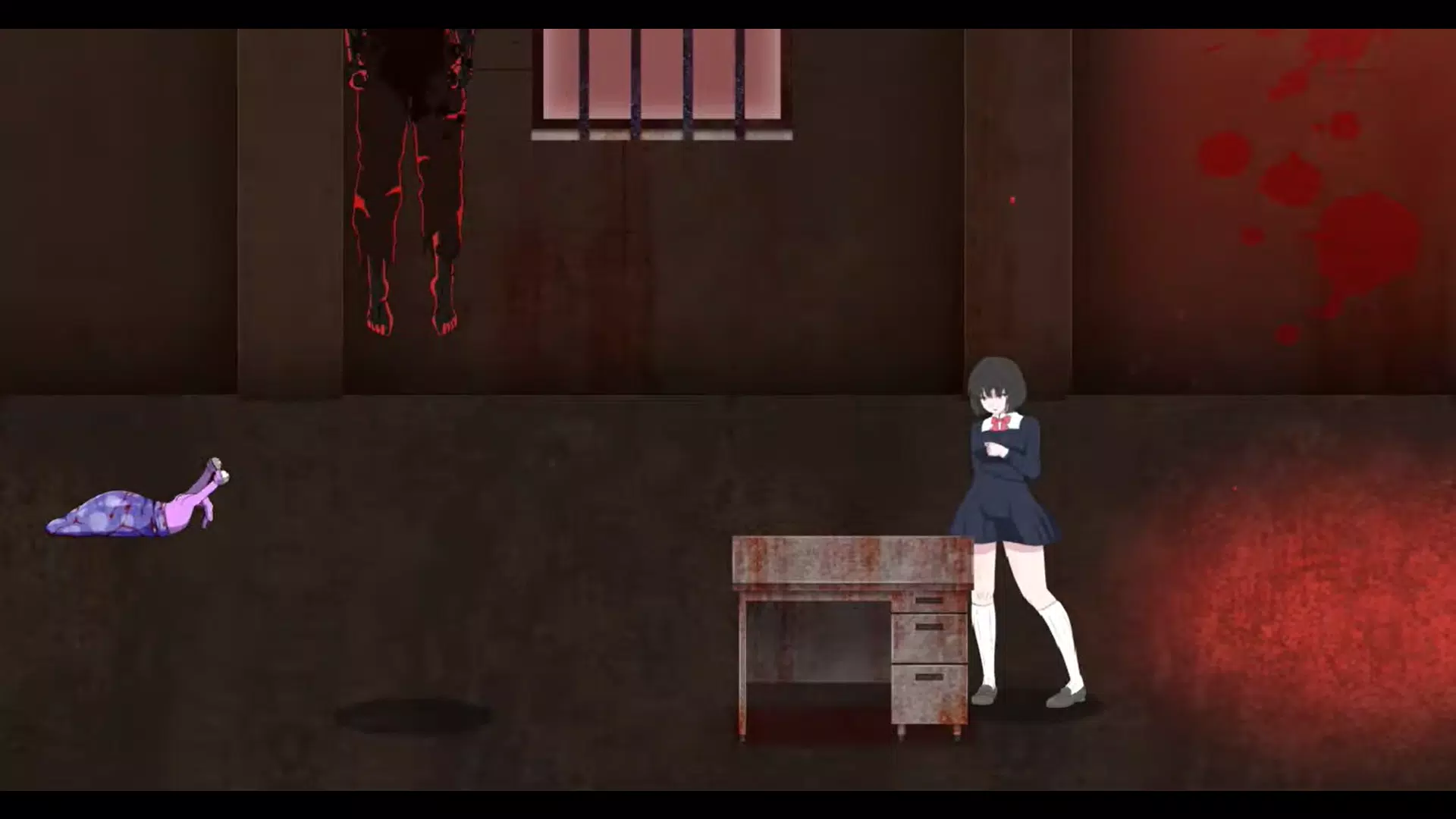
1. An Unsettling Horror Atmosphere
Dark environments, eerie visuals, and unexpected events create a suspenseful atmosphere throughout the experience. Stay alert and pay attention to your surroundings as you explore unfamiliar locations.
2. Exploration and Hidden Clues
Investigate different areas to discover important details, collect information, and uncover secrets hidden throughout the game world.
3. Challenging Puzzles
Panophobia encourages players to observe carefully, think logically, and experiment with different solutions. Even a small clue may help you overcome an obstacle or discover a new path.
4. Mystery-Driven Storytelling
The game combines horror with narrative exploration. As you make progress, you can uncover more information about strange events and the mysteries surrounding your journey.
5. Unpredictable Challenges
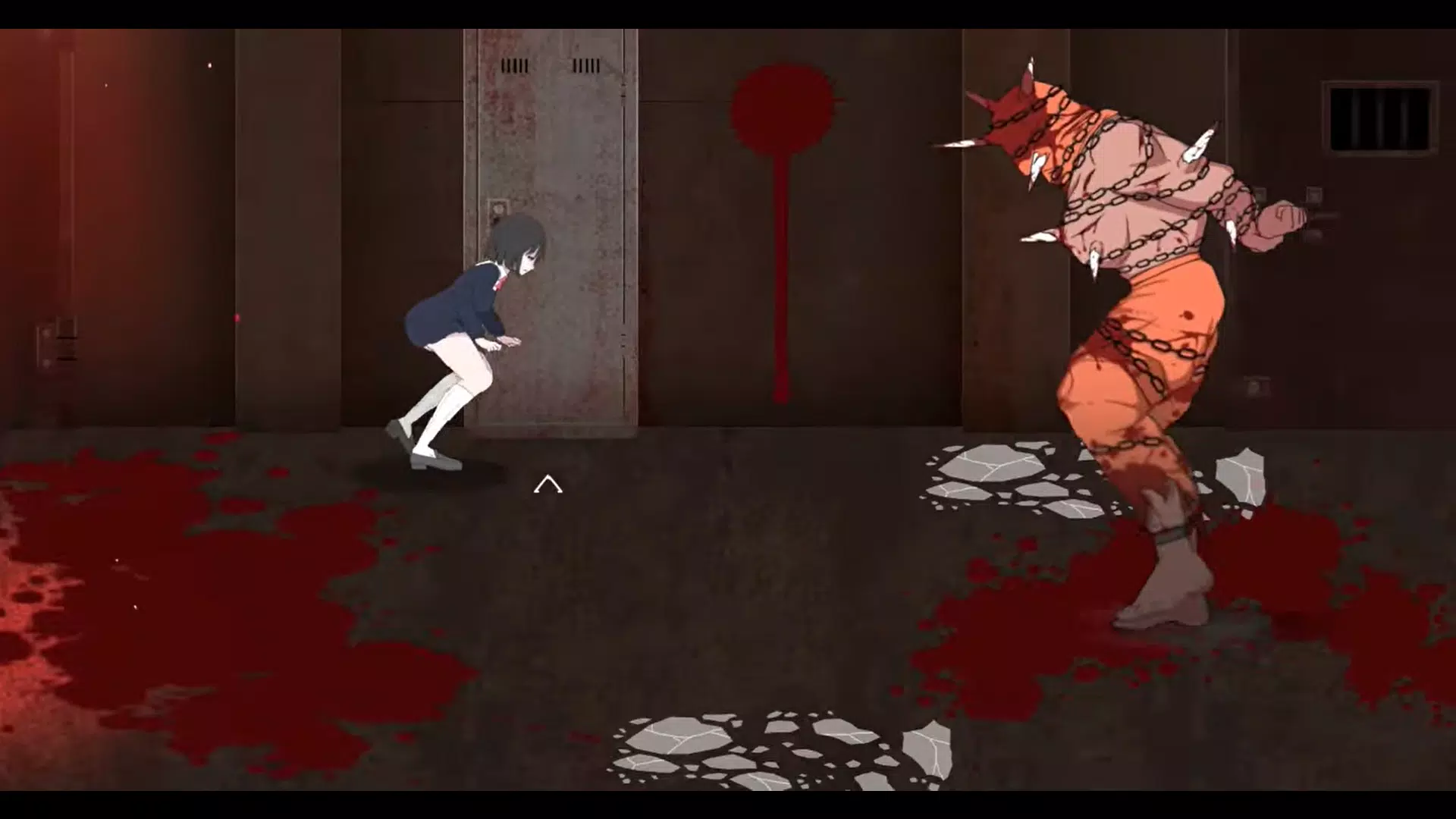
Unexpected encounters and a persistent sense of danger encourage you to think carefully before acting. These elements make the game appealing to players who enjoy suspenseful exploration and challenging situations.
Why Play Panophobia on PC with MEmu Emulator?
MEmu Emulator lets you run Android applications on a Windows computer. Playing Panophobia on PC offers several potential advantages:
- Bigger screen: Explore dark environments and examine visual clues more comfortably.
- Flexible controls: Use your mouse and available keyboard mapping options to customize your setup.
- No phone battery worries: Play on your computer without draining your mobile device's battery.
- Convenient multitasking: Switch between the game and other Windows applications whenever needed.
Actual performance depends on your PC specifications, emulator settings, and the compatibility of the game version you install.
How to Download and Play Panophobia on PC with MEmu Emulator
Follow these steps to get started.
Step 1: Download MEmu Emulator
Visit the official MEmu website at https://www.memuplay.com/ and download the installer for your Windows PC.
Step 2: Install and Launch MEmu
Run the installer and follow the on-screen instructions. Once installation is complete, launch MEmu.
Step 3: Open Google Play Store
Open Google Play Store inside the emulator and sign in with your Google account if prompted.
Step 4: Search for Panophobia
Search for Panophobia in Google Play.
Step 5: Install the Game
If Panophobia is available in your region and compatible with your emulator configuration, install it through Google Play Store.
If you choose to install an APK, download it only from a trustworthy source. Verify the application name and package ID,
- com.panophobia
, and make sure the version is compatible with MEmu. Not every APK can be installed or run successfully in an emulator.
Step 6: Launch and Play
After installation, open Panophobia from the MEmu home screen. Familiarize yourself with the controls, explore your surroundings, search for clues, and solve puzzles to progress through the game.
Note: If the game is not yet available for download in your region, check its official release status and try again when a compatible version becomes available.
Beginner Tips for Panophobia
- Examine your surroundings carefully before moving into another area.
- Pay attention to objects and environmental details that might contain clues.
- Review the information you discover to better understand the story.
- Experiment with different approaches when you get stuck on a puzzle.
- Adjust the sound volume to your preference while enjoying the game's horror atmosphere.
Conclusion
Panophobia is worth exploring if you enjoy psychological horror, mysterious environments, and puzzle-solving challenges. Its suspenseful atmosphere and unpredictable situations make it an appealing option for players who want to test their observation and problem-solving skills.
Want to experience Panophobia on a larger screen? Download MEmu Emulator and check whether the game is available through Google Play Store or a compatible APK source. Explore the mysteries, uncover hidden clues, and prepare yourself for the challenges that await in Panophobia!
Panophobia