Best Emulator to Play Free Fire on PC
 |
|
Free Fire is no doubt one of the most popular mobile battle royale game all over the world. It is even more popular playing Free Fire on PC with Emulators. Each 10-minute game places you on a remote island where you are pit against 49 other players, all seeking survival.
If you are looking for a way to play Free Fire on PC, then MEmu is the recommended Android emulator that helps you to power up the gameplay. In this article, you would get to know how to play Free Fire on MEmu and some tips that will benefit your Free Fire gameplay on PC.
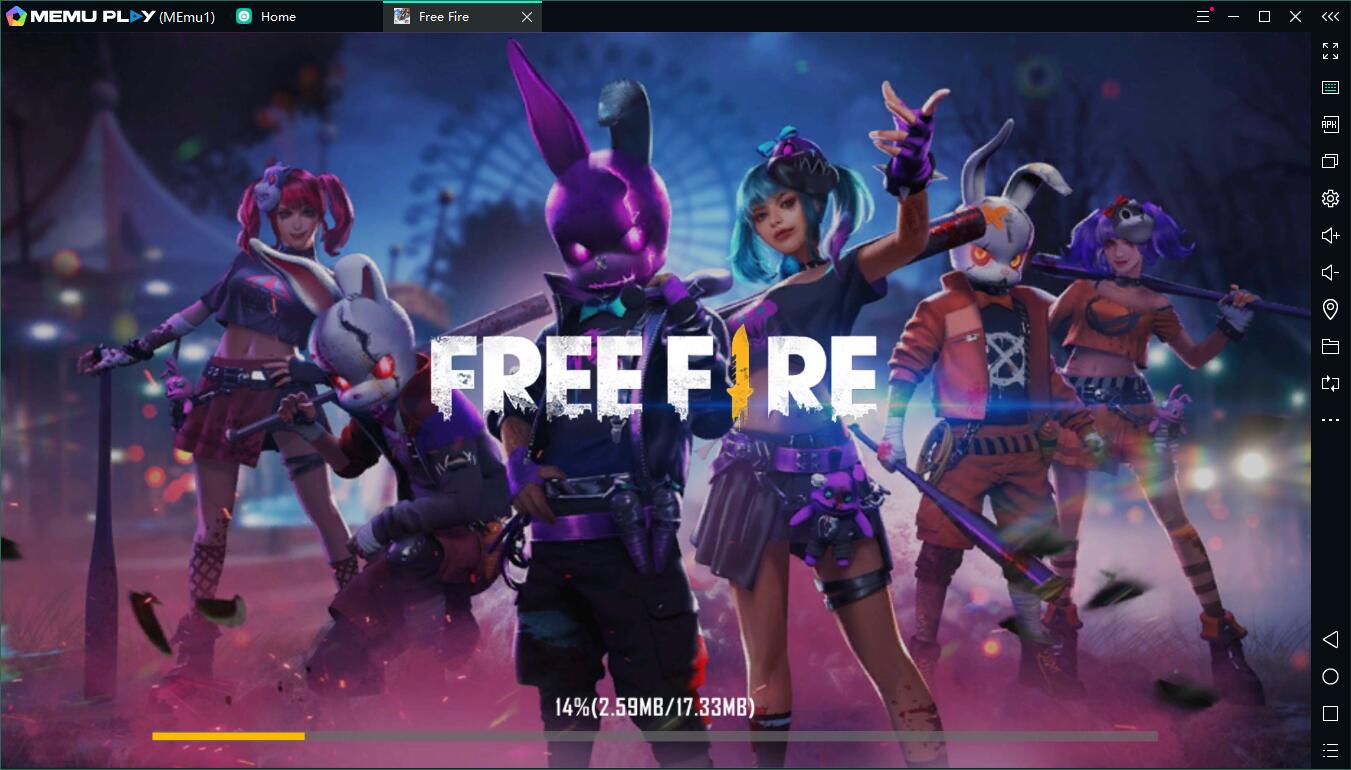
How to Download Free Fire on Your PC
The following will teach you how to play Free Fire with MEmu.
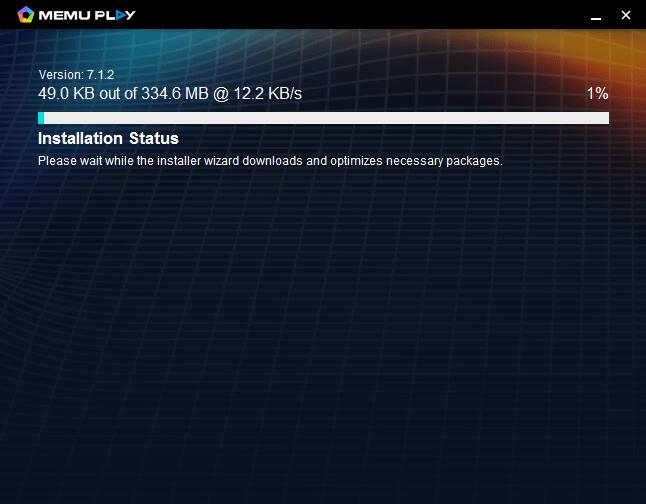
Step 1: Download MEmu on your PC
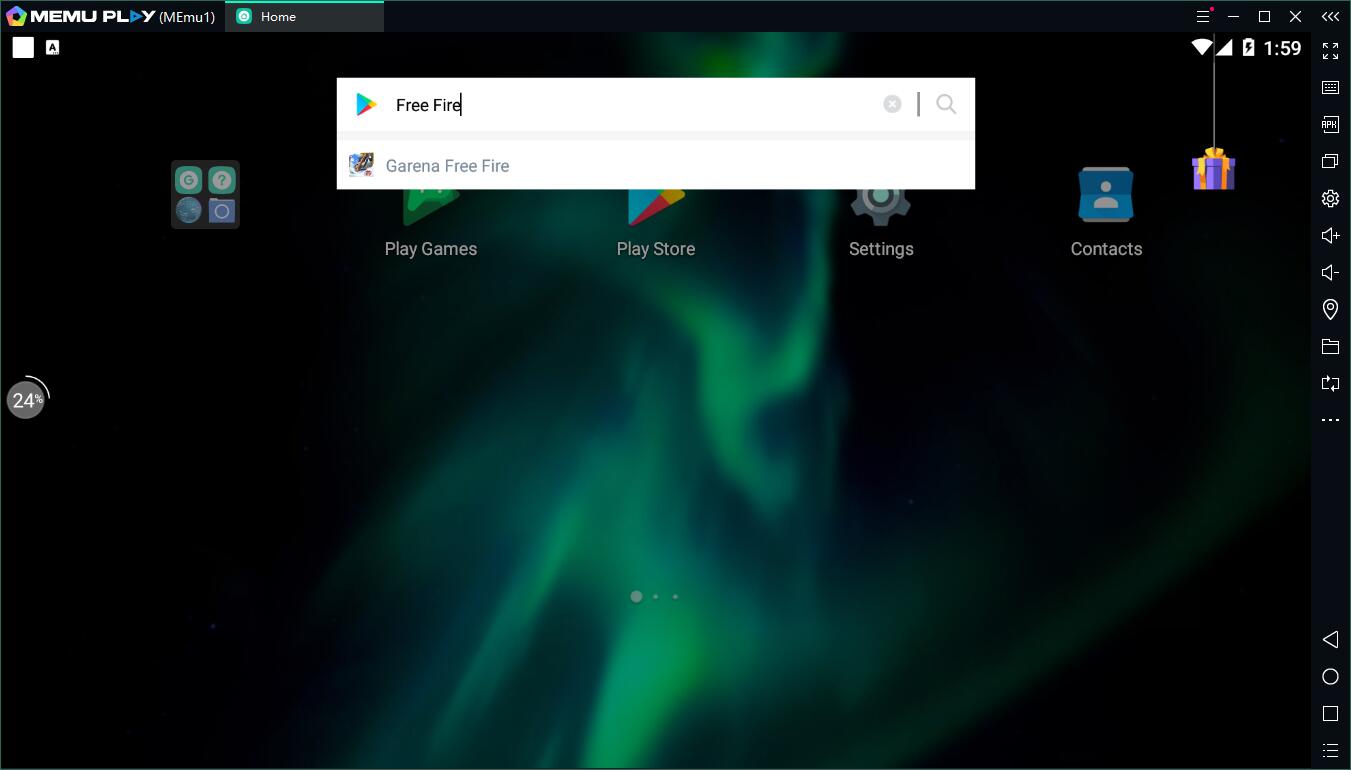
Step 2: Search Free Fire in the Play Store
Alternatively, you can download the apk\xapk file from sites like Apkpure then install the APK with MEmu.
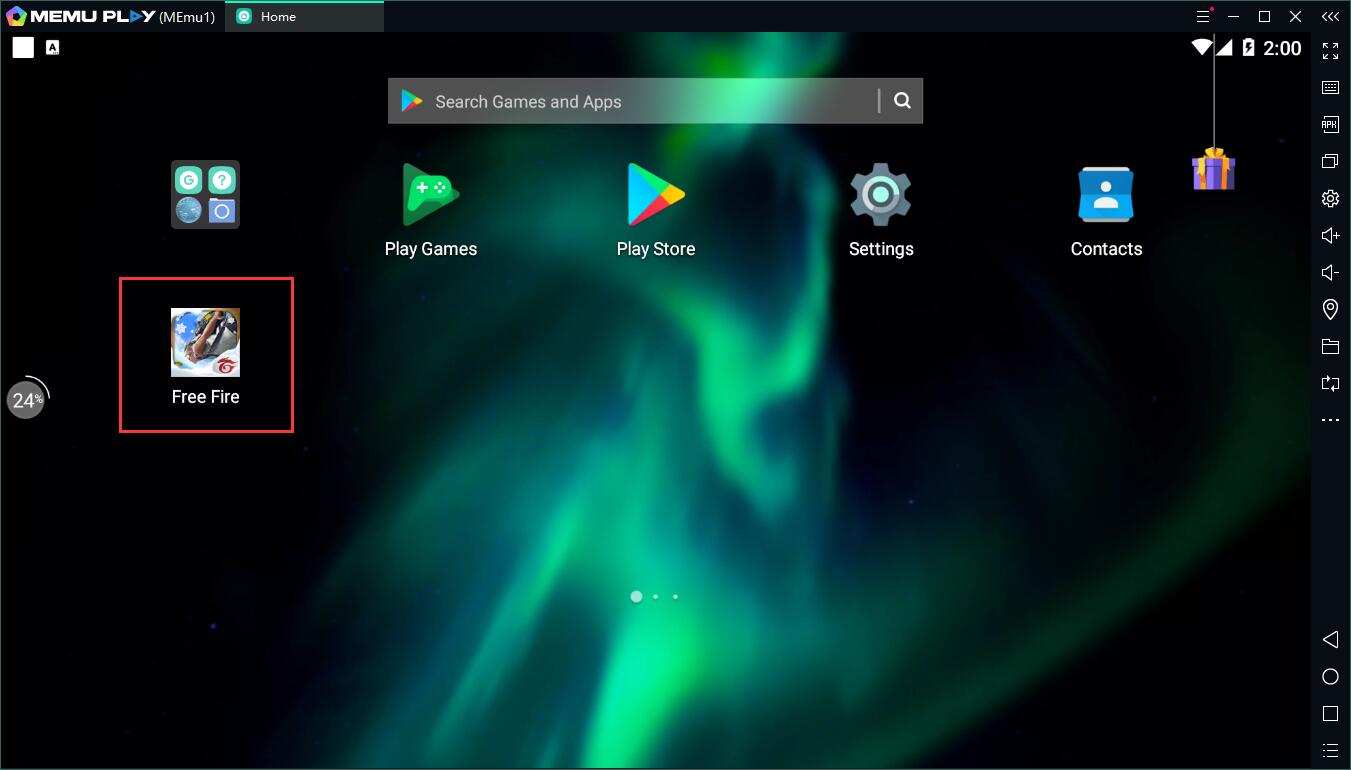
Step 3: Install the game on your emulator
Step 4: Enjoy playing Free Fire on PC with MEmu
Why play Free Fire on PC with MEmu?
Reason 1: High performance
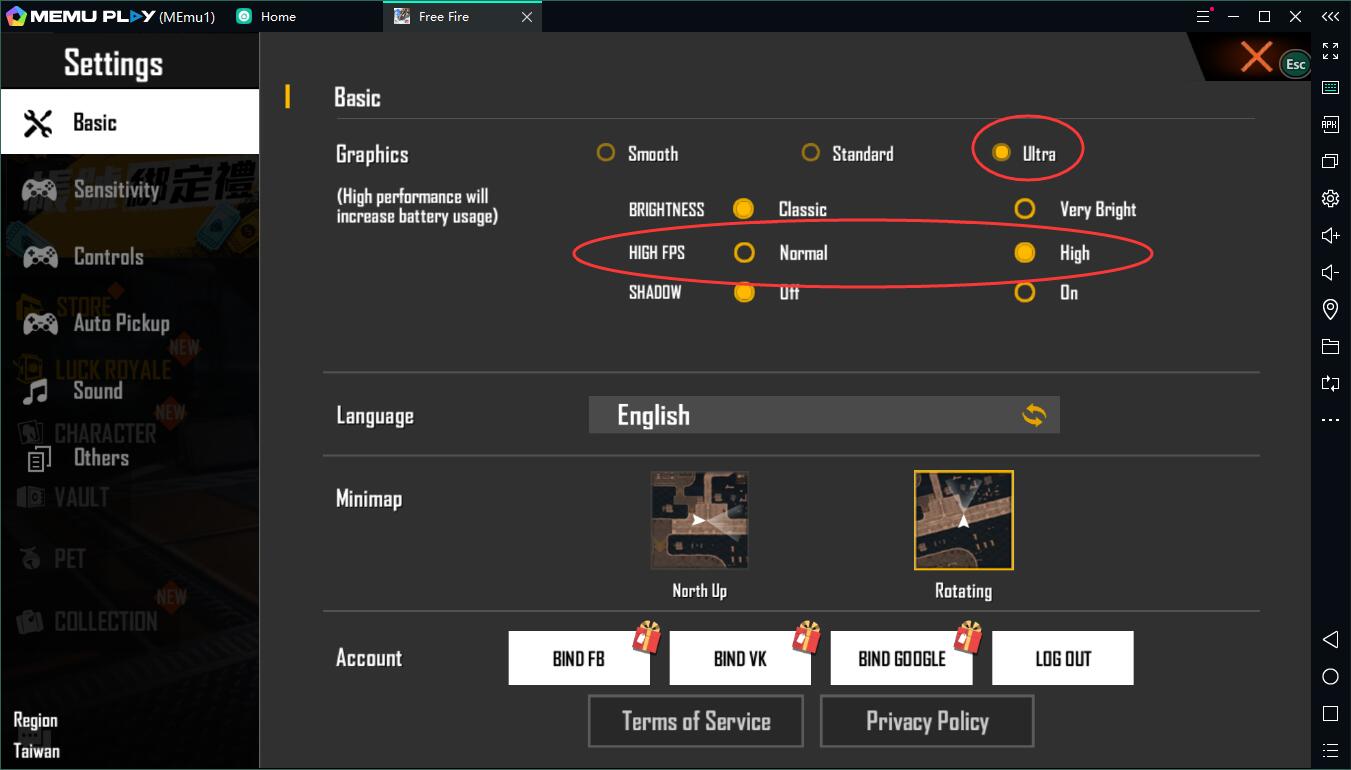
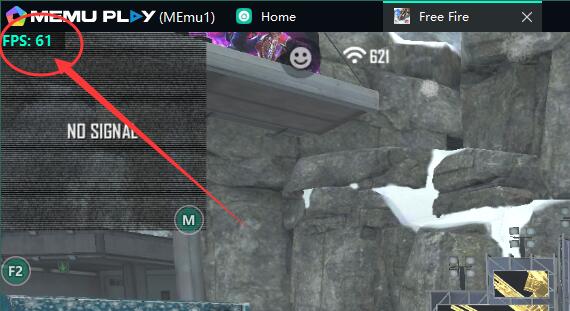
Free Fire is a game that is well optimized for low-end devices. This means that you can play it with 60 FPS even if your PC does not have a graphic card. Besides, MEmu has special optimization for the game. For example, an integrated graphics card of Inter HD 530 will assure 60 FPS in the game of Free Fire on PC.
Reason 2: Exquisite Smart Mode of Keymapping for Free Fire on PC
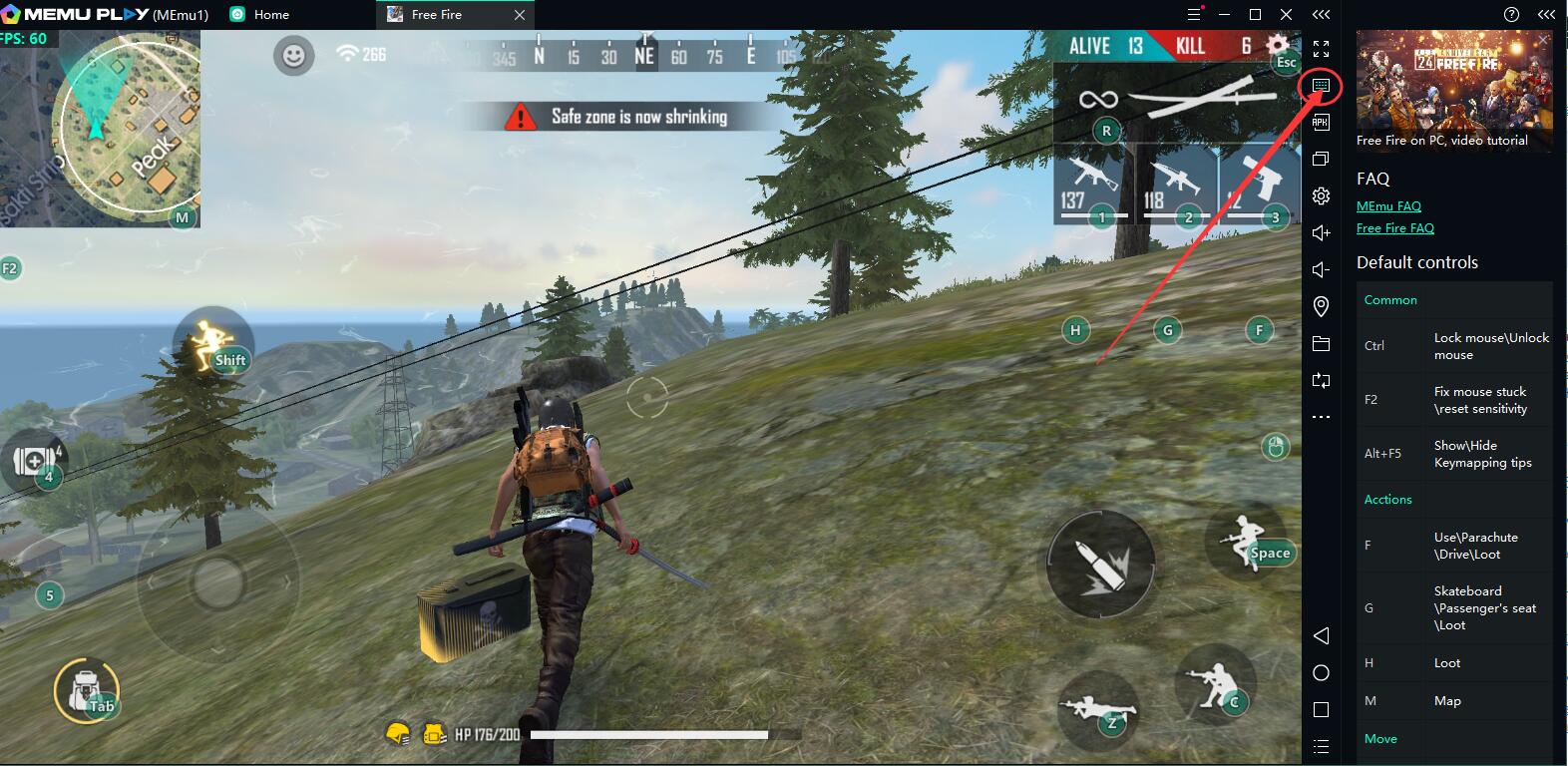

Click the keymapping setting button and then choose the smart mode. (In the game it is set as default)
Smart mode helps you have better control of your character, be faster to loot and stay away from mouse stuck that happens a lot on other emulators. In a word, the Smart Mode makes Free Fire a real PC game instead of a game on mobile. The way of control is exclusive for PC.
Reason 3: Smooth and Stable mouse sensitivity
MEmu has investigated a lot into the mouse sensitivity of Free Fire. In the end, we used our exclusive algorithm to do modifications to the movement of the mouse. Now, Free Fire on PC with MEmu has the same experience of mouse sensitivity as other PC based games.
Conclusion of Free Fire on PC with MEmu
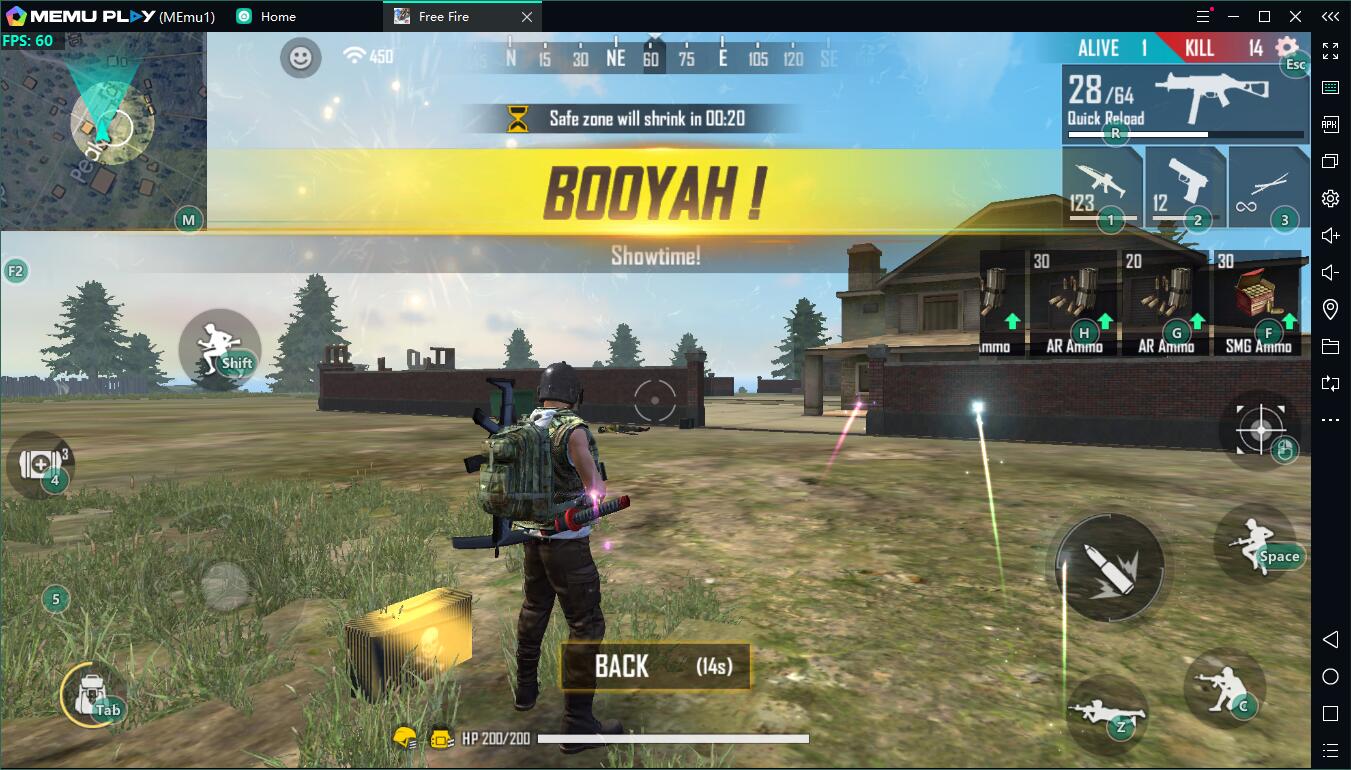
In short, MEmu is the best choice for you to play Free Fire. With better performance and graphics than mobile devices and other emulators, MEmu offers you the exclusive gaming experience of Free FIre on PC. Don't hesitate to download MEmu on PC and start to play Free FIre!

- More info: https://www.memuplay.com/how-to-play-Free-Fire-Battlegrounds-on-pc.html
- Official Website: https://www.memuplay.com
- Official Twitter: https://twitter.com/MicrovirtMEmu
- Facebook Page: https://www.facebook.com/memuplayer
- MEmu User Group: https://www.facebook.com/groups/memuplayer
- Discord: https://discord.gg/gA4GWV9
