Best Emulator to Play Call of Duty Mobile on PC
 |
|
MEmu helps you play Call of Duty Mobile on PC
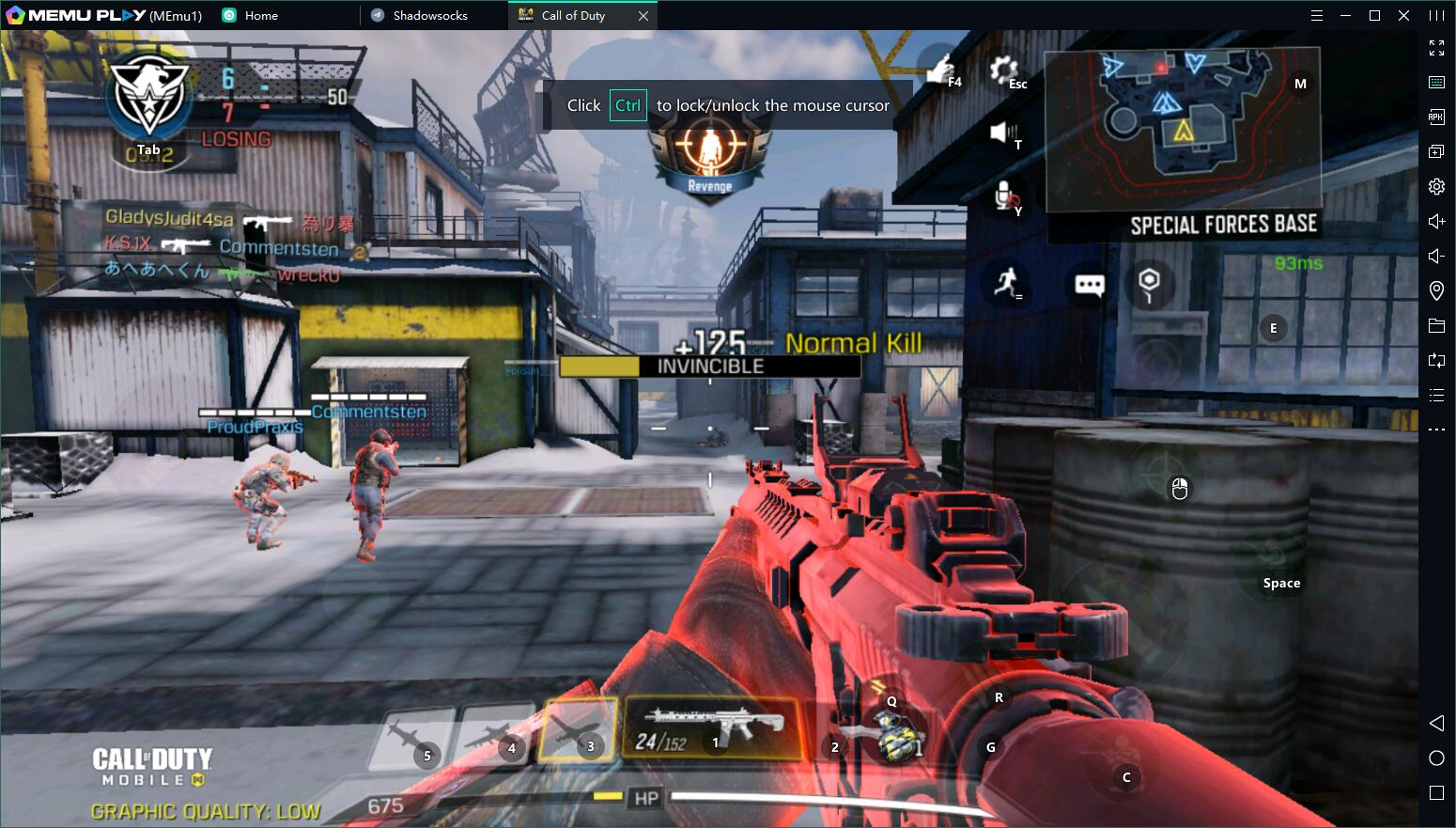
If you are looking for a way to play Call of Duty Mobile on PC, then MEmu is the recommended Android emulator that helps you to power up the gameplay. In this article, you would get to know how to play Call of Duty Mobile on MEmu and some tips that will benefit your Call of Duty Mobile gameplay on PC.

How to Download Call of Duty Mobile on Your PC
The following will teach you how to play Call of Duty Mobile with MEmu.
Step 1: Download MEmu on your PC
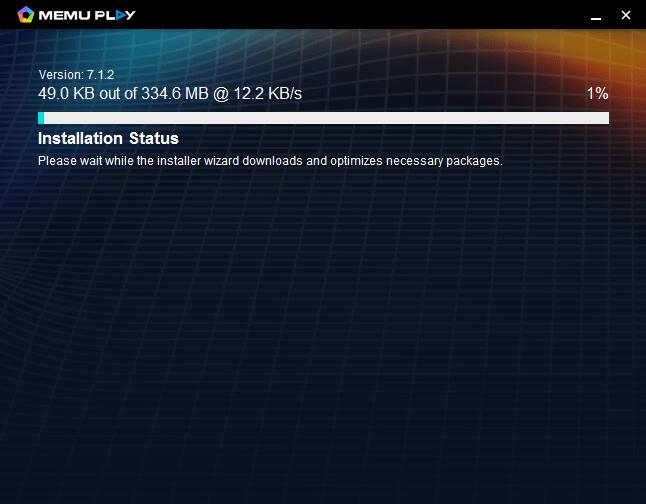
Step 2: Search Call of Duty Mobile in the Play Store
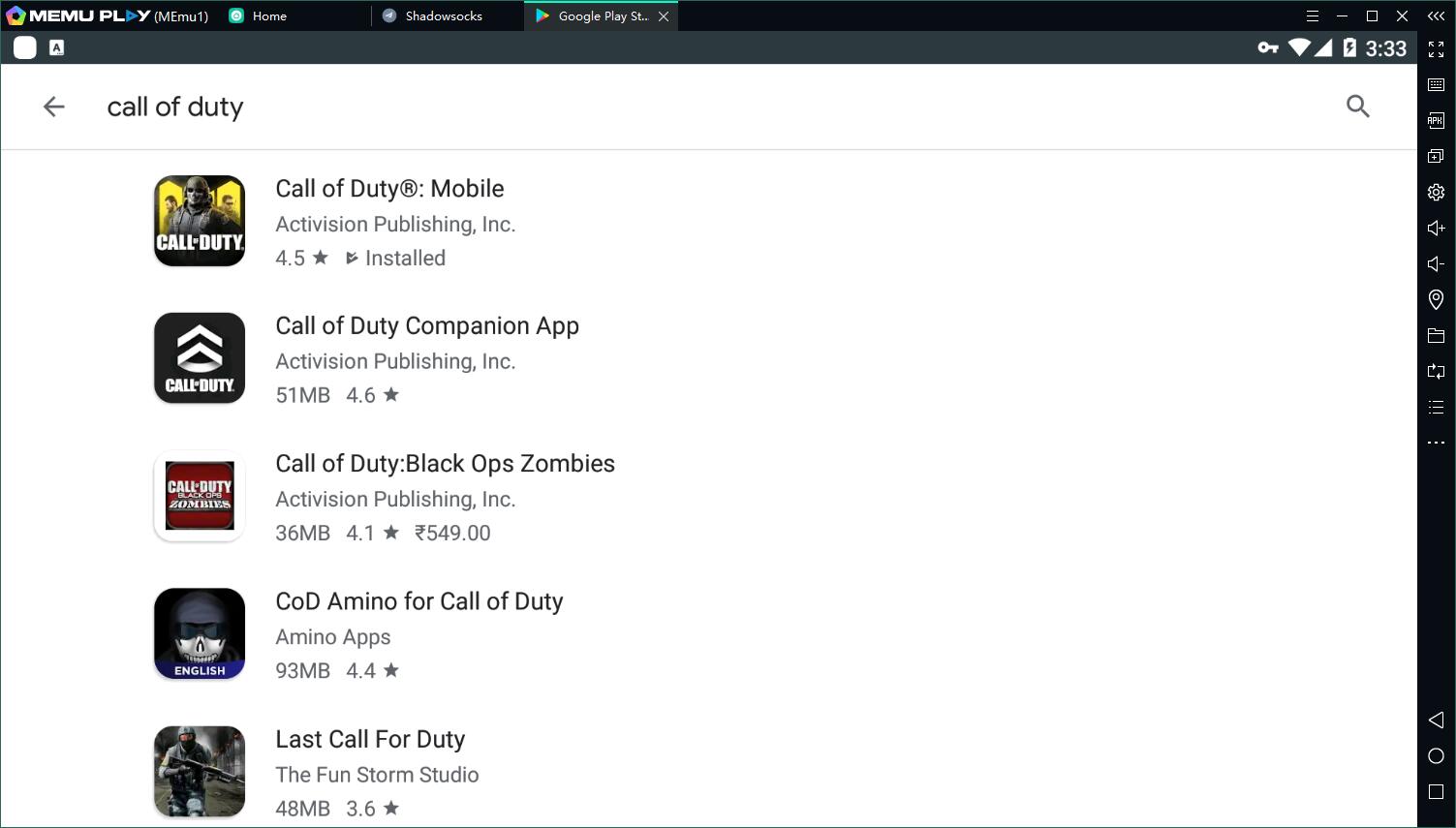
Step 3: Install the game on your emulator
Step 4: Enjoy playing Call of Duty Mobile on PC with MEmu
Why play Call of Duty Mobile on PC with MEmu?
Reason 1: High performance
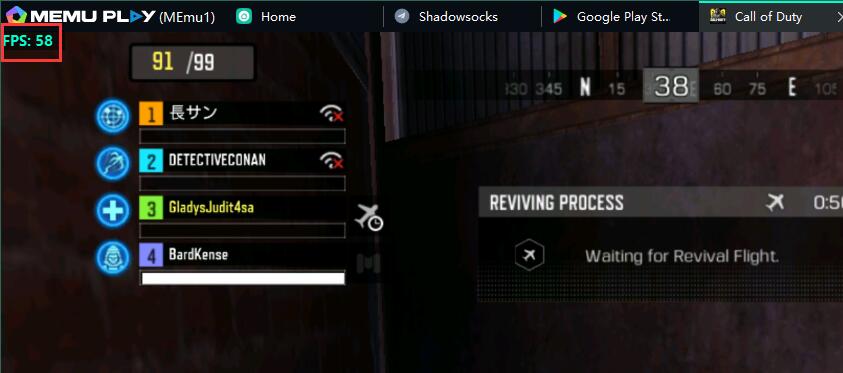
Call of Duty Mobile is a game that needs hardware to get a better gaming experience. This means that you need to play it on high-end devices. However, Memu has made special optimization for the game. For example, an integrated graphics card of Inter HD 530 will assure 60 FPS in the game of Call of Duty Mobile on PC.
Reason 2: Exquisite Smart Mode of Keymapping for Call of Duty Mobile on PC
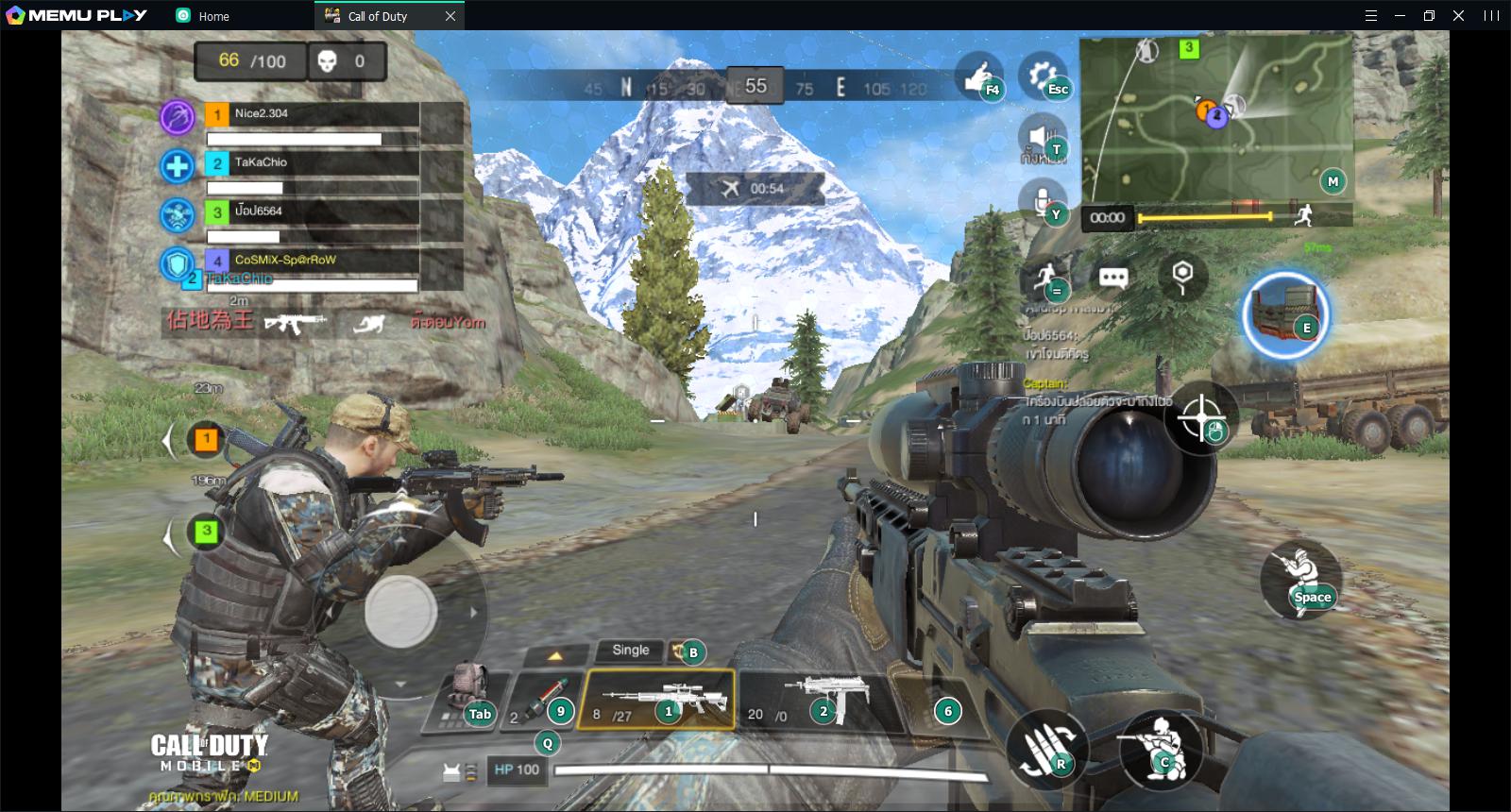
Click the keymapping setting button and then choose the smart mode. (In the game it is set as default)
Smart mode helps you have better control of your character, be faster to loot and stay away from mouse stuck that happens a lot on other emulators. In a word, the Smart Mode makes Call of Duty Mobile a real PC game instead of a game on mobile. The way of control is exclusive for PC.
Reason 3: Longer Duration than Mobile Devices
Mobile gamers reviewed that their battery ran down fast when they were playing the game, Call of Duty Mobile. You always worry about the duration of mobile devices. However, you would enjoy longer gameplay if you play Call of Duty Mobile with MEmu. There is no battery limitation, even phone disturbances on PC.
Conclusion of Call of Duty Mobile on PC with MEmu
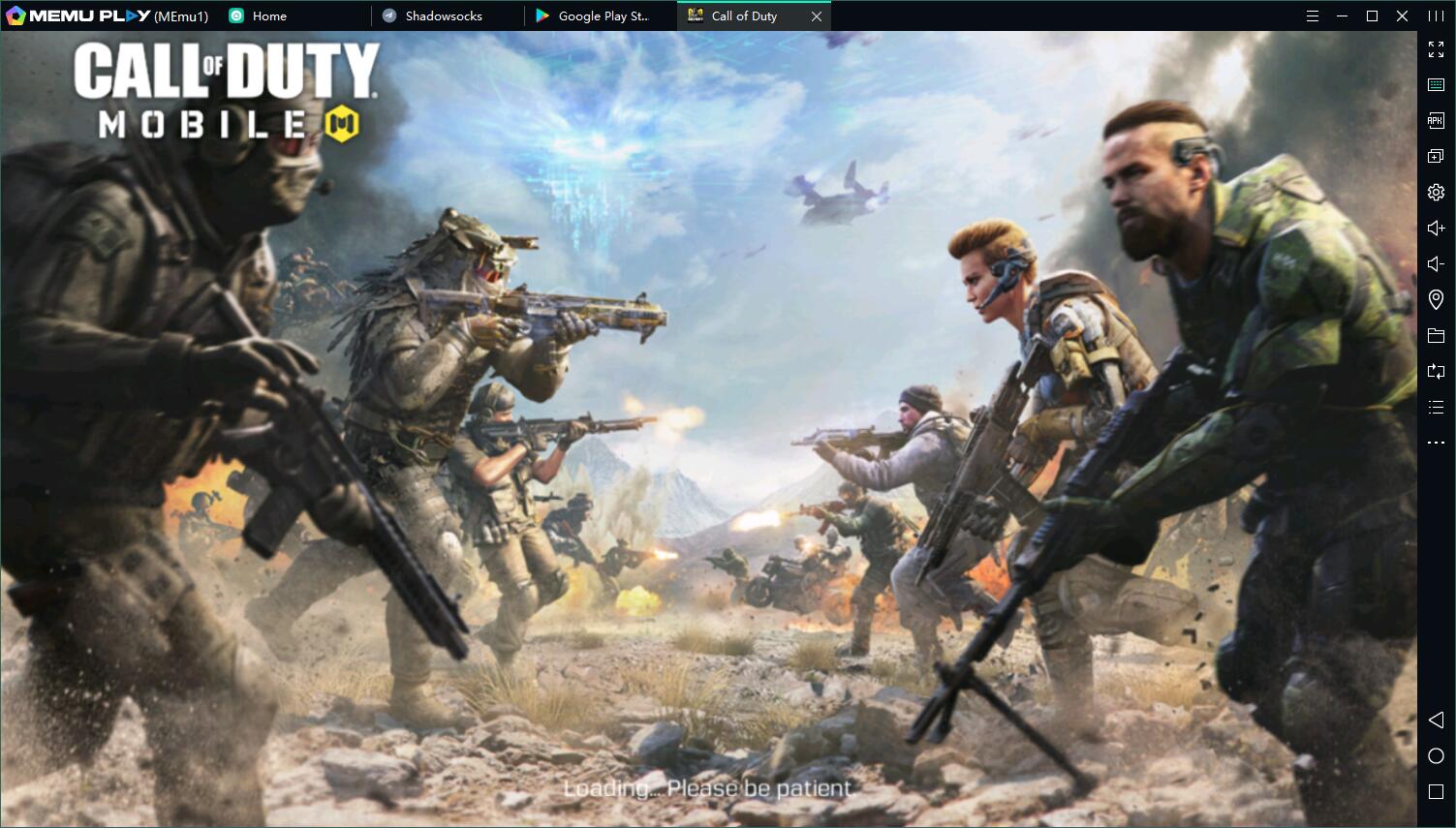
In short, MEmu is the best choice for you to play Call of Duty Mobile. With better performance and graphics than mobile devices and other emulators, MEmu offers you the exclusive gaming experience of Call of Duty Mobile on PC. Don't hesitate to download MEmu on PC and start to play Call of Duty Mobile!

Call of Duty Mobile