Master the Indian Roads: Ultimate Bus Masters India Simulator Guide for PC
 |
|
Have you ever wanted to experience the thrill of navigating bustling Indian highways, managing realistic passenger routes, and driving massive, beautifully detailed buses? Bus Masters: India Simulator brings the vibrant and challenging world of Indian road transit right to your fingertips.
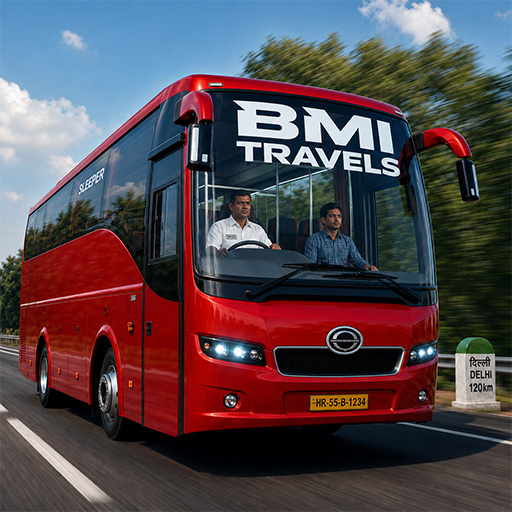
Bus Masters: India Simulator
Contents
While driving these giants on a small mobile screen can be tough, playing on PC changes the game entirely. In this guide, we will look at some essential gameplay tips and show you how playing on the MEmu Play emulator gives you the ultimate driving advantage.
1. Getting Started: Master the Controls
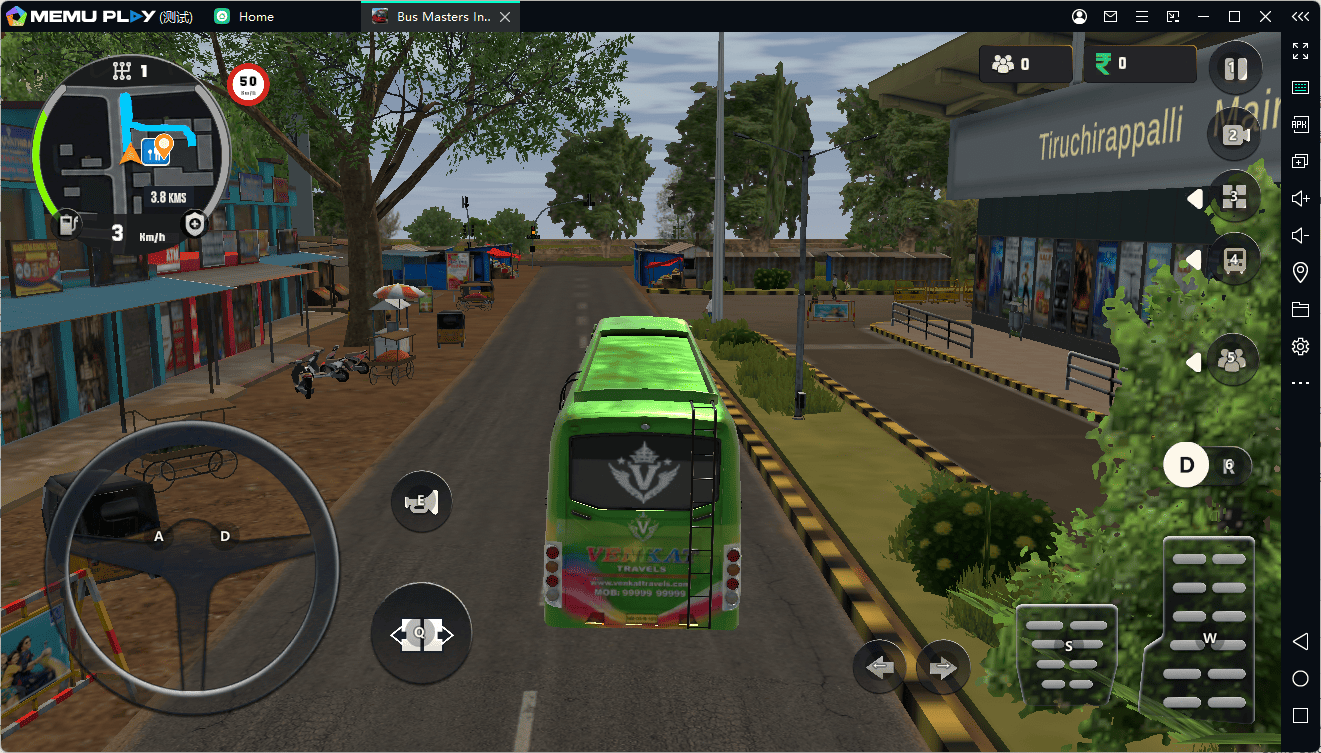
In Bus Masters: India Simulator, precision is everything. You will be navigating tight turns, avoiding aggressive traffic, and pulling perfectly into bus bays.
- Patience is Key: Indian highways are packed with unpredictable traffic. Don't rush; maintaining a steady speed prevents costly crashes.
- Manage Your Schedule: Timely arrivals earn you better rewards, but safety should always come first.
- Watch the Mirrors: Utilize your side mirrors constantly to monitor blind spots before changing lanes.
2. Why Play Bus Masters: India Simulator on MEmu Play?
Driving a massive bus requires precise handling and a clear view of the road. Playing on a mobile phone can limit your visibility and control. Here is why the MEmu Play emulator is the absolute best way to experience this game:
Bigger Screen, Better Visibility
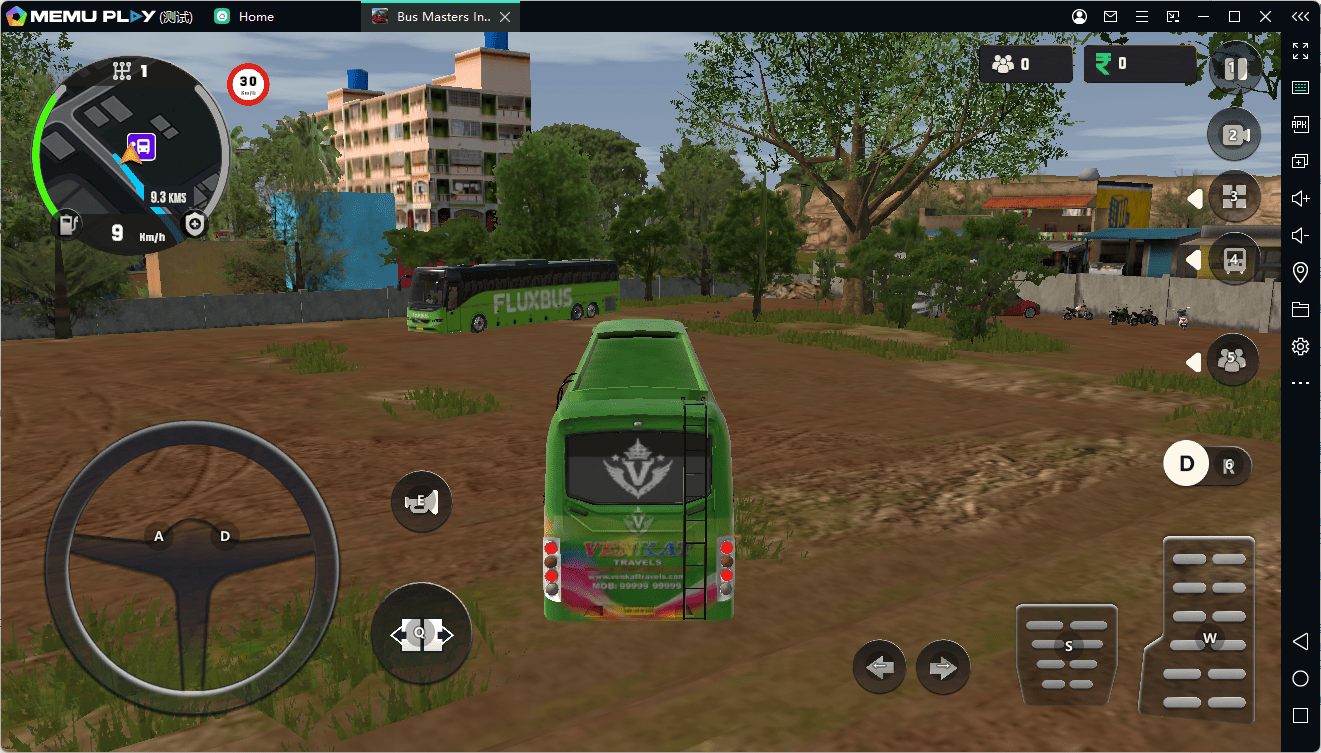
Navigating crowded Indian streets requires a sharp eye. On MEmu Play, you can run the game on your large PC monitor in full HD. Spot distant traffic, read road signs easily, and enjoy the beautiful, scenic Indian landscapes without straining your eyes.
Precision Keyboard and Steering Controls
Tapping on a touchscreen can lead to delayed reactions or accidental steering slips. MEmu Play's Smart Keymapping tool allows you to map your steering, acceleration, braking, and horn to your keyboard or even a game controller. Drive with the precision of a real bus driver!
Smooth Performance & High FPS
Simulation games can lag on older mobile devices when the traffic gets heavy. MEmu Play utilizes your PC's CPU and graphics card to deliver butter-smooth frame rates and eliminate lag, ensuring your bus never stutters during a crucial turn.
3. How to Download and Play on PC (Step-by-Step)
Getting started on your PC takes only a few minutes. Follow these simple steps:
-
Download the Emulator: Click the [Download Button] below to download the official MEmu Play installer.
-
Install MEmu: Run the installer and complete the setup process.
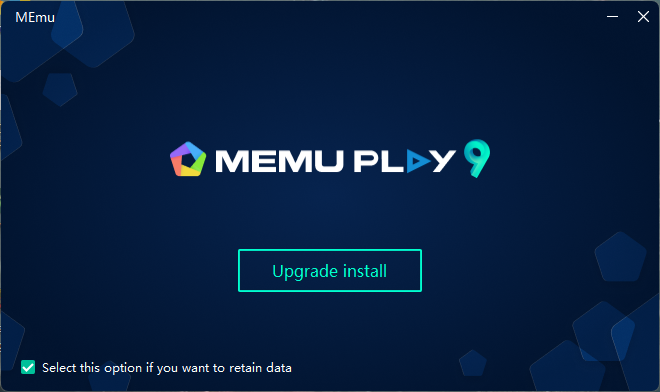
-
Open Google Play: Create Android 12 instance and launch MEmu Play, open the pre-installed Google Play Store, and log into your account.
-
Search & Install: Search for "Bus Masters: India Simulator" and click install.
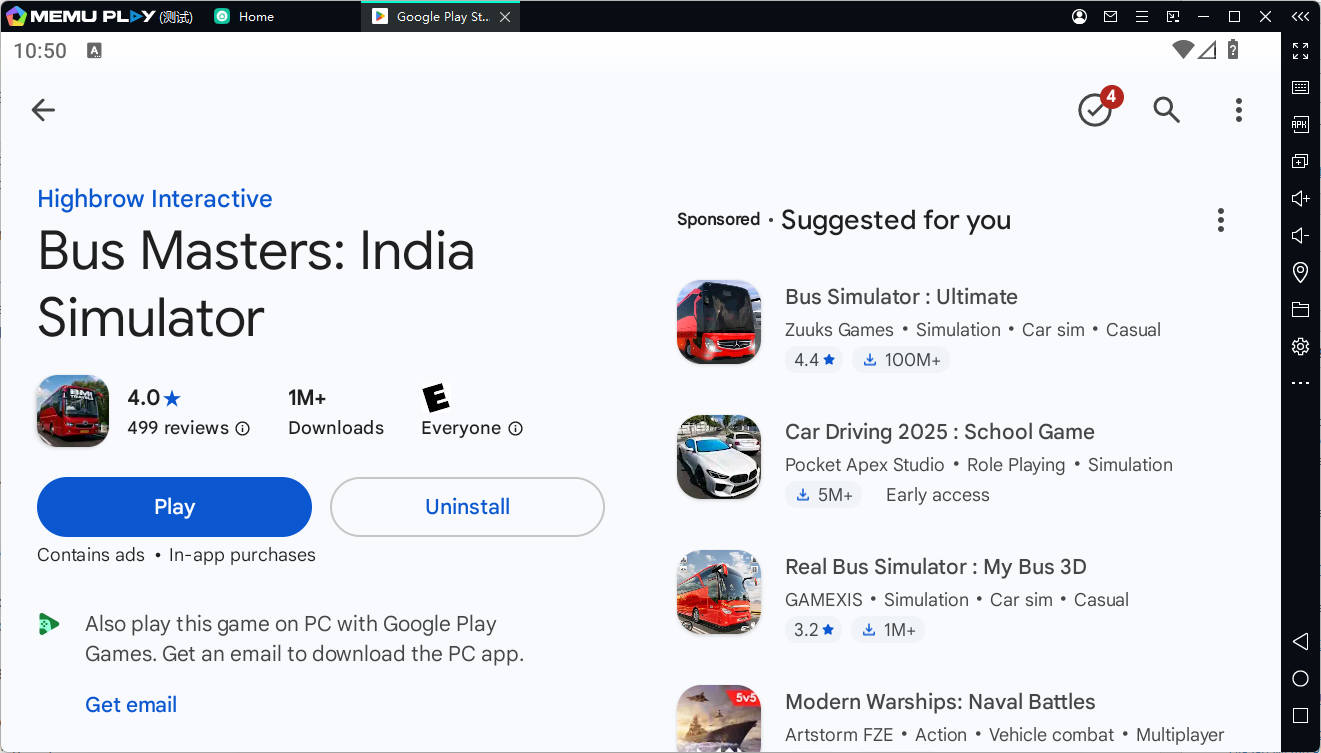
-
Start Driving: Click the game icon on your MEmu home screen, set up your preferred keyboard controls, and hit the highway!
Ready to hit the road?
Click the button below to download MEmu Play and start your career as a professional bus master today!