Download and play Ulala: Idle Adventure on PC with MEmu
 |
|
How to play Ulala: Idle Adventure on PC with keyboard mouse


MEmu Android Emulator helps you to play Ulala: Idle Adventure on PC. At the edge of the desert, and at the foot of a volcano, there lives a group of happy Ulala and a bunch of little monsters. Ice and fire, thunder and electricity, all intertwine on the wild and vast continent where there's constantly a struggle between peace and action.
Step by step to play Ulala: Idle Adventure on PC
- We highly recommend playing Ulala: Idle Adventure on PC using MEmu Android emulator. If you haven’t downloaded already, please install it here.
- Then you can download and install the game from Google Play. Alternatively, you can download the apk file from sites like APKpure and install it manually.
- Once installed, the icon will show up on MEmu home screen. Simply click the icon to launch this game then it and then it begins to download game resources.
- Finally, you will able to play Ulala: Idle Adventure on your computer!
Game Features of Ulala: Idle Adventure on PC
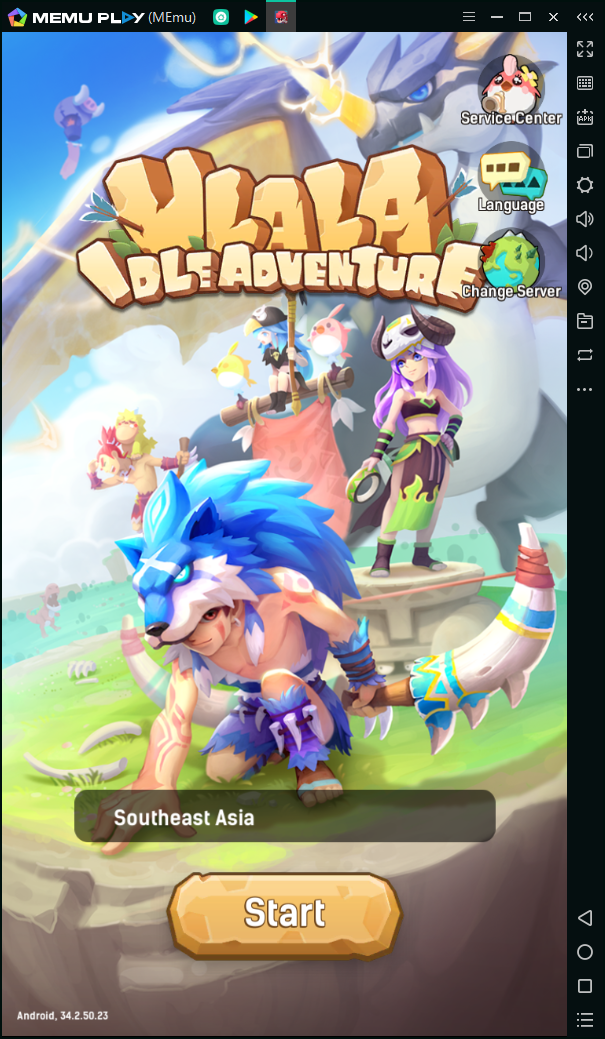
After choosing the server, you can enter the world of Idle Adventure on PC.
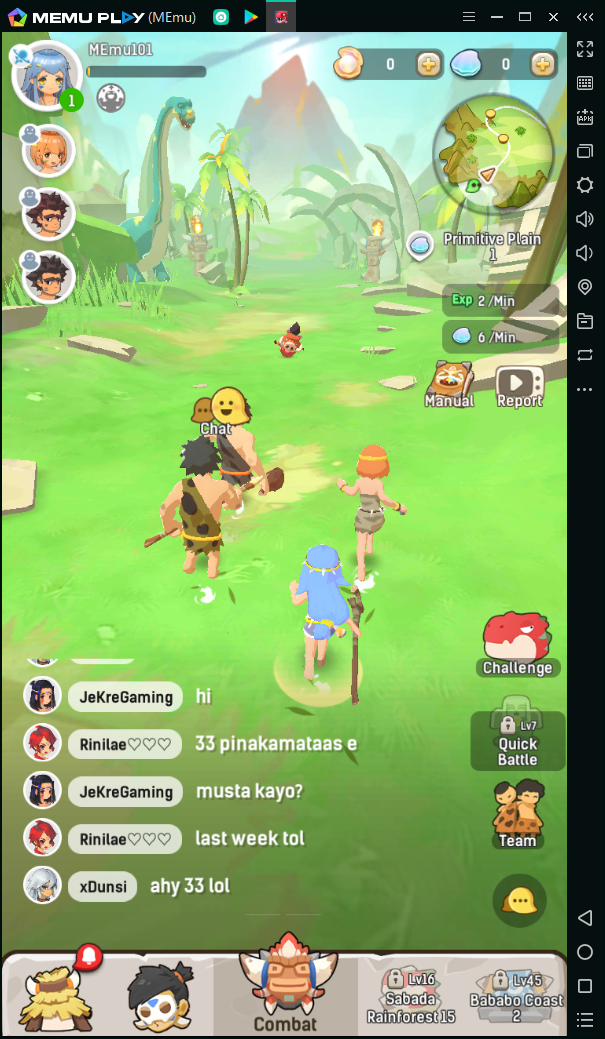
When playing Ulala: Idle Adventure on PC, you will team up with the other three teammates. Explore and conquer the wild wrold. You can always see the world text channel. It is like a chat room, most of others are trying to find a teammate.
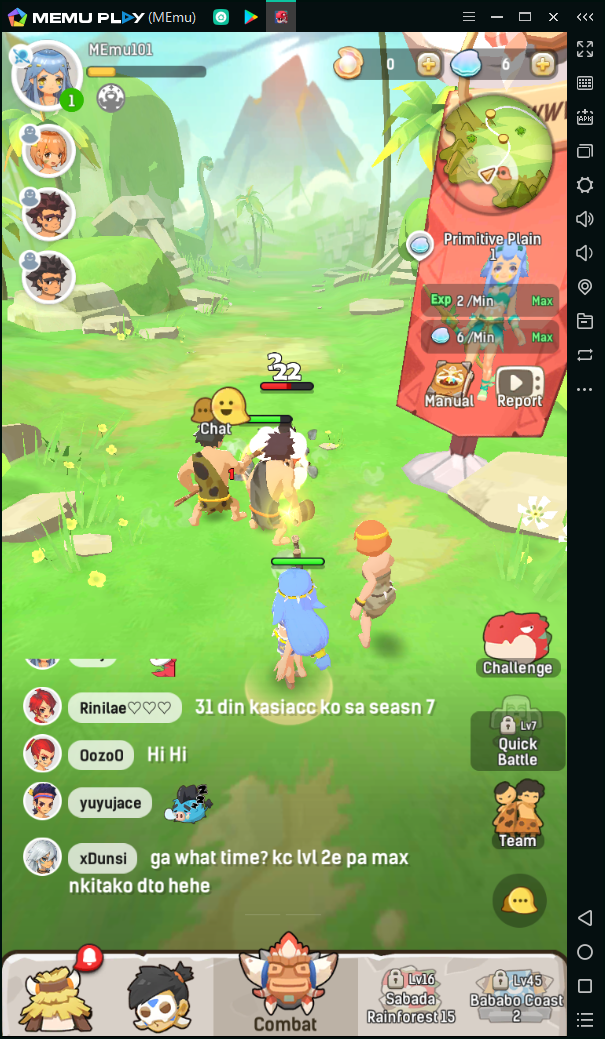
The game has an auto-battle system which means that you don't need to control your character. What you need to do is watching the screen. So MEmu and the game is a perfect match. You can just leave the game there and do something else.
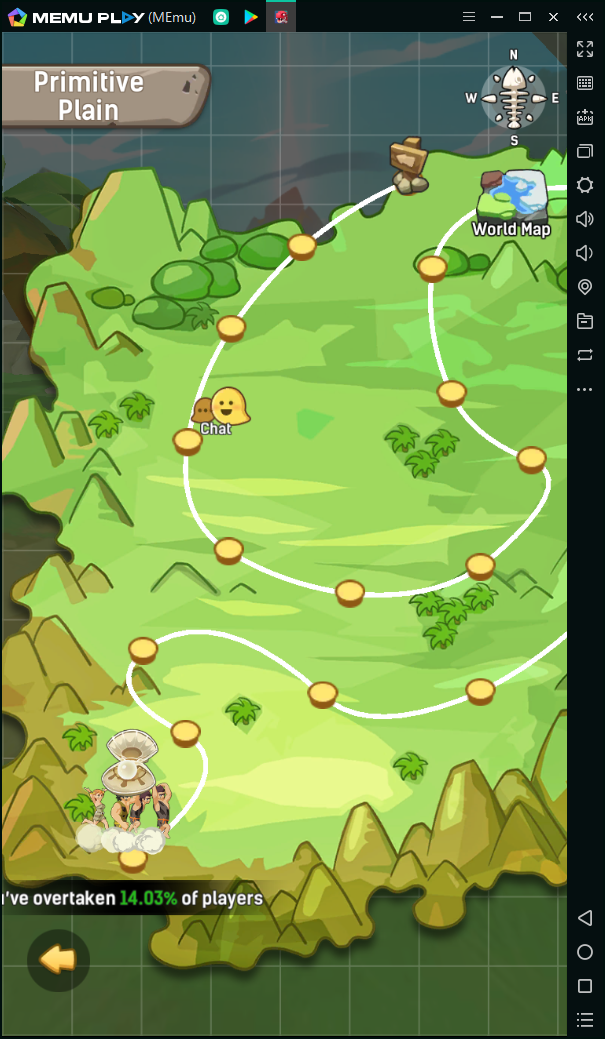
The road of Ulala: Idle Adventure is quite long. Keep fighting until the end of the earth!
>> Back to MEmu 101, everything you need to know about MEmu <<
Official Website:https://www.memuplay.com
Official Twitter:https://twitter.com/MicrovirtMEmu
Facebook Page:https://www.facebook.com/memuplayer
MEmu User Group:https://www.facebook.com/groups/memuplayer