Kite Legends: How to Download & Play on MEmu Emulator (PC Guide)
 |
|
Kite Legends: Sky Duel is an exciting mobile adventure game that combines fast-paced gameplay, strategic battles, and unique kite-themed fantasy elements. Players can explore a colorful world, collect powerful characters, upgrade abilities, and experience thrilling challenges through different game modes.
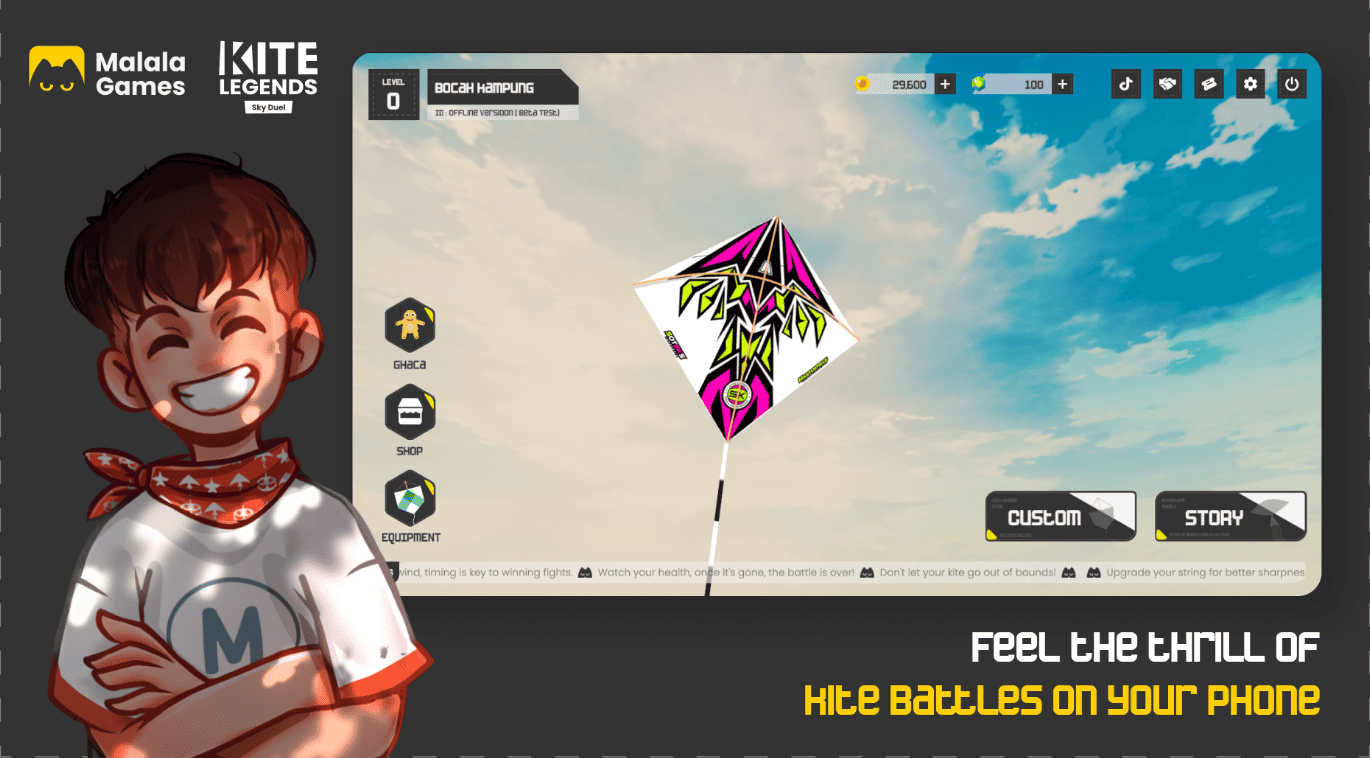
With its beautiful visuals, smooth controls, and engaging progression system, Kite Legends offers an immersive gaming experience for players who enjoy action-packed mobile games.
Whether you are a casual gamer or a competitive player, Kite Legends provides endless entertainment with exciting battles, character growth, and rewarding adventures.

Kite Legends: Sky Duel
Contents
Key Features of Kite Legends
Unique Fantasy Adventure
Enter a vibrant world filled with mysterious environments, powerful enemies, and exciting missions. Every journey brings new challenges and discoveries.
Strategic Battles
Build your team, improve your skills, and choose the right strategies to overcome different opponents. Smart decisions can make the difference between victory and defeat.
Character Upgrades
Unlock new abilities, strengthen your heroes, and customize your gameplay style as you progress through the adventure.
Challenging Game Modes
Take part in various challenges and missions to earn rewards, improve your rank, and test your skills.
Why Play Kite Legends on MEmu Emulator?
While Kite Legends is designed for mobile devices, playing it on a PC with MEmu Emulator can provide a smoother and more comfortable gaming experience.
Benefits of Playing Kite Legends on PC:
Larger Screen Experience
Enjoy detailed graphics and animations on a bigger display.
Better Controls
Use your keyboard and mouse for more precise movement and gameplay control.
Improved Performance
Experience smoother gameplay with PC hardware power.
Longer Gaming Sessions
Avoid battery drain and overheating issues from mobile devices.
How to Download and Play Kite Legends on MEmu Emulator
Follow these simple steps to start playing Kite Legends on your PC:
Step 1: Download MEmu Emulator
Visit the official MEmu Emulator website and download the latest version of the emulator.
Install MEmu on your Windows PC and complete the setup process.
Step 2: Open Google Play Store
Launch MEmu Emulator and open the built-in Google Play Store.
Sign in with your Google account to access Android apps and games.
Step 3: Search for Kite Legends
Type "Kite Legends" in the Google Play Store search bar.
Open the game page and click the Install button.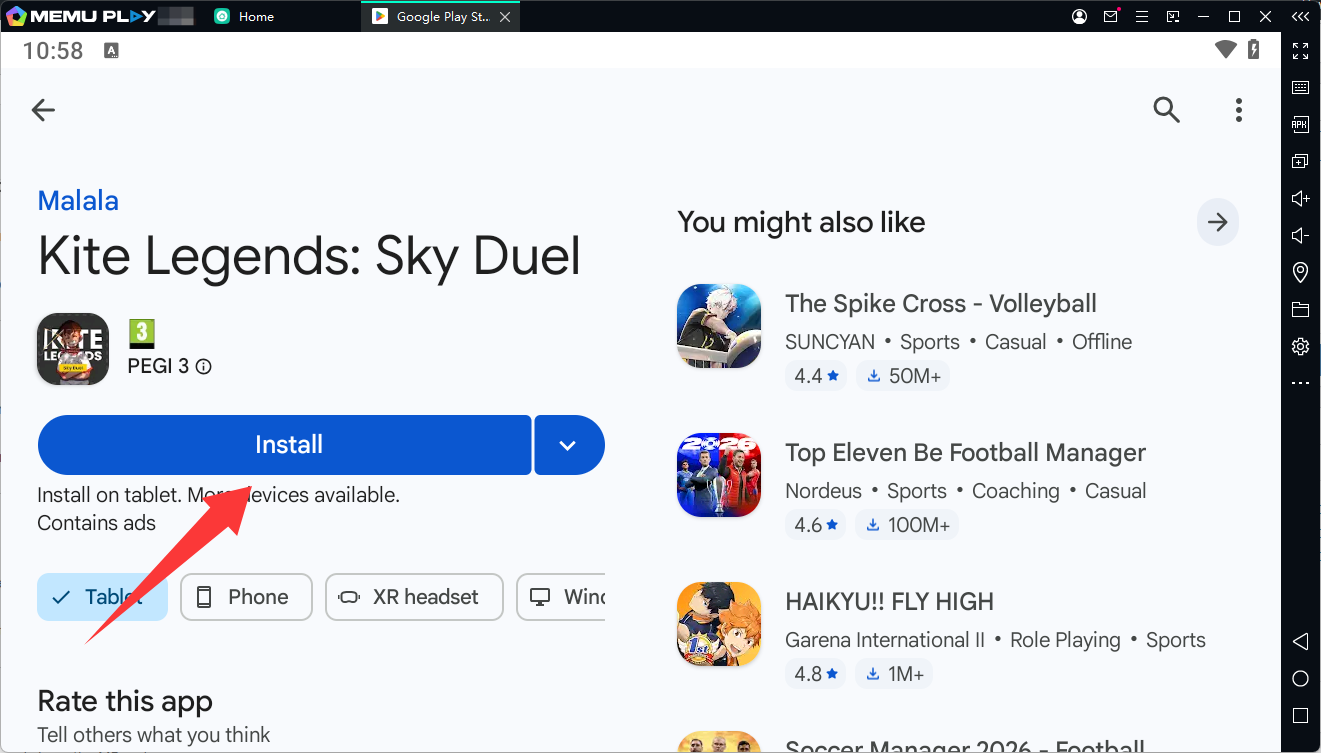
Step 4: Start Playing
After installation is complete, launch Kite Legends from the MEmu home screen.
Customize your keyboard controls, adjust emulator settings, and begin your adventure.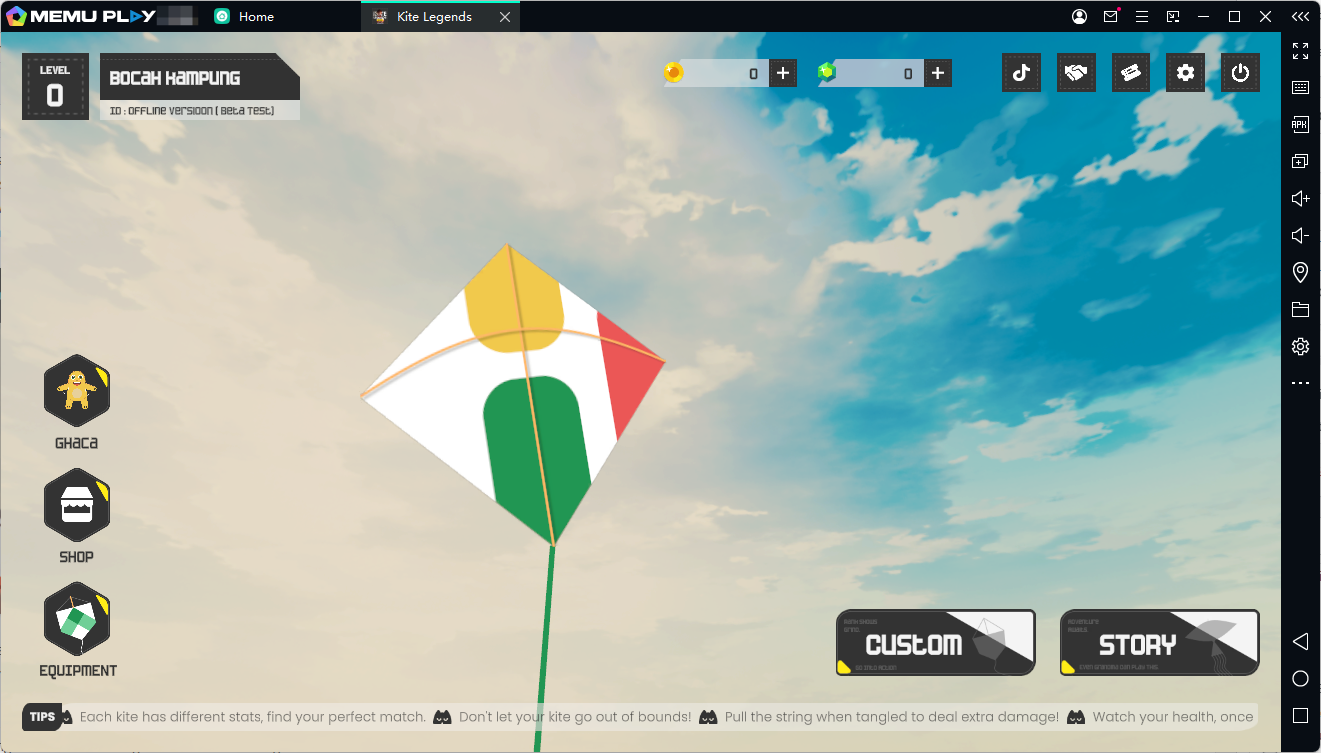
Tips for the Best Kite Legends Experience on MEmu
Adjust Performance Settings
For smoother gameplay:
- Enable CPU and RAM optimization
- Select a higher performance mode
- Close unnecessary background applications
Customize Controls
Set up keyboard shortcuts according to your preferred play style for faster reactions during battles.
Keep Everything Updated
Make sure both MEmu Emulator and Kite Legends are updated to enjoy the latest features and improvements.
Final Thoughts
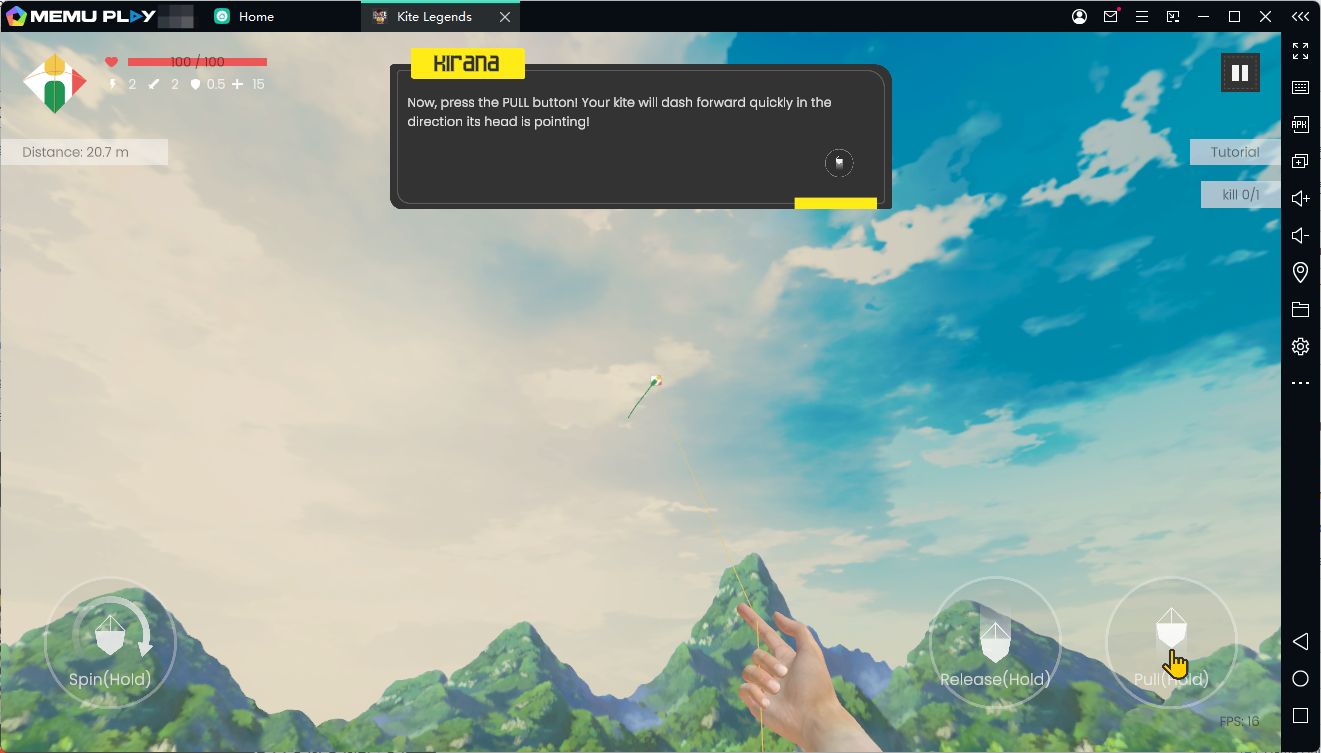
Kite Legends delivers an exciting fantasy adventure with strategic gameplay, character upgrades, and challenging battles. Playing the game on MEmu Emulator allows players to enjoy improved controls, better performance, and a larger gaming experience on PC.
If you want to experience Kite Legends beyond mobile limitations, MEmu Emulator is a great way to bring this adventure to your desktop.
Start your journey today and explore the world of Kite Legends on PC!
Kite Legends: Sky Duel