Rewrite History on a Grand Scale: How to Play Age of History II: Definitive on PC
 |
|
Date: April 24, 2026
Category: Gaming / Strategy / PC Tutorials
Contents
The World is Your Canvas—Don't Limit it to a Tiny Screen!
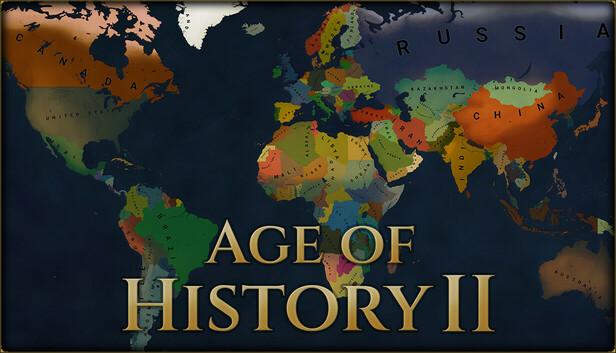

Age of History 2: Definitive
Age of History II: Definitive is the ultimate grand strategy experience. It's a game of intricate borders, delicate diplomacy, and massive military campaigns spanning the entirety of human history. While the mobile version is great for gaming on the go, a true conqueror knows that true strategy requires a grand view.
If you want to lead your civilization from the Age of Discovery to the far future without the frustration of lag or misclicks, it's time to move your campaign to MEmu Play.
Why MEmu is the Best Command Center for Age of History II
1. Precision Diplomacy with Mouse & Keyboard
In a game where one wrong click can trigger an accidental world war, precision is everything.
-
Pixel-Perfect Control: Use your mouse to navigate the map and manage tax rates with ease.
-
Custom Keymapping: Set hotkeys for "Next Turn," "Recruit," or "Diplomacy Map" using MEmu's intuitive keyboard mapping tool. Speed up your gameplay and outpace the AI!
2. Maximum Visibility: The "Big Picture" Advantage
Why squint at a 6-inch phone screen when you can see the entire European theater on your monitor?
-
Stunning Visuals: The Definitive edition features enhanced textures and map details. MEmu's high-definition rendering (OpenGL/Vulkan) brings the rise and fall of empires to life in crisp detail.
-
Strategic Overview: Track enemy troop movements across multiple borders simultaneously without constant zooming.
3. Elite Performance for End-Game Grinds
As the game progresses and hundreds of civilizations begin making complex AI calculations, mobile hardware often struggles.
-
Unlimited Power: Harness your PC's CPU to slash "Next Turn" waiting times.
-
No Battery Drain: Play through the centuries for hours on end without worrying about overheating or battery life.
4. Multi-Instance Strategy
Want to test how a different starting strategy works for another nation? Use the MEmu Multi-Instance Manager to run multiple games side-by-side. Experiment with history in real-time!
How to Get Started in 3 Simple Steps
-
Download & Install: Get the latest version of MEmu Play from our [Official Website].
-
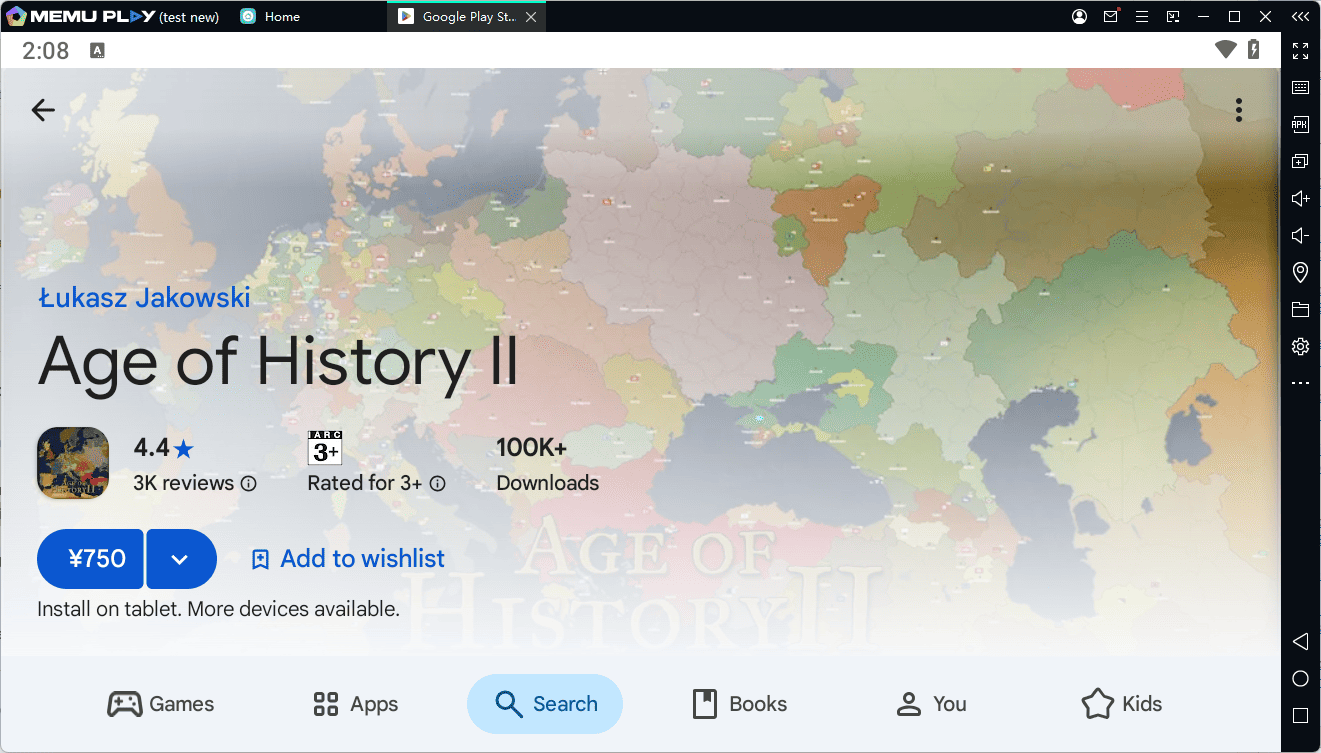
Search for the Game: Open the Google Play Store within MEmu and search for "Age of History II: Definitive."
-
Optimize Your Settings: * Go to Settings > Engine and allocate at least 4 Cores and 4GB RAM.
-
Switch to Vulkan mode for the smoothest graphical performance.
-
Final Verdict: Become a Legend
History isn't just learned; it's written. Whether you're restoring the Roman Empire or leading a modern superpower to global dominance, MEmu Play gives you the tools, the speed, and the screen real estate to succeed.
Ready to conquer? Download MEmu Play today and start your journey in Age of History II: Definitive!
[Download MEmu Now — MEmu emulator]