How to Download Anime Slayer on PC
Do you love watching anime and wish you could enjoy your favorite shows on a bigger screen? Anime Slayer, a free app that streams anime, is here to make your wish come true! This blog post will show you how to install Anime Slayer on your PC using MEmu, a popular Android emulator. Let’s dive in and get started!
How to Download Anime Slayer on Your PC
The following will teach you how to use Anime Slayer with MEmu.
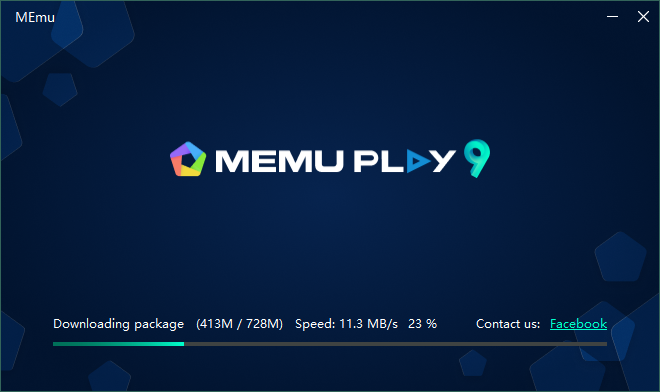
Step 1: Download Anime Slayer on your PC
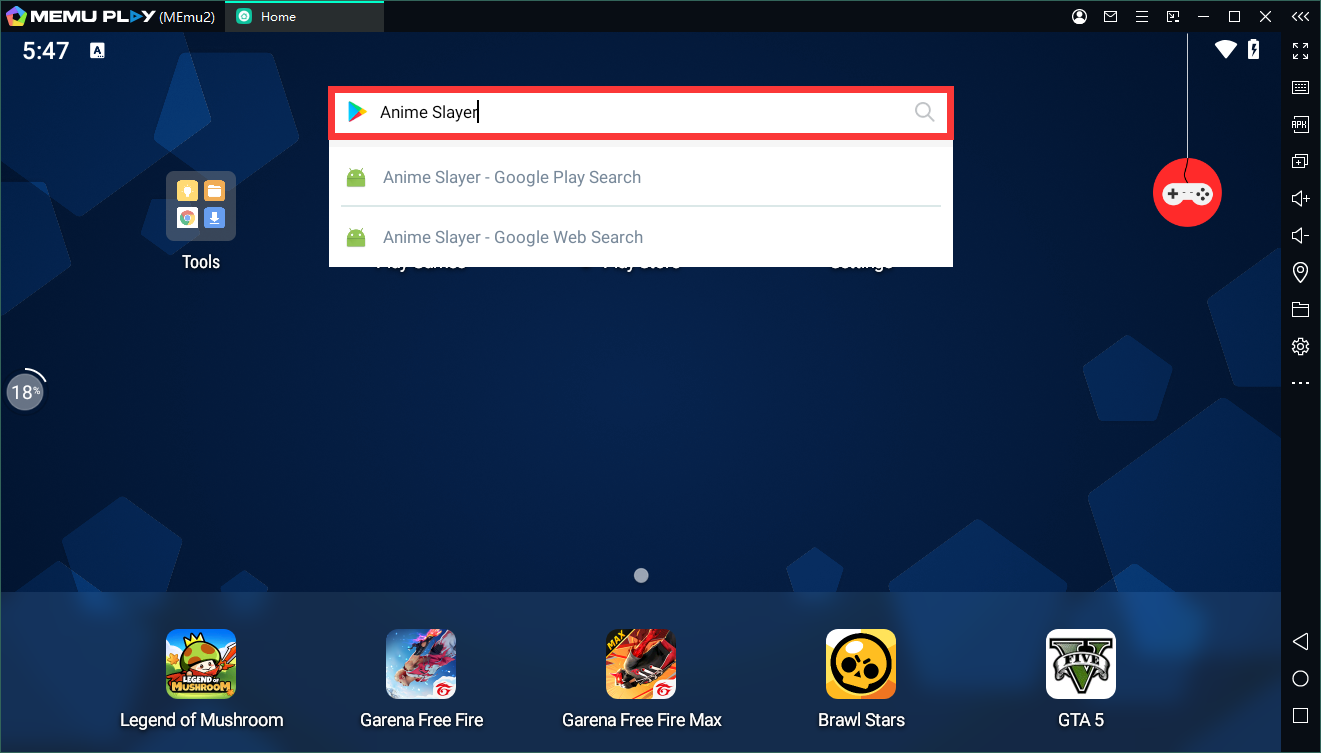
Step 2: Search and install Anime Slayer in the Play Store
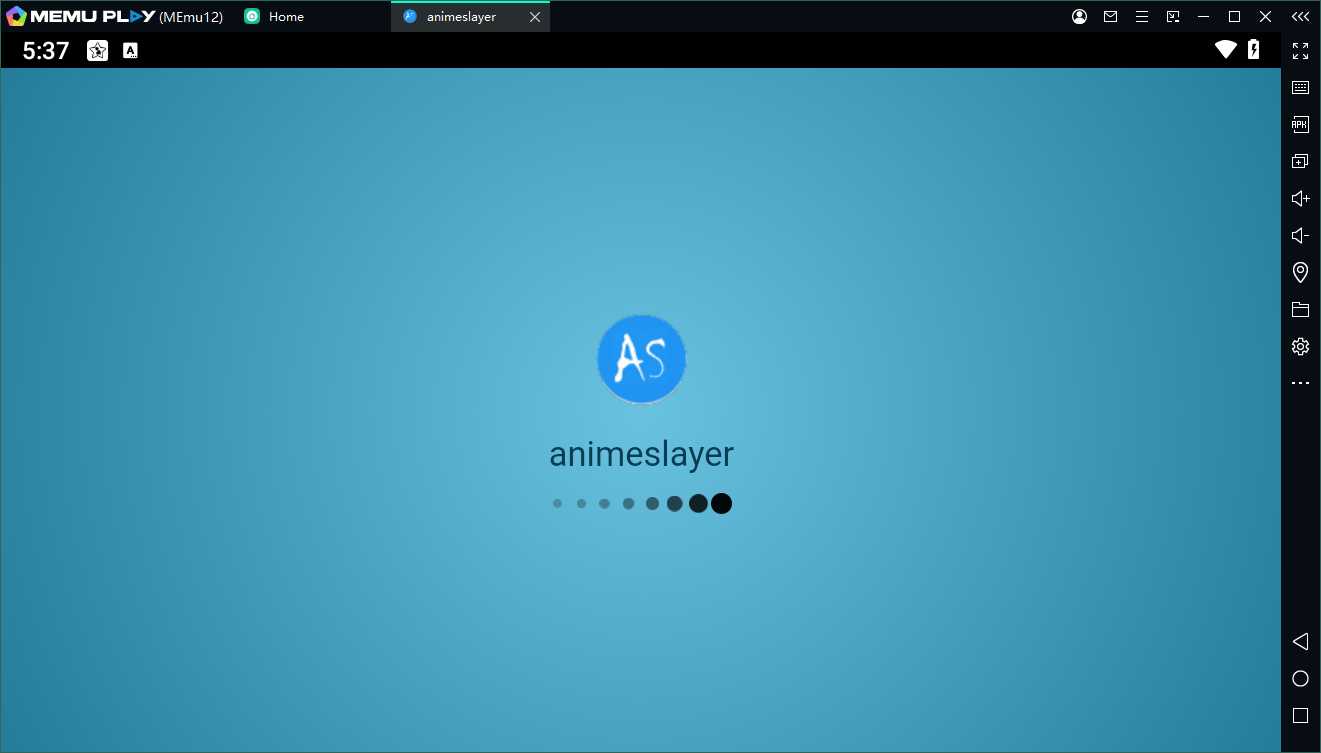
Step 3: Enjoy using WhatsApp Business on PC with MEmu
Features of Anime Slayer on PC
Anime slayer Features:
– No annoying ads at all
– Organized and easy to use user interface
– Continuous update of completed and continuous anime
– Possibility to search for anime
– Information about all the anime available in the application
– The ability to register an account and save all your activities in the application to reach them from any phone
– Daily update of all new episodes and completed anime
– The ability to share anime with your friends
– Schedule of new episodes of the ongoing anime
– And a lot of other features