Color Sort Master: Ball Puzzle
Aktualizováno
Aktuální verze
Od vývojáře

With all your passion for playing Color Sort Master: Ball Puzzle, you hands are not supposed to be limited on a tiny screen of your phone. Play like a pro and get full control of your game with keyboard and mouse. MEmu offers you all the things that you are expecting. Download and play Color Sort Master: Ball Puzzle on PC. Play as long as you want, no more limitations of battery, mobile data and disturbing calls. The brand new MEmu 9 is the best choice of playing Color Sort Master: Ball Puzzle on PC. Prepared with our expertise, the exquisite preset keymapping system makes Color Sort Master: Ball Puzzle a real PC game. MEmu multi-instance manager makes playing 2 or more accounts on the same device possible. And the most important, our exclusive emulation engine can release full potential of your PC, make everything smooth.
Show more
Vychutnejte si vynikající zážitek z přehrávání Color Sort Master: Ball Puzzle na PC s MEMU App Player. Je to silný bezplatný emulátor pro Android, který vám umožní hrát tisíce her v systému Android. Tap, move, and match!
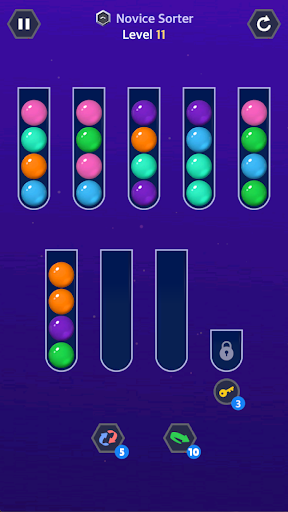
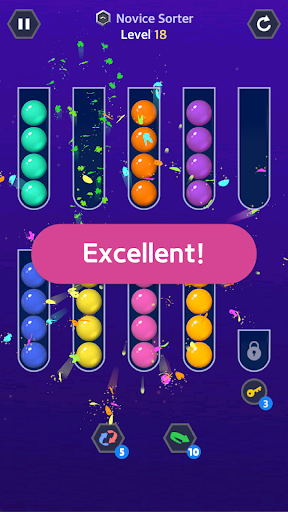
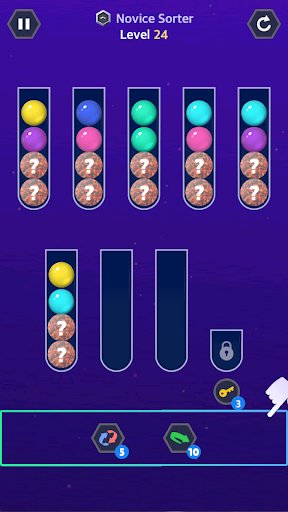
Tap, move, and match!
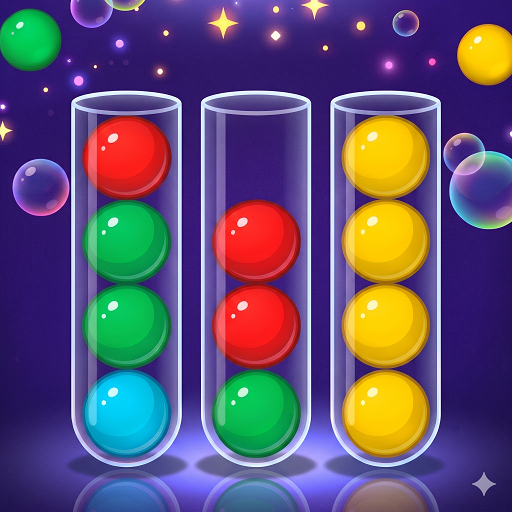
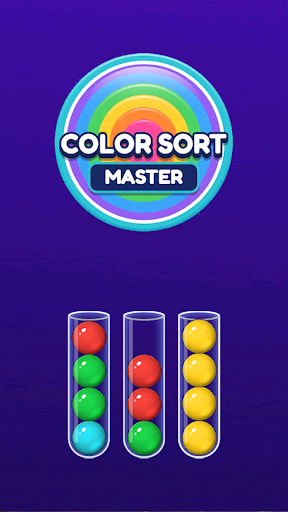
Welcome to Color Sort Master — a fun, relaxing, and addictive ball-sorting puzzle.
Sort the colored balls into tubes until all matching colors are grouped together. A simple yet satisfying brain teaser to relax and pass the time!
HOW TO PLAY
Tap any tube to pick up the top ball.
Move it to another tube with the same color on top, or into an empty tube.
Sort each tube into a single color to clear the level!
Stuck? Use Undo, get a Hint, or add an Extra Tube anytime.
FEATURES
Easy One-Tap Controls: Simple to play, easy to pick up.
No Pressure: No timers or penalties. Relax at your own pace.
Thousands of Levels: Endless challenges ranging from easy to hard.
Helpful Items: Hints, Undo, and Extra Tubes to help when stuck.
100% Offline Support: Play anywhere without Wi-Fi or data.
Satisfying Experience: Clean visuals and crisp, soothing sounds.
Download Color Sort Master now and start sorting today!
Support: help@lunosoft.com
Show more

1. Stáhněte si instalační program MEmu a dokončete instalaci

2. Spusťte MEmu a poté otevřete Google Play na ploše

3. Vyhledejte Color Sort Master: Ball Puzzle v Google Play
Install
4. Stáhněte a nainstalujte Color Sort Master: Ball Puzzle
5. Po dokončení instalace klikněte na ikonu pro spuštění

6. Užijte si hraní Color Sort Master: Ball Puzzle na PC s MEmu
MEmu je zdarma a ten nejlepší Android emulátor. 50 milionů lidí si užívá jeho nejlepší herní zážitky. Technologie virtualizace MEmu ti dovolí plynule hrát Android hry na PC a to i ty nejnáročnější.
Větší obrazovka s lepší grafikou; Dlouhá výdrž bez omezení baterie nebo mobilních dat.
Plná podpora mapování kláves pro přesné ovládání klávesnice a myši nebo gamepadu.
Více herních účtů nebo úkolů na jednom počítači najednou s Multi-Instance Managerem.
Play Color Sort Master: Ball Puzzle on PC by following steps: