Craftsman Java
Aktualizováno
Aktuální verze
1.29.00.02
Od vývojáře

With all your passion for playing Craftsman Java, you hands are not supposed to be limited on a tiny screen of your phone. Play like a pro and get full control of your game with keyboard and mouse. MEmu offers you all the things that you are expecting. Download and play Craftsman Java on PC. Play as long as you want, no more limitations of battery, mobile data and disturbing calls. The brand new MEmu 9 is the best choice of playing Craftsman Java on PC. Prepared with our expertise, the exquisite preset keymapping system makes Craftsman Java a real PC game. MEmu multi-instance manager makes playing 2 or more accounts on the same device possible. And the most important, our exclusive emulation engine can release full potential of your PC, make everything smooth.
Show more
Vychutnejte si vynikající zážitek z přehrávání Craftsman Java na PC s MEMU App Player. Je to silný bezplatný emulátor pro Android, který vám umožní hrát tisíce her v systému Android. Craftsman Java suits players who like the feel of laptop controls while using a phone.
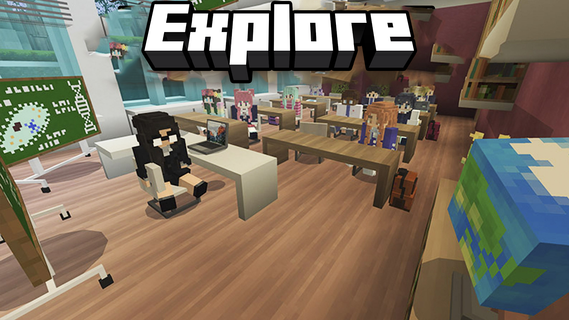
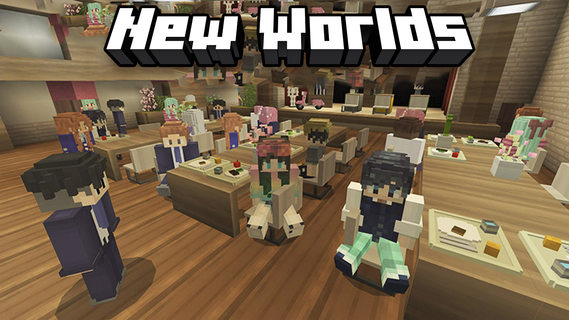
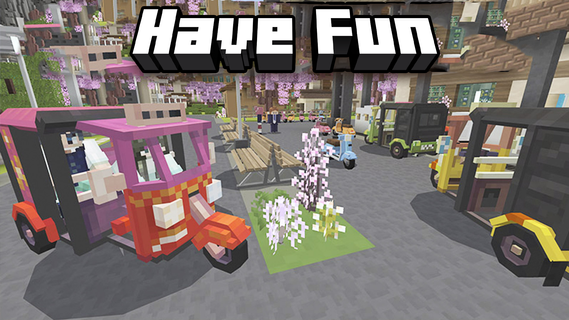
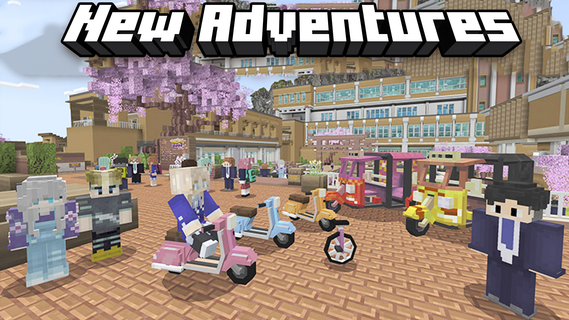
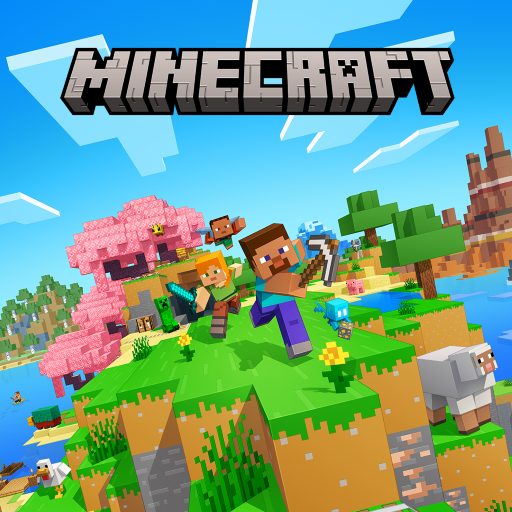
Craftsman Java suits players who like the feel of laptop controls while using a phone. It focuses on an interface that feels familiar across devices, so switching between a small screen and a keyboard setup is simple. You can explore worlds, build structures, and enjoy social play in sessions that suit your time. Settings are available to match different devices and preferences, and controls remain easy to learn. To begin, download Craftsman Java and start playing in a PC style environment on mobile.Craftsman Java FeaturesPC mode interfaceCraftsman Java presents a PC style layout on mobile, with intuitive touch controls and familiar menu placement. Navigation stays consistent across screens, which helps you build and explore without relearning basic actions. The interface is optimized for mobile but mirrors laptop layouts, helping actions feel familiar.Multiplayer with friendsWhen you want to play together, you can join friends in multiplayer to share the same world. Collaborate on builds, explore side by side, and keep sessions focused on simple, social play. Cooperative play covers missions and exploration.Flexible settingsAdjust graphics to fit your device.Tune control preferences for comfortable play.Use mobile friendly options to match your style.Select options that balance performance and visuals.Pixel graphics and smooth gameplayCraftsman Java uses high quality pixel visuals tuned for phones. Controls and graphics aim for fluid interaction, so building and movement feel responsive during play. The visual style supports a clear view while you build and explore.Get started on mobileThis game brings laptop style controls to phones and adds multiplayer and customization for everyday play. To stay current, install the Craftsman Java latest version and begin building with friends. Before your first session, check the settings to align graphics and controls with your device. This helps maintain smooth gameplay.
Show more

1. Stáhněte si instalační program MEmu a dokončete instalaci

2. Spusťte MEmu a poté otevřete Google Play na ploše

3. Vyhledejte Craftsman Java v Google Play
Install
4. Stáhněte a nainstalujte Craftsman Java
5. Po dokončení instalace klikněte na ikonu pro spuštění

6. Užijte si hraní Craftsman Java na PC s MEmu
MEmu je zdarma a ten nejlepší Android emulátor. 50 milionů lidí si užívá jeho nejlepší herní zážitky. Technologie virtualizace MEmu ti dovolí plynule hrát Android hry na PC a to i ty nejnáročnější.
Větší obrazovka s lepší grafikou; Dlouhá výdrž bez omezení baterie nebo mobilních dat.
Plná podpora mapování kláves pro přesné ovládání klávesnice a myši nebo gamepadu.
Více herních účtů nebo úkolů na jednom počítači najednou s Multi-Instance Managerem.
Play Craftsman Java on PC by following steps: