Craftsman Java
Updated
Current Version
1.29.00.02
Offered By

With your passion for Craftsman Java, you shouldn’t have to limit yourself to the small screen of a phone. Play like a pro and take full control of the game using a keyboard and mouse. MEmu gives you everything you’re looking for. Download and play Craftsman Java on PC. Play as long as you want — no more worries about battery life, mobile data, or unexpected calls. The all-new MEmu 9 is the best way to play Craftsman Java on PC. With our expertly designed keymapping system, Craftsman Java feels just like a real PC game. The MEmu multi-instance manager lets you run two or more accounts on the same device at the same time. Most importantly, our exclusive emulation engine unlocks your PC’s full potential, delivering smooth and seamless performance.
Show more
Download Craftsman Java on PC with MEmu Android Emulator. Enjoy playing on big screen. Craftsman Java suits players who like the feel of laptop controls while using a phone.
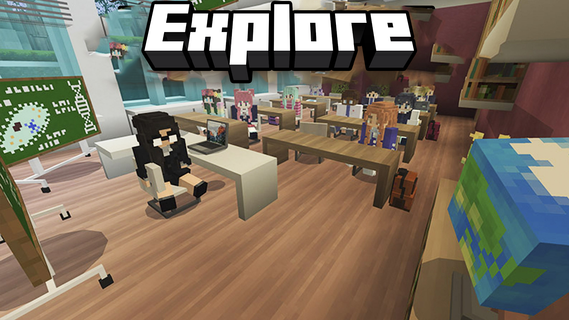
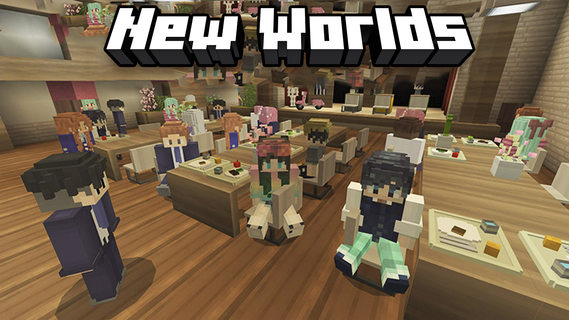
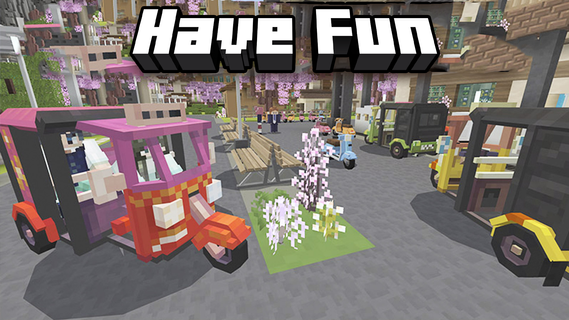
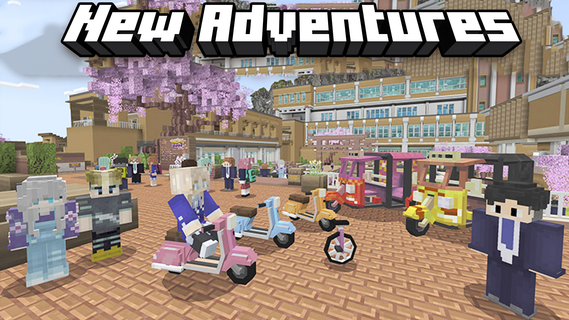
Craftsman Java suits players who like the feel of laptop controls while using a phone. It focuses on an interface that feels familiar across devices, so switching between a small screen and a keyboard setup is simple. You can explore worlds, build structures, and enjoy social play in sessions that suit your time. Settings are available to match different devices and preferences, and controls remain easy to learn. To begin, download Craftsman Java and start playing in a PC style environment on mobile.Craftsman Java FeaturesPC mode interfaceCraftsman Java presents a PC style layout on mobile, with intuitive touch controls and familiar menu placement. Navigation stays consistent across screens, which helps you build and explore without relearning basic actions. The interface is optimized for mobile but mirrors laptop layouts, helping actions feel familiar.Multiplayer with friendsWhen you want to play together, you can join friends in multiplayer to share the same world. Collaborate on builds, explore side by side, and keep sessions focused on simple, social play. Cooperative play covers missions and exploration.Flexible settingsAdjust graphics to fit your device.Tune control preferences for comfortable play.Use mobile friendly options to match your style.Select options that balance performance and visuals.Pixel graphics and smooth gameplayCraftsman Java uses high quality pixel visuals tuned for phones. Controls and graphics aim for fluid interaction, so building and movement feel responsive during play. The visual style supports a clear view while you build and explore.Get started on mobileThis game brings laptop style controls to phones and adds multiplayer and customization for everyday play. To stay current, install the Craftsman Java latest version and begin building with friends. Before your first session, check the settings to align graphics and controls with your device. This helps maintain smooth gameplay.
Show more

1. Download MEmu installer and finish the setup

2. Start MEmu then open Google Play on the desktop

3. Search Craftsman Java in Google Play
Install
4. Download and Install Craftsman Java
5. On install completion click the icon to start

6. Enjoy playing Craftsman Java on PC with MEmu
MEmu Play is the best Android emulator and 100 million people already enjoy its superb Android gaming experience. The MEmu virtualization technology empowers you to play thousands of Android games smoothly on your PC, even the most graphic-intensive ones.
Bigger screen with better graphics; Long duration, without limitation of battery or mobile data.
Full Keymapping support for precise control of keyboard and mouse or gamepad.
Multiple game accounts or tasks on single PC at one time with Multi-Instance manager.
Play Craftsman Java on PC by following steps: