Royal Dream
Aktualizováno
Aktuální verze
6
Od vývojáře

With all your passion for playing Royal Dream, you hands are not supposed to be limited on a tiny screen of your phone. Play like a pro and get full control of your game with keyboard and mouse. MEmu offers you all the things that you are expecting. Download and play Royal Dream on PC. Play as long as you want, no more limitations of battery, mobile data and disturbing calls. The brand new MEmu 9 is the best choice of playing Royal Dream on PC. Prepared with our expertise, the exquisite preset keymapping system makes Royal Dream a real PC game. MEmu multi-instance manager makes playing 2 or more accounts on the same device possible. And the most important, our exclusive emulation engine can release full potential of your PC, make everything smooth.
Show more
Vychutnejte si vynikající zážitek z přehrávání Royal Dream na PC s MEMU App Player. Je to silný bezplatný emulátor pro Android, který vám umožní hrát tisíce her v systému Android. Royal Dream brings a focused mix of local favorites and light arcade action into a single, easy to use space.


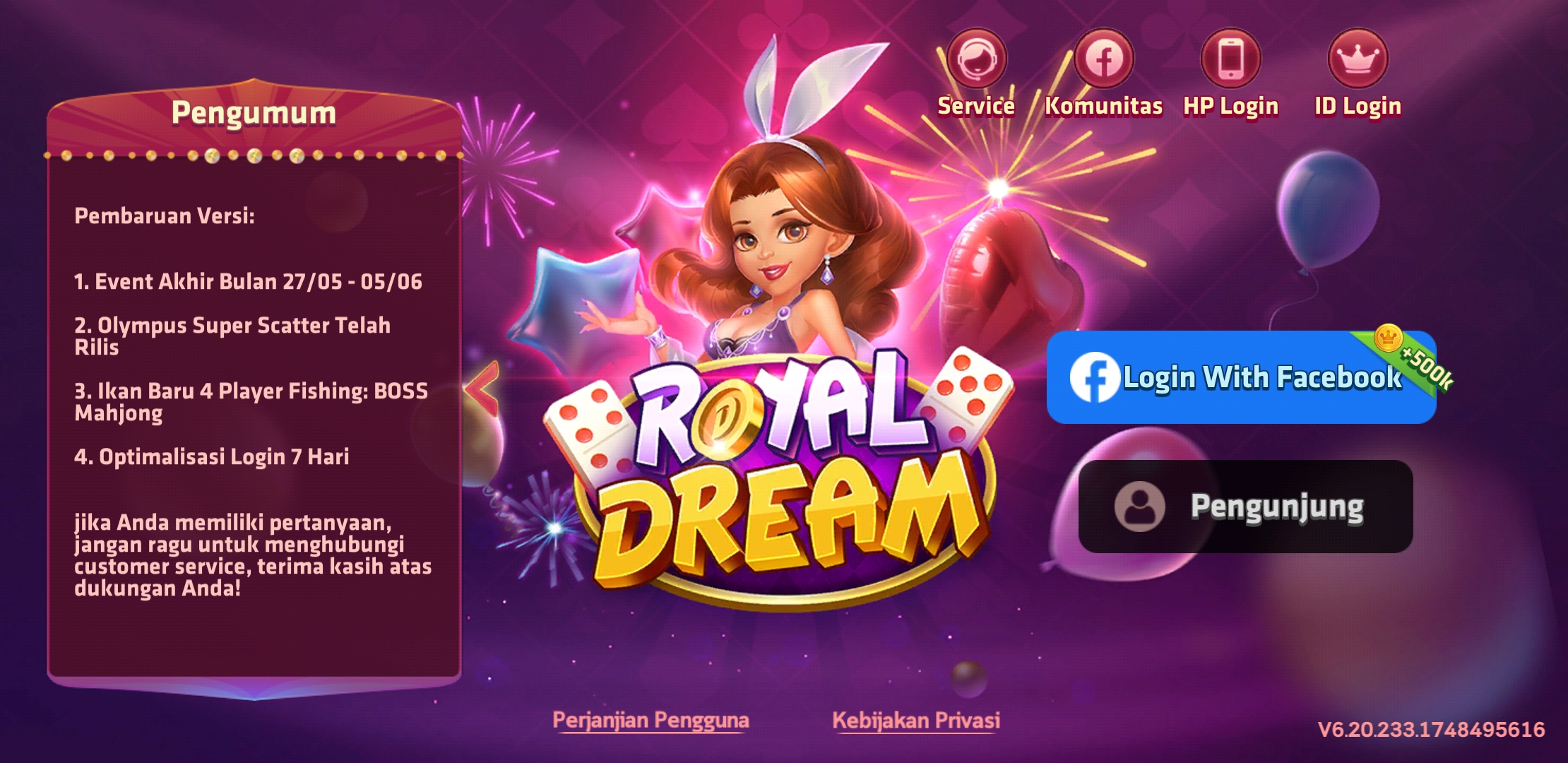
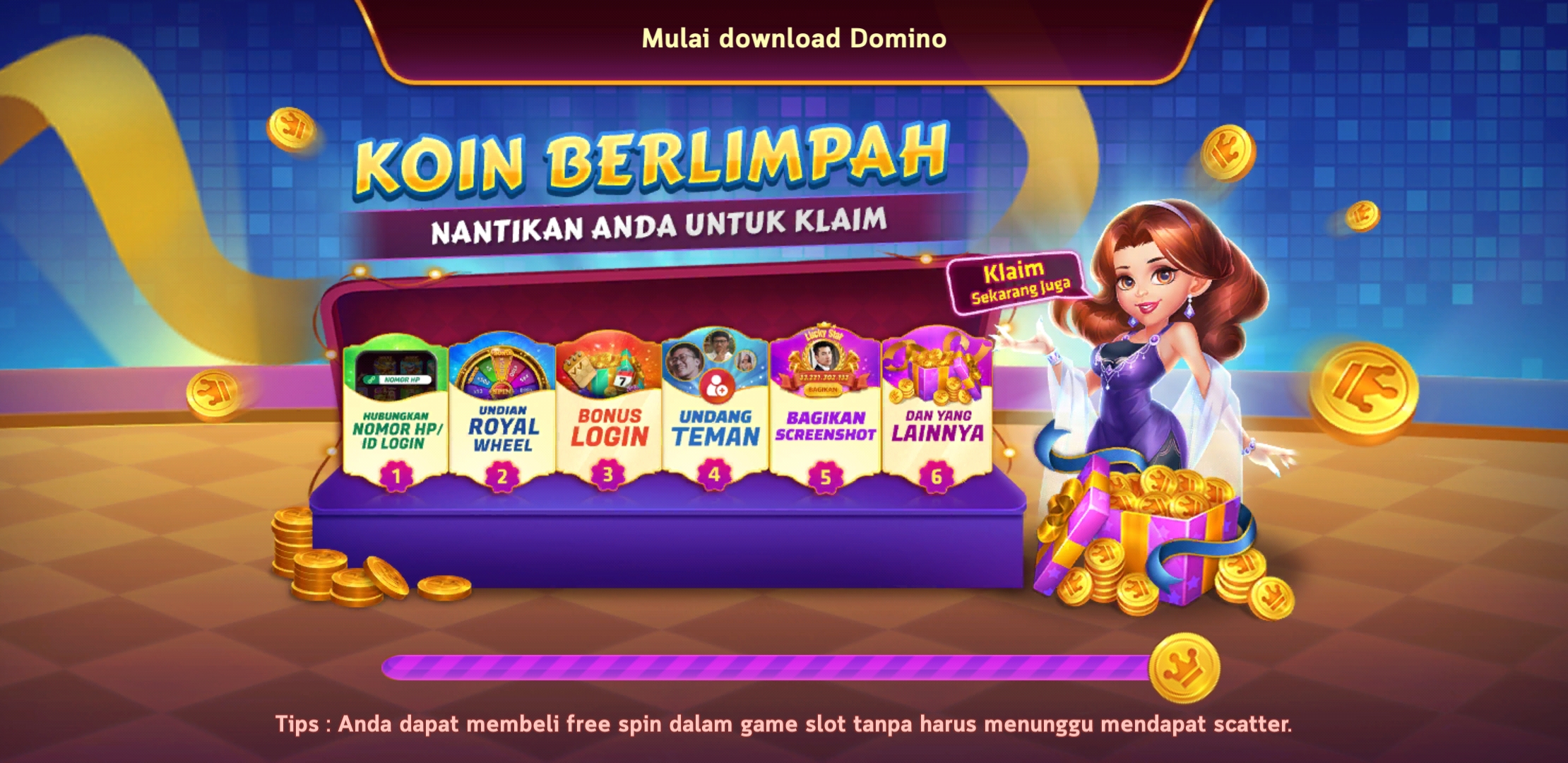
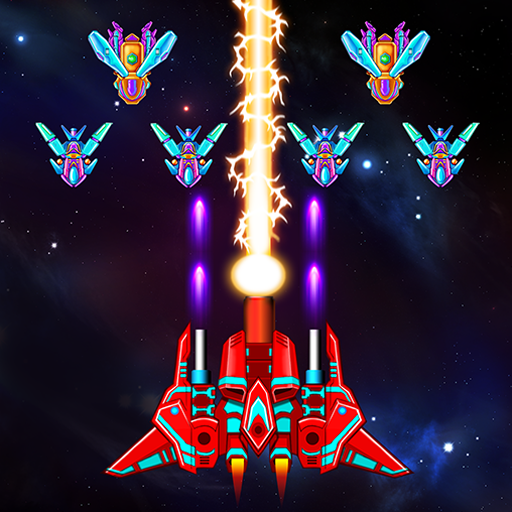
Royal Dream brings a focused mix of local favorites and light arcade action into a single, easy to use space. It centers on classic card and tile play, and it also includes a simple shooter and jackpot style activities for short sessions. You can log in with Facebook or continue as a guest, and your progress syncs across devices when you choose to link. The interface is polished and readable, so it is simple to find a table or a quick match at any time. Royal Dream is for entertainment only and does not offer real money rewards.Key features of Royal DreamIndonesian classics in one appRoyal Dream gathers beloved Indonesian games such as Rummy, Qiu Qiu, and Domino. You can switch between tables in seconds, and the lobby helps you enter the right room without confusion.Pick up and play airplane shooterThe airplane shooting mode uses tap to move and hold to fire controls. It offers quick stages for short breaks, and you can chase your personal best while learning enemy patterns at your own pace.Jackpot-style events and Duo Fu Duo CaiRoyal Dream includes rotating jackpot-style events, including Duo Fu Duo Cai, that add bonus rounds and extra multipliers in the app. These features are for entertainment only, with prizes limited to virtual items you can share in the community.Clean UI with lively visualsThe layout of Royal Dream focuses on clear icons, large buttons, and bright tables. You can find the main modes from the home screen, and transitions keep the experience smooth on most Android devices.Facebook or guest loginYou can start as a guest or log in with Facebook. Royal Dream saves progress and items to your account, and you can move between phones by signing in again later.Regular events and social playRoyal Dream runs periodic events, missions, and mini games to keep sessions varied. You can share results and prizes in the app, and casual rooms make it simple to play with friends.Royal Dream app identity and regional focusRoyal Dream on Android focuses on Indonesian classics and casual arcade modes, which are different from match-three titles with similar names. If you see Rummy, Qiu Qiu, Domino, an airplane shooter, and jackpot-style events in the screenshots, you are viewing the correct Royal Dream APK.For adults and entertainment onlyRoyal Dream includes casino-themed and jackpot-style content that is designed for adults. It does not provide cash out, gambling with real currency, or any real money winnings. All rewards are virtual and for entertainment.How to start playing in Royal DreamUse this simple guide to get into your first table or stage quickly. The steps cover login, mode selection, and basic controls so you can begin without guesswork.Open Royal Dream, tap Guest to try it immediately, or choose Facebook to log in and sync progress across devices.From the home screen, select a category such as Cards, Tiles, or Shooter to open the mode list and recommended rooms.After you pick a game like Rummy, Qiu Qiu, or Domino, tap a room level that matches your balance and tap Join.Then follow the on-screen rules or tutorial tips. For the airplane shooter, drag to move and hold to fire to clear waves.So when events appear, tap the event banner to join, review entry rules, and complete tasks to gain in-app rewards.Download Royal Dream on AndroidRoyal Dream combines Indonesian classics with casual arcade play in a single Android app that is easy to navigate and simple to learn. Download Royal Dream APK latest version on APKPure and start a quick table or a short shooter stage at any time.FAQsIs there a slot or jackpot mode in Royal Dream?Yes, Royal Dream offers jackpot-style events such as Duo Fu Duo Cai with bonus rounds and multipliers. These modes are for entertainment only, and rewards are virtual items, not real money.Is the Royal Dream APK original and safe?Yes, the Royal Dream APK on APKPure is checked against the official package name com.playfungame.dream. APKPure reviews the signature and package name to help ensure you get the original release.
Show more

1. Stáhněte si instalační program MEmu a dokončete instalaci

2. Spusťte MEmu a poté otevřete Google Play na ploše

3. Vyhledejte Royal Dream v Google Play
Install
4. Stáhněte a nainstalujte Royal Dream
5. Po dokončení instalace klikněte na ikonu pro spuštění

6. Užijte si hraní Royal Dream na PC s MEmu
MEmu je zdarma a ten nejlepší Android emulátor. 50 milionů lidí si užívá jeho nejlepší herní zážitky. Technologie virtualizace MEmu ti dovolí plynule hrát Android hry na PC a to i ty nejnáročnější.
Větší obrazovka s lepší grafikou; Dlouhá výdrž bez omezení baterie nebo mobilních dat.
Plná podpora mapování kláves pro přesné ovládání klávesnice a myši nebo gamepadu.
Více herních účtů nebo úkolů na jednom počítači najednou s Multi-Instance Managerem.
Play Royal Dream on PC by following steps: