Free Fire Advance Server
Aktualizováno
Aktuální verze
67.55.0
Od vývojáře

With all your passion for playing Free Fire Advance Server, you hands are not supposed to be limited on a tiny screen of your phone. Play like a pro and get full control of your game with keyboard and mouse. MEmu offers you all the things that you are expecting. Download and play Free Fire Advance Server on PC. Play as long as you want, no more limitations of battery, mobile data and disturbing calls. The brand new MEmu 9 is the best choice of playing Free Fire Advance Server on PC. Prepared with our expertise, the exquisite preset keymapping system makes Free Fire Advance Server a real PC game. MEmu multi-instance manager makes playing 2 or more accounts on the same device possible. And the most important, our exclusive emulation engine can release full potential of your PC, make everything smooth.
Show more
Vychutnejte si vynikající zážitek z přehrávání Free Fire Advance Server na PC s MEMU App Player. Je to silný bezplatný emulátor pro Android, který vám umožní hrát tisíce her v systému Android. Free Fire Advance Server is for players who want to test planned OB updates while they are still being reviewed.
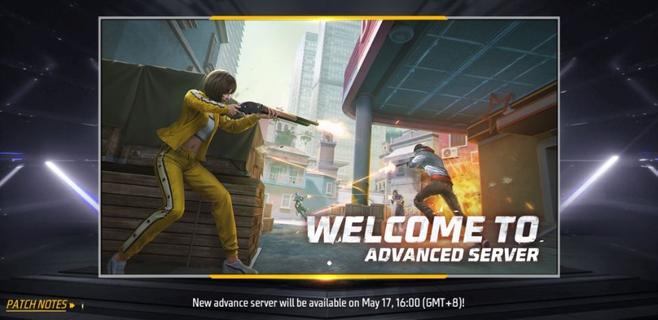
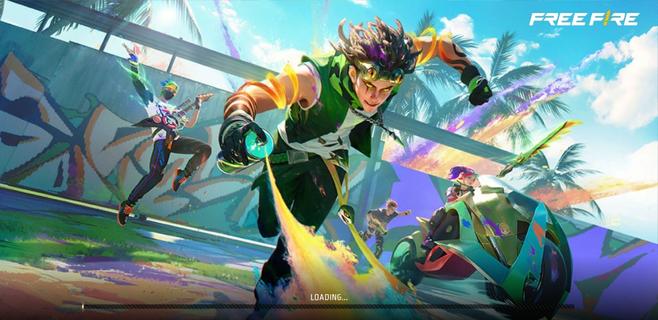
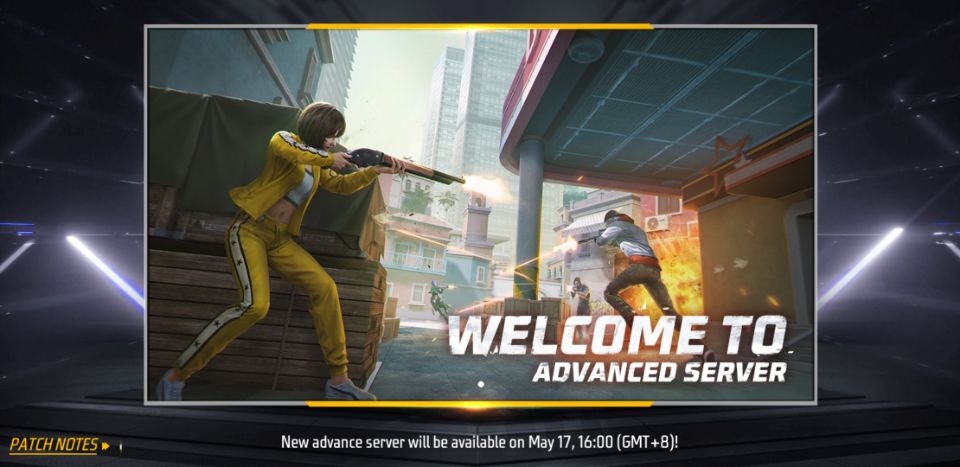
Free Fire Advance Server is for players who want to test planned OB updates while they are still being reviewed. It is Garenaâs official limited time test program and runs separately from the live game. Players need to register, receive a personal activation code, and enter during an open test period. If you plan to use the Free Fire Advance Server APK, remember that installing the file alone does not grant server access.Free Fire Advance Server featuresPreview planned game contentFree Fire Advance Server may include weapons, characters, map changes, modes, skins, and Booyah Pass content planned for a future update. The available content can differ from one test cycle to another. Since these items are still under review, their details may change before they reach the live game.Use familiar match systemsYou can test new content through familiar lobbies, controls, matchmaking, and matches. This helps players try experimental additions in a setting that resembles regular Free Fire gameplay. However, the test server can contain unfinished elements or temporary issues.Keep live account progress separateFree Fire Advance Server uses a dedicated test build instead of the main game environment. Your rank, inventory, match history, and progress in the live Free Fire account are not affected by activity on the test server. As a result, players can focus on testing without changing their regular game records.Send bug reports and feedbackYou can use the in app reporting tools to describe bugs and share feedback about new features. Reports can help developers review gameplay problems, weapon tuning, and character adjustments. Include clear details about what happened, where it happened, and how the issue can be repeated.Possible Bug Hunter rewardsFree Fire Advance Server may offer Bug Hunter diamond rewards for certain reports. A report must be valid, confirmed, and previously unknown to qualify. Submitting a report does not guarantee a reward, so players should provide useful information rather than sending repeated reports.Access requirements for Free Fire Advance ServerAccess depends on registration through Garenaâs official Advance Server registration portal. Players sign in with a Facebook or Google account, then request access for the active testing cycle. An account linked activation code is required to enter the server after registration.Activation codes are personal and cannot be shared with other players. Code availability is limited, and not every registered player will receive one. Each code also expires when its test cycle ends, so an older code cannot be used for a later server opening.Limited test windowsFree Fire Advance Server does not remain open all the time. Garena announces opening and closing dates for each test period, and players can only enter while that cycle is active. Before installing or returning to the test build, check whether registration, code distribution, and server access are currently available.How to use Free Fire Advance ServerBefore you download Free Fire Advance Server, register for the current test cycle and check whether you have received an activation code. The test build is intended for Android devices and requires the same account used during registration. Once the server opens, use the code to begin testing the available content.Open Garenaâs official Advance Server registration portal and sign in with your Facebook or Google account.Register for the active test cycle, then wait for the activation code status shown for your account.When the download period opens, get the current Android test build and open the downloaded APK file on your phone.Complete the installation prompts, launch Free Fire Advance Server, and sign in with the account used for registration.Enter your personal activation code, join available matches, and submit detailed reports if you find a problem.Get ready for the next test cycleFree Fire Advance Server is a separate Garena test environment for registered players who want to review upcoming Free Fire changes and report issues. Check the official registration period, keep your activation code private, and download Free Fire Advance Server latest version when the announced test window is open.
Show more

1. Stáhněte si instalační program MEmu a dokončete instalaci

2. Spusťte MEmu a poté otevřete Google Play na ploše

3. Vyhledejte Free Fire Advance Server v Google Play
Install
4. Stáhněte a nainstalujte Free Fire Advance Server
5. Po dokončení instalace klikněte na ikonu pro spuštění

6. Užijte si hraní Free Fire Advance Server na PC s MEmu
MEmu je zdarma a ten nejlepší Android emulátor. 50 milionů lidí si užívá jeho nejlepší herní zážitky. Technologie virtualizace MEmu ti dovolí plynule hrát Android hry na PC a to i ty nejnáročnější.
Větší obrazovka s lepší grafikou; Dlouhá výdrž bez omezení baterie nebo mobilních dat.
Plná podpora mapování kláves pro přesné ovládání klávesnice a myši nebo gamepadu.
Více herních účtů nebo úkolů na jednom počítači najednou s Multi-Instance Managerem.
Play Free Fire Advance Server on PC by following steps: