Royal Dream
Оновлено
Поточна версія
6
Постачальник

Перестаньте турбуватися про надмірні витрати, використовуючи ххх на своєму мобільному телефоні, звільніться від крихітного екрану і насолоджуйтеся використанням програми на набагато більшому дисплеї. Відтепер отримуйте повний екран свого додатка за допомогою клавіатури та миші. MEmu пропонує вам усі дивовижні функції, які ви очікували: швидка установка та просте налаштування, інтуїтивно зрозумілі елементи керування, більше обмежень від акумулятора, мобільних даних та тривожних дзвінків. Новий MEmu 9 - найкращий вибір використання Royal Dream на вашому комп’ютері. За допомогою нашого поглинання менеджер із кількома примірниками одночасно дозволяє відкрити 2 або більше рахунків. І найголовніше, наш ексклюзивний емуляційний двигун може вивільнити весь потенціал вашого ПК, зробити все гладким і приємним.
Show more
Насолоджуйтесь чудовим досвідом Royal Dream гри на ПК за допомогою програми MEMU App Player. Це потужний безкоштовний емулятор Android, який дозволяє вам грати в тисячі ігор Android. Royal Dream brings a focused mix of local favorites and light arcade action into a single, easy to use space.


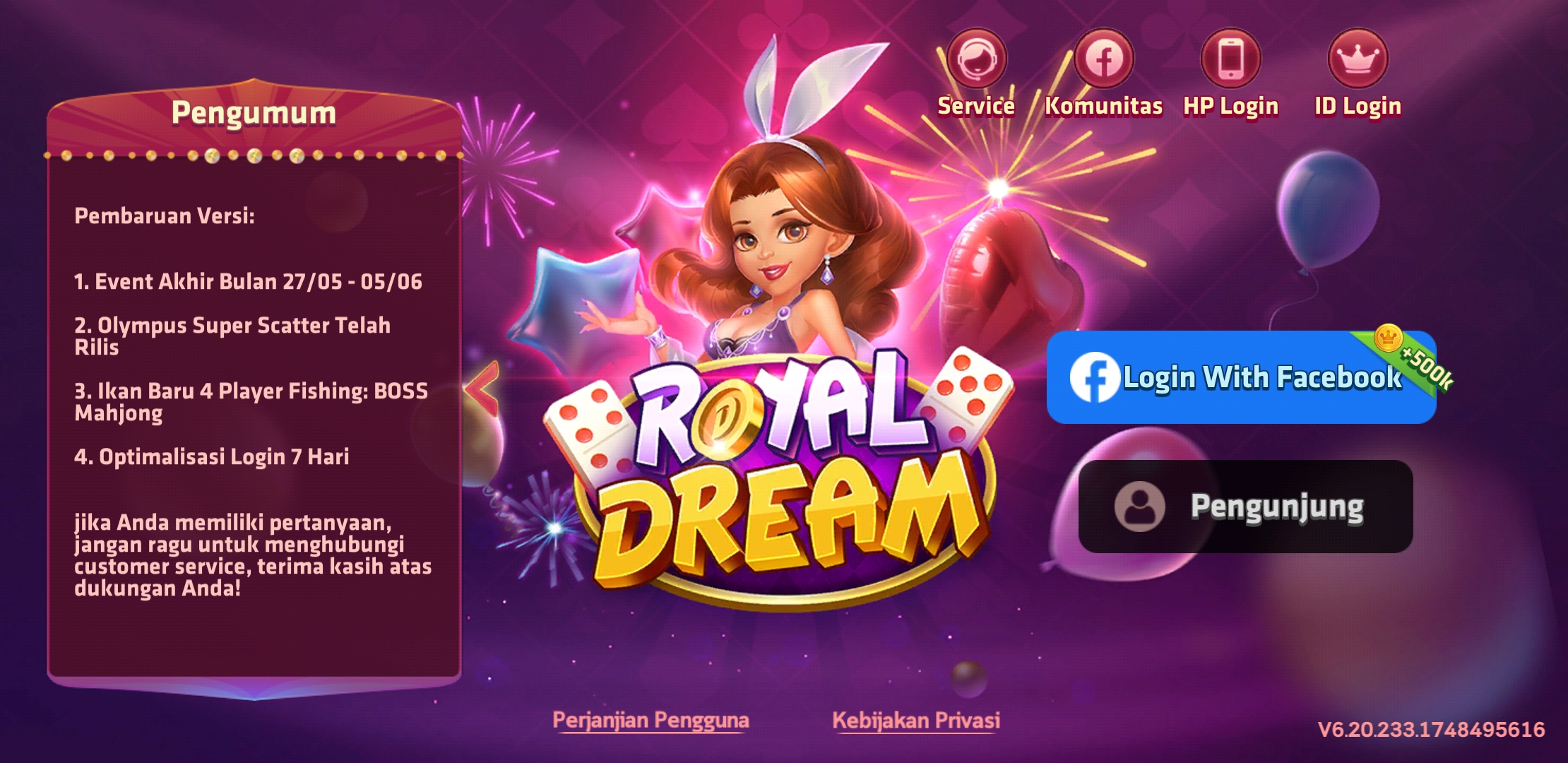
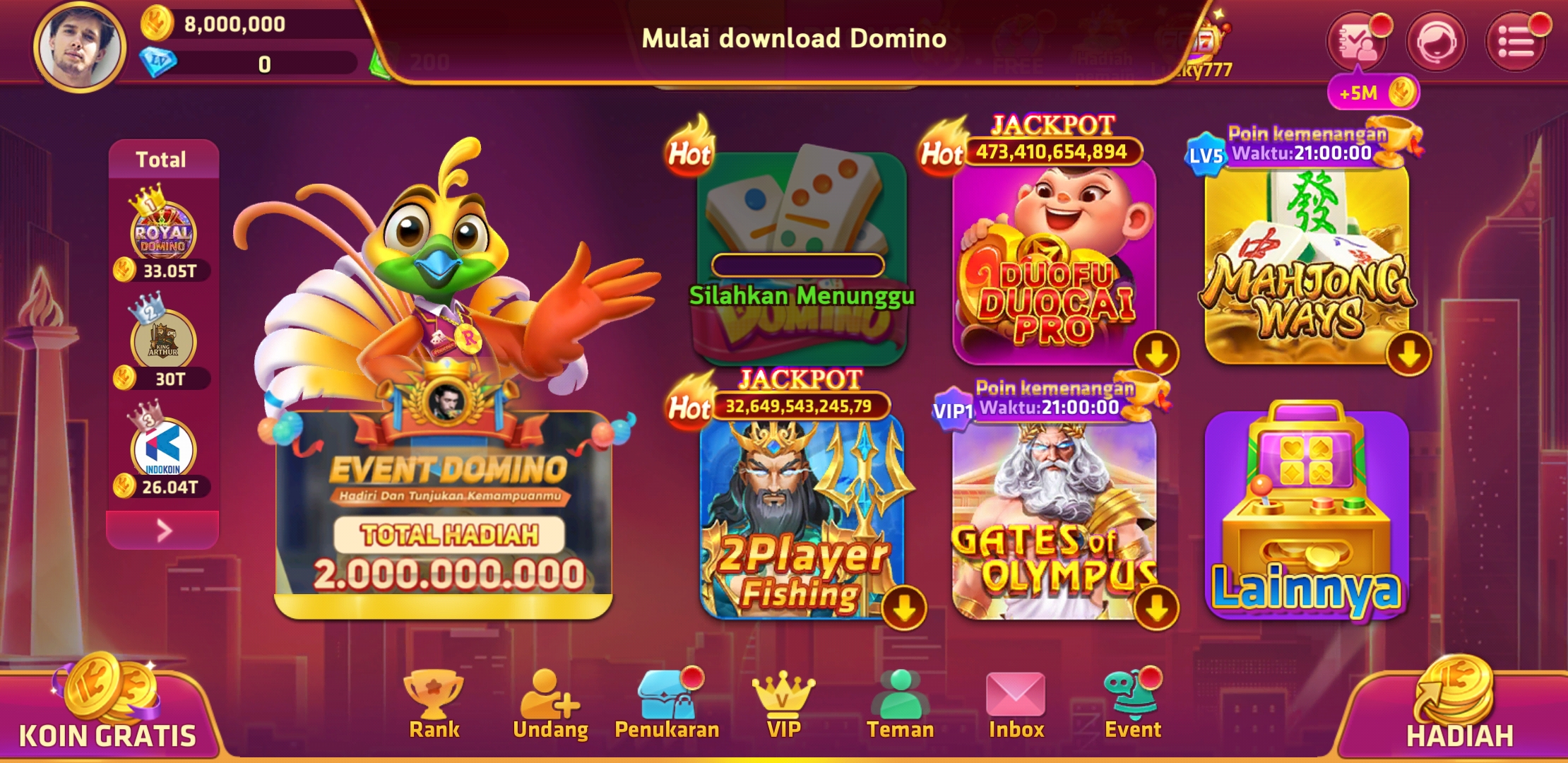
Royal Dream brings a focused mix of local favorites and light arcade action into a single, easy to use space. It centers on classic card and tile play, and it also includes a simple shooter and jackpot style activities for short sessions. You can log in with Facebook or continue as a guest, and your progress syncs across devices when you choose to link. The interface is polished and readable, so it is simple to find a table or a quick match at any time. Royal Dream is for entertainment only and does not offer real money rewards.Key features of Royal DreamIndonesian classics in one appRoyal Dream gathers beloved Indonesian games such as Rummy, Qiu Qiu, and Domino. You can switch between tables in seconds, and the lobby helps you enter the right room without confusion.Pick up and play airplane shooterThe airplane shooting mode uses tap to move and hold to fire controls. It offers quick stages for short breaks, and you can chase your personal best while learning enemy patterns at your own pace.Jackpot-style events and Duo Fu Duo CaiRoyal Dream includes rotating jackpot-style events, including Duo Fu Duo Cai, that add bonus rounds and extra multipliers in the app. These features are for entertainment only, with prizes limited to virtual items you can share in the community.Clean UI with lively visualsThe layout of Royal Dream focuses on clear icons, large buttons, and bright tables. You can find the main modes from the home screen, and transitions keep the experience smooth on most Android devices.Facebook or guest loginYou can start as a guest or log in with Facebook. Royal Dream saves progress and items to your account, and you can move between phones by signing in again later.Regular events and social playRoyal Dream runs periodic events, missions, and mini games to keep sessions varied. You can share results and prizes in the app, and casual rooms make it simple to play with friends.Royal Dream app identity and regional focusRoyal Dream on Android focuses on Indonesian classics and casual arcade modes, which are different from match-three titles with similar names. If you see Rummy, Qiu Qiu, Domino, an airplane shooter, and jackpot-style events in the screenshots, you are viewing the correct Royal Dream APK.For adults and entertainment onlyRoyal Dream includes casino-themed and jackpot-style content that is designed for adults. It does not provide cash out, gambling with real currency, or any real money winnings. All rewards are virtual and for entertainment.How to start playing in Royal DreamUse this simple guide to get into your first table or stage quickly. The steps cover login, mode selection, and basic controls so you can begin without guesswork.Open Royal Dream, tap Guest to try it immediately, or choose Facebook to log in and sync progress across devices.From the home screen, select a category such as Cards, Tiles, or Shooter to open the mode list and recommended rooms.After you pick a game like Rummy, Qiu Qiu, or Domino, tap a room level that matches your balance and tap Join.Then follow the on-screen rules or tutorial tips. For the airplane shooter, drag to move and hold to fire to clear waves.So when events appear, tap the event banner to join, review entry rules, and complete tasks to gain in-app rewards.Download Royal Dream on AndroidRoyal Dream combines Indonesian classics with casual arcade play in a single Android app that is easy to navigate and simple to learn. Download Royal Dream APK latest version on APKPure and start a quick table or a short shooter stage at any time.FAQsIs there a slot or jackpot mode in Royal Dream?Yes, Royal Dream offers jackpot-style events such as Duo Fu Duo Cai with bonus rounds and multipliers. These modes are for entertainment only, and rewards are virtual items, not real money.Is the Royal Dream APK original and safe?Yes, the Royal Dream APK on APKPure is checked against the official package name com.playfungame.dream. APKPure reviews the signature and package name to help ensure you get the original release.
Show more

1. Download MEmu installer and finish the setup

2. Start MEmu then open Google Play on the desktop

3. Search Royal Dream in Google Play
Install
4. Download and Install Royal Dream
5. On install completion click the icon to start

6. Enjoy playing Royal Dream on PC with MEmu
MEmu App Player є кращим безкоштовним емулятором Android, і 50 мільйонів людей вже користуються його чудовим ігровим досвідом Android. Технологія віртуалізації MEmu дає вам змогу відтворювати тисячі ігор Android на вашому комп'ютері, навіть найбільш насичених графікою.
Bigger screen with better graphics; Long duration, without limitation of battery or mobile data.
Full Keymapping support for precise control of keyboard and mouse or gamepad.
Multiple game accounts or tasks on single PC at one time with Multi-Instance manager.
Play Royal Dream on PC by following steps: