The Elder Scrolls: Castles
Aktualizováno
Aktuální verze
1.7.9.4447367
Od vývojáře

With all your passion for playing The Elder Scrolls: Castles, you hands are not supposed to be limited on a tiny screen of your phone. Play like a pro and get full control of your game with keyboard and mouse. MEmu offers you all the things that you are expecting. Download and play The Elder Scrolls: Castles on PC. Play as long as you want, no more limitations of battery, mobile data and disturbing calls. The brand new MEmu 9 is the best choice of playing The Elder Scrolls: Castles on PC. Prepared with our expertise, the exquisite preset keymapping system makes The Elder Scrolls: Castles a real PC game. MEmu multi-instance manager makes playing 2 or more accounts on the same device possible. And the most important, our exclusive emulation engine can release full potential of your PC, make everything smooth.
Show more
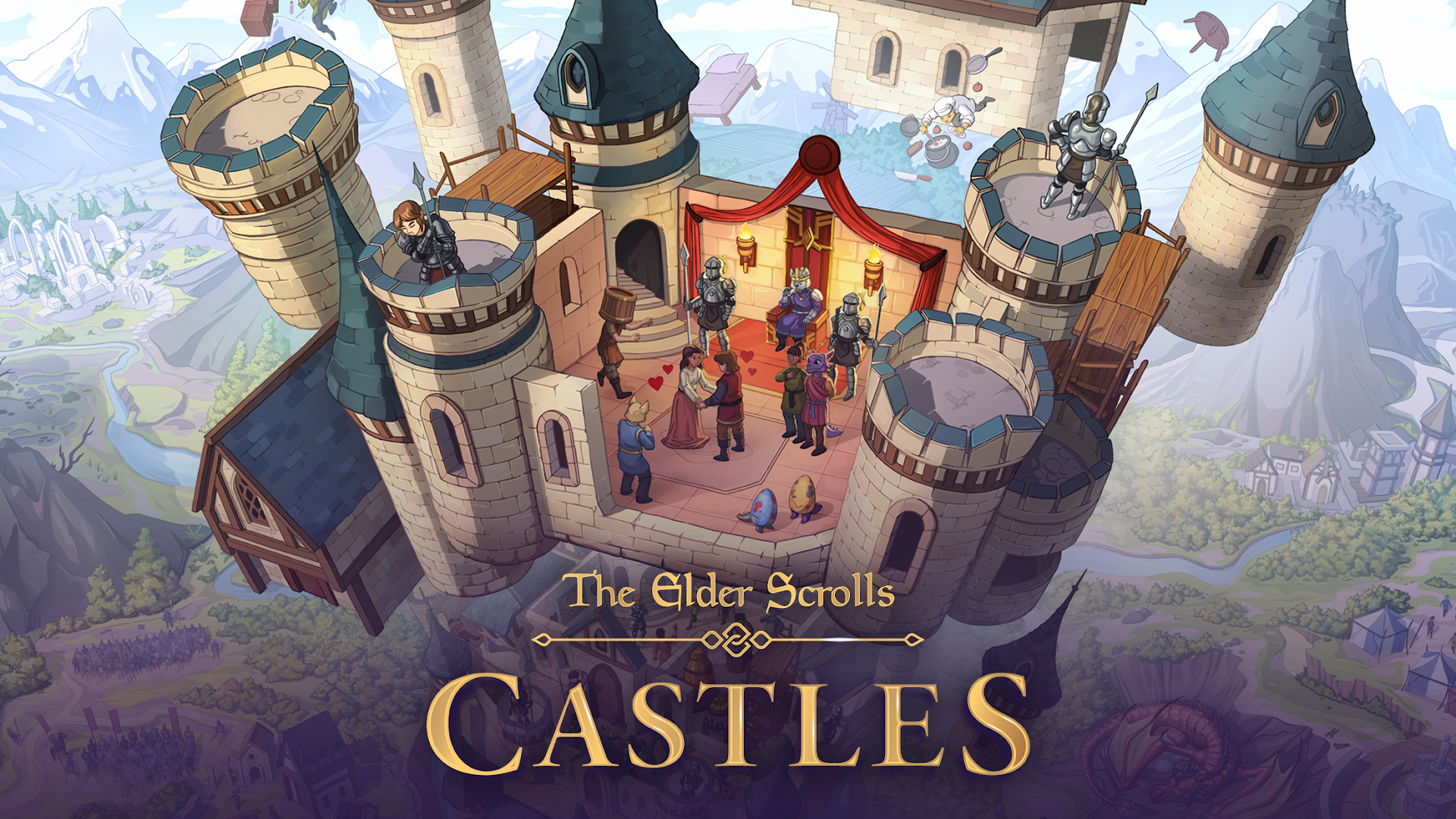
Vychutnejte si vynikající zážitek z přehrávání The Elder Scrolls: Castles na PC s MEMU App Player. Je to silný bezplatný emulátor pro Android, který vám umožní hrát tisíce her v systému Android. Od Bethesda Game Studios, oceňovaného vývojáře za Skyrim a Fallout Shelter, přichází The Elder Scrolls: Castles – nová mobilní hra, která vám dá kontrolu nad vaším vlastním hradem a dynastií.
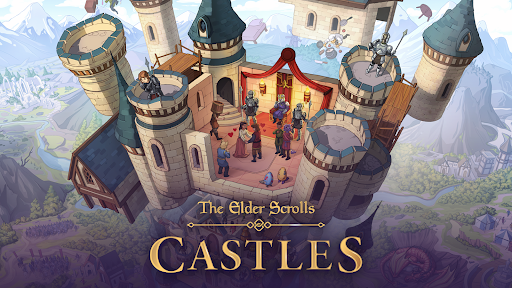
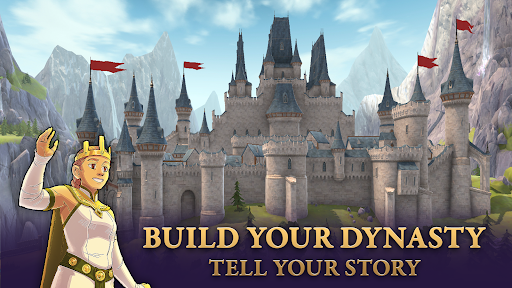
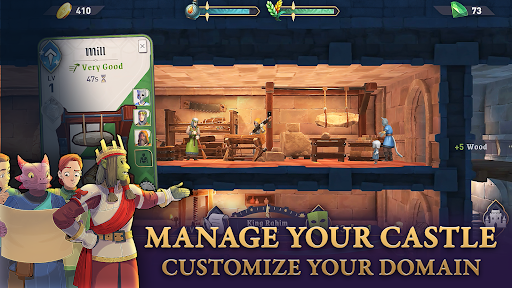
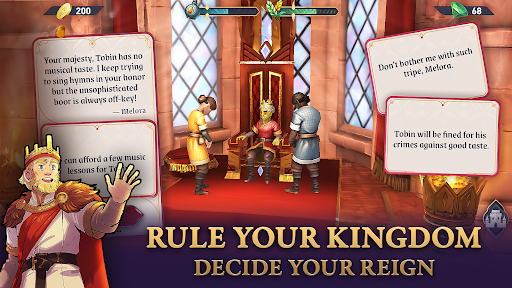
Od Bethesda Game Studios, oceňovaného vývojáře za Skyrim a Fallout Shelter, přichází The Elder Scrolls: Castles – nová mobilní hra, která vám dá kontrolu nad vaším vlastním hradem a dynastií. Dohlížejte na své poddané, jak roky přicházejí a odcházejí, rodiny se rozrůstají a na trůn usedají noví vládci.
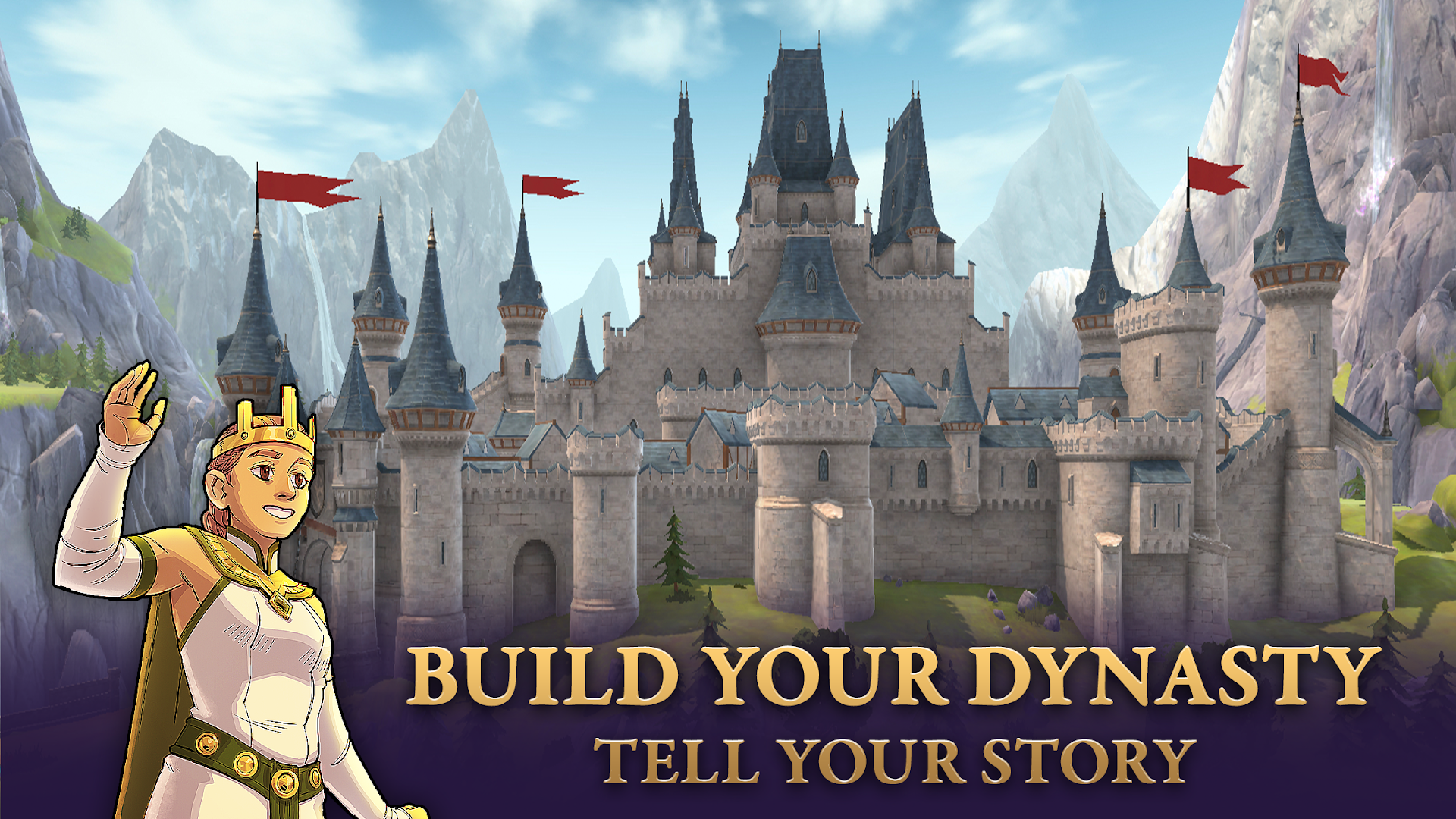
VYSTAVTE SI SVOU DYNASTII
Vyprávějte svůj příběh po generace – každý den ve skutečném životě pokrývá období celého roku v The Elder Scrolls: Castles. Trénujte své poddané, jmenujte dědice a udržujte pořádek, abyste pomohli svému království vzkvétat. Udržíte své poddané šťastnými a zajistíte jejich vládci dlouhý život? Nebo v nich vzroste nespokojenost a plánují atentát?
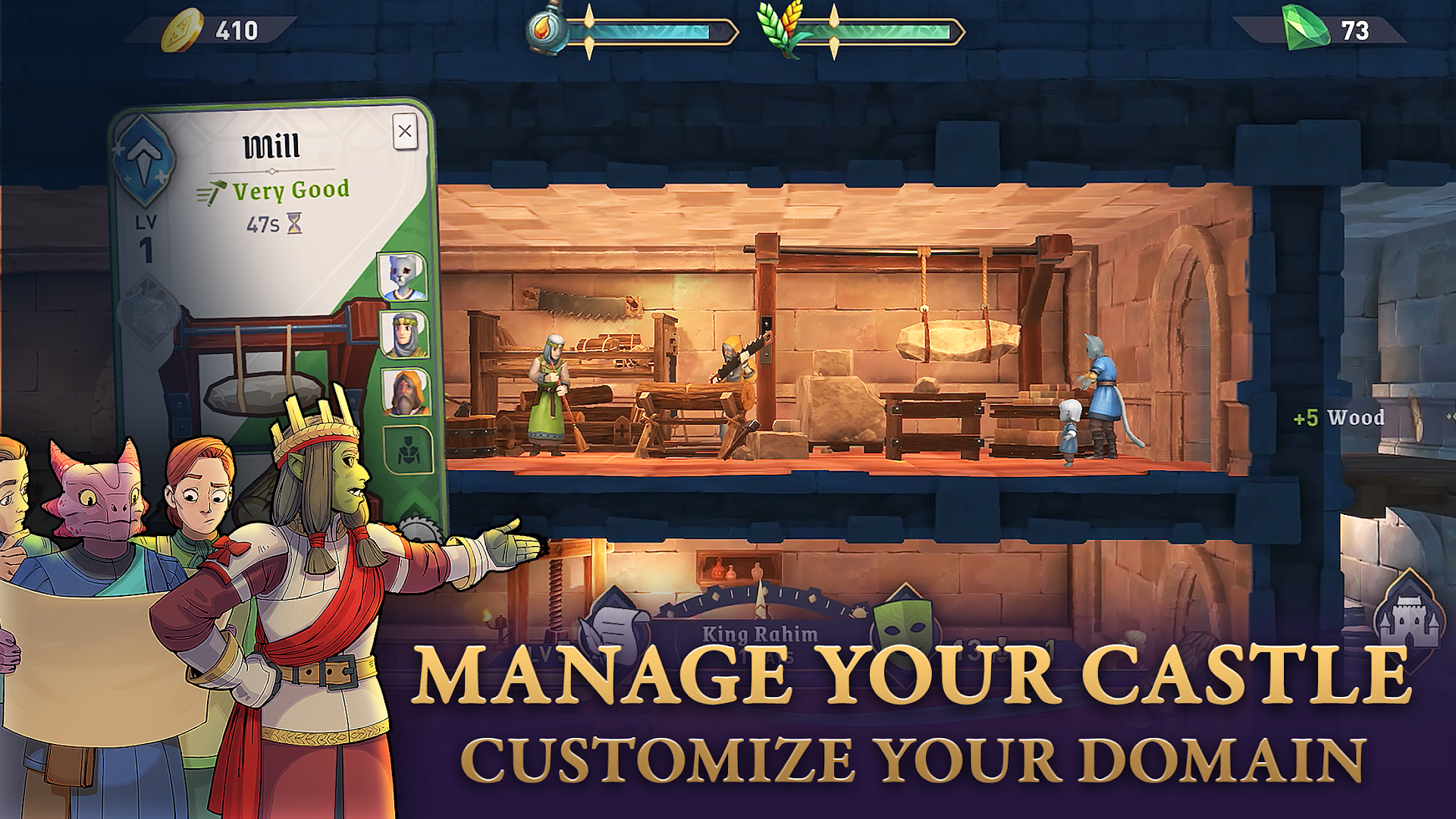
SPRAVOVAT SVŮJ HRAD
Přizpůsobte si svůj hrad od základu, přidejte a rozšiřte místnosti, umístěte okázalé dekorace a inspirativní památky a dokonce přiřaďte předměty pracovním stanicím, abyste zajistili, že váš hrad bude mít zdroje na to, aby vzkvétal v nadcházejících letech!
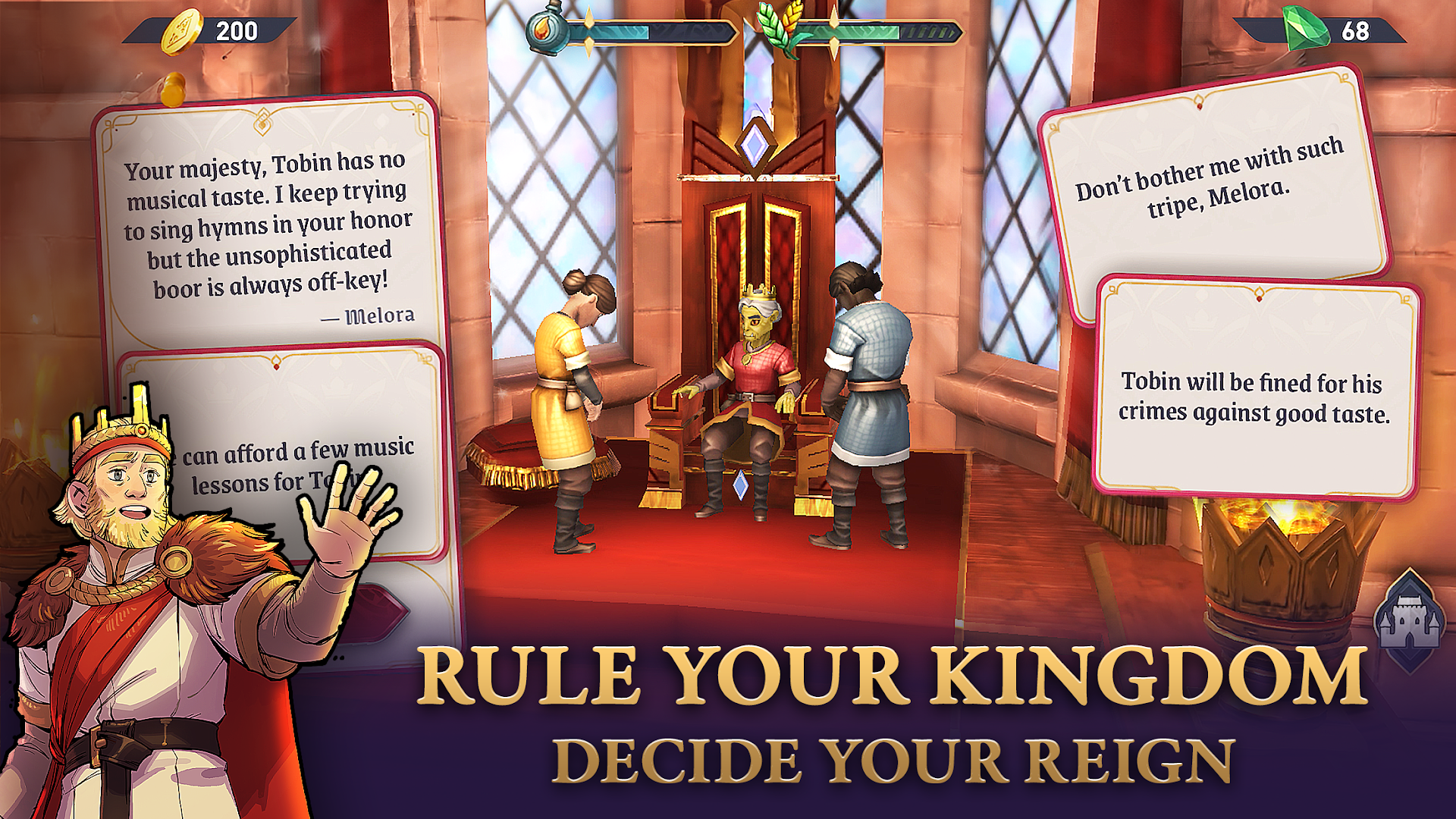
VLÁDNĚTE SVÉMU KRÁLOVSTVÍ
Udělejte klíčová rozhodnutí, která ovlivní váš odkaz. Budete riskovat omezenou zásobu jídla na pomoc sousednímu království? Jak by se měl urovnat prudký spor mezi vašimi subjekty? Vaše volby určují, zda vaše vláda podnítí prosperitu nebo přivede váš hrad do nebezpečí.
KOMPLETNÍ EPICKÉ ÚKOLY
Vytvořte hrdiny, vybavte je epickým vybavením a pošlete je do bitvy proti klasickým nepřátelům Elder Scrolls, abyste sbírali cenné předměty a udrželi vaše království v růstu.
Show more

1. Stáhněte si instalační program MEmu a dokončete instalaci

2. Spusťte MEmu a poté otevřete Google Play na ploše

3. Vyhledejte The Elder Scrolls: Castles v Google Play
Install
4. Stáhněte a nainstalujte The Elder Scrolls: Castles
5. Po dokončení instalace klikněte na ikonu pro spuštění

6. Užijte si hraní The Elder Scrolls: Castles na PC s MEmu
MEmu je zdarma a ten nejlepší Android emulátor. 50 milionů lidí si užívá jeho nejlepší herní zážitky. Technologie virtualizace MEmu ti dovolí plynule hrát Android hry na PC a to i ty nejnáročnější.
Větší obrazovka s lepší grafikou; Dlouhá výdrž bez omezení baterie nebo mobilních dat.
Plná podpora mapování kláves pro přesné ovládání klávesnice a myši nebo gamepadu.
Více herních účtů nebo úkolů na jednom počítači najednou s Multi-Instance Managerem.
Play The Elder Scrolls: Castles on PC by following steps: