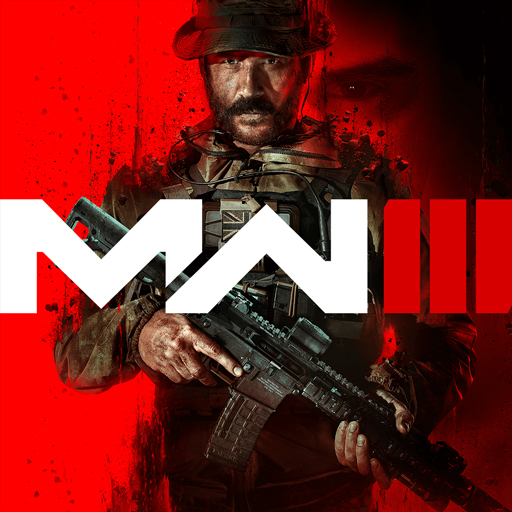
Call of Duty Modern WarfareIII
Aktualisiert
Aktuelle Version
Angeboten von

Bei all Ihrer Leidenschaft für das Spielen von Call of Duty Modern WarfareIII sollten Ihre Hände nicht auf einen winzigen Bildschirm Ihres Telefons beschränkt sein. Spielen Sie wie ein Profi und übernehmen Sie die volle Kontrolle über Ihr Spiel mit Tastatur und Maus. MEmu bietet Ihnen all die Dinge, die Sie erwarten. Laden Sie Call of Duty Modern WarfareIII herunter und spielen Sie es auf dem PC. Spielen Sie so lange, wie Sie wollen, ohne Grenzwerte für Akku, mobile Daten und störende Anrufe. Das brandneue MEmu 9 ist die beste Wahl, um Call of Duty Modern WarfareIII auf dem PC zu spielen. Das exquisite voreingestellte Tastaturbelegungssystem, das mit unserem Fachwissen vorbereitet wurde, macht Call of Duty Modern WarfareIII zu einem echten PC-Spiel. Der MEmu Multi-Instanz-Manager ermöglicht das Spielen von 2 oder mehr Konten auf demselben Gerät. Und das Wichtigste: Unsere exklusive Emulations-Engine kann das volle Potenzial Ihres PCs freisetzen und für reibungslose Abläufe sorgen.
Mehr anzeigen
Laden Sie Play Call of Duty Modern WarfareIII auf dem PC mit MEmu Android Emulator. Viel Spaß beim Spielen auf großmundieren. Call of Duty: Modern Warfare III.
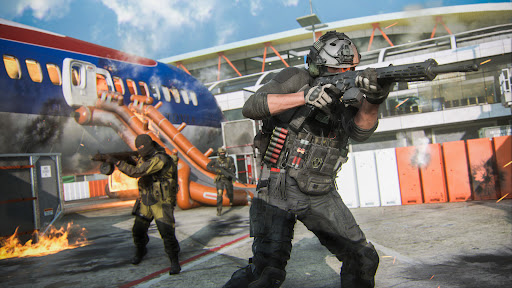
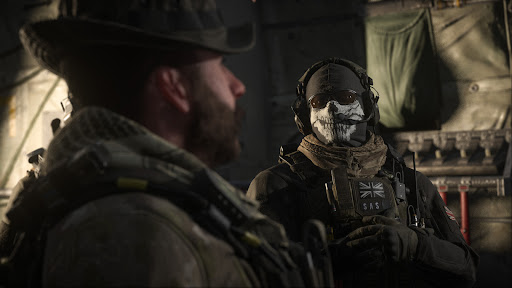
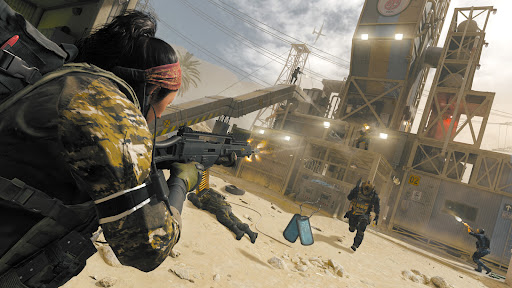
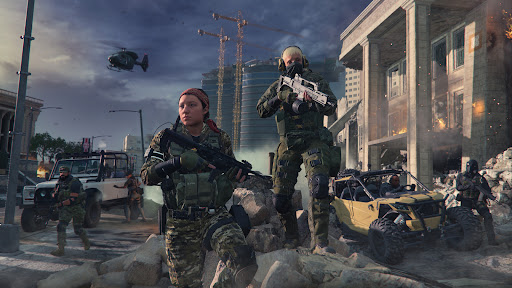
Call of Duty: Modern Warfare III
Prepare for intense military action in Call of Duty: Modern Warfare III, an immersive offline first-person shooter where precision, tactics, and courage determine victory. Join an elite special operations unit and complete high-risk missions across diverse combat zones.
Face dangerous enemies in cities, deserts, forests, industrial facilities, and military compounds. Each mission presents new objectives, requiring smart strategies, accurate shooting, and quick decision-making to overcome increasingly difficult challenges.
Equip yourself with an extensive collection of modern firearms, including assault rifles, sniper rifles, SMGs, machine guns, shotguns, pistols, and tactical explosives. Every weapon is designed to deliver a unique combat experience, allowing you to adapt your loadout for different battle situations.
Take part in hostage rescues, enemy base assaults, convoy protection, intelligence recovery, defensive operations, and tactical strike missions. Complete objectives to unlock new weapons, tougher missions, and more challenging battlefields.
Realistic sound effects, detailed environments, smooth controls, and optimized performance combine to create an engaging FPS experience for both casual players and shooting game enthusiasts.
Features
Immersive offline first-person shooter gameplay
Challenging military missions with varied objectives
Large collection of modern firearms and equipment
Realistic combat environments and battlefield effects
Smart enemy AI with tactical behavior
Smooth aiming and responsive shooting controls
High-quality 3D graphics and visual effects
Progressive mission difficulty and rewarding gameplay
Optimized for a wide range of Android devices
No internet connection required
Take command, complete every mission, and prove your skills as one of the world's finest special forces soldiers. Download Call of Duty: Modern Warfare III and experience thrilling military action wherever you are.
Mehr anzeigen

1. Laden das MEmu-Installationsprogramm herunter und beenden die Installation

2. MEmu starten und Google Play auf der Homepage öffnen

3. Suchen Call of Duty Modern WarfareIII in Google Play
Install
4. Herunterladen und Installieren Call of Duty Modern WarfareIII
5. Klicken nach Abschluss der Installation auf das Symbol, um es zu starten

6. Viel Spaß beim Spielen von Call of Duty Modern WarfareIII auf dem PC mit MEmu
MEmu App Player ist der beste kostenlose Android-Emulator und 50 Millionen Menschen genießen bereits seine hervorragende Android-Gaming-Erfahrung. Mit der MEmu-Virtualisierungstechnologie können Sie Tausende von Android-Spielen problemlos auf Ihrem PC spielen, selbst bei grafikintensiven Spielen.
BGrößeres Bild mit besserer Grafik; Keine unterbrechungen, keine sorgen um Akku
Komplette Tastenbelegung unterstützt mit Maus und Tastatur oder Controller
Mit dem „Multi-Instance-Manager“ können Sie mehrere Spielkonten oder Spiele gleichzeitig auf einem PC ausführen.
Play Call of Duty Modern WarfareIII on PC by following steps: