Cat Tiles: Cute Piano Game
Aktualisiert
Aktuelle Version
2.1.26
Angeboten von

Bei all Ihrer Leidenschaft für das Spielen von Cat Tiles: Cute Piano Game sollten Ihre Hände nicht auf einen winzigen Bildschirm Ihres Telefons beschränkt sein. Spielen Sie wie ein Profi und übernehmen Sie die volle Kontrolle über Ihr Spiel mit Tastatur und Maus. MEmu bietet Ihnen all die Dinge, die Sie erwarten. Laden Sie Cat Tiles: Cute Piano Game herunter und spielen Sie es auf dem PC. Spielen Sie so lange, wie Sie wollen, ohne Grenzwerte für Akku, mobile Daten und störende Anrufe. Das brandneue MEmu 9 ist die beste Wahl, um Cat Tiles: Cute Piano Game auf dem PC zu spielen. Das exquisite voreingestellte Tastaturbelegungssystem, das mit unserem Fachwissen vorbereitet wurde, macht Cat Tiles: Cute Piano Game zu einem echten PC-Spiel. Der MEmu Multi-Instanz-Manager ermöglicht das Spielen von 2 oder mehr Konten auf demselben Gerät. Und das Wichtigste: Unsere exklusive Emulations-Engine kann das volle Potenzial Ihres PCs freisetzen und für reibungslose Abläufe sorgen.
Mehr anzeigen
Laden Sie Play Cat Tiles: Cute Piano Game auf dem PC mit MEmu Android Emulator. Viel Spaß beim Spielen auf großmundieren. Welcome to Cat Tiles: Cute Piano Game, amazing piano fun with your cat friend.
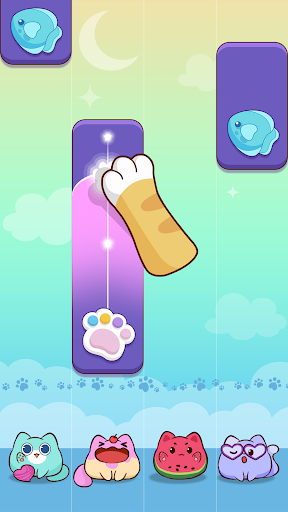
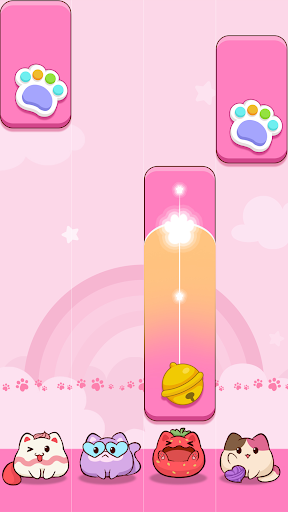
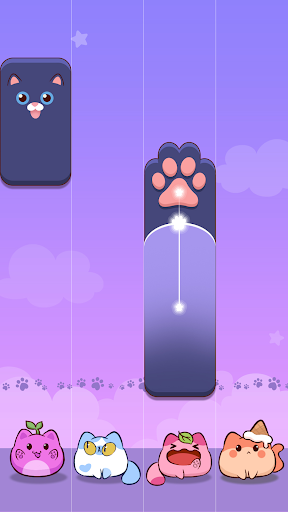
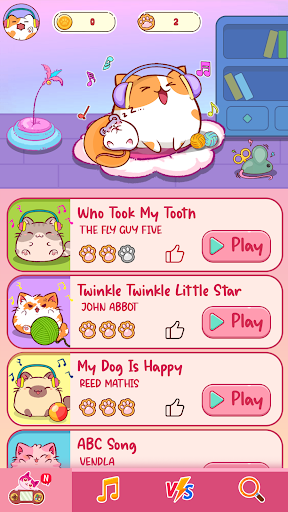
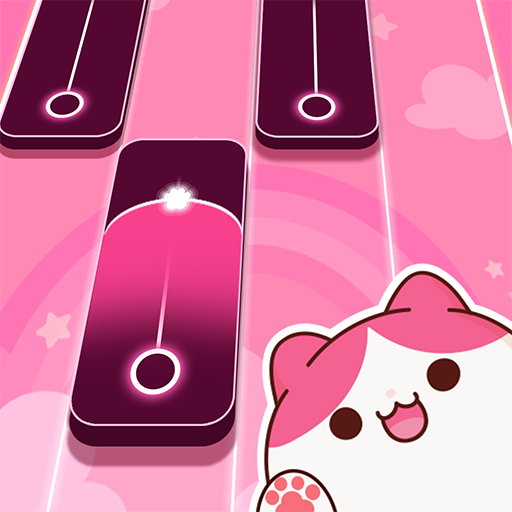
Welcome to Cat Tiles: Cute Piano Game, amazing piano fun with your cat friend. Enjoy yourself in the world of lovely, colorful cats while relaxing to exciting music that follows the rhythm of the music.
Cute cats can let you immerse yourself in new song melodies, renew your soul, and feel cheerful during the rest of the day.
This relaxing cat game is for all ages, especially cat lovers all around the world.
How to Play:
- Tap the cat piano to play the piano and make amazing sounds.
- You will lose if you miss a tile
- Play the magic piano well and try to complete magic songs with 3 stars or 3 crowns to get more rewards.
Game features:
- Relieve your stress by listening to the chilling sounds
- Play a variety of musical genres: Pop, K-Pop, J-Pop, rock, electro swing, EDM, house and many more!
- Play fun and addictive mini-games
- Easy, medium and hard levels
- Compete in the leaderboard for very exclusive reward
Play piano game, cat tiles for free! Cute cats are waiting for you.
If you enjoy it, download the game now!
Support:
Any problems? Send feedback to us: wingsmob@outlook.com or in the game by going to Settings > FAQ and Support.
Terms of use: https://wingsmob.net/terms-of-use.html
Privacy Policy: https://wingsmob.net/privacy-policy.html
Mehr anzeigen

1. Laden das MEmu-Installationsprogramm herunter und beenden die Installation

2. MEmu starten und Google Play auf der Homepage öffnen

3. Suchen Cat Tiles: Cute Piano Game in Google Play
Install
4. Herunterladen und Installieren Cat Tiles: Cute Piano Game
5. Klicken nach Abschluss der Installation auf das Symbol, um es zu starten

6. Viel Spaß beim Spielen von Cat Tiles: Cute Piano Game auf dem PC mit MEmu
MEmu App Player ist der beste kostenlose Android-Emulator und 50 Millionen Menschen genießen bereits seine hervorragende Android-Gaming-Erfahrung. Mit der MEmu-Virtualisierungstechnologie können Sie Tausende von Android-Spielen problemlos auf Ihrem PC spielen, selbst bei grafikintensiven Spielen.
BGrößeres Bild mit besserer Grafik; Keine unterbrechungen, keine sorgen um Akku
Komplette Tastenbelegung unterstützt mit Maus und Tastatur oder Controller
Mit dem „Multi-Instance-Manager“ können Sie mehrere Spielkonten oder Spiele gleichzeitig auf einem PC ausführen.
Play Cat Tiles: Cute Piano Game on PC by following steps: