Gadvia
Aktualisiert
Aktuelle Version
1.6.1.1
Angeboten von

Bei all Ihrer Leidenschaft für das Spielen von Gadvia sollten Ihre Hände nicht auf einen winzigen Bildschirm Ihres Telefons beschränkt sein. Spielen Sie wie ein Profi und übernehmen Sie die volle Kontrolle über Ihr Spiel mit Tastatur und Maus. MEmu bietet Ihnen all die Dinge, die Sie erwarten. Laden Sie Gadvia herunter und spielen Sie es auf dem PC. Spielen Sie so lange, wie Sie wollen, ohne Grenzwerte für Akku, mobile Daten und störende Anrufe. Das brandneue MEmu 9 ist die beste Wahl, um Gadvia auf dem PC zu spielen. Das exquisite voreingestellte Tastaturbelegungssystem, das mit unserem Fachwissen vorbereitet wurde, macht Gadvia zu einem echten PC-Spiel. Der MEmu Multi-Instanz-Manager ermöglicht das Spielen von 2 oder mehr Konten auf demselben Gerät. Und das Wichtigste: Unsere exklusive Emulations-Engine kann das volle Potenzial Ihres PCs freisetzen und für reibungslose Abläufe sorgen.
Mehr anzeigen
Laden Sie Play Gadvia auf dem PC mit MEmu Android Emulator. Viel Spaß beim Spielen auf großmundieren. Explore, hunt, and experience mythologies based on Austronesian legends in this fantasy rhythm game.
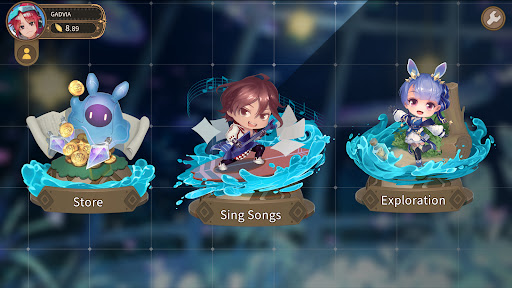
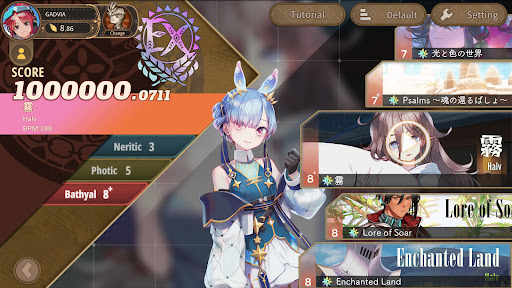
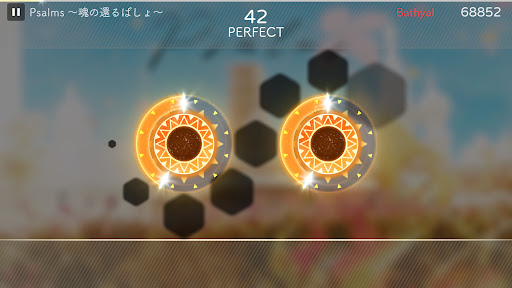
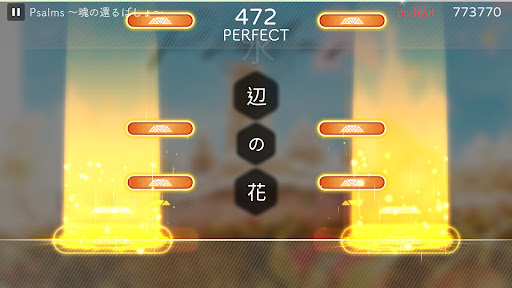
Explore, hunt, and experience mythologies based on Austronesian legends in this fantasy rhythm game.
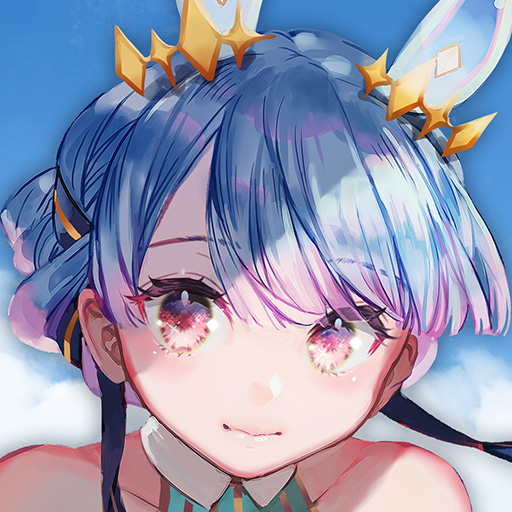
Limnoreia, a girl from the deep sea, drifts to the surface world embarking on a journey of exploring the islands. Encounter islanders, hunt legendary animals, search for ancient music charts, craft equipment and tools, and experience the world of Gadvia.
Story:
Hundreds of years ago, scientists discovered Blue Crystal, a new form of energy. This resulted in a rapid rise in technological level, with humanity setting foot in the universe and even the deep sea. However, the overuse of crystal energy awakened the primordial gods of the Earth, they created a flood that submerged all the continents, and sank all advanced human technologies to the deep sea, nearly erase all civilizations.
Remnants of human survivors rebuilt their homes on deserted islands and are once again believers in the gods. One day, the waves washed something other than debris ashore, a girl from the depths of the sea that calls herself Limnoreia is found on the beach. Turns out this curious girl is sent to the surface with the heavy burden of finding a way to save the increasingly resource-depleted deep-sea sanctuary where she came from...
Gameplay:
As Limnoreia, your goal is to explore the island, to do that, you need to collect materials and hunt for resources. Singing songs can accelerate the progress of hunting and exploration.
Various events and hunting missions will occur while exploring the island. Players can find new charts and songs, and hunt legendary creatures.
Mehr anzeigen

1. Laden das MEmu-Installationsprogramm herunter und beenden die Installation

2. MEmu starten und Google Play auf der Homepage öffnen

3. Suchen Gadvia in Google Play
Install
4. Herunterladen und Installieren Gadvia
5. Klicken nach Abschluss der Installation auf das Symbol, um es zu starten

6. Viel Spaß beim Spielen von Gadvia auf dem PC mit MEmu
MEmu App Player ist der beste kostenlose Android-Emulator und 50 Millionen Menschen genießen bereits seine hervorragende Android-Gaming-Erfahrung. Mit der MEmu-Virtualisierungstechnologie können Sie Tausende von Android-Spielen problemlos auf Ihrem PC spielen, selbst bei grafikintensiven Spielen.
BGrößeres Bild mit besserer Grafik; Keine unterbrechungen, keine sorgen um Akku
Komplette Tastenbelegung unterstützt mit Maus und Tastatur oder Controller
Mit dem „Multi-Instance-Manager“ können Sie mehrere Spielkonten oder Spiele gleichzeitig auf einem PC ausführen.
Play Gadvia on PC by following steps: