happymod
Aktualisiert
Aktuelle Version
1753086774
Angeboten von

Bei all Ihrer Leidenschaft für das Spielen von happymod sollten Ihre Hände nicht auf einen winzigen Bildschirm Ihres Telefons beschränkt sein. Spielen Sie wie ein Profi und übernehmen Sie die volle Kontrolle über Ihr Spiel mit Tastatur und Maus. MEmu bietet Ihnen all die Dinge, die Sie erwarten. Laden Sie happymod herunter und spielen Sie es auf dem PC. Spielen Sie so lange, wie Sie wollen, ohne Grenzwerte für Akku, mobile Daten und störende Anrufe. Das brandneue MEmu 9 ist die beste Wahl, um happymod auf dem PC zu spielen. Das exquisite voreingestellte Tastaturbelegungssystem, das mit unserem Fachwissen vorbereitet wurde, macht happymod zu einem echten PC-Spiel. Der MEmu Multi-Instanz-Manager ermöglicht das Spielen von 2 oder mehr Konten auf demselben Gerät. Und das Wichtigste: Unsere exklusive Emulations-Engine kann das volle Potenzial Ihres PCs freisetzen und für reibungslose Abläufe sorgen.
Mehr anzeigen
Laden Sie Play happymod auf dem PC mit MEmu Android Emulator. Viel Spaß beim Spielen auf großmundieren. Step into FunForge Fusion HM Games – your ultimate GameBox for instant entertainment!

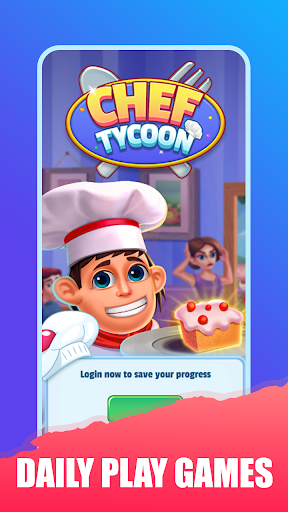
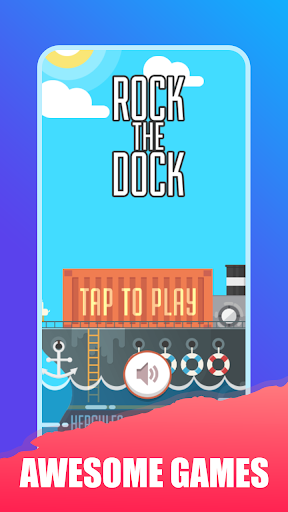
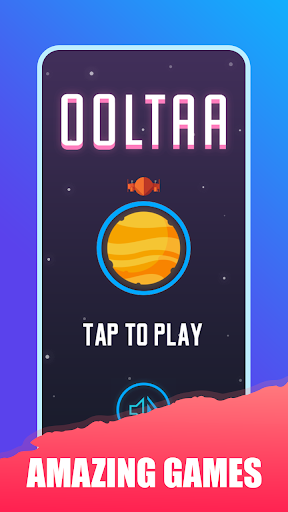
Step into FunForge Fusion HM Games – your ultimate GameBox for instant entertainment! Experience the magic of Happymode-style gaming without downloads, just like happymod or All in one games hubs, but with zero installations. Perfect for quick sessions!
Dive into our ever-growing universe where classic arcade thrills meet modern HTML5 technology. Whether you’re passing time on a commute, relaxing at home, or challenging friends, Gamerise delivers pixel-perfect nostalgia with a contemporary twist. Rediscover timeless favorites and exciting new titles – all optimized for buttery-smooth performance on any Android device. Our lightweight engine ensures you save precious storage space while enjoying console-quality adventures!
Instant Play, Zero Wait
Launch games in milliseconds – no installations, no updates! Pure plug-and-play magic.
Stunning Visuals & Effects
Crisp HD graphics, smooth animations, and immersive soundtracks elevate every session.
100% Secure & Family-Friendly
Simple Rexaling worry-free gaming.
Weekly Game Updates
Fresh titles added constantly – from puzzle masterpieces to arcade legends.
Universal Appeal
Simple controls for kids, strategic depth for adults – perfect for all ages!
Data-Saver Mode
Stream games faster on slow networks without compromising quality.
Why gamers choose us over other All in one games apps:
→ Curated Classics: Master chess against AI, beat high scores in Tetris, or unwind with Bubble Shooter – all in one place!
→ Smart Recommendations: Our algorithm learns your preferences to suggest new Games.
→ Battery Optimized: Play 2X longer than traditional game apps with our efficient engine.
→ Tournament Mode: Compete in daily leaderboard challenges for global bragging rights!
Ready for non-stop fun? Tap INSTALL now to join all players in the world’s smartest HTML5 arcade! Your pocket-sized All in one games paradise awaits – where classics never go out of style!
Mehr anzeigen

1. Laden das MEmu-Installationsprogramm herunter und beenden die Installation

2. MEmu starten und Google Play auf der Homepage öffnen

3. Suchen happymod in Google Play
Install
4. Herunterladen und Installieren happymod
5. Klicken nach Abschluss der Installation auf das Symbol, um es zu starten

6. Viel Spaß beim Spielen von happymod auf dem PC mit MEmu
MEmu App Player ist der beste kostenlose Android-Emulator und 50 Millionen Menschen genießen bereits seine hervorragende Android-Gaming-Erfahrung. Mit der MEmu-Virtualisierungstechnologie können Sie Tausende von Android-Spielen problemlos auf Ihrem PC spielen, selbst bei grafikintensiven Spielen.
BGrößeres Bild mit besserer Grafik; Keine unterbrechungen, keine sorgen um Akku
Komplette Tastenbelegung unterstützt mit Maus und Tastatur oder Controller
Mit dem „Multi-Instance-Manager“ können Sie mehrere Spielkonten oder Spiele gleichzeitig auf einem PC ausführen.
Play happymod on PC by following steps: