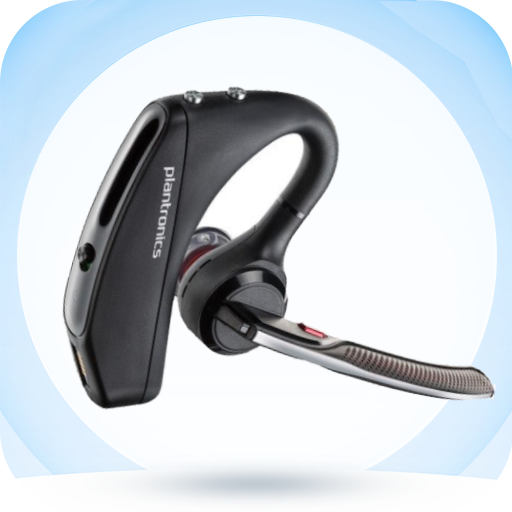
Plantronics Voyager 5200 Hint
Aktualisiert
Aktuelle Version
8
Angeboten von

Machen Sie sich keine Sorgen mehr über überhöhte Gebühren, wenn Sie Plantronics Voyager 5200 Hint auf Ihrem Mobiltelefon verwenden, befreien Sie sich von dem winzigen Bildschirm und genießen Sie die Nutzung der App auf einem viel größeren Display. Von nun an können Sie Ihre App mit Tastatur und Maus im Vollbildmodus nutzen. MEmu bietet Ihnen all die überraschenden Funktionen, die Sie erwartet haben: schnelle Installation und einfache Einrichtung, intuitive Steuerung, keine Einschränkungen mehr durch Batterie, mobile Daten und störende Anrufe. Der brandneue MEmu 9 ist die beste Wahl für die Nutzung von Plantronics Voyager 5200 Hint auf Ihrem Computer. Mit unserer Absorption kodiert, ermöglicht der Multi-Instanz-Manager die Eröffnung von 2 oder mehr Konten zur gleichen Zeit. Und das Wichtigste, unsere exklusive Emulations-Engine kann das volle Potenzial Ihres PCs freisetzen und alles reibungslos und angenehm gestalten.
Mehr anzeigen
Genieße Plantronics Voyager 5200 Hint auf deinem PC mit MEmu Play in einer fantastischen Version. Dieser leistungsstarke, kostenlose Android-Emulator bietet dir Zugriff auf Tausende von Android-Apps für deinen Desktop. Bleib mit Freunden in Kontakt und arbeite effizienter! The Plantronics Voyager 5200 Bluetooth Headset is a key benefit for any office or home-based user.
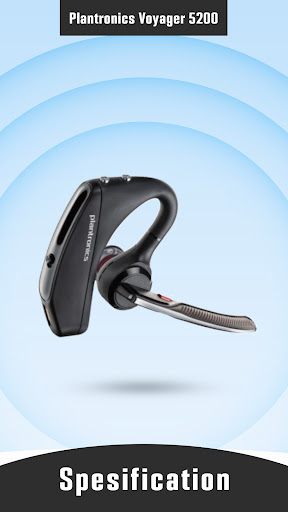
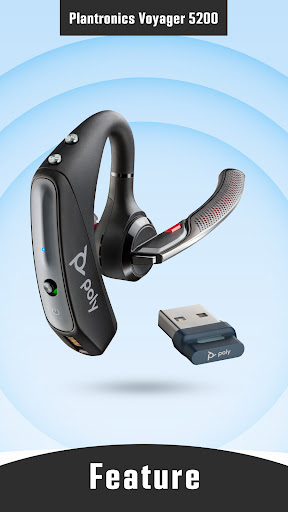
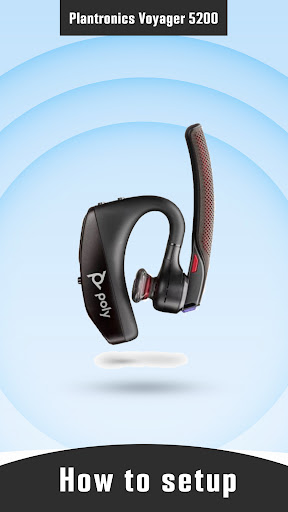
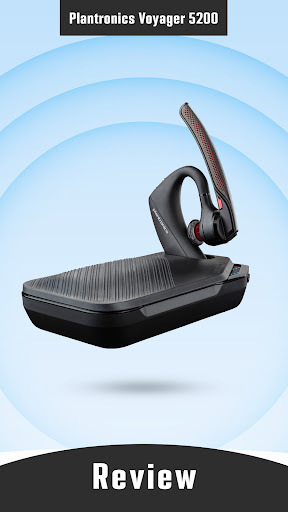
The Plantronics Voyager 5200 Bluetooth Headset is a key benefit for any office or home-based user. The Voyager 5200 UC headsets are ultra-comfortable, durable, and provide pro-grade sound. With cutting edge WindSmart technology, adaptive noise cancelling microphone and Bluetooth earpiece, you can use the Voyager 5200 Series anywhere and still sound good.
In this application you can find information about the Plantronics Voyager 5200, such as information about product specifications, features, user manual, reviews and much other information that can help you maximize the use of the Plantronics Voyager 5200.
DISCLAIMER:
This App is not app product official. This images is not supported by any of its concerned owners. All images in this app are available in public domains. Copyright infringement is not intended, and any request to remove a images will be respected. The information we provide is from various reliable sources and is available on many websites. This is just guide app that provide information about Plantronics Voyager 5200.
Mehr anzeigen

1. Laden das MEmu-Installationsprogramm herunter und beenden die Installation

2. MEmu starten und Google Play auf der Homepage öffnen

3. Suchen Plantronics Voyager 5200 Hint in Google Play
Install
4. Herunterladen und Installieren Plantronics Voyager 5200 Hint
5. Klicken nach Abschluss der Installation auf das Symbol, um es zu starten

6. Verwenden Sie MEmu, um Plantronics Voyager 5200 Hint auf Ihrem PC zu nutzen
MEmu Play ist aktuell der beste kostenlose Android-Emulator und bietet 50 Millionen Nutzern ein überragendes Android-App-Erlebnis. Dank der Virtualisierungstechnologie von MEmu können Sie Tausende von Android-Apps problemlos auf Ihrem Computer nutzen, selbst solche mit hohen Grafikanforderungen.
BGrößeres Bild mit besserer Grafik; Keine unterbrechungen, keine sorgen um Akku
Komplette Tastenbelegung unterstützt mit Maus und Tastatur oder Controller
Mit dem „Multi-Instance-Manager“ können Sie mehrere Spielkonten oder Spiele gleichzeitig auf einem PC ausführen.
Use Plantronics Voyager 5200 Hint on PC by following steps: