ToonMe: cartoon yourself, sketch & dollify maker
Actualizada
Versión actual
2
Ofrecida por

Deje de preocuparse por los recargos cuando use ToonMe: cartoon yourself, sketch & dollify maker en su teléfono celular, libérese de la pequeña pantalla y disfrute usando la aplicación en una pantalla mucho más grande. A partir de ahora, obtenga una experiencia de pantalla completa de su aplicación con teclado y mouse. MEmu le ofrece todas las características sorprendentes que esperaba: instalación rápida y configuración fácil, controles intuitivos, no más limitaciones de batería, datos móviles y llamadas molestas. El nuevo MEmu 9 es la mejor opción para usar ToonMe: cartoon yourself, sketch & dollify maker en su computadora. Codificado con nuestra absorción, el administrador de instancias múltiples hace posible abrir 2 o más cuentas al mismo tiempo. Y lo más importante, nuestro exclusivo motor de emulación puede liberar todo el potencial de su PC, hacer que todo sea fluido y agradable.
Más detalles
Descargar ToonMe: cartoon yourself, sketch & dollify maker en PC con MEmu Android Emulador. Disfruta jugando en la pentalla grande. Do you feel like creating a cartoon me photo art of your selfie?
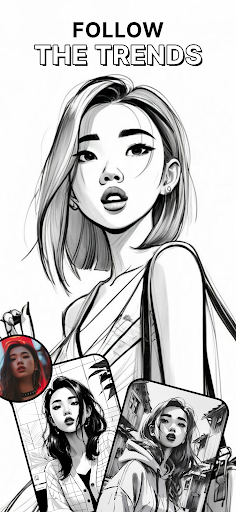
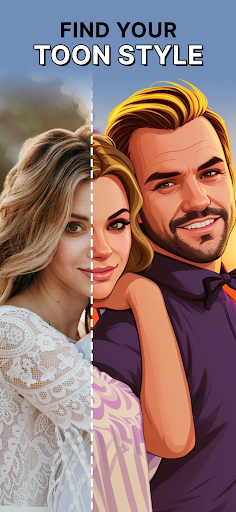
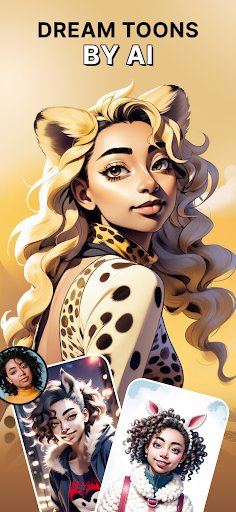
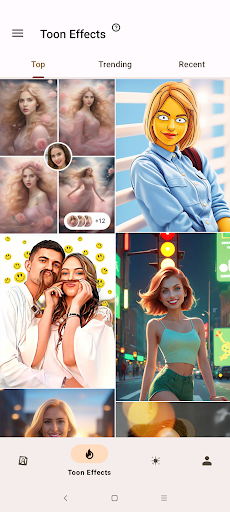
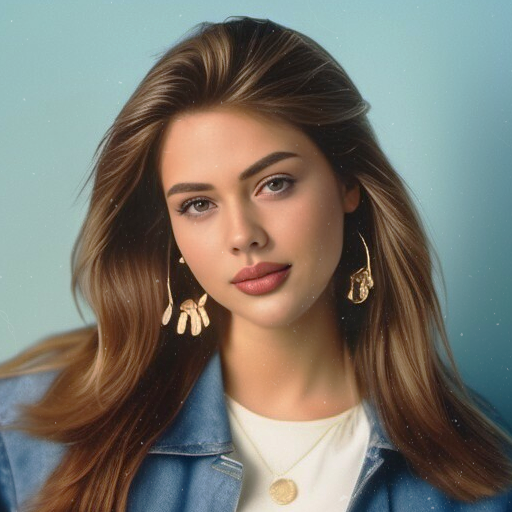
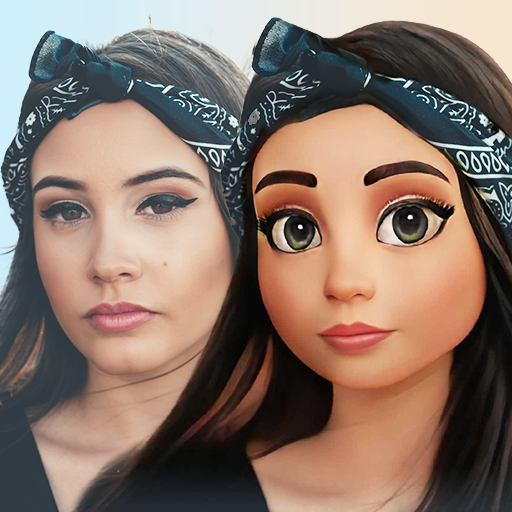
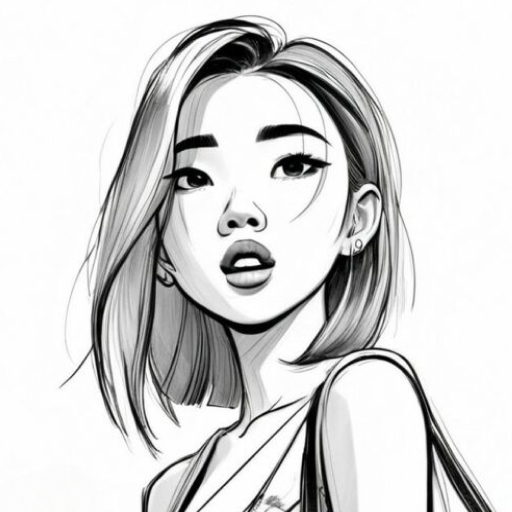
Do you feel like creating a cartoon me photo art of your selfie? Are you looking for a fresh new avatar for your Instagram profile? Look no more! With ToonMe, a cartoon creator and selfie editor with loads of face filters, you can turn your selfie into astonishing art that makes you stand out!
You can cartoon yourself in any way you want, and the outcome is only one tap away. Our cartoon creator features an enormous library of photo filters, everything from simple designs to popular TV shows can be found in this truly amazing avatar creator. Wanna look like Arya from House Stark of Winterfell? No problem! Just click on the preset, add your own photo and there you go - you have a fearsome direwolf right beneath your beautiful face! Whether it is a 3D cartoon face or a full-body photo art, AI powered ToonMe delivers outstanding results within just seconds.
ToonMe is the coolest app to create and edit pictures for your social networks. Making an awesome profile pic has never been any easier - all you have to do is just take a photo, choose from hundreds of art filters, and let the portrait AI do all the work for you! And if that’s not enough, you can always toon up your already breathtaking pic with awesome tools like adding animation, custom texts and mind-blowing filters for pictures.
Have you ever dreamed of having your own portrait painted by a professional artist? With this app you can have your own photo art customized with all sorts of photo editor effects. Say you have a nice photo, but you don’t like the background? ToonMe got you covered! This astonishing picture editor can change the background of your photos while keeping the high quality on top of adding some more filters for pictures and lens effects to make your pictures look like real photo art.
Along with many other things, ToonMe is a picture editor with a lot of awesome visual effects and tools to edit and toon your photos. While using numerous styles and beauty filters, you get to decide which parts of your photos will be affected by the filters you chose, which makes this picture editor extremely customizable. This easy-to-use avatar maker will make you feel like a true artist - you can do anything with your photos, from removing a background to adding one of your own to make a beautiful and original photo.
Keep all the things you need at your fingertips - you have instant access to all the latest trends, best oil painting filters, the coolest styles and lens effects. All you gotta do is just select, apply and if you want to, share your cartoon photo of your friends with just one tap on your screen!
Think of it as your personal digital artist and cartoon creator ready to make your toon dream come true, from simple ready-to-use art filters to amazing animated pictures. Everything is delivered in high quality as if it was created in a professional photo editor.
What happens to your cartoon picture next is totally up to you - who are we to limit you, right? Surprise your friends by sharing the result on your favorite social networks like Instagram, Facebook, Twitter, you name it. Or let ToonMe be your profile picture maker and update your user pic as often as you want. Feel like keeping it private and only sending it via messenger? Whatever makes you happy!
Más detalles

1. Descargar el instalador de MEmu y finalice la instalación

2. Iniciar MEmu y abrir Google Play en la página de inicio

3. Buscar ToonMe: cartoon yourself, sketch & dollify maker en Google Play
Install
4. Descargar y instalar ToonMe: cartoon yourself, sketch & dollify maker
5. Hacer click al icono para iniciar

6. Experiencia ToonMe: cartoon yourself, sketch & dollify maker en PC con MEmu
MEmu App Player es el mejor emulador de Android gratuito y 50 millones de personas ya están disfrutando su magnífica experiencia de aplicación en Android. La tecnología de virtualización de MEmu te permite jugar a miles de aplicaciones Android suavemente en tu PC, incluso los más intensivos gráficamente.
Pantalla más grande con mejores gráficos; Larga duración, sin limitación de batería o datos móviles.
Soporte completo de keymapping para un control preciso del teclado y el mouse o gamepad.
Múltiples cuentas de juegos o tareas en una sola PC a la vez con el administrador de instancias múltiples.
Use ToonMe: cartoon yourself, sketch & dollify maker on PC by following steps: