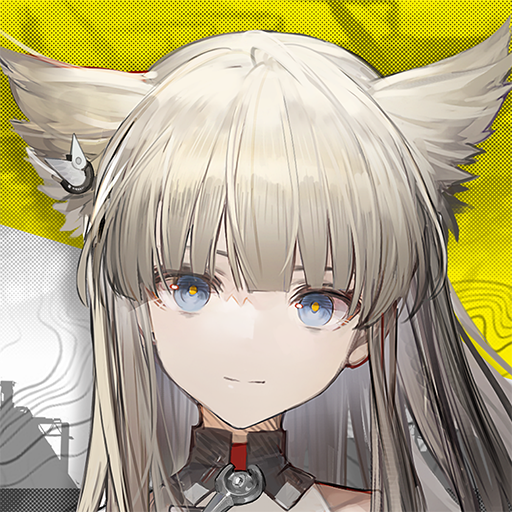
Arknights: Endfield
अपडेट किया गया
वर्तमान वर्शन
संसाधन

अपने सेलफोन पर Arknights: Endfield का उपयोग करते समय ओवरचार्ज के बारे में चिंता करना बंद करें, अपने आप को छोटी स्क्रीन से मुक्त करें और बहुत बड़े डिस्प्ले पर ऐप का उपयोग करने का आनंद लें। अब से, कीबोर्ड और माउस के साथ अपने ऐप का पूर्ण-स्क्रीन अनुभव प्राप्त करें। एमईएमयू आपको उन सभी आश्चर्यजनक सुविधाओं की पेशकश करता है जिनकी आपको उम्मीद थी: त्वरित इंस्टॉल और आसान सेटअप, सहज नियंत्रण, बैटरी की कोई सीमा नहीं, मोबाइल डेटा और परेशान कॉल। आपके कंप्यूटर पर Arknights: Endfield का उपयोग करने का सबसे अच्छा विकल्प नया MEmu 9 है। हमारे अवशोषण के साथ कोडित, बहु-उदाहरण प्रबंधक एक ही समय में 2 या अधिक खाते खोलना संभव बनाता है। और सबसे महत्वपूर्ण, हमारा अनन्य उत्सर्जन इंजन आपके पीसी की पूरी क्षमता को जारी कर सकता है, सब कुछ सुचारू और सुखद बना सकता है।
और दिखाएं
डाउनलोड करें Arknights: Endfield पीसी पर MEmu एंड्रॉयड एमुलेटर के साथ बड़े पर्दे पर खेलने का आनंद लें। Welcome to Talos-II, a world of breathtaking beauty and constant danger.
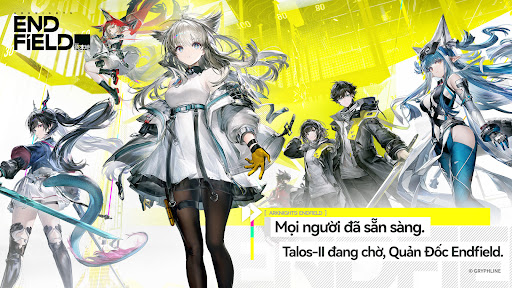
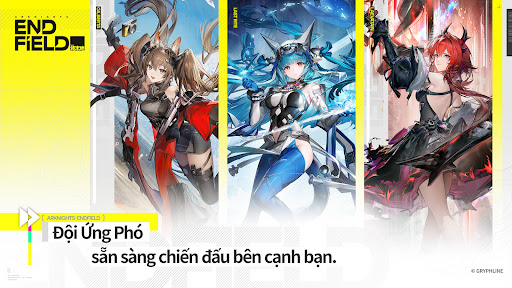
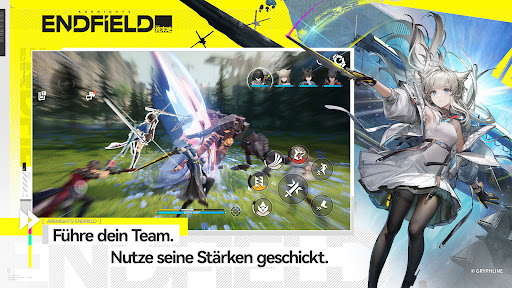
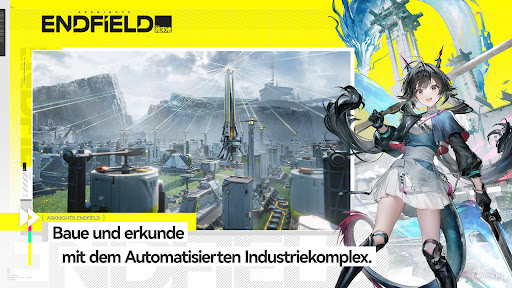
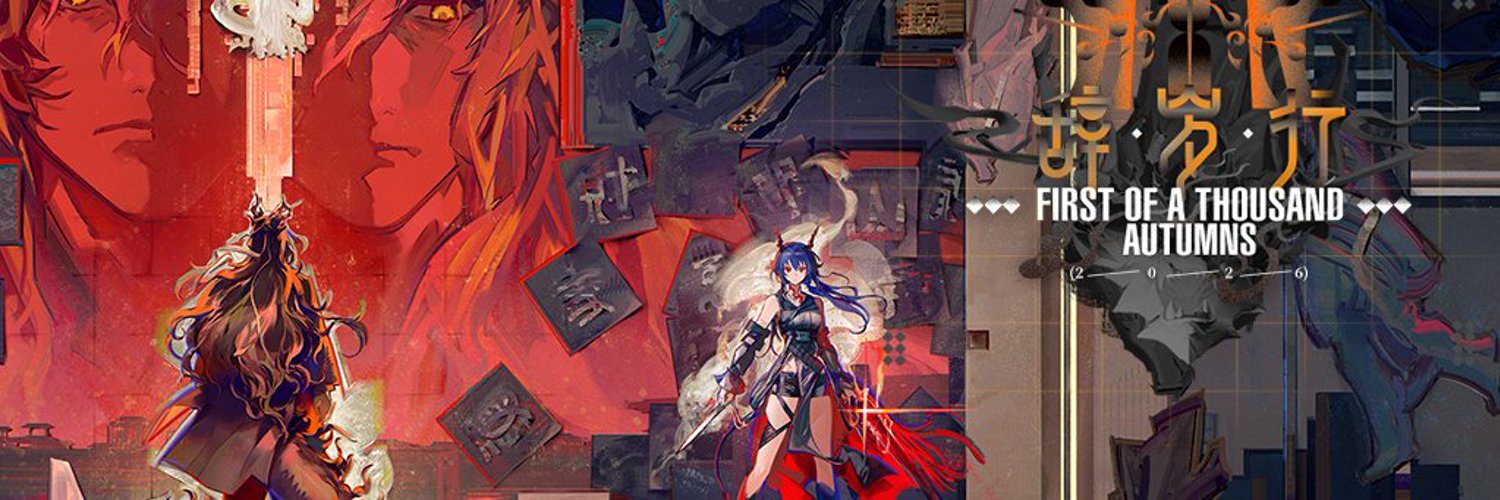
Welcome to Talos-II, a world of breathtaking beauty and constant danger. The earliest settlers braved wars and disasters, and through more than 150 years of relentless effort, they carved out a foothold and laid out a new foundation for humanity — the Civilization Band. Yet most of this world remains untamed. Vast wildlands and uninhabited territories stretching toward the horizon still await exploration. Every step forward is shadowed by threats — whether remnants of the past or dangers never before seen.
Expansion and exploration, as well as continuity and progression, are the eternal themes throughout the evolution of civilization, and the ultimate pursuit of every life that constitutes it.
As the Endministrator of Endfield Industries, you will lead your operators to defend and expand the frontiers of humanity. Your Originium engines rumble in the wildlands while production machinery works around the clock to deploy new AIC Factory production lines. Explore the world of Talos-II and gather various resources. Use the AIC Factory to overcome dangers and work with the operators to build a better homeland for humanity.
A new era of change has dawned upon this ancient world. Time to make your choice, Endministrator.
और दिखाएं

1. MEmu इंस्टॉलर को डाउनलोड करें और इंस्टॉलेशन को पूरा करें

2. MEmu शुरू करें फिर होमपेज पर Google Play खोलें

3. Google Play में Arknights: Endfield खोजें
Install
4. Arknights: Endfield डाउनलोड कर इंस्टॉल करें
5. इंस्टॉल पूरा होने पर आइकन दबाएं

6. MEmu से पीसी पर Arknights: Endfield खेलने का आनंद लें
MEmu Play सबसे बेहतरीन मुफ़्त Android एमुलेटर है और 5 करोड़ लोग पहले ही इसके शानदार Android गेमिंग अनुभव का आनंद ले चुके हैं। MEmu 9 वर्चुअलाइज़ेशन तकनीक आपको अपने PC पर हज़ारों Android गेम, यहाँ तक कि सबसे ज़्यादा ग्राफ़िक्स वाले गेम भी, आसानी से खेलने की सुविधा देती है।
असीमित बैटरी या मोबाइल डेटा के साथ बेहतर ग्राफिक्स के साथ बड़ी स्क्रीन; लंबी अवधि।
कीबोर्ड और माउस या गेमपैड के उत्तम नियंत्रण के लिए संपूर्ण कीमैपिंग का समर्थन करता हैं।
एक ही पीसी पर मल्टी-इंस्टेंस मैनेजर के साथ एक समय में कई गेम खाते या कार्य कर सकते हैं।
Play Arknights: Endfield on PC by following steps: