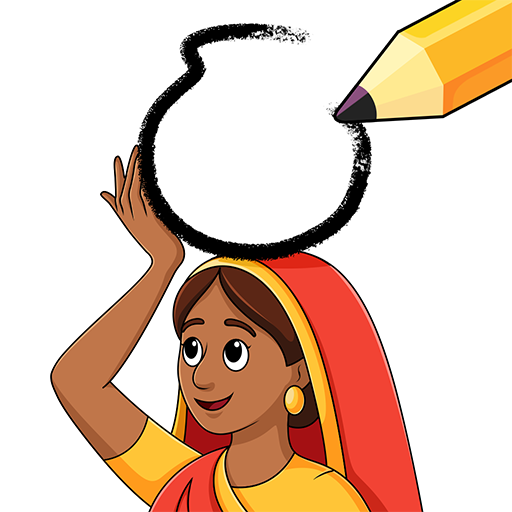
Complete Puzzle: Draw One Part
अपडेट किया गया
वर्तमान वर्शन
1.1.1
संसाधन

अपने सेलफोन पर Complete Puzzle: Draw One Part का उपयोग करते समय ओवरचार्ज के बारे में चिंता करना बंद करें, अपने आप को छोटी स्क्रीन से मुक्त करें और बहुत बड़े डिस्प्ले पर ऐप का उपयोग करने का आनंद लें। अब से, कीबोर्ड और माउस के साथ अपने ऐप का पूर्ण-स्क्रीन अनुभव प्राप्त करें। एमईएमयू आपको उन सभी आश्चर्यजनक सुविधाओं की पेशकश करता है जिनकी आपको उम्मीद थी: त्वरित इंस्टॉल और आसान सेटअप, सहज नियंत्रण, बैटरी की कोई सीमा नहीं, मोबाइल डेटा और परेशान कॉल। आपके कंप्यूटर पर Complete Puzzle: Draw One Part का उपयोग करने का सबसे अच्छा विकल्प नया MEmu 9 है। हमारे अवशोषण के साथ कोडित, बहु-उदाहरण प्रबंधक एक ही समय में 2 या अधिक खाते खोलना संभव बनाता है। और सबसे महत्वपूर्ण, हमारा अनन्य उत्सर्जन इंजन आपके पीसी की पूरी क्षमता को जारी कर सकता है, सब कुछ सुचारू और सुखद बना सकता है।
और दिखाएं
डाउनलोड करें Complete Puzzle: Draw One Part पीसी पर MEmu एंड्रॉयड एमुलेटर के साथ बड़े पर्दे पर खेलने का आनंद लें। Can You Draw the Missing Part?
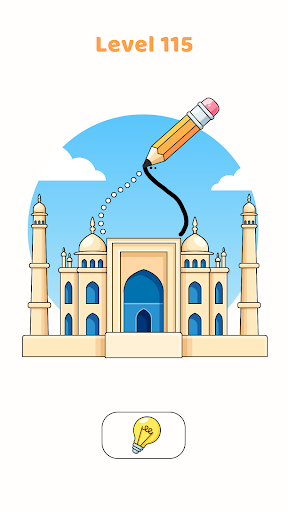
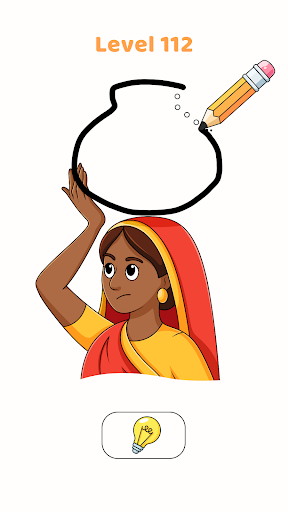
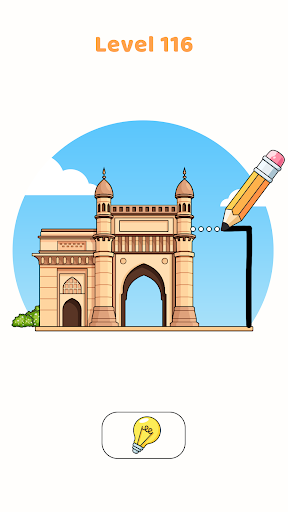
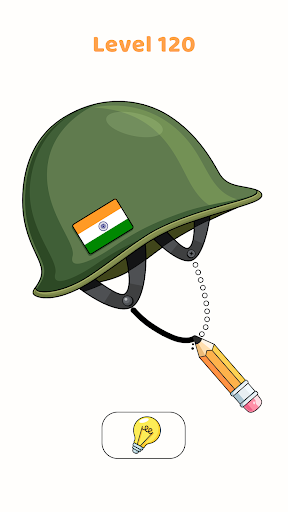
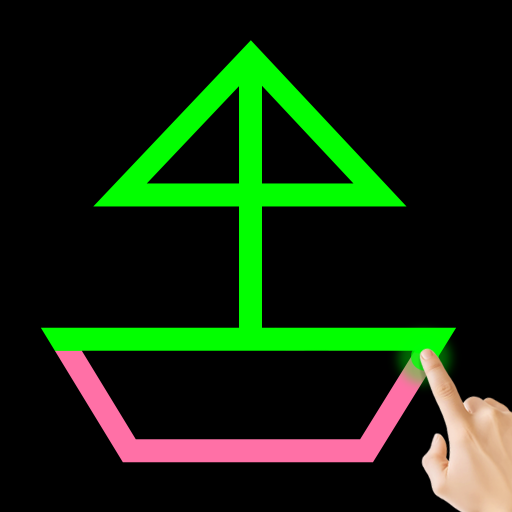
Can You Draw the Missing Part? Your goal is simple: find what’s missing, draw the part, and watch the scene come to life!
Welcome to Draw One Miss Part Brain Games, the addictive puzzle game where logic, drawing, and brain games come together! Think you’re good at spotting details? Test your skills by identifying the missing part in each scene, and use your finger to draw it back in. Sounds simple? These brain puzzles are trickier than you think!
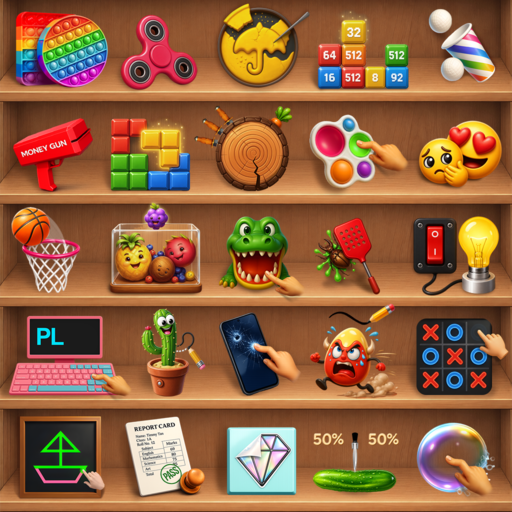
From easy doodles to tricky riddles, this game tests your thinking skills. Use your logic, find the missing part, and become a puzzle-solving legend. It’s a creative brain puzzle where each level is a new logic-based challenge.
Game Features:
-Engaging levels with fun, creative puzzles.
-Boost your brain with visual challenges and thinking tasks.
-Perfect for fans of brain puzzles, Draw One Miss Part, and drawing games.
-Improve your focus, logic, and attention to detail.
Jump into the world of Draw One Miss Part Brain Games and experience the ultimate brain challenge where every drawn line brings you closer to solving the mystery!
और दिखाएं

1. MEmu इंस्टॉलर को डाउनलोड करें और इंस्टॉलेशन को पूरा करें

2. MEmu शुरू करें फिर होमपेज पर Google Play खोलें

3. Google Play में Complete Puzzle: Draw One Part खोजें
Install
4. Complete Puzzle: Draw One Part डाउनलोड कर इंस्टॉल करें
5. इंस्टॉल पूरा होने पर आइकन दबाएं

6. MEmu से पीसी पर Complete Puzzle: Draw One Part खेलने का आनंद लें
MEmu Play सबसे बेहतरीन मुफ़्त Android एमुलेटर है और 5 करोड़ लोग पहले ही इसके शानदार Android गेमिंग अनुभव का आनंद ले चुके हैं। MEmu 9 वर्चुअलाइज़ेशन तकनीक आपको अपने PC पर हज़ारों Android गेम, यहाँ तक कि सबसे ज़्यादा ग्राफ़िक्स वाले गेम भी, आसानी से खेलने की सुविधा देती है।
असीमित बैटरी या मोबाइल डेटा के साथ बेहतर ग्राफिक्स के साथ बड़ी स्क्रीन; लंबी अवधि।
कीबोर्ड और माउस या गेमपैड के उत्तम नियंत्रण के लिए संपूर्ण कीमैपिंग का समर्थन करता हैं।
एक ही पीसी पर मल्टी-इंस्टेंस मैनेजर के साथ एक समय में कई गेम खाते या कार्य कर सकते हैं।
Play Complete Puzzle: Draw One Part on PC by following steps: