Story Match
अपडेट किया गया
वर्तमान वर्शन
2.2.2
संसाधन

अपने सेलफोन पर Story Match का उपयोग करते समय ओवरचार्ज के बारे में चिंता करना बंद करें, अपने आप को छोटी स्क्रीन से मुक्त करें और बहुत बड़े डिस्प्ले पर ऐप का उपयोग करने का आनंद लें। अब से, कीबोर्ड और माउस के साथ अपने ऐप का पूर्ण-स्क्रीन अनुभव प्राप्त करें। एमईएमयू आपको उन सभी आश्चर्यजनक सुविधाओं की पेशकश करता है जिनकी आपको उम्मीद थी: त्वरित इंस्टॉल और आसान सेटअप, सहज नियंत्रण, बैटरी की कोई सीमा नहीं, मोबाइल डेटा और परेशान कॉल। आपके कंप्यूटर पर Story Match का उपयोग करने का सबसे अच्छा विकल्प नया MEmu 9 है। हमारे अवशोषण के साथ कोडित, बहु-उदाहरण प्रबंधक एक ही समय में 2 या अधिक खाते खोलना संभव बनाता है। और सबसे महत्वपूर्ण, हमारा अनन्य उत्सर्जन इंजन आपके पीसी की पूरी क्षमता को जारी कर सकता है, सब कुछ सुचारू और सुखद बना सकता है।
और दिखाएं
डाउनलोड करें Story Match पीसी पर MEmu एंड्रॉयड एमुलेटर के साथ बड़े पर्दे पर खेलने का आनंद लें। ⭐ Welcome to Story Match – A Classic Match 3 Puzzle Game with Heartfelt Story Episodes!
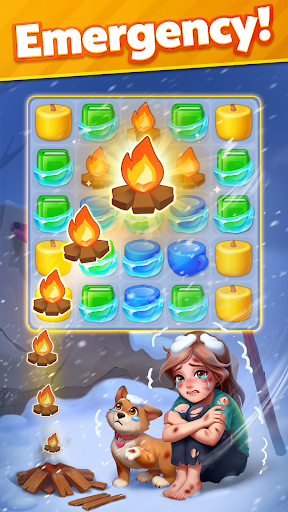
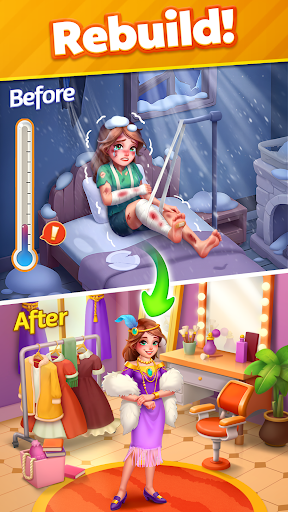
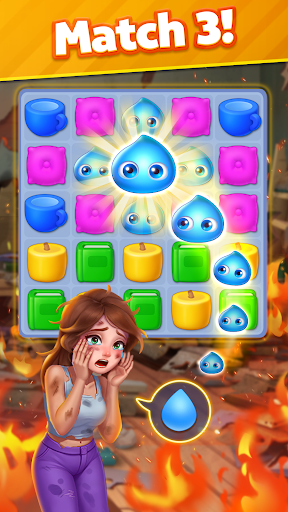
⭐ Welcome to Story Match – A Classic Match 3 Puzzle Game with Heartfelt Story Episodes!
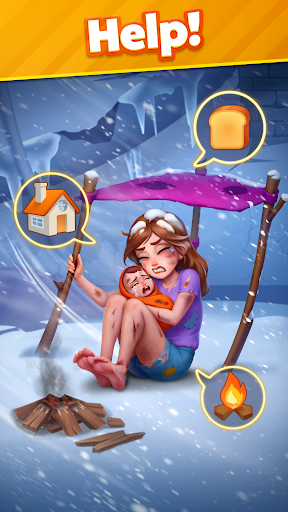
Match 3, follow touching stories, and help characters in need find hope and a second chance!
Match 3 Gameplay & Touching Stories
As you conquer challenging match 3 levels, uplift these characters, restore hope, and witness their heartwarming transformations.
SOS! The destiny of these people lies in your hands!
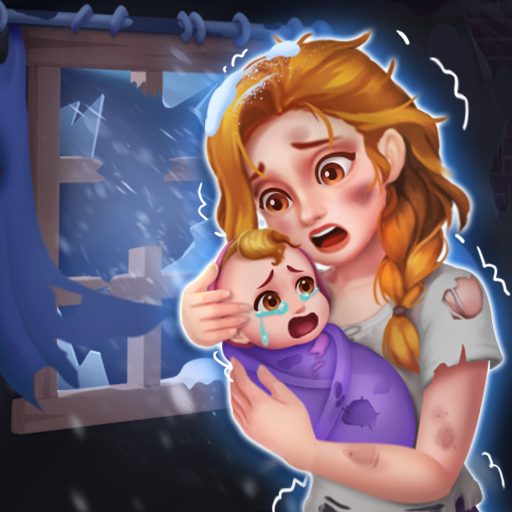
Struggle family, heart-broken lady, lonely children, poor siblings, desperate man..... All of them urgently need your HELP!
1⃣ Train your brain and conquer match 3 games.
2⃣ Solve puzzle to help your friends in the storyline.
3⃣ Fix problems, mend broken storylines and rewrite destinies.
4⃣ Let your puzzle-solving skills pave the way to brighter days!
Key Features
* Easy but fun match 3 puzzles
* Follow the heartfelt stoires
* Dynamic & addictive gameplay
* Unlock new story episodes
* Fresh puzzle-solving experience
* Creative elements in levels
* 100% free to play game
* Sharpen your brain and find joy
* Ideal time killer and IQ boost
* Stimulate your brainpower
* Exciting challenge & events
* Playable online and offline
* No internet, no wifi required
Be a Story Match rescue hero!
Restore hope and joy, rebuild houses and home, and make a twist at the end of those sad stories!
Start playing anywhere, anytime!
Download Story Match offline game now and embark on a journey of match 3 adventure puzzles with heartfelt story. Play now to have fun!
और दिखाएं

1. MEmu इंस्टॉलर को डाउनलोड करें और इंस्टॉलेशन को पूरा करें

2. MEmu शुरू करें फिर होमपेज पर Google Play खोलें

3. Google Play में Story Match खोजें
Install
4. Story Match डाउनलोड कर इंस्टॉल करें
5. इंस्टॉल पूरा होने पर आइकन दबाएं

6. MEmu से पीसी पर Story Match खेलने का आनंद लें
MEmu Play सबसे बेहतरीन मुफ़्त Android एमुलेटर है और 5 करोड़ लोग पहले ही इसके शानदार Android गेमिंग अनुभव का आनंद ले चुके हैं। MEmu 9 वर्चुअलाइज़ेशन तकनीक आपको अपने PC पर हज़ारों Android गेम, यहाँ तक कि सबसे ज़्यादा ग्राफ़िक्स वाले गेम भी, आसानी से खेलने की सुविधा देती है।
असीमित बैटरी या मोबाइल डेटा के साथ बेहतर ग्राफिक्स के साथ बड़ी स्क्रीन; लंबी अवधि।
कीबोर्ड और माउस या गेमपैड के उत्तम नियंत्रण के लिए संपूर्ण कीमैपिंग का समर्थन करता हैं।
एक ही पीसी पर मल्टी-इंस्टेंस मैनेजर के साथ एक समय में कई गेम खाते या कार्य कर सकते हैं।
Play Story Match on PC by following steps: