EzReels – AI Video Maker
अपडेट किया गया
वर्तमान वर्शन
1.0.1
संसाधन

EzReels – AI Video Maker पर अपनी मोबाइल डेटा सीमा पार करने को अलविदा कहें और छोटी स्क्रीन की सीमाओं से मुक्त होकर बड़े डिस्प्ले के लाभों का अनुभव करें। अब, आप अपने कीबोर्ड और माउस का उपयोग करके फुल-स्क्रीन मोड में टॉपर्स क्लैन की शक्ति का अनुभव कर सकते हैं। MEmu Play में वे सभी बेहतरीन सुविधाएँ हैं जिनकी आप अपेक्षा करते हैं: त्वरित इंस्टॉलेशन और आसान सेटअप, सहज नियंत्रण, बैटरी की आवश्यकता नहीं, और कोई डेटा या कॉल समय सीमा नहीं। नया MEmu 9 आपके कंप्यूटर पर EzReels – AI Video Maker का उपयोग करने के लिए सबसे अच्छा विकल्प है। हमारा मालिकाना मल्टी-इंस्टेंस मैनेजर एक साथ दो या अधिक खातों को चलाने का समर्थन करता है। इससे भी महत्वपूर्ण बात यह है कि हमारा अनूठा इम्यूलेशन इंजन आपके कंप्यूटर के प्रदर्शन का पूरा उपयोग करता है, जिससे एक सहज और निर्बाध अनुभव मिलता है।
और दिखाएं
MEmu Play के साथ PC पर EzReels – AI Video Maker इस्तेमाल करने के शानदार अनुभव का आनंद लें। यह एक शक्तिशाली मुफ़्त Android एमुलेटर है जो आपको डेस्कटॉप वर्ज़न के लिए हज़ारों Android ऐप्स उपलब्ध कराता है। दोस्तों से जुड़ने और अपने काम को और भी बेहतर बनाने का आनंद लें! Step into the future of video creation with EzReels, where artificial intelligence turns your ordinary clips into cinematic masterpieces.
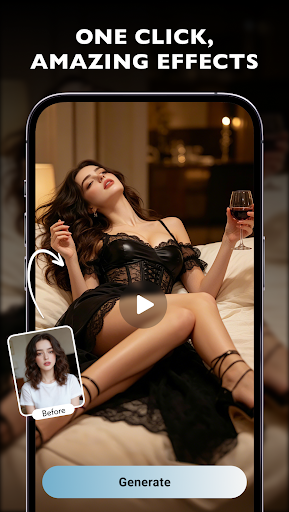
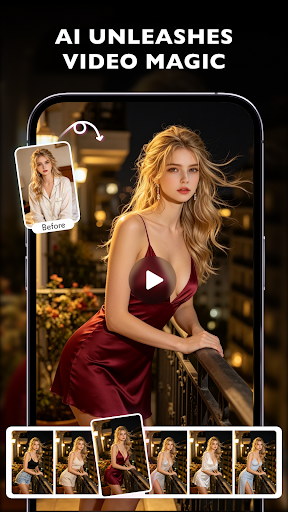
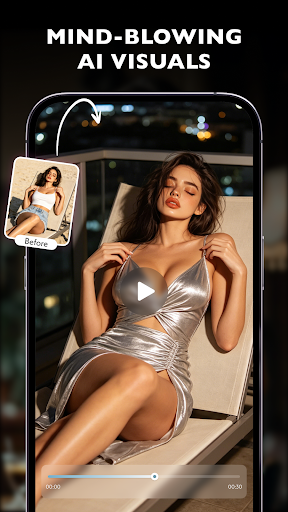
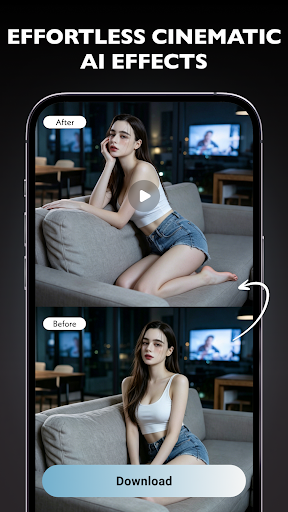
Step into the future of video creation with EzReels, where artificial intelligence turns your ordinary clips into cinematic masterpieces. No complex timelines, no professional skills required — just your creativity and a single click.
What EzReels Does for You:
1. Instant Visual Transformation
Forget manual editing. EzReels applies stunning, Hollywood-style effects to your videos instantly. Whether you want a sci-fi glow, a dreamy blur, or an action-packed explosion of color, the AI understands your intent and delivers jaw-dropping results in seconds.
2. AI-Powered Magic, Made Simple
Behind the simple interface lies advanced AI that analyzes your video’s content — detecting scenes, motion, and lighting — then automatically recommends the most suitable effects. You remain in control, but the heavy lifting is done for you.
3. Effortless Cinematic Quality
From smooth slow-motion transitions to dynamic camera zooms and particle effects, EzReels brings professional-grade tools to your pocket. The result? Videos that look like they were edited in a high-end studio, created while you’re on the go.
Why EzReels Stands Out:
It doesn’t just add effects; it understands your video’s story. With one click, you unlock endless creative possibilities. Whether you're a content creator, a small business owner, or someone who loves sharing moments, EzReels turns ordinary footage into unforgettable visual stories.
Download EzReels today and let AI unleash your inner filmmaker.
और दिखाएं

1. MEmu इंस्टॉलर को डाउनलोड करें और इंस्टॉलेशन को पूरा करें

2. MEmu शुरू करें फिर होमपेज पर Google Play खोलें

3. Google Play में EzReels – AI Video Maker खोजें
Install
4. EzReels – AI Video Maker डाउनलोड कर इंस्टॉल करें
5. इंस्टॉल पूरा होने पर आइकन दबाएं

6. MEmu का उपयोग करके अपने कंप्यूटर पर EzReels – AI Video Maker का अनुभव करें
MEmu Play सबसे बेहतरीन मुफ़्त Android एमुलेटर है और 5 करोड़ लोग पहले ही इसके शानदार Android ऐप अनुभव का आनंद ले चुके हैं। MEmu 9 वर्चुअलाइज़ेशन तकनीक आपको अपने PC पर हज़ारों Android ऐप्स, यहाँ तक कि सबसे ज़्यादा ग्राफ़िक्स वाले ऐप्स भी, आसानी से चलाने की सुविधा देती है।
असीमित बैटरी या मोबाइल डेटा के साथ बेहतर ग्राफिक्स के साथ बड़ी स्क्रीन; लंबी अवधि।
कीबोर्ड और माउस या गेमपैड के उत्तम नियंत्रण के लिए संपूर्ण कीमैपिंग का समर्थन करता हैं।
एक ही पीसी पर मल्टी-इंस्टेंस मैनेजर के साथ एक समय में कई गेम खाते या कार्य कर सकते हैं।
Use EzReels – AI Video Maker on PC by following steps:





![티비핫 [TVHOT] :: 티비위키 시즌 2 PC](https://dl.memuplay.com/new_market/img/com.tvhot.tvhot.icon.2025-01-16-10-12-57.png)